EhTrace(发音为"ATrace")是一个高性能的Windows二进制跟踪与插桩框架。它能够在无需源代码、无需修改二进制文件、无需传统调试的情况下,对Windows可执行文件进行深入的运行时分析。
EhTrace利用Windows向量化异常处理(VEH)和块步进技术,以极低的开销提供全面的执行跟踪。与传统的调试或插桩工具不同,EhTrace完全在进程内运行,无需对目标二进制文件进行任何修补。
flowchart TB
    subgraph Target["🎯 目标进程"]
        direction TB
        APP[应用程序代码]
        VEH[向量化异常处理程序]
        style APP fill:#e1f5ff,stroke:#01579b,stroke-width:3px,color:#000
        style VEH fill:#fff3e0,stroke:#e65100,stroke-width:3px,color:#000
    end

    subgraph EhTrace["⚡ EhTrace 引擎"]
        direction TB
        BLOCK[块步进器]
        DISASM[Capstone 反汇编器]
        FIGHTERS[BlockFighters]
        CTX[上下文管理器]
        style BLOCK fill:#f3e5f5,stroke:#4a148c,stroke-width:3px,color:#000
        style DISASM fill:#e8f5e9,stroke:#1b5e20,stroke-width:3px,color:#000
        style FIGHTERS fill:#ffebee,stroke:#b71c1c,stroke-width:3px,color:#000
        style CTX fill:#e0f2f1,stroke:#004d40,stroke-width:3px,color:#000
    end

    subgraph Output["📊 分析输出"]
        direction TB
        SHMEM[共享内存日志]
        GRAPHS[可视化图表]
        REPORTS[覆盖报告]
        style SHMEM fill:#fce4ec,stroke:#880e4f,stroke-width:3px,color:#000
        style GRAPHS fill:#f1f8e9,stroke:#33691e,stroke-width:3px,color:#000
        style REPORTS fill:#fff8e1,stroke:#f57f17,stroke-width:3px,color:#000
    end

    APP -->|异常| VEH
    VEH -->|单步执行| BLOCK
    BLOCK -->|指令| DISASM
    DISASM -->|分析| FIGHTERS
    FIGHTERS -->|状态| CTX
    CTX -->|事件| SHMEM
    SHMEM -->|数据| GRAPHS
    SHMEM -->|数据| REPORTS

    style Target fill:#e3f2fd,stroke:#0d47a1,stroke-width:4px
    style EhTrace fill:#f3e5f5,stroke:#6a1b9a,stroke-width:4px
    style Output fill:#e8f5e9,stroke:#2e7d32,stroke-width:4px
EhTrace通过一个复杂的流水线工作:
该框架使用专门的上下文结构维护每个线程的执行状态,并提供可自定义插桩的钩子。
graph LR
    subgraph Traditional["🐌 传统调试器"]
        T1[单步执行]
        T2[上下文切换]
        T3[内核模式]
        T4[~1M 事件/秒]
        style T1 fill:#ffcdd2,stroke:#c62828,stroke-width:2px,color:#000
        style T2 fill:#ffcdd2,stroke:#c62828,stroke-width:2px,color:#000
        style T3 fill:#ffcdd2,stroke:#c62828,stroke-width:2px,color:#000
        style T4 fill:#ef5350,stroke:#b71c1c,stroke-width:3px,color:#fff
    end

    subgraph EhTrace["⚡ EhTrace"]
        E1[块步进]
        E2[进程内]
        E3[用户模式]
        E4[~43M 事件/秒]
        style E1 fill:#c8e6c9,stroke:#2e7d32,stroke-width:2px,color:#000
        style E2 fill:#c8e6c9,stroke:#2e7d32,stroke-width:2px,color:#000
        style E3 fill:#c8e6c9,stroke:#2e7d32,stroke-width:2px,color:#000
        style E4 fill:#66bb6a,stroke:#1b5e20,stroke-width:3px,color:#fff
    end

    T1 --> T2 --> T3 --> T4
    E1 --> E2 --> E3 --> E4

    style Traditional fill:#ffebee,stroke:#d32f2f,stroke-width:3px
    style EhTrace fill:#e8f5e9,stroke:#388e3c,stroke-width:3px
EhTrace通过多项优化实现高性能:
📊 基准测试:428,833,152 个事件(每个32字节)在10秒内捕获 = ~43M 事件/秒
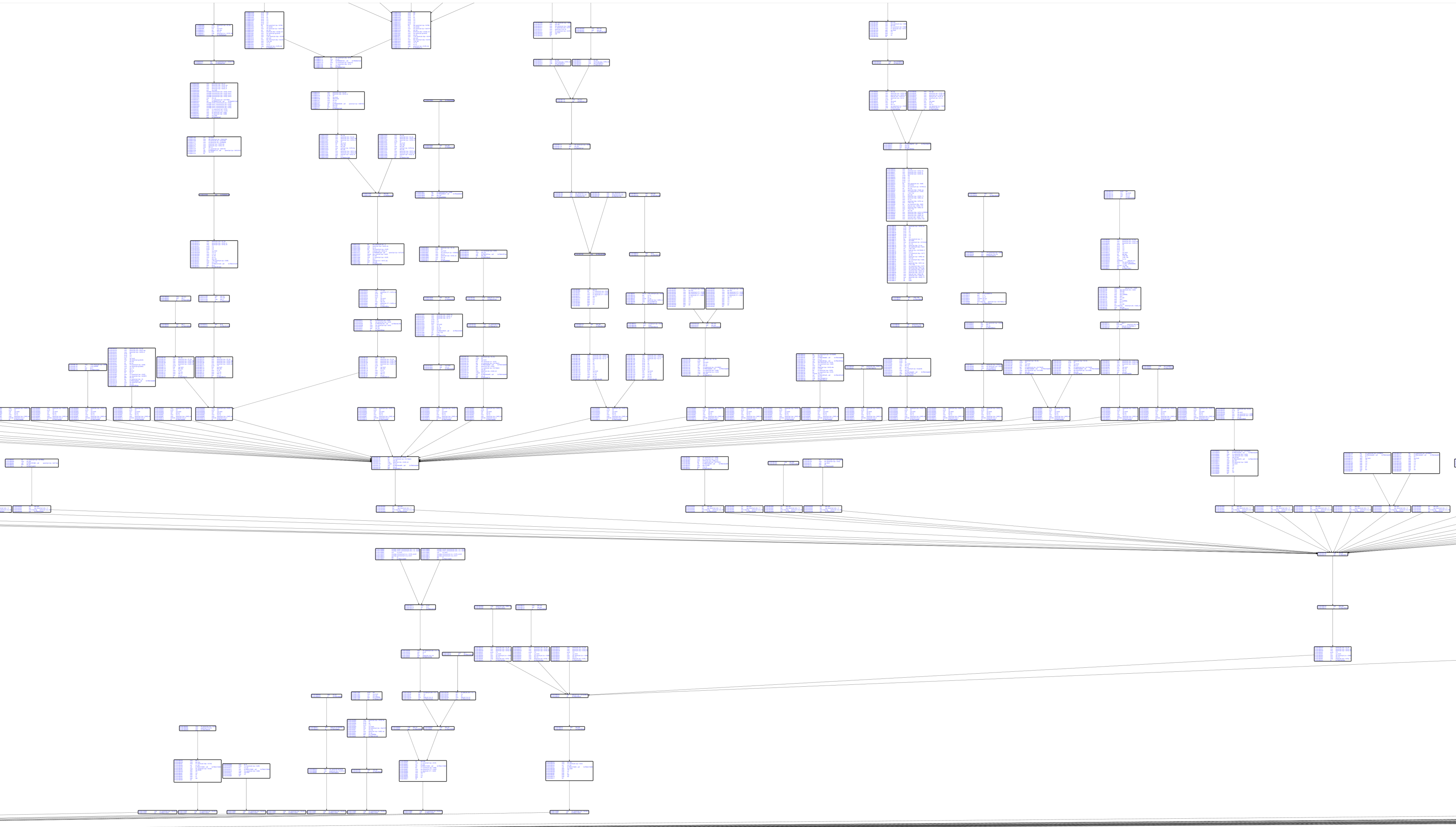
CSW16 演示跟踪无符号的 notepad.exe:
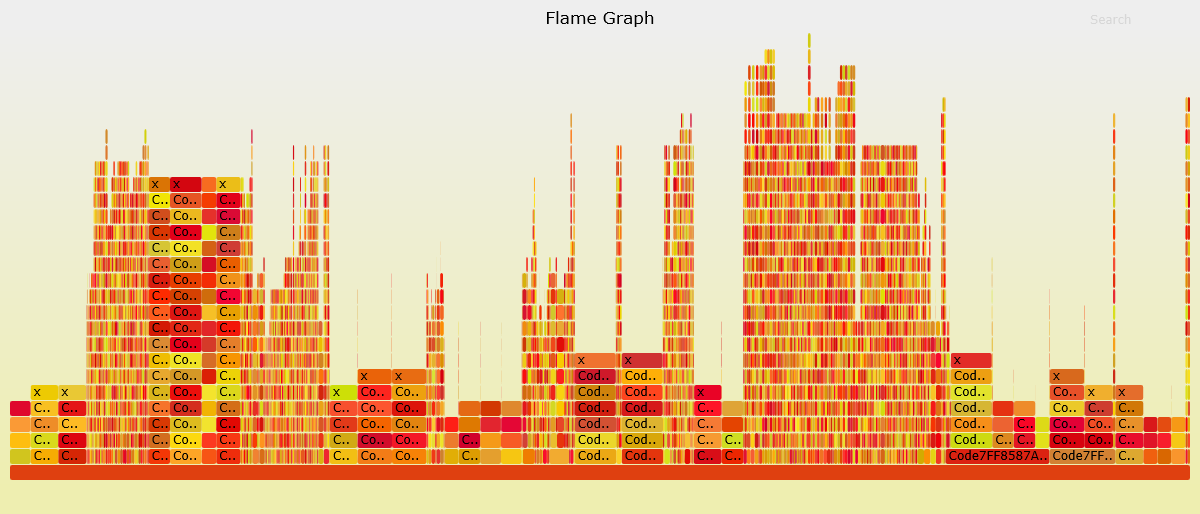
带 Capstone 反汇编的基本块图:
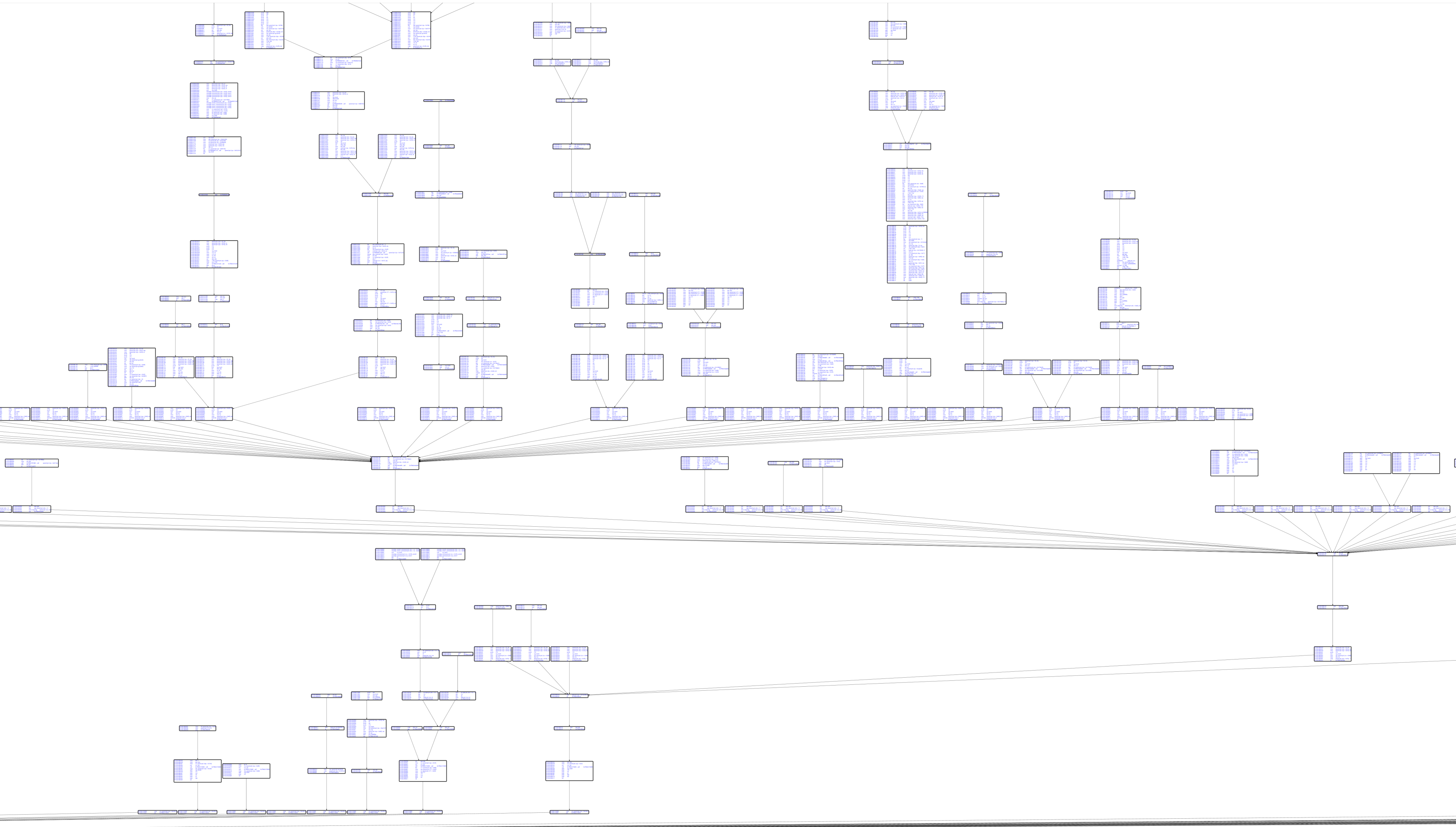
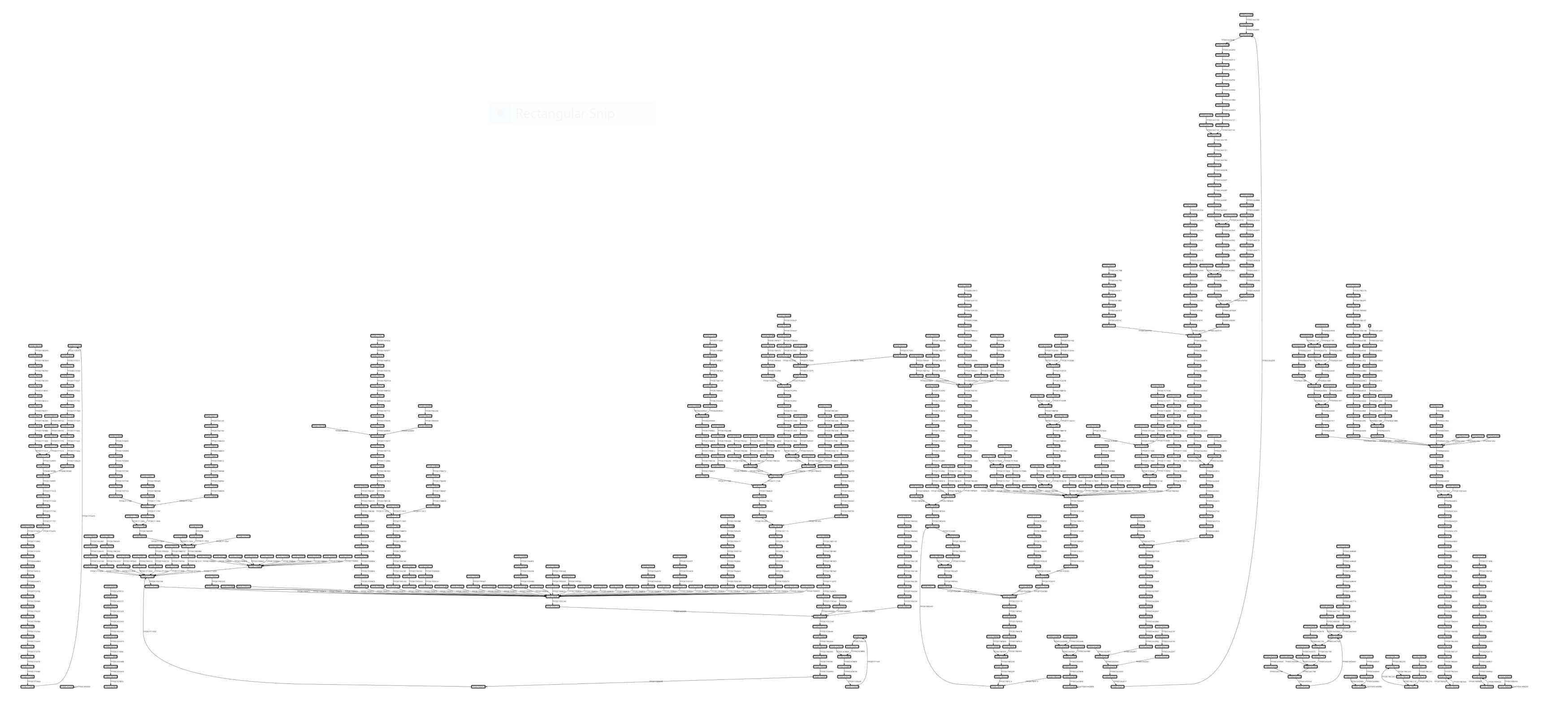
代码覆盖可视化:
graph TD
    subgraph Core["🎯 核心组件"]
        EH[EhTrace.dll<br/>主插桩库]
        AC[Acleanout<br/>日志导出器]
        AG[Agasm<br/>图生成器]
        style EH fill:#e1bee7,stroke:#6a1b9a,stroke-width:3px,color:#000
        style AC fill:#c5cae9,stroke:#3949ab,stroke-width:3px,color:#000
        style AG fill:#b2dfdb,stroke:#00695c,stroke-width:3px,color:#000
    end

    subgraph Tools["🔧 辅助工具"]
        AL[Aload<br/>DLL注入器]
        AP[Aprep<br/>测试可执行文件]
        AS[Astrace<br/>堆栈跟踪器]
        style AL fill:#ffe0b2,stroke:#e65100,stroke-width:3px,color:#000
        style AP fill:#f8bbd0,stroke:#c2185b,stroke-width:3px,color:#000
        style AS fill:#d1c4e9,stroke:#512da8,stroke-width:3px,color:#000
    end

    subgraph Fuzzing["🐛 模糊测试集成"]
        AWA[AWinAFL<br/>AFL插桩]
        style AWA fill:#ffccbc,stroke:#d84315,stroke-width:3px,color:#000
    end

    subgraph Viz["📊 可视化"]
        WPF[WPFx<br/>图查看器]
        DIA[Dia2Sharp<br/>符号解析器]
        ASF[AStackFolding<br/>火焰图]
        style WPF fill:#c8e6c9,stroke:#2e7d32,stroke-width:3px,color:#000
        style DIA fill:#fff9c4,stroke:#f9a825,stroke-width:3px,color:#000
        style ASF fill:#ffecb3,stroke:#ff8f00,stroke-width:3px,color:#000
    end

    EH -->|日志| AC
    AC -->|数据| AG
    AG -->|图| WPF
    AL -->|注入| EH
    DIA -->|符号| AG
    ASF -->|处理| AC
    AWA -->|变体| EH

    style Core fill:#f3e5f5,stroke:#7b1fa2,stroke-width:4px
    style Tools fill:#fff3e0,stroke:#ef6c00,stroke-width:4px
    style Fuzzing fill:#fbe9e7,stroke:#bf360c,stroke-width:4px
    style Viz fill:#e8f5e9,stroke:#388e3c,stroke-width:4px
EhTrace生态系统包含多个集成项目:
EhTrace.sln详细的构建说明请参见 BUILDING.md
# 构建 EhTrace
msbuild EhTrace.sln /p:Configuration=Release /p:Platform=x64

# 注入目标进程
Aload.exe target.exe EhTrace.dll

# 收集跟踪数据
Acleanout.exe > trace.log

# 使用 Agasm 分析
Agasm.exe trace.log output.graph
完整的使用文档请参见 USAGE.md
EhTrace 通过 BlockFighters 框架支持运行时配置。通过修改构建中的 fighter 配置来配置跟踪行为。
可用的 fighter:
EhTrace/
├── EhTrace/          # 核心插桩 DLL
├── prep/             # 辅助工具和实用程序
├── vis/              # 可视化组件
├── support/          # 依赖项和资源
├── doc/              # 文档
└── afl-fuzz/         # AFL 模糊测试集成
EhTrace.cpp:主 VEH 处理程序和核心逻辑BlockFighters.cpp:Fighter 框架实现Config.cpp:配置和符号管理GlobLog.cpp:共享内存日志记录KeyEscrow.cpp:加密密钥拦截RoP-Defender.cpp:ROP 检测逻辑