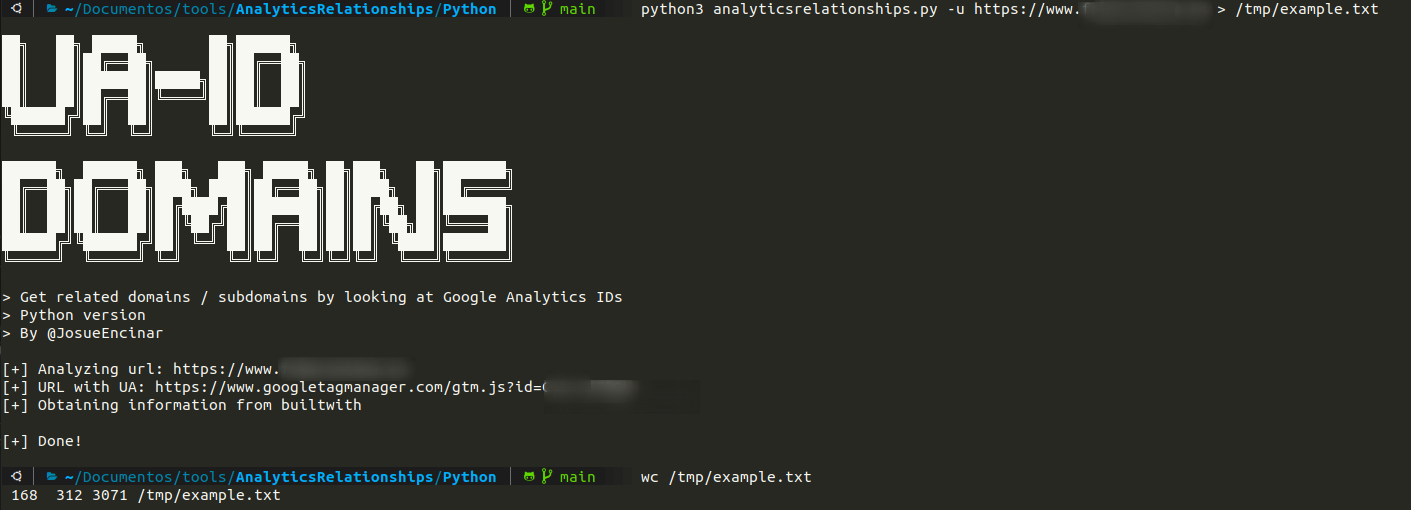
此脚本尝试通过从URL中查找Google Analytics ID来获取相关域名/子域名。首先在网页中搜索Google Analytics ID,然后使用该ID向builtwith和hackertarget发送请求。
注意:并非所有网站都适用。它通过以下表达式进行搜索:
->  "www\.googletagmanager\.com/ns\.html\?id=[A-Z0-9\-]+"
-> GTM-[A-Z0-9]+
->  "UA-\d+-\d+"
根据语言进行安装。
> git clone https://github.com/Josue87/AnalyticsRelationships.git
> cd AnalyticsRelationships/Python
> sudo pip3 install -r requirements.txt
> git clone https://github.com/Josue87/AnalyticsRelationships.git
> cd AnalyticsRelationships/
> go build -ldflags "-s -w"
> git clone https://github.com/Josue87/AnalyticsRelationships.git
> cd AnalyticsRelationships
> docker build -t analyticsrelationships:latest .
根据语言进行使用
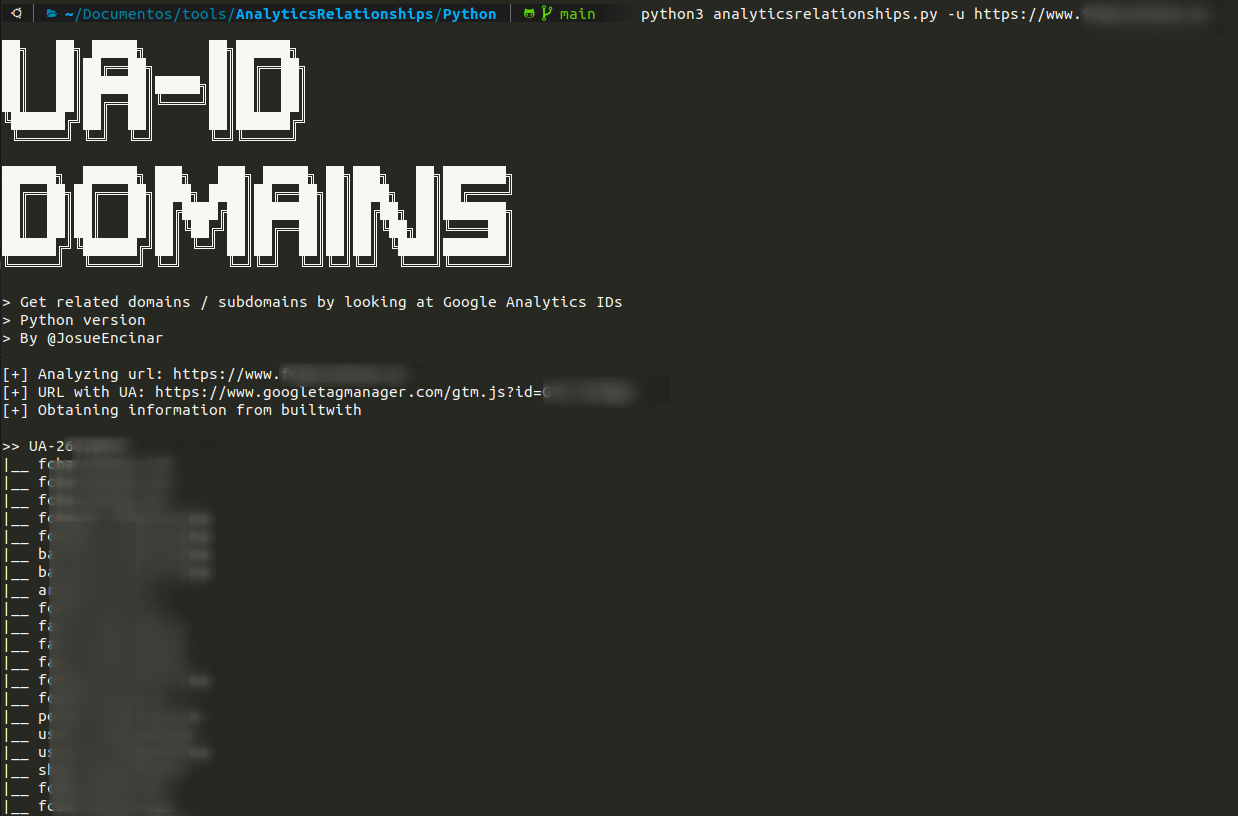
> python3 analyticsrelationships.py -u https://www.example.com
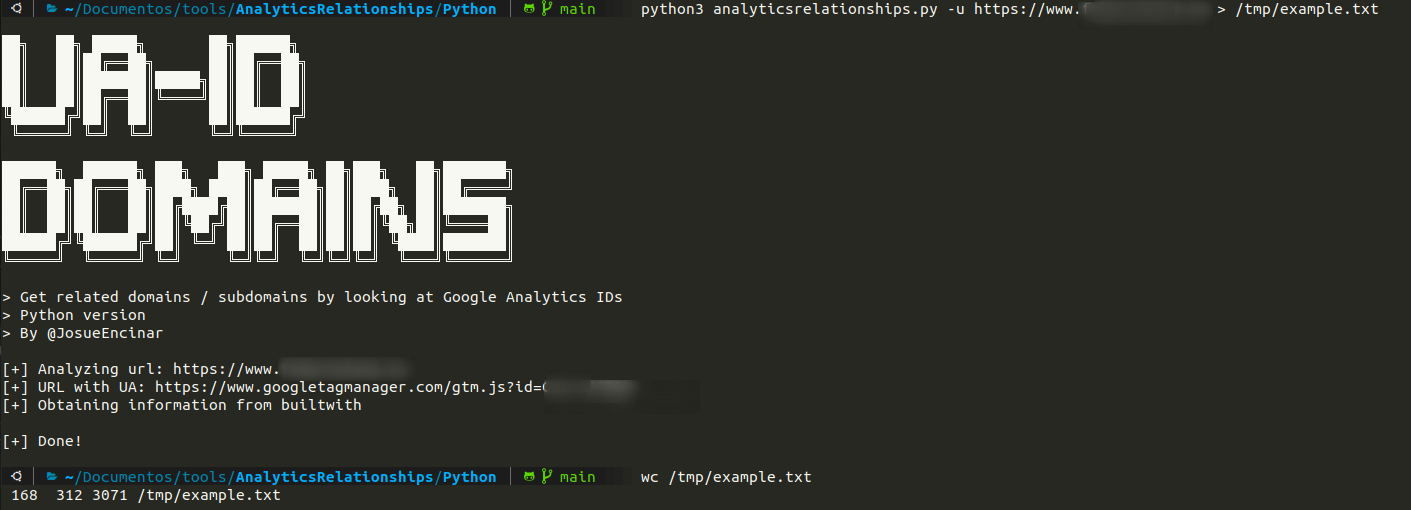
或将输出重定向到文件(横幅或信息消息会发送到错误输出):
python3 analyticsrelationships.py -u https://www.example.com > /tmp/example.txt
> ./analyticsrelationships --url https://www.example.com
或将输出重定向到文件(横幅或信息消息会发送到错误输出):
> ./analyticsrelationships --url https://www.example.com > /tmp/example.txt
你也可以将文件作为输入传入
> cat file.txt | ./analyticsrelationships
或单个URL
> echo https://www.example.com | ./analyticsrelationships
仅Python版本。
> docker run -it analyticsrelationships:latest https://www.example.com
或将输出重定向到文件(横幅或信息消息会发送到错误输出):
> docker run -it analyticsrelationships:latest https://www.example.com > /tmp/example.txt
输出重定向到文件 /tmp/example.txt:
无重定向:
无重定向:
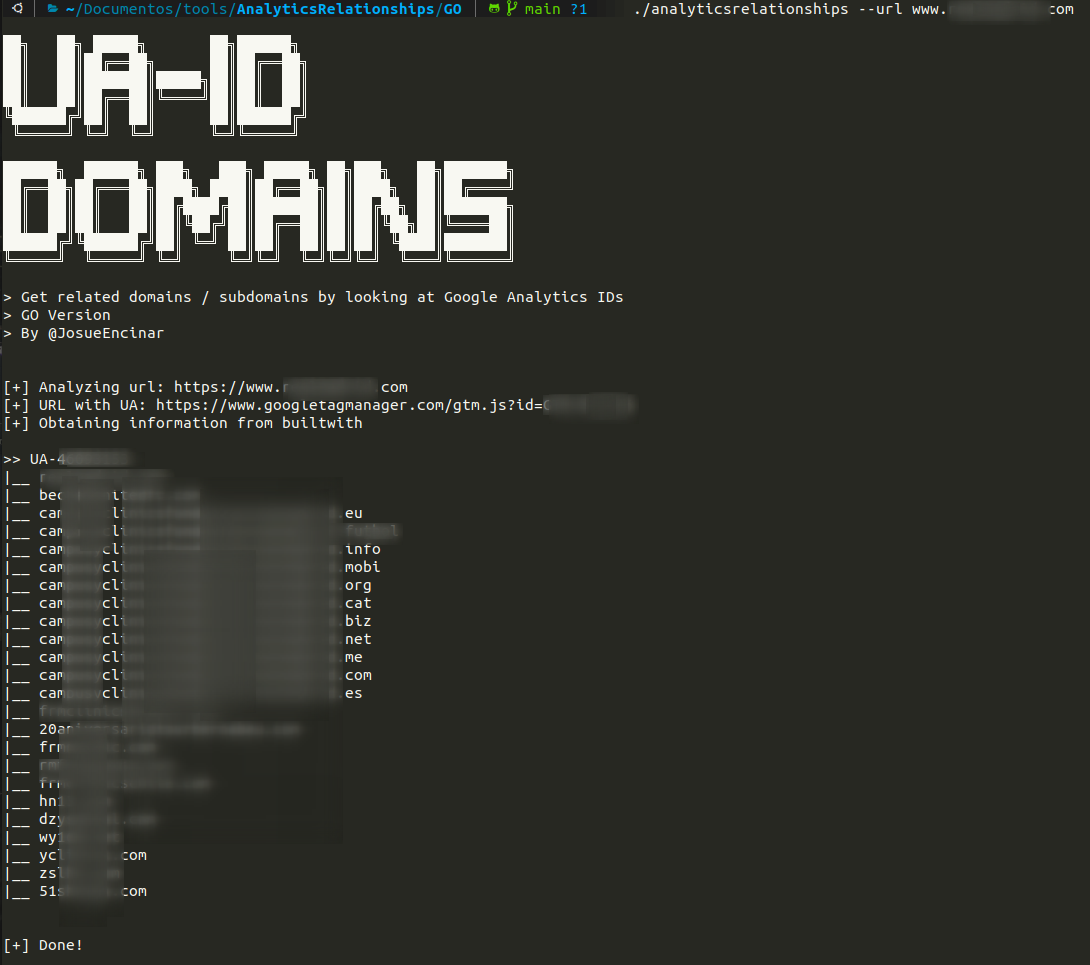
使用文件重定向的工作方式与Python相同。
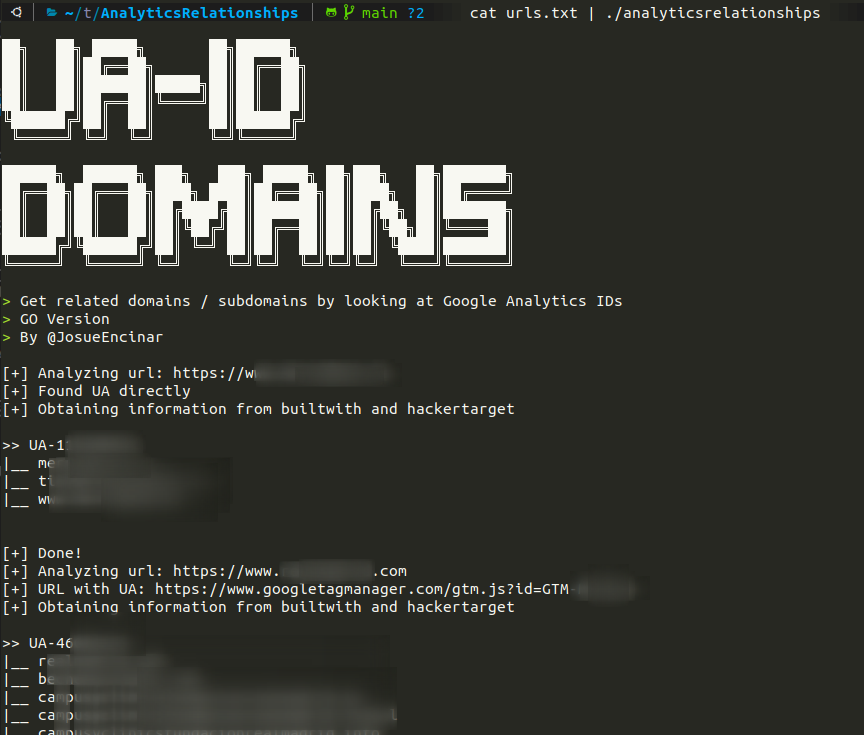
使用文件的示例:
这是一个概念验证(PoC)。作者对任何非法使用不承担责任。