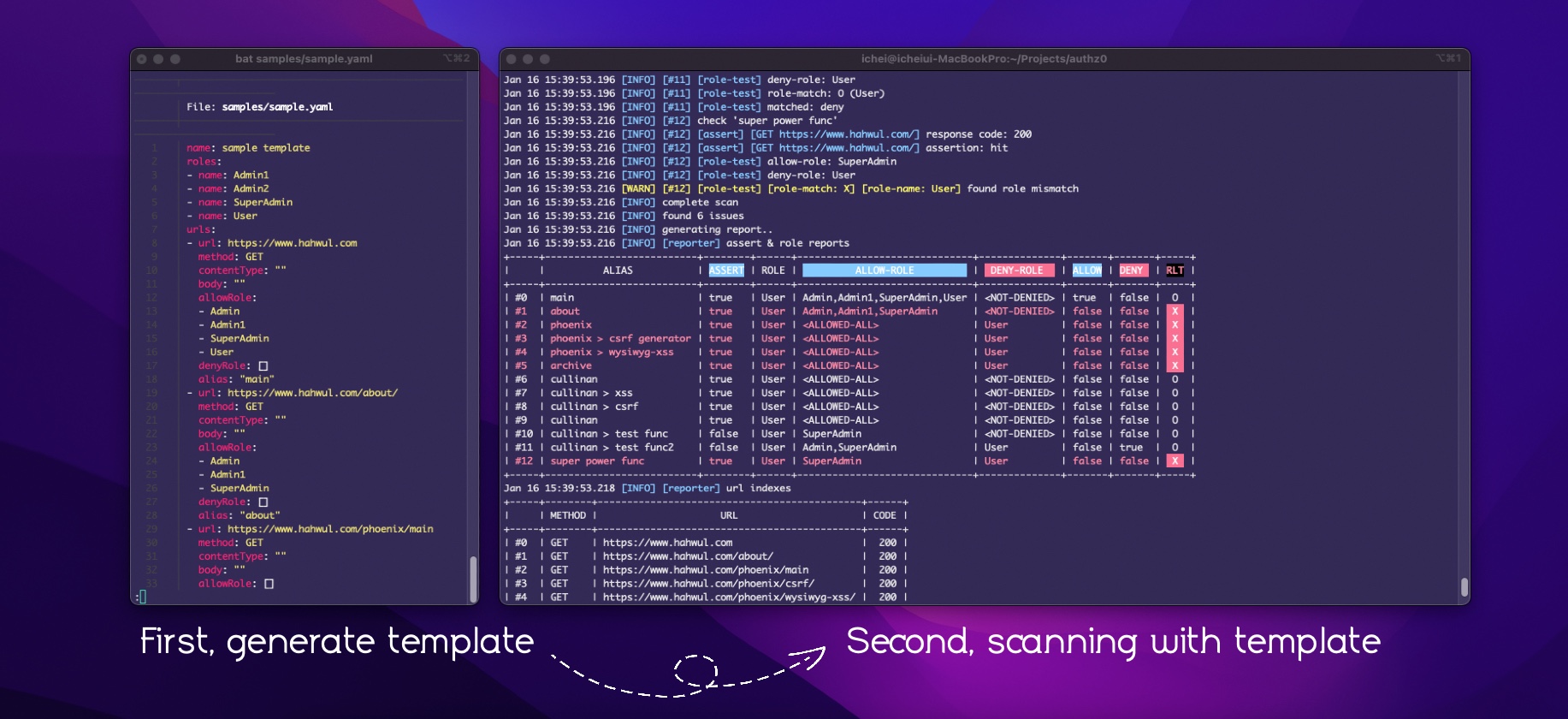



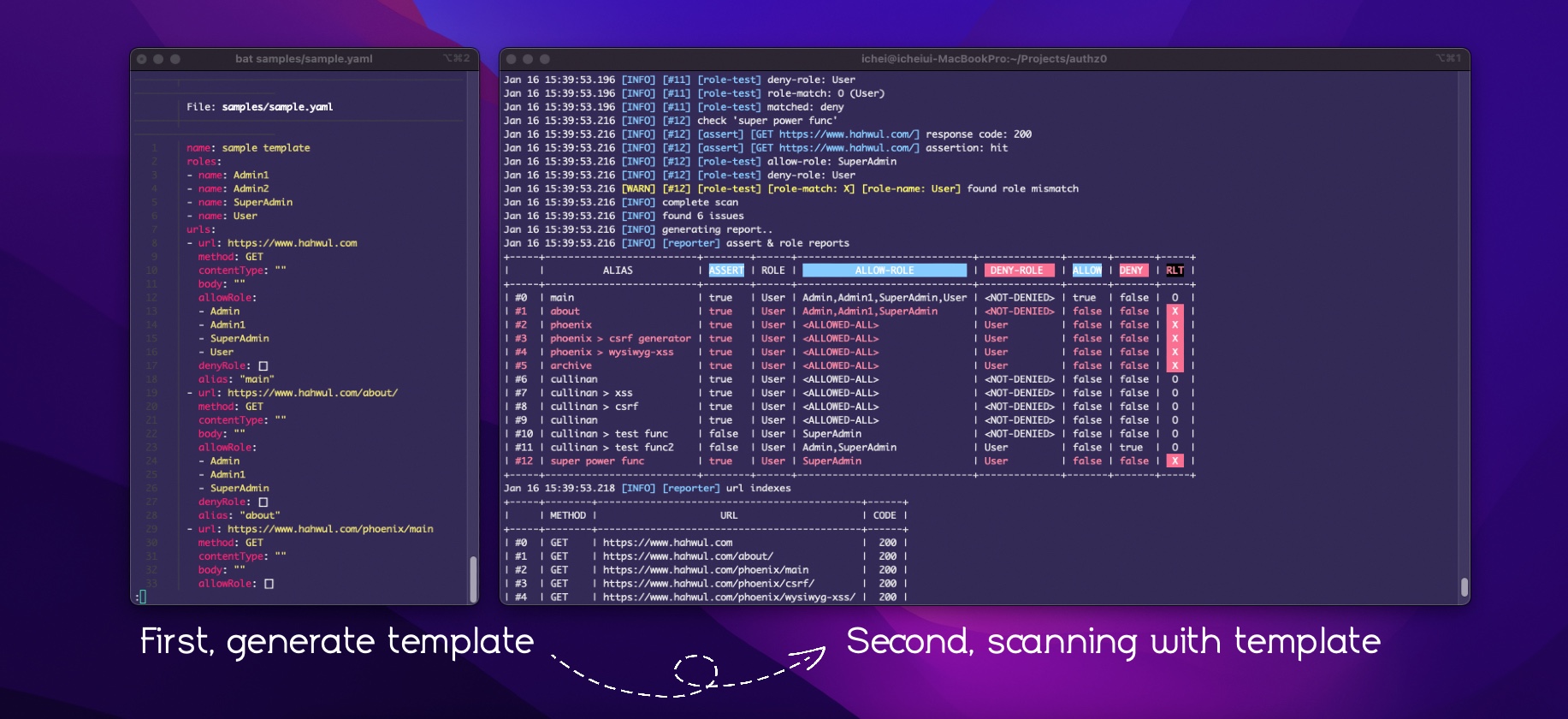
Authz0 是一款自动化授权测试工具。可以基于 URL 和角色(Roles)及凭据(Credentials)来识别未授权访问。
URL 和角色通过基于 YAML 的模板进行管理,可以通过 authz0 自动创建和添加。您也可以基于一次创建/生成的模板文件,使用多个认证头和 Cookie 进行测试。
$ authz0 new
$ authz0 setUrl $ authz0 setRole authz0 setCred$ authz0 scango install
go install github.com/hahwul/authz0@latest
homebrew
brew tap hahwul/authz0
brew install authz0
需要更多信息?请参考安装指南
可用命令:
  completion  Generate the autocompletion script for the specified shell
  help        Help about any command
  new         Generate new template
  scan        Scanning
  setCred     Append Credential to Template
  setRole     Append Role to Template
  setUrl      Append URL to Template
  version     Show version
authz0 new <filename> [flags]
例如:
authz0 new target.yaml --include-urls urls.txt
authz0 new target.yaml --include-zap zapurls.har
authz0 new target.yaml --include-burp burpurl.xml
authz0 setCred <filename> [flags]
authz0 setRole <filename> [flags]
authz0 setUrl <filename> [flags]
例如:
authz0 setUrl target.yaml setUrl -u https://www.hahwul.com
authz0 setRole target.yaml -n User1
authz0 setCred target.yaml -n User1 -H "X-API-Key: 1234" -H "TestHeader: 12344"
authz0 scan <filename> [flags]
例如:
authz0 scan target.yaml
authz0 scan target.yaml -r TestUser1 -H "Cookie: 1234=1234" -H "X-API-Key: 1234555"
请阅读 https://github.com/hahwul/authz0/tree/main/github-action
请积极使用讨论区!
每个版本的详细变更记录在发布说明中。
Authz0 是一个开源项目,用 ❤️ 打造。 如果您想为该项目做出贡献,请参阅 CONTRIBUTING.md 并提交带有您精彩内容的 Pull Request。