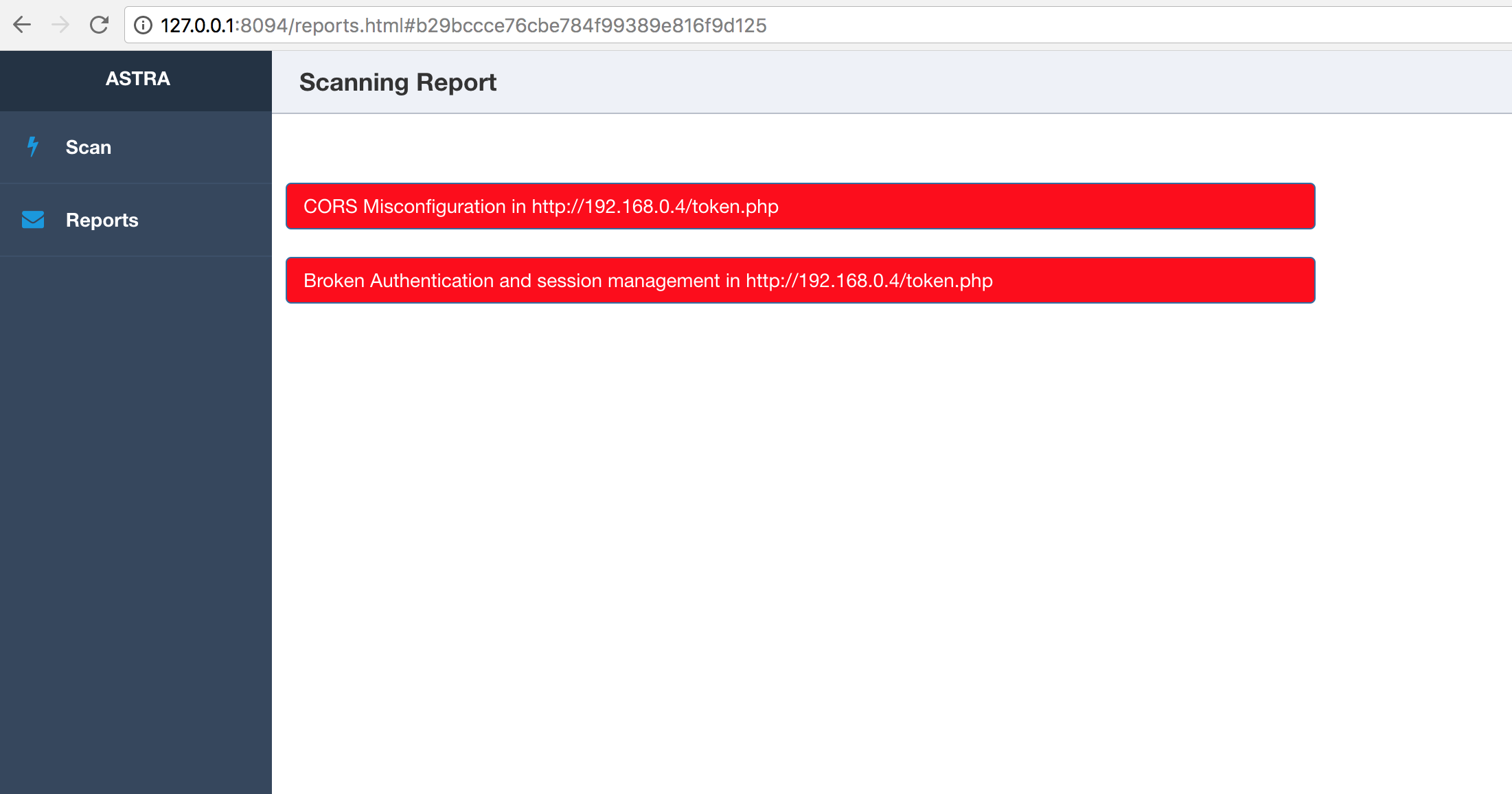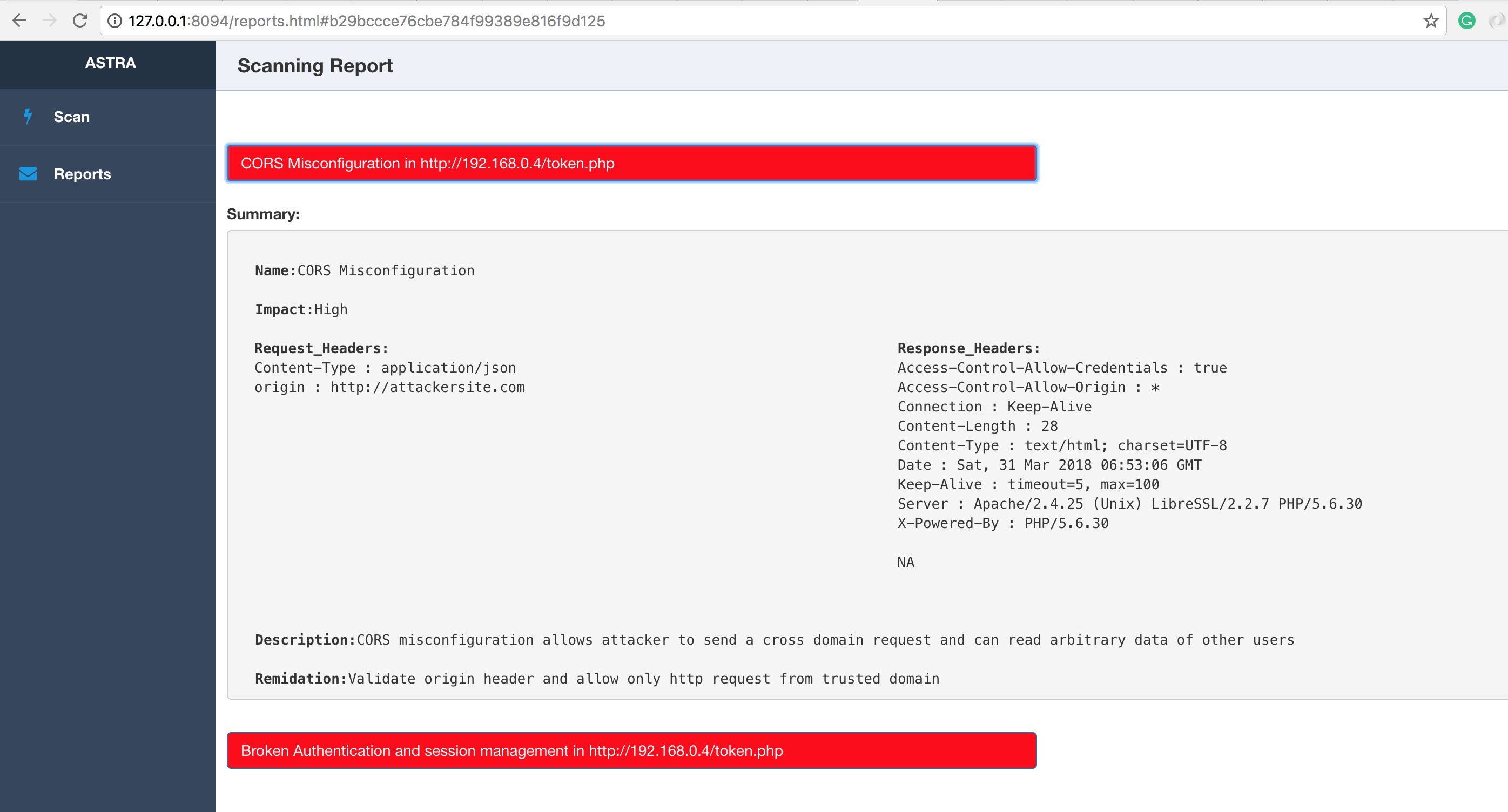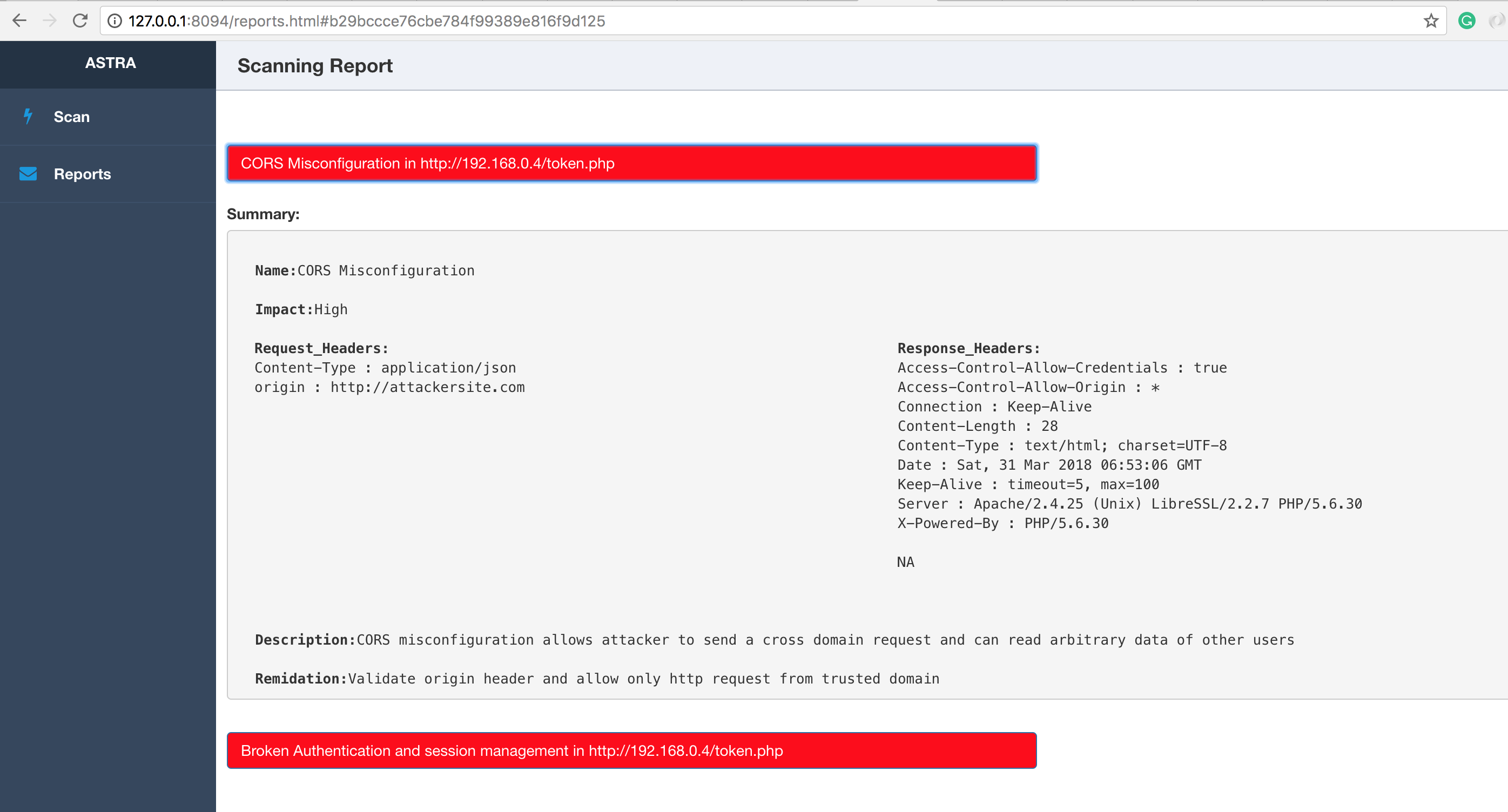
由于现有 API 的持续变更以及新 API 的不断添加,REST API 渗透测试变得复杂。安全工程师或开发者可将 Astra 作为其流程的组成部分,从而在开发周期早期检测并修补漏洞。Astra 能够自动检测和测试登录与登出(身份验证 API),因此任何人都可以轻松将其集成到 CICD 流水线中。Astra 可以接受 API 集合作为输入,因此也可用于独立模式下的 API 测试。
https://www.astra-security.info/roadmap/
$ git clone https://github.com/flipkart-incubator/Astra

$ cd Astra
$ sudo pip install -r requirements.txt
$ sudo rabbitmq-server
$ celery -A worker -loglevel=INFO
$ cd API
$ python3 api.py
$ docker pull mongo
$ docker run --name astra-mongo -d mongo
$ git clone https://github.com/flipkart-incubator/Astra.git
$ cd Astra
$ docker build -t astra .
$ docker run --rm -it --link astra-mongo:mongo -p 8094:8094 astra
$ git clone -b docker-cli https://github.com/flipkart-incubator/Astra.git
$ cd Astra
$ docker build -t astra-cli .
$ docker run --rm -it --link astra-mongo:mongo astra-cli
- requests
- logger
- pymongo
- ConfigParser
- pyjwt
- flask
- sqlmap
- celery
https://www.astra-security.info
$ python astra.py --help

                      _
        /\       | |
       /  \   ___| |_ _ __ __ _
      / /\ \ / __| __| '__/ _` |
     / ____ \__ \ |_| | | (_| |
    /_/    \_\___/\__|_|  \__,_|


usage: astra.py [-h] [-c {Postman,Swagger}] [-n COLLECTION_NAME] [-u URL]
                [-headers HEADERS] [-method {GET,POST}] [-b BODY]
                [-l LOGINURL] [-H LOGINHEADERS] [-d LOGINDATA]

REST API Security testing Framework

optional arguments:
  -h, --help            show this help message and exit
  -c {Postman,Swagger}, --collection_type {Postman,Swagger}
                        Type of API collection
  -n COLLECTION_NAME, --collection_name COLLECTION_NAME
                        Type of API collection
  -u URL, --url URL     URL of target API
  -headers HEADERS, --headers HEADERS
                        Custom headers.Example: {"token" : "123"}
  -method {GET,POST}, --method {GET,POST}
                        HTTP request method
  -b BODY, --body BODY  Request body of API
  -l LOGINURL, --loginurl LOGINURL
                        URL of login API
  -H LOGINHEADERS, --loginheaders LOGINHEADERS
                        Headers should be in a dictionary format. Example:
                        {"accesstoken" : "axzvbqdadf"}
  -d LOGINDATA, --logindata LOGINDATA
                        login data of API
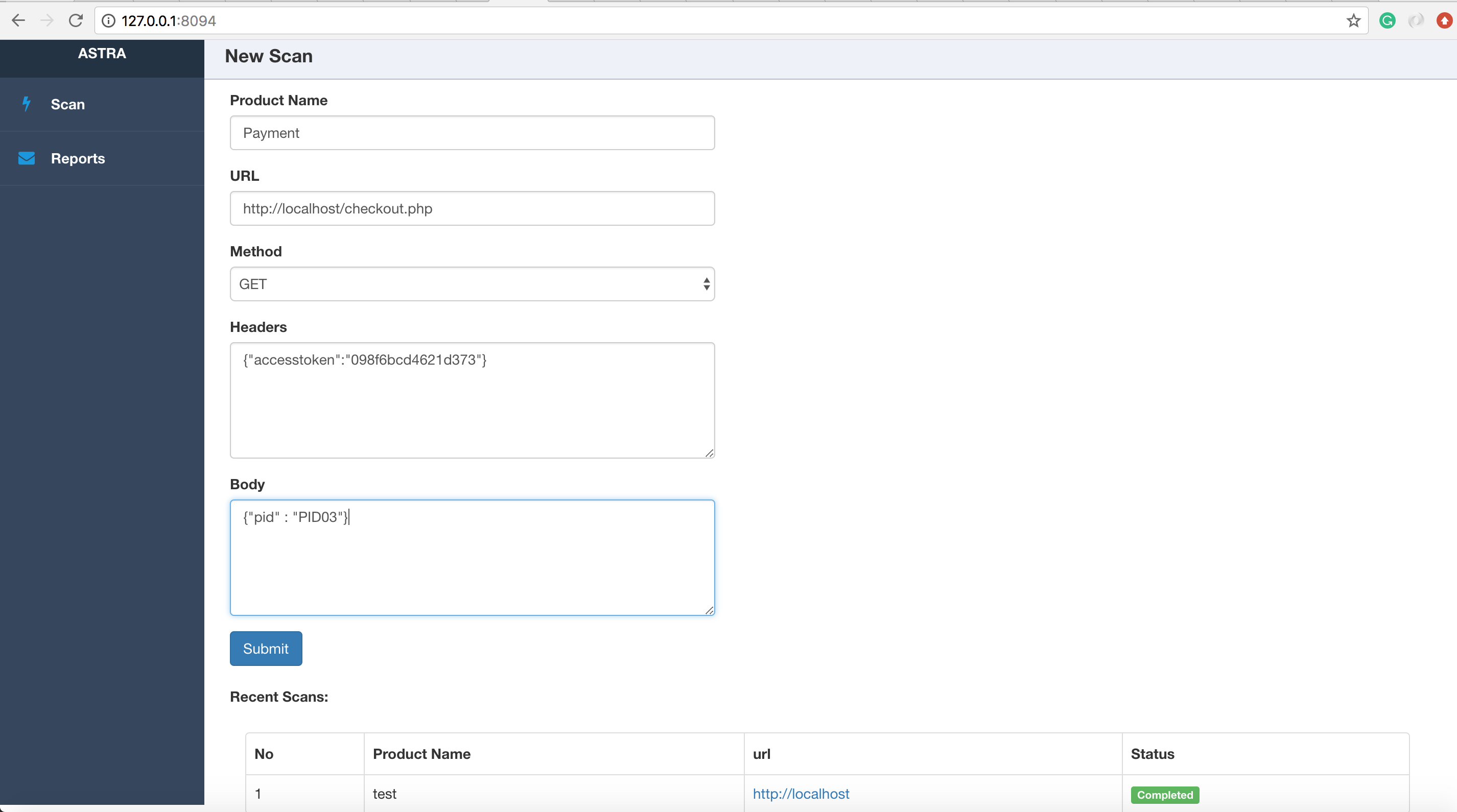
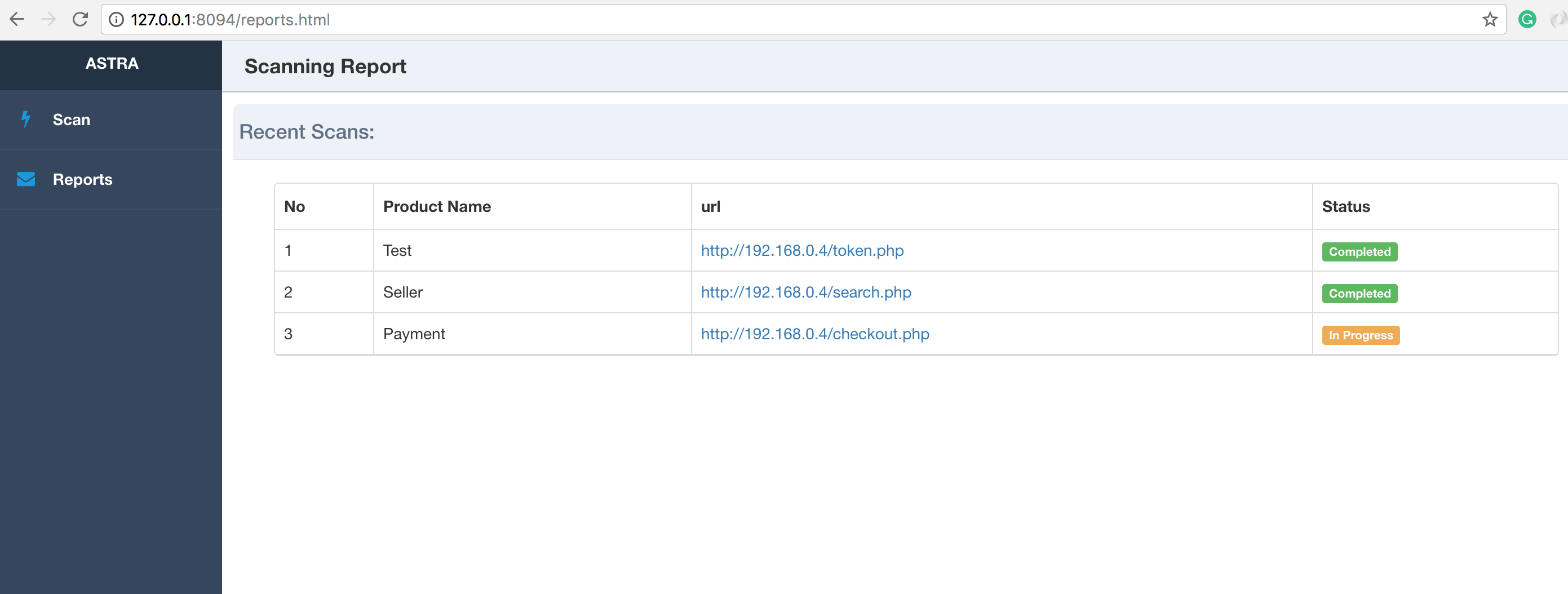
运行 api.py 并访问 http://127.0.0.1:8094 进入 Web 界面。
$ cd API
$ python api.py
注意:
在 macOS 10.13+ 上,你必须使用 OBJC_DISABLE_INITIALIZE_FORK_SAFETY=YES 标志以防止扫描进程被终止,这是因为 fork() 和 exec() 的工作方式发生了变化。更多信息见此处。
$ cd API
$ OBJC_DISABLE_INITIALIZE_FORK_SAFETY=YES python api.py