
从 30 多个云、身份和 SaaS 平台拉取基础设施资产及其关系,导入 Neo4j 图,用于安全查询和基于规则的分析。

Cartography 是一个 Python 工具,可将基础设施资产及其关系拉取到 Neo4j 图数据库中。
它连接的对象: AWS、GCP、Azure、Kubernetes、GitHub、Okta、Entra ID、CrowdStrike 以及30 多个平台。
它能回答的问题:
pip install cartography
改为安装 cartography[neo4j-rust] 以换用 Neo4j 的 Rust Bolt 编解码器,可将同步时间缩短约 20-30%。参见 更快的 Neo4j 驱动。
docker run -d --publish=7474:7474 --publish=7687:7687 -v data:/data --env=NEO4J_AUTH=none neo4j:5-community
确认 http://localhost:7474 已启动。
确保已配置 AWS 凭证和默认区域(例如通过 AWS_PROFILE、AWS_DEFAULT_REGION 或 ~/.aws/config)。请参阅 AWS 凭证文档 以供参考。
运行 Cartography:
cartography --neo4j-uri bolt://localhost:7687 --selected-modules aws
请参阅完整安装指南了解其他平台。
打开 http://localhost:7474 并尝试:
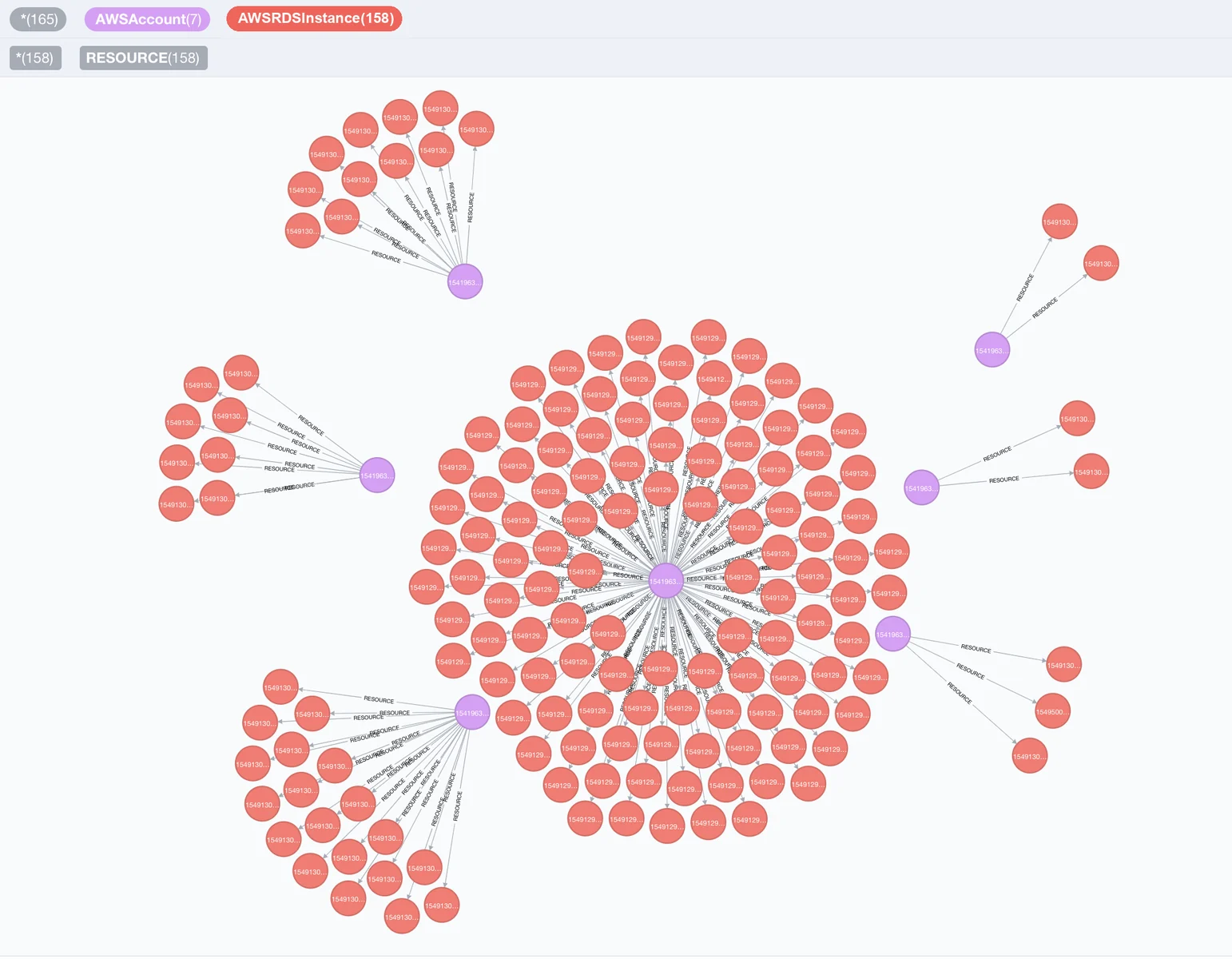
// Find unencrypted RDS instances by account
MATCH (a:AWSAccount)-[:RESOURCE]->(rds:AWSRDSInstance{storage_encrypted:false})
RETURN a.name, rds.id
// Find EC2 instances exposed to the internet
MATCH (instance:AWSEC2Instance{exposed_internet: true})
RETURN instance.instanceid, instance.publicdnsname
一旦 Cartography 填充了可访问的 Neo4j 图,就可以列出、检查并运行安全规则。本快速入门使用上文启动的无认证 Neo4j 容器,因此无需密码:
cartography-rules list
cartography-rules list object_storage_public
cartography-rules run object_storage_public
对于已认证的 Neo4j,请设置 NEO4J_PASSWORD,或使用规则文档中的其他安全密码选项。



