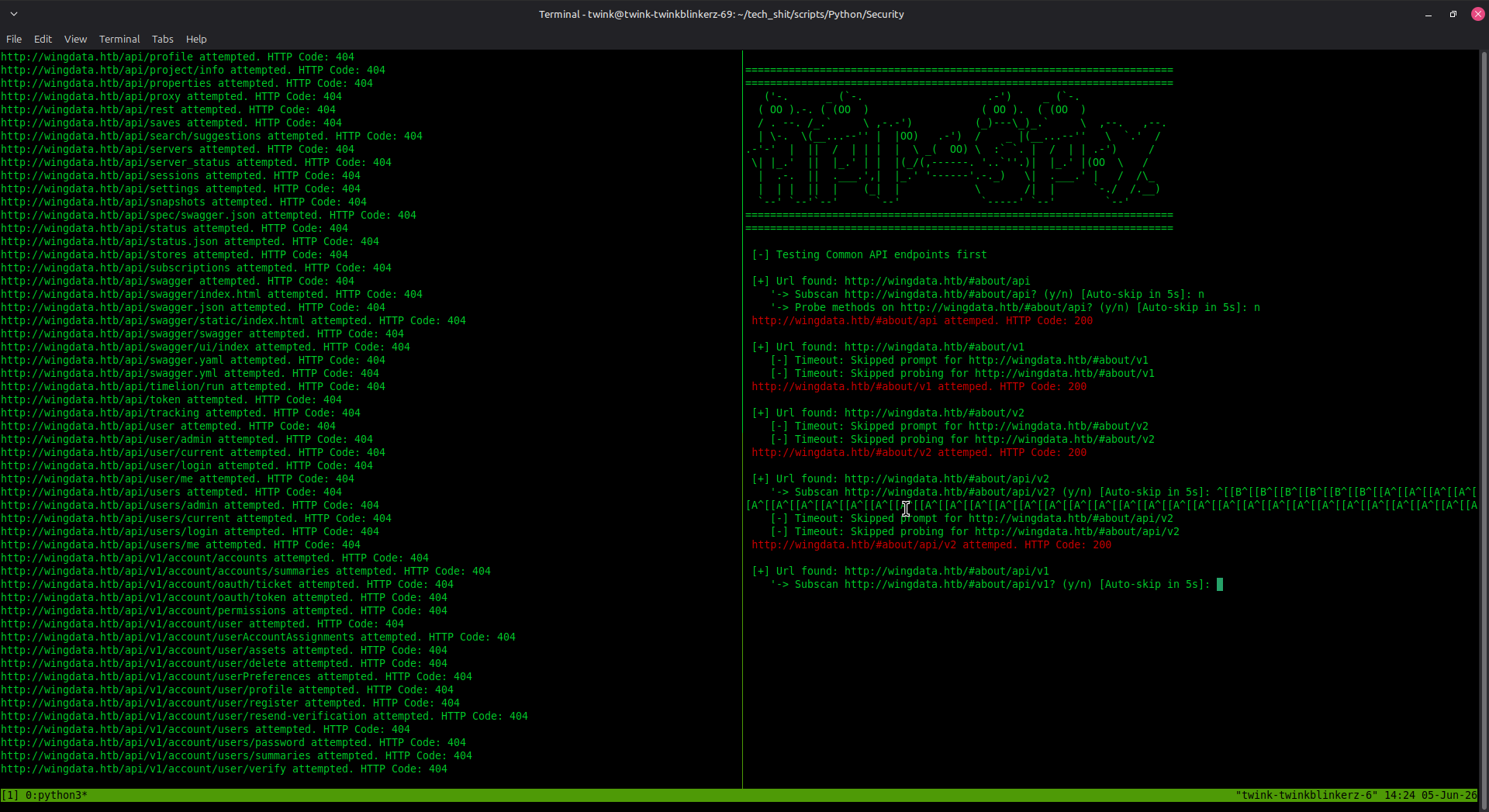
一款专为API侦察和渗透测试设计的高效目录暴力破解工具。可自动发现隐藏的API端点,执行递归子扫描,并探测HTTP方法以实现深度API枚举。
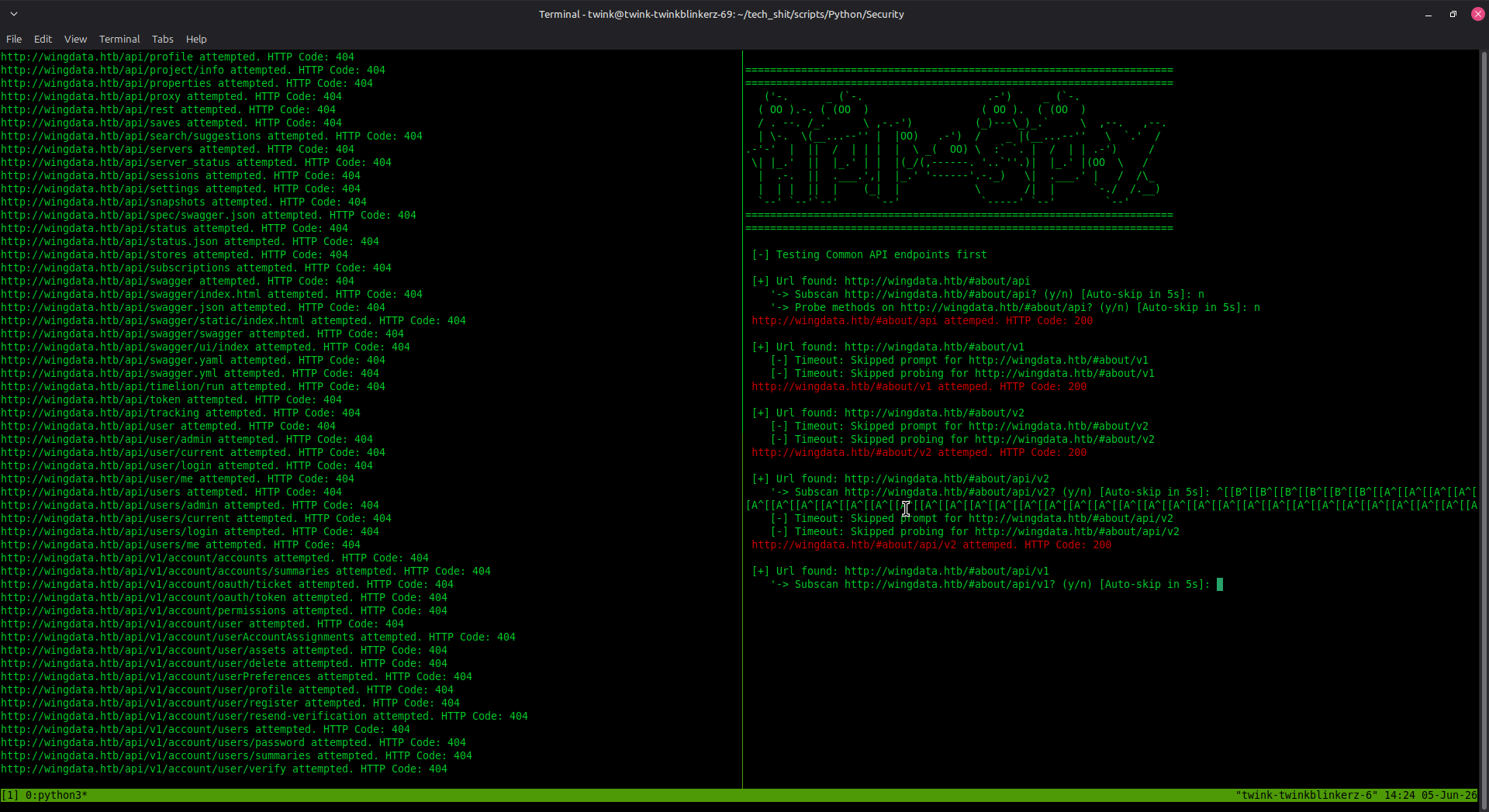
✨ 核心能力:
/api/ 端点requests 库tmux(可选,用于 --split 参数)xfce-terminal(用于Linux桌面环境)# 克隆仓库
git clone https://github.com/austinjump-sec/API-SPY.git
cd API-SPY
# 安装依赖
pip install requests
# 赋予脚本执行权限(可选)
chmod +x apispy.py apiprobe.py
python3 apispy.py <baseUrl> <wordlist> [OPTIONS]
| 参数 | 描述 |
|---|---|
<baseUrl> | 目标URL(例如 http://example.com 或 http://api.example.com) |
<wordlist> | 包含端点的字典文件路径(每行一个) |
| 参数 | 描述 |
|---|---|
--t<number> | 线程数(最大150,默认:1) |
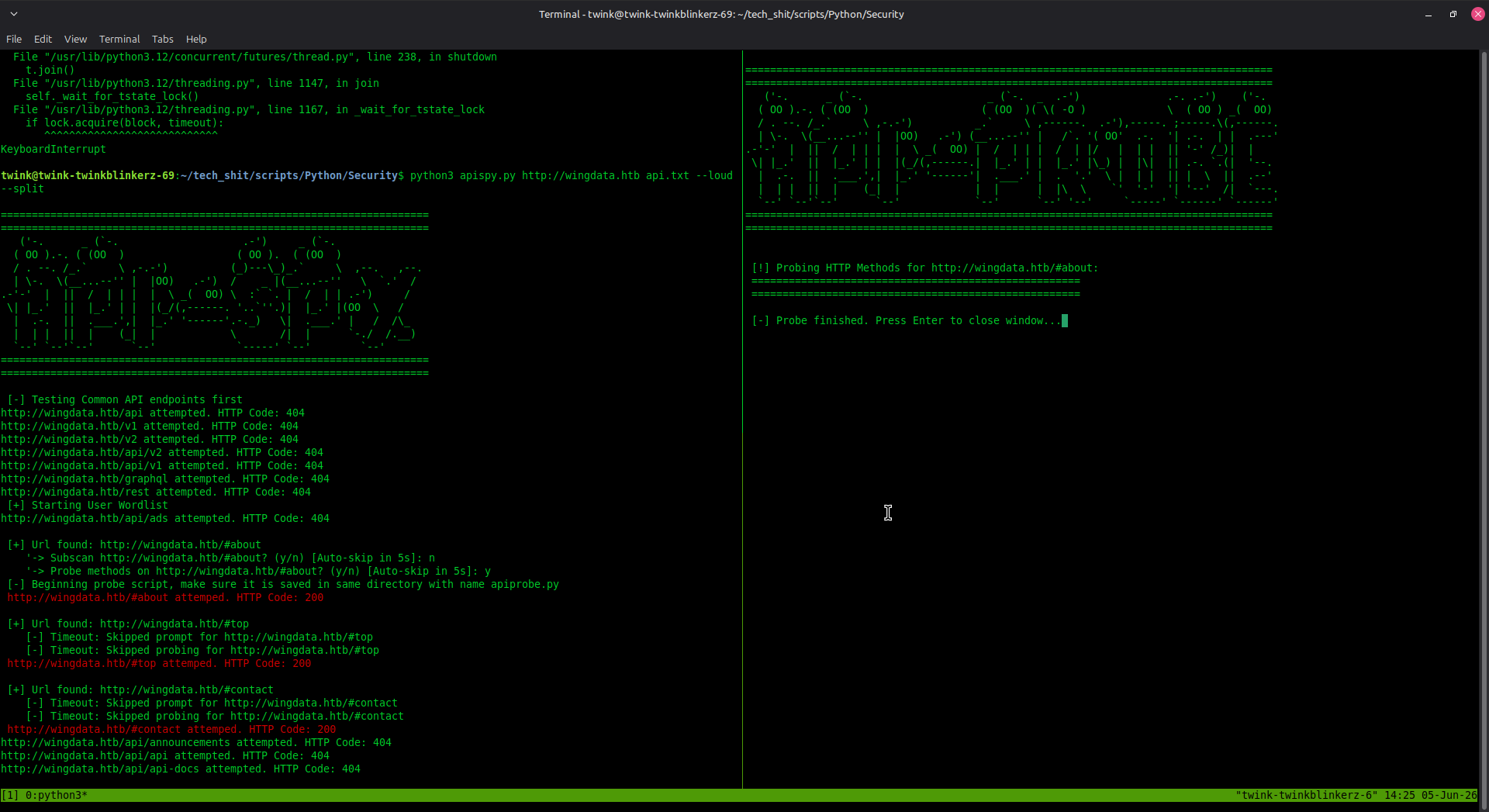
--split | 使用tmux分屏窗口而非新终端窗口 |
--debug | 显示原本隐藏的错误信息 |
--loud | 显示所有消息,包括正确和错误的,并高亮任何未返回404的内容 |
--js | 扫描JavaScript文件,并抓取发现的文件以查找常见硬编码的API端点 |
python3 apispy.py http://api.example.com wordlist.txt
python3 apispy.py http://api.example.com wordlist.txt -t10
python3 apispy.py http://api.example.com wordlist.txt -t5 --split
python3 apispy.py http://api.example.com/v1 wordlist.txt -t20
工具首先测试一组预定义的常见API路径:
api、v1、v2、api/v1、api/v2、graphql、rest# 开头的注释行)200、401、403 的可用端点当发现端点时,系统会提示:
'-> 子扫描 <url>?(y/n) [5秒后自动跳过]:
y/yes 以使用相同字典递归扫描该端点子扫描后,系统会提示:
'-> 探测 <url> 上的方法?(y/n) [5秒后自动跳过]:
apiprobe.py,在发现的端点上测试HTTP方法Allow 头部提示[+] 发现URL: http://api.example.com/v1 ← 200 OK(可访问)
'-> 子扫描 http://api.example.com/v1?(y/n) [0秒后自动跳过]:
[-] 超时:已跳过对 http://api.example.com/v1?的提示
'-> 探测 http://api.example.com/v1 上的方法?(y/n) [4秒后自动跳过]:
[-] 发现URL但未获许可(403错误):... ← 禁止访问但存在
[-] 发现URL但未获许可(401错误):... ← 需要认证
[+] GET     -> 状态: 200 OK(大小: 1024)
[-] POST    -> 状态: 405(大小: 0)
[头部提示] Allow: GET、HEAD、OPTIONS
创建一个简单的文本文件,每行一个端点:
admin
users
api/users
v1/products
v2/customers
/api/v1/auth
/graphql
search
data
config
注意: 以 # 开头的行被视为注释并被忽略。
与API-SPY配合使用的流行API字典:
# 隐身模式(低线程数)
python3 apispy.py http://target.com wordlist.txt -t3

# 均衡模式
python3 apispy.py http://target.com wordlist.txt -t15

# 激进模式
python3 apispy.py http://target.com wordlist.txt -t50
timeout=5 以自定义确保字典路径正确且文件存在:
ls -la /path/to/wordlist.txt
当进行子扫描时,请确保:
apispy.pyapiprobe.py如果 --split 失败:
sudo apt install tmuxtmux new-session -s scancurl http://your-url/check_status() 函数中增加请求超时时间⚠️ 法律与道德:
编辑源代码以调整超时值:
def ask_subscan(url, wordlist, timeout=10): # 从5秒改为10秒
创建针对特定API路径的字典:
# 仅管理员端点
grep -i "admin" full-wordlist.txt > admin-wordlist.txt

# 仅v1 API
grep "v1" full-wordlist.txt > v1-wordlist.txt
使用循环扫描多个目标:
for target in http://target1.com http://target2.com http://target3.com; do
    python3 apispy.py "$target" wordlist.txt -t10
done
欢迎贡献!请随意:
本工具仅用于教育目的和授权的安全测试。用户有责任在扫描任何系统前确保已获得适当授权。未经授权访问计算机系统是非法的。
本项目按原样提供,仅供安全研究和授权测试使用。
创建者: austinjump-sec
仓库: austinjump-sec/API-SPY