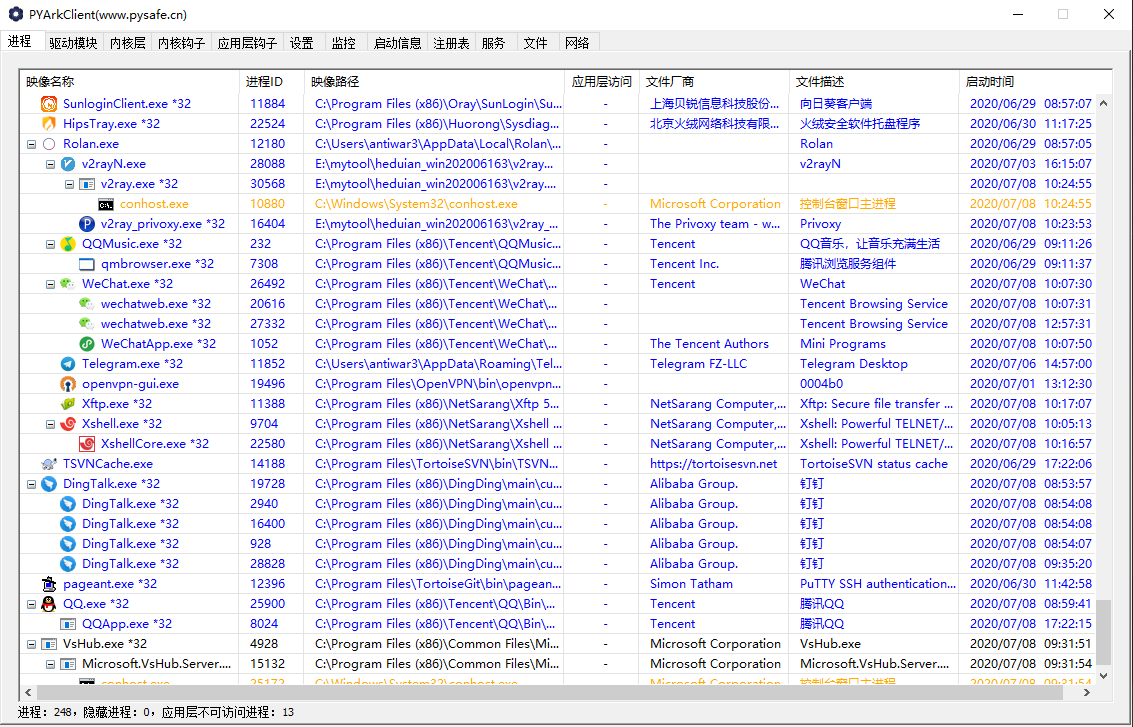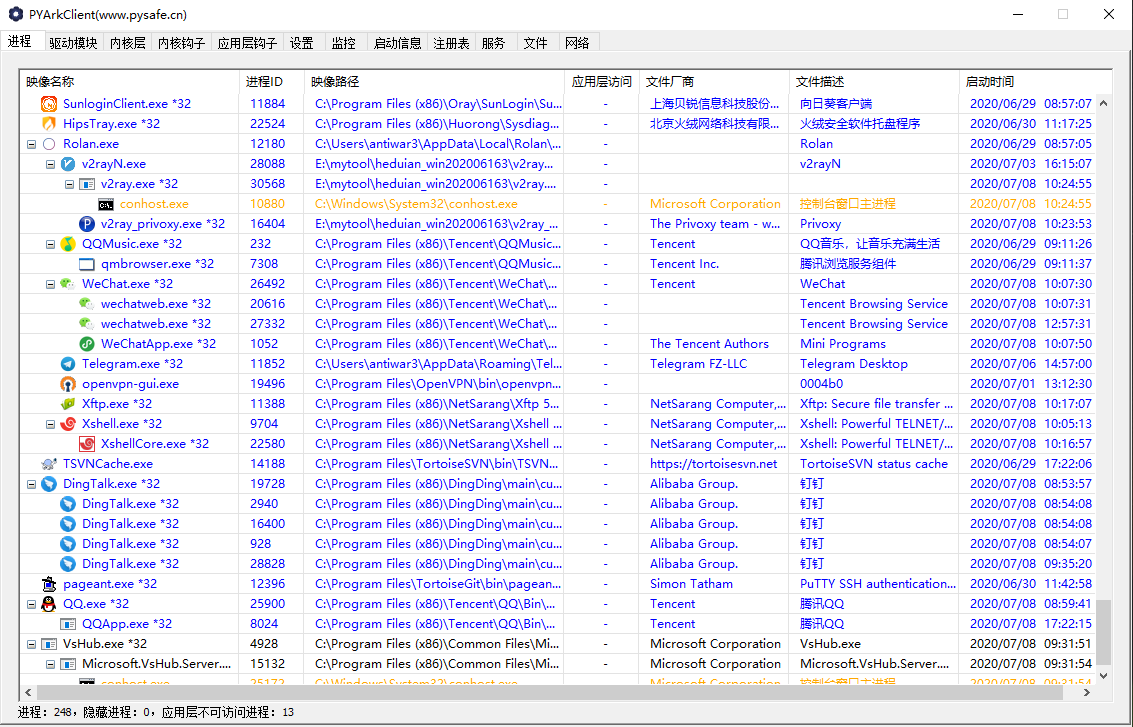
PYArkClient 内置一个 MCP Streamable HTTP 服务端,任意 MCP 客户端(Claude Code / Claude Desktop / CodePilot 等)都能调用它提供的内核级 ARK 工具(进程 / 线程 / 模块 / 内存 / SSDT / 回调 / 注入 / dump 等)。
以 管理员 身份运行 PYArkClient.exe(工具需要驱动连接;未连接时调用工具会返回 driver not connected, restart PYArkClient as admin)。
打开应用内的「AI 对话 / Chat」面板,勾选 「开启MCP接口」 复选框(默认关闭)。勾选后写入 McpConfig.ini 并启动 MCP 服务。
或手动在 exe 同目录写 McpConfig.ini:
[MCP]
Enable=1
MCP 服务地址:http://127.0.0.1:8765/mcp(JSON-RPC 2.0 · Streamable HTTP)。
Claude Code
claude mcp add --transport http pyark http://127.0.0.1:8765/mcp
启动 Claude Code 前,先以管理员启动 PYArkClient 并勾选「开启MCP接口」。
Claude Desktop(claude_desktop_config.json)
{
  "mcpServers": {
    "pyark": {
      "type": "http",
      "url": "http://127.0.0.1:8765/mcp"
    }
  }
}
其它客户端:新增一个 http(Streamable HTTP)传输的 MCP server,端点填 http://127.0.0.1:8765/mcp。
curl -X POST http://127.0.0.1:8765/mcp \
  -H "Content-Type: application/json" \
  -d '{"jsonrpc":"2.0","id":1,"method":"tools/list","params":{}}'
请求结构:
POST /mcp
{"jsonrpc":"2.0","id":1,"method":"tools/call","params":{"name":"list_processes","arguments":{}}}
result.content[0].text,是一个 JSON 字符串。id 的通知类消息返回 HTTP 202。Access-Control-Allow-Origin: *,支持浏览器 / Electron 直接 fetch。list_processes list_threads list_modules get_process_info get_process_peb kill_process suspend_process resume_process protect_process enum_process_handles enum_process_windows enum_process_privileges enum_process_hotkeyskill_thread suspend_thread resume_threadget_image_basic_info get_image_path unload_process_module unload_driverquery_memory enum_memory_regions read_memory write_memory protect_memory enum_process_pml4 / pdpt / pd / ptenum_ssdt_hooks recover_ssdt enum_shadow_ssdt_hooks enum_idt_hooks enum_callbacks enum_filters enum_minifilters enum_io_timers scan_driver_routines enum_object_types enum_object_hooksdump_process dump_process_module dump_driver_memory bb_inject bb_map_driver