🔥 Firecracker 微虚拟机沙盒工具包



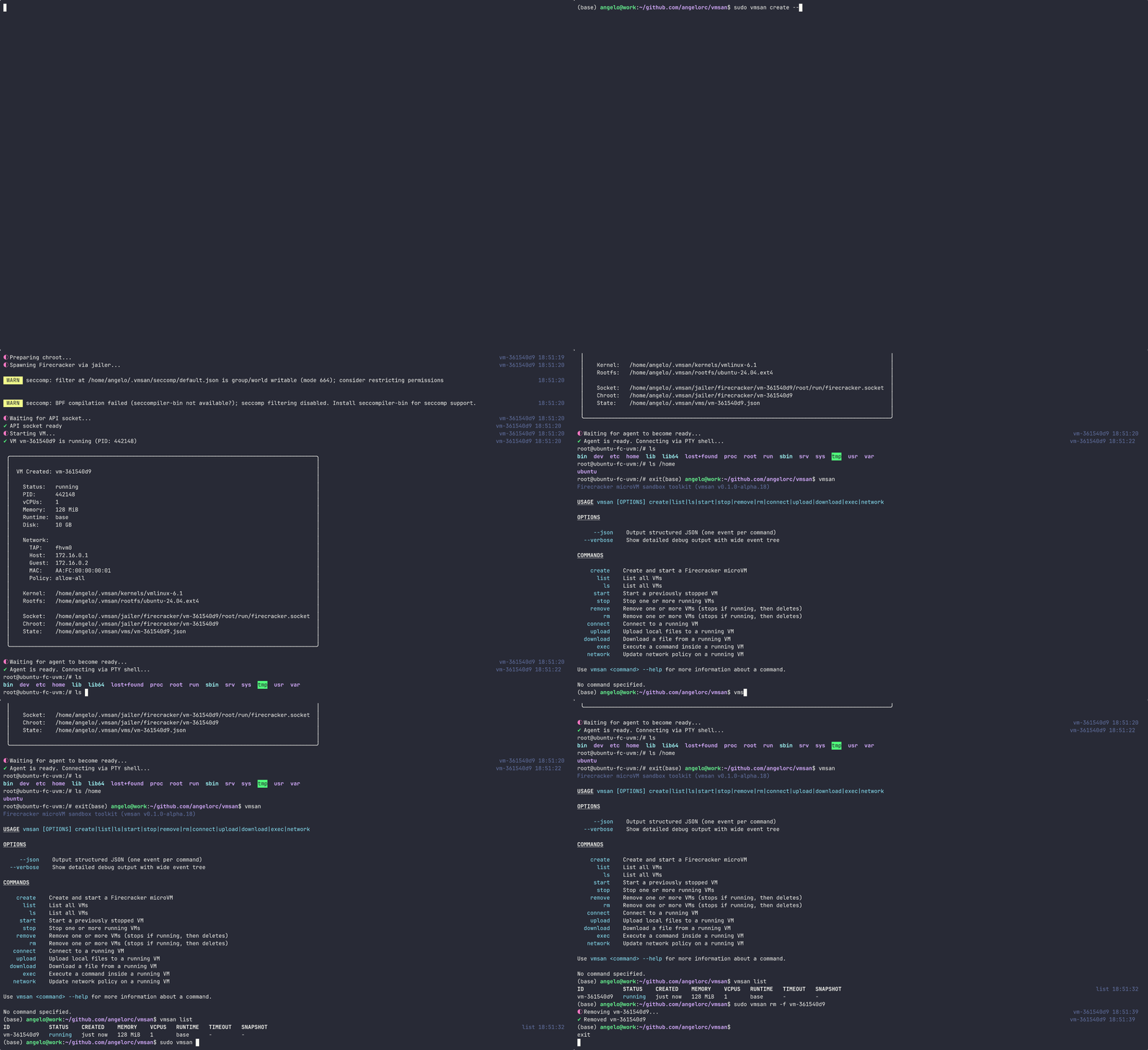
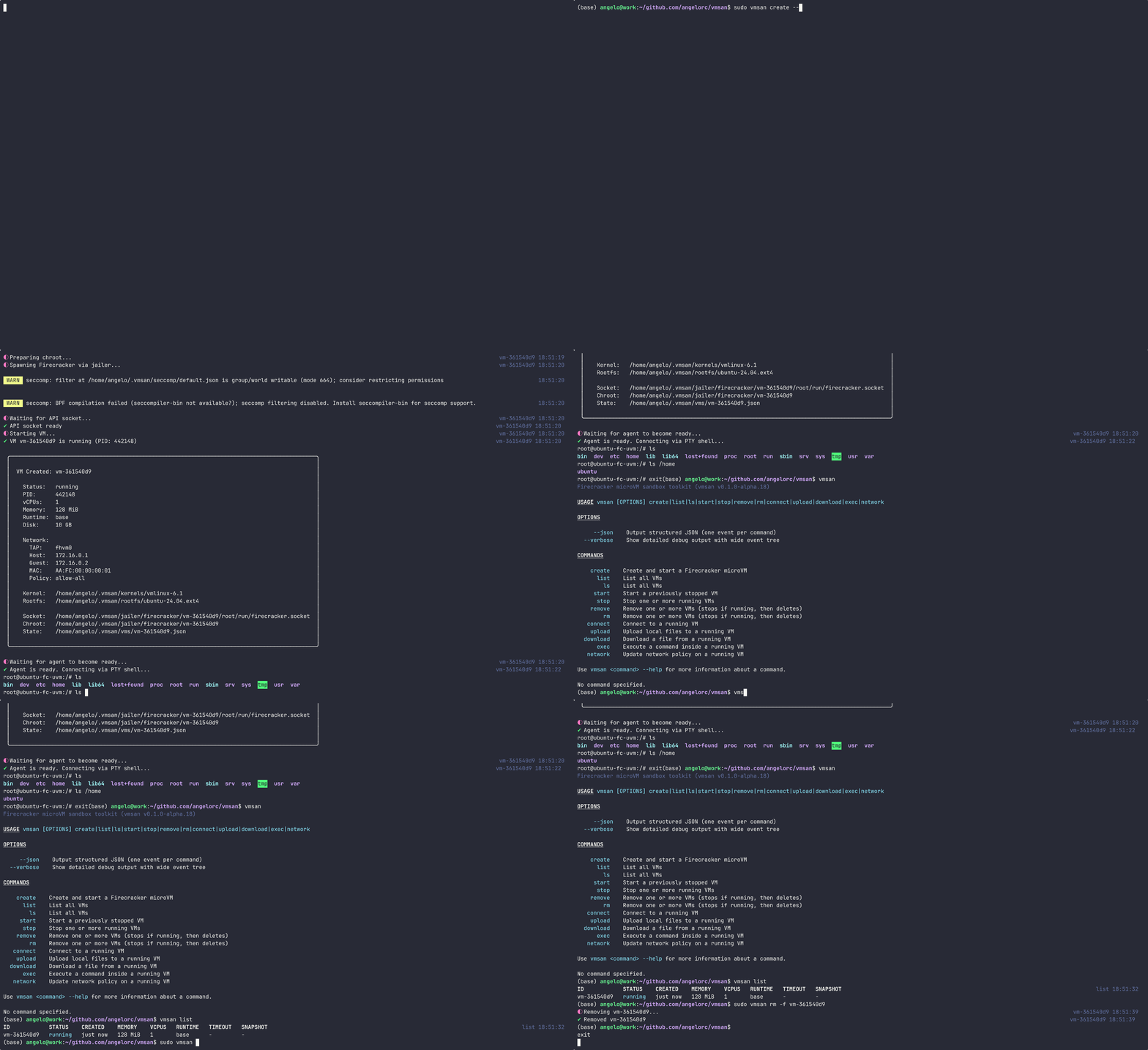
从命令行创建、管理和连接隔离的 Firecracker 微虚拟机。可在毫秒内启动沙盒虚拟机,运行命令,传输文件 —— 无需 SSH。
--from-image 从任意 OCI 镜像构建根文件系统base、node22、node24、python3.13--json 标志,用于脚本和自动化--from-image)curl -fsSL https://vmsan.dev/install | bash
这会下载并安装所有内容到 ~/.vmsan/:
node22、node24、python3.13)作为预构建工件下载标准版本安装会从 https://artifacts.vmsan.dev/ 下载内置运行时,无需 Docker。源码安装仍需在本地构建运行时。
curl -fsSL https://vmsan.dev/install | bash -s -- --uninstall
如果你希望从源码构建:
# 安装依赖
bun install

# 构建 VM 内代理
cd agent && make install && cd ..

# 构建 CLI
bun run build

# 链接本地构建
mkdir -p ~/.vmsan/bin
ln -sf "$(pwd)/dist/bin/cli.mjs" ~/.vmsan/bin/vmsan
# 创建并启动一个虚拟机
vmsan create --runtime node22 --memory 512 --cpus 2

# 从 Docker 镜像创建虚拟机
vmsan create --from-image node:22-alpine

# 列出所有虚拟机
vmsan list

# 在虚拟机内执行命令
vmsan exec <vm-id> ls -la

# 交互式执行(带 PTY)
vmsan exec -i <vm-id> bash

# 连接到运行中的虚拟机 Shell
vmsan connect <vm-id>

# 上传文件到虚拟机
vmsan upload <vm-id> ./local-file.txt /remote/path/file.txt

# 从虚拟机下载文件
vmsan download <vm-id> /remote/path/file.txt ./local-file.txt

# 对运行中的虚拟机创建快照
vmsan snapshot create <vm-id>

# 列出快照
vmsan snapshot list

# 从快照恢复虚拟机
vmsan create --snapshot <snapshot-id>

# 停止虚拟机
vmsan stop <vm-id>

# 移除虚拟机
vmsan remove <vm-id>
| 标志 | 描述 |
|---|---|
--json | 输出结构化 JSON |
--verbose | 显示详细调试输出 |
| 命令 | 别名 | 描述 |
|---|---|---|
create | 创建并启动一个新的微虚拟机 | |
list | ls | 列出所有虚拟机 |
start | 启动一个已停止的虚拟机 | |
stop | 停止一个运行中的虚拟机 | |
remove | rm | 移除一个虚拟机 |
exec | 在运行中的虚拟机内执行命令 | |
connect | 打开一个交互式 Shell 连接到虚拟机 | |
upload | 上传文件到虚拟机 | |
download | 从虚拟机下载文件 | |
network | 更新运行中虚拟机的网络策略 | |
snapshot | 管理虚拟机快照(创建、列出、删除) | |
doctor | 检查系统前提条件和安装健康状态 |
vmsan.toml(计划于 0.5.0 实现)nftables 的原子规则应用进行网络隔离(自 0.2.0 起)# 构建
bun run build
# 链接本地构建
ln -sf "$(pwd)/dist/bin/cli.mjs" ~/.vmsan/bin/vmsan
# 开发模式(监听变化)
bun run dev
# 运行测试
bun run test
# 类型检查
bun run typecheck
# 代码检查与格式化
bun run lint
bun run fmt
bin/            CLI entry point
src/
  commands/     CLI subcommands
  services/     Firecracker client, agent client, VM service
  lib/          Utilities (jailer, networking, shell, logging)
  errors/       Typed error system
  generated/    Firecracker API type definitions
agent/          Go agent that runs inside the VM
docs/           Documentation site (vmsan.dev)
/30 子网(198.19.{slot}.0/30)状态持久化存储在 ~/.vmsan/:
~/.vmsan/
  vms/          VM state files (JSON)
  jailer/       Chroot directories
  bin/          Agent binary
  kernels/      VM kernel images
  rootfs/       Base root filesystems
  registry/     Docker image rootfs cache
  snapshots/    VM snapshots
| vmsan | Docker | gVisor | Kata Containers | Vagrant | |
|---|---|---|---|---|---|
| 隔离级别 | ✅ 硬件(KVM) | ❌ 共享内核 | ⚠️ 用户态内核 | ✅ 硬件(QEMU/CH) | ✅ 硬件(VBox/VMware) |
| 启动时间 | ✅ ~125ms | ✅ ~50ms | ✅ ~5ms | ⚠️ ~200ms+ | ❌ 30-60s |
| 设置复杂度 | ✅ 一条命令 | ✅ 低 | ⚠️ 中等 | ❌ 高 | ⚠️ 中等 |
| 安全模型 | ✅ Jailer + seccomp + cgroups + 专用内核 | ⚠️ 命名空间 + cgroups | ⚠️ 系统调用过滤 | ✅ 完整虚拟机 + 嵌套容器 | ✅ 完整虚拟机 |
| 网络隔离 | ✅ 内置策略(允许/拒绝/自定义) | ❌ 手动(iptables) | ⚠️ 继承自 Docker | ❌ 手动 | ⚠️ NAT/桥接 |
| Docker 镜像支持 | ✅ --from-image | ✅ 原生 | ✅ 通过 runsc | ✅ 通过 containerd | ❌ |
| 交互式 Shell | ✅ WebSocket PTY | ✅ exec | ✅ exec | ✅ exec | ✅ SSH |
| 文件传输 | ✅ 内置上传/下载 | ✅ cp | ✅ cp | ✅ cp | ⚠️ 共享文件夹 / SCP |
| JSON 输出 | ✅ 所有命令 | ⚠️ 部分 | ❌ | ⚠️ 部分 | ❌ |
| 内存开销 | ✅ 每个虚拟机约 5 MiB | ✅ 约 1 MiB | ⚠️ 约 15 MiB | ❌ 约 30 MiB+ | ❌ 512 MiB+ |
| 最佳应用场景 | 🏆 AI 沙盒、不可信代码、多租户 | 通用工作负载 | K8s 加固 | K8s 合规 | 开发环境 |
为什么选择 vmsan? Docker 共享宿主机内核 — 容器逃逸意味着全盘崩溃。gVisor 在用户态拦截系统调用,减少了攻击面但仍未根除。Kata Containers 提供了真正的虚拟机隔离,但需要复杂的编排(containerd、shimv2、K8s)。Vagrant 启动完整的虚拟机,需要 30 多秒和数百 MB。
vmsan 利用 Firecracker 极小的攻击面(不到 5 万行代码)提供了 硬件级隔离,启动时间仅 毫秒级,并且 零配置 — 安装即用。
根据 APACHE-2.0 许可证发布。
由 @angelorc 和 社区 💛 制作
🤖 自动更新自 automd