
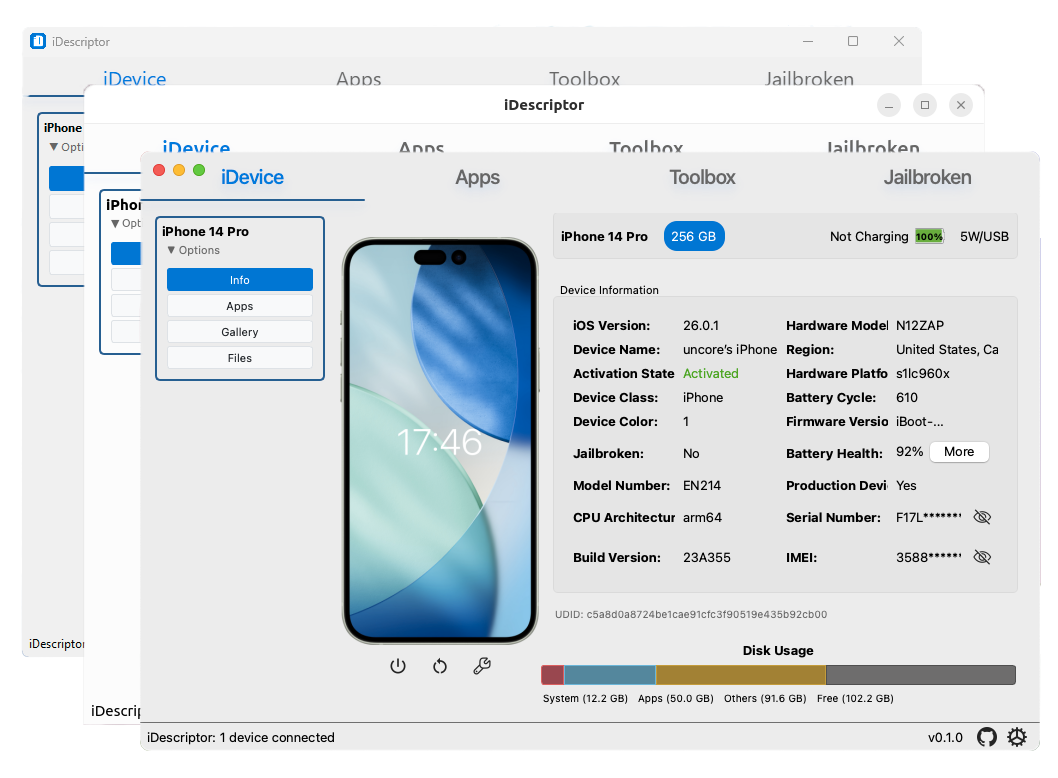
新发布Aug 8, 2026
iDescriptor v0.6.0
一款免费、开源且跨平台的 iDevice 管理工具

跨平台、开源且免费的 iDevice 管理工具,使用 Rust  和 Qt 编写











赞助商

美国首创的私密且安全的消费级蜂窝网络服务
美国首创的私密且安全的消费级蜂窝网络服务
下载
请勿从任何声称是我们官网的网站下载,我们只有 https://idescriptor.github.io,且发布仅会来自本仓库





安装说明
Windows
- 安装程序 (.msi):下载并运行安装程序。推荐大多数用户使用。
- 便携版 (.zip):解压并运行
iDescriptor.exe。无需安装。 - Choco:
choco install idescriptor --version=0.1.0
macOS
- Apple Silicon:下载适用于 M1/M2/M3/MX Mac 的
.dmg文件。
打开.dmg并将 iDescriptor 拖到 Applications 文件夹。
将应用移到 Applications 文件夹后,运行以下命令
xattr -c ~/Applications/iDescriptor.app
-
Intel:下载适用于 Intel Mac 的
.dmg文件。
打开.dmg并将 iDescriptor 拖到 Applications 文件夹。在 Intel Mac 上您通常不会遇到问题,但如果遇到了,查看这里。
Linux
- AppImage:下载,然后运行
chmod +x iDescriptor*.AppImage
- Arch Linux:从 AUR 安装:
yay -S idescriptor-git
Windows 11 (Acrylic) - v0.6.0
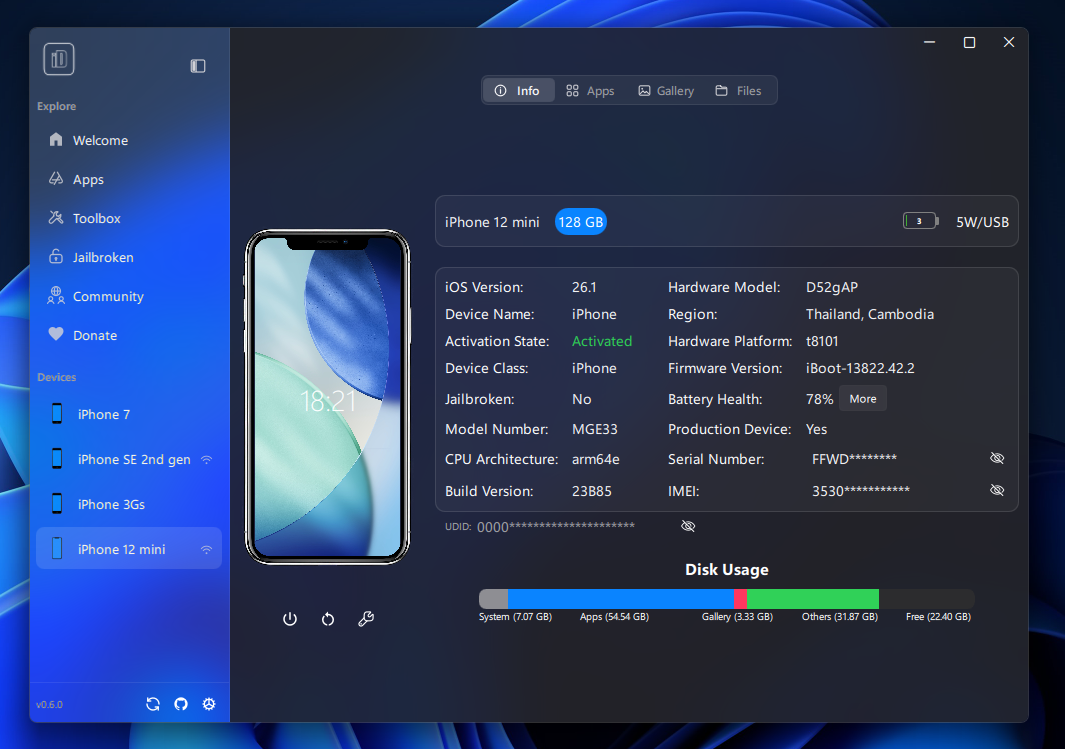
Windows 11 - v0.6.0
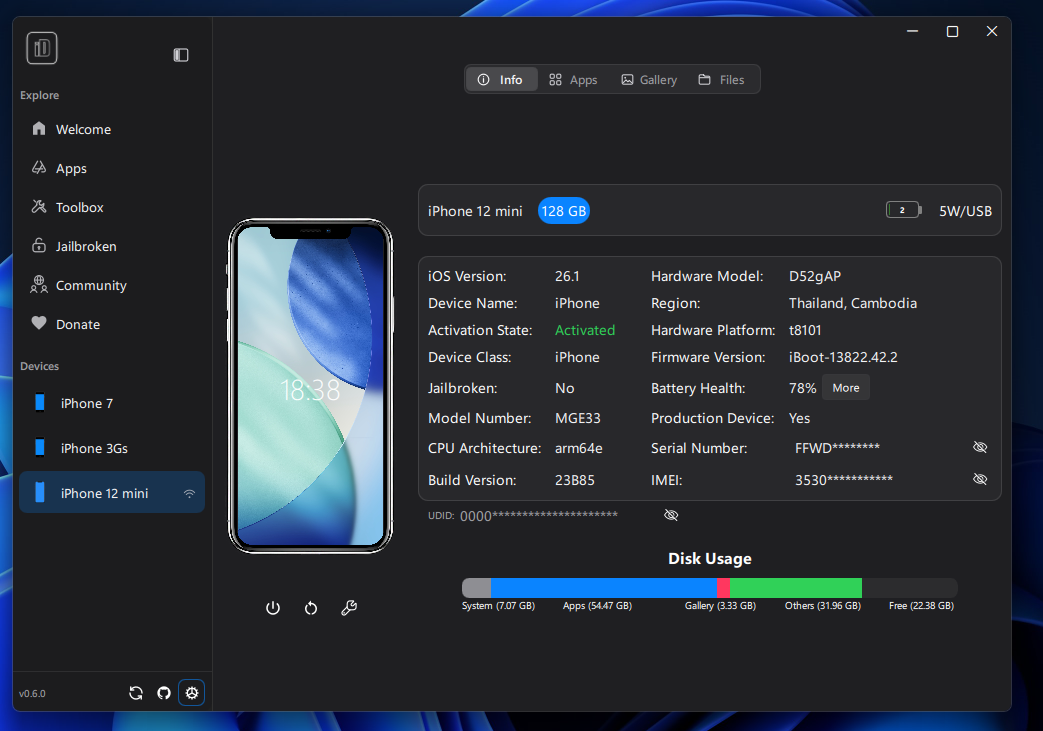
macOS - v0.6.0
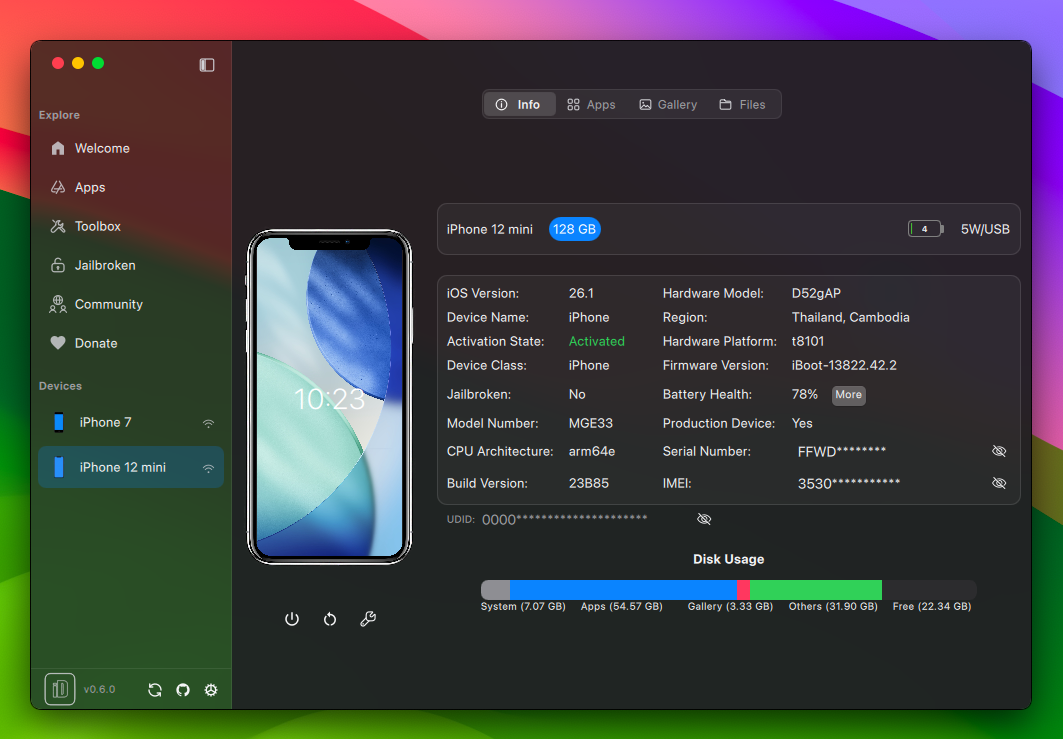
Linux (Gnome, Custom Window Enabled) - v0.6.0
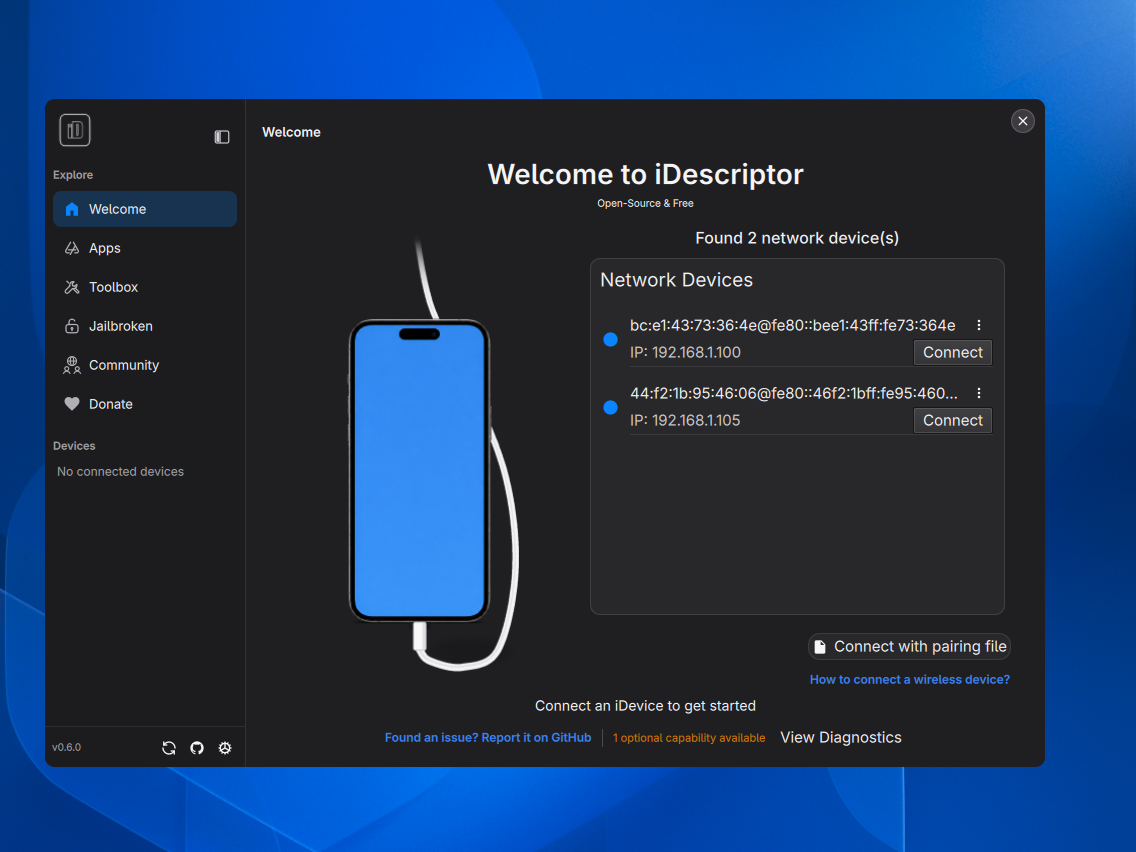
Linux (Gnome) - v0.6.0
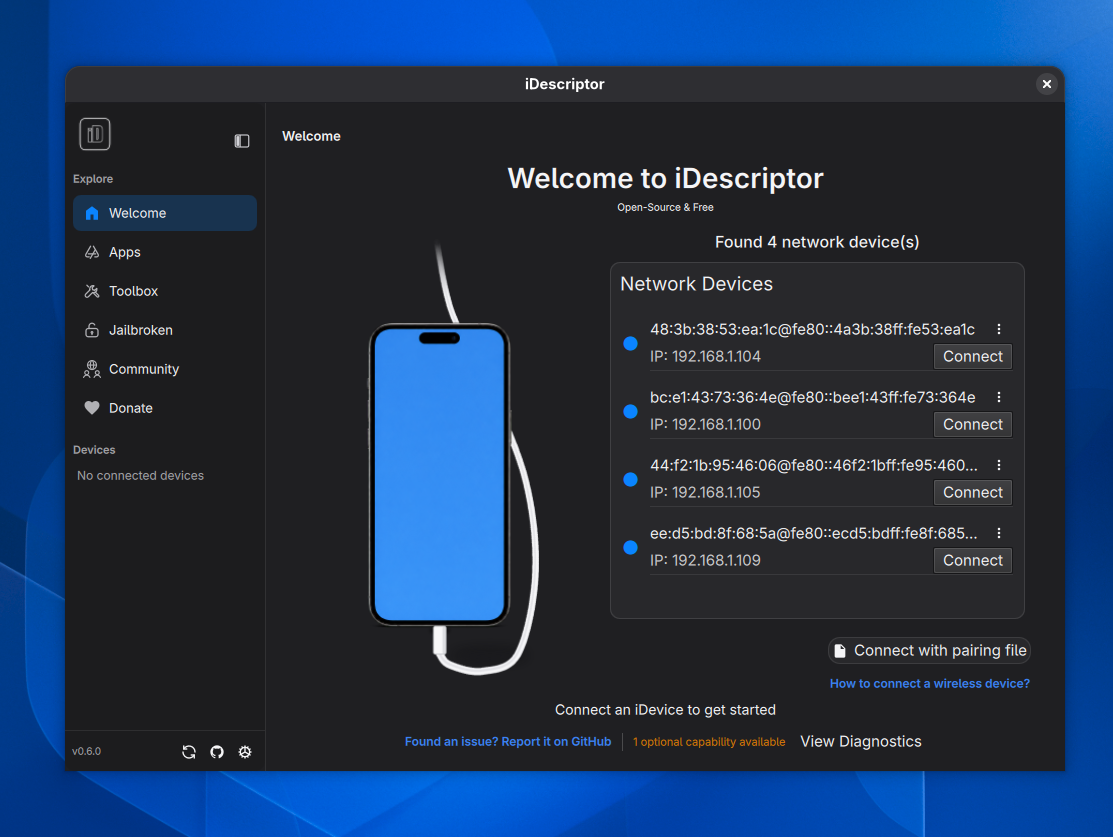
Linux (Ubuntu) - v0.6.0
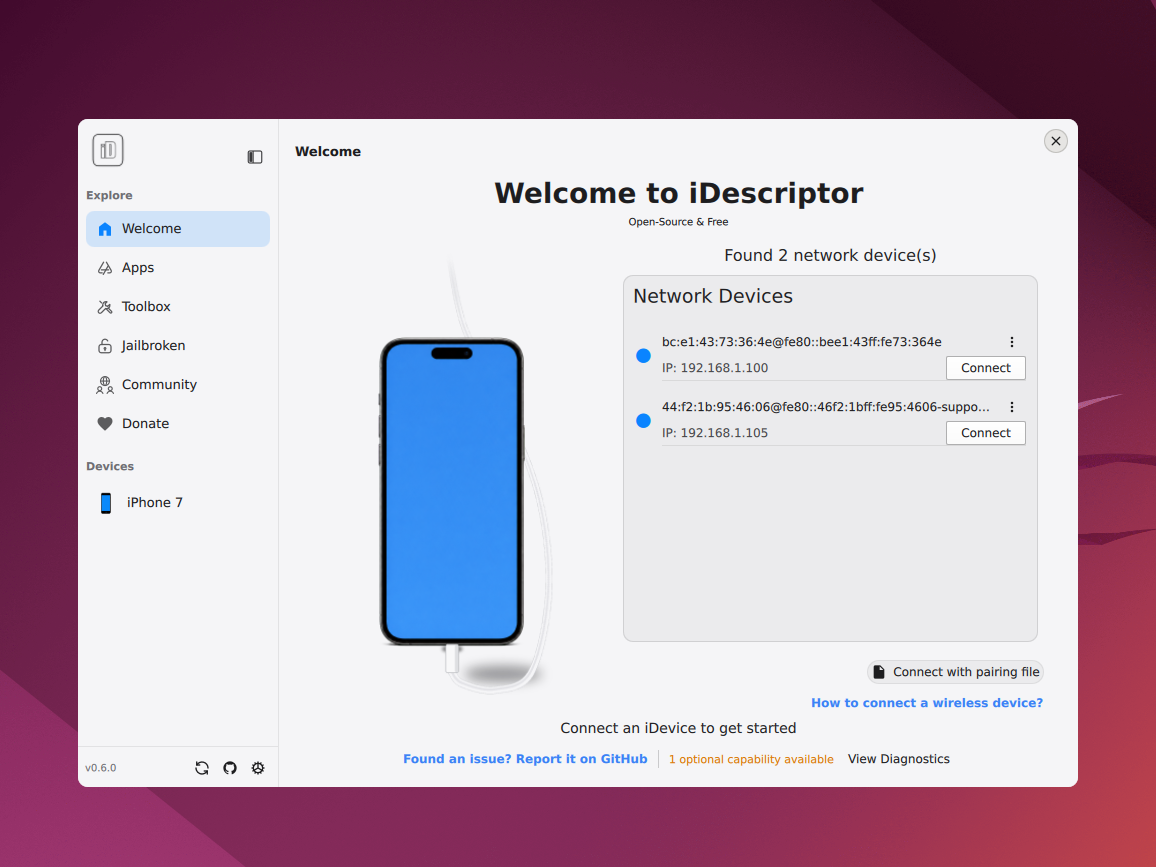
功能特性
连接
| 功能 | 状态 | 备注 |
|---|---|---|
| USB 连接 | ✅ 已实现 | 完全支持 Windows、macOS 和 Linux。 |
| 无线连接 | ✅ 已实现 | 自 v0.4.0 起支持 |