 nil0x42/duplicut
Remove duplicates from MASSIVE wordlist, without sorting it (for dictionary-based password cracking)






Duplicut removes duplicate lines from massive wordlists without changing their order. Keep the first occurrence of each word, even when the file exceeds RAM.
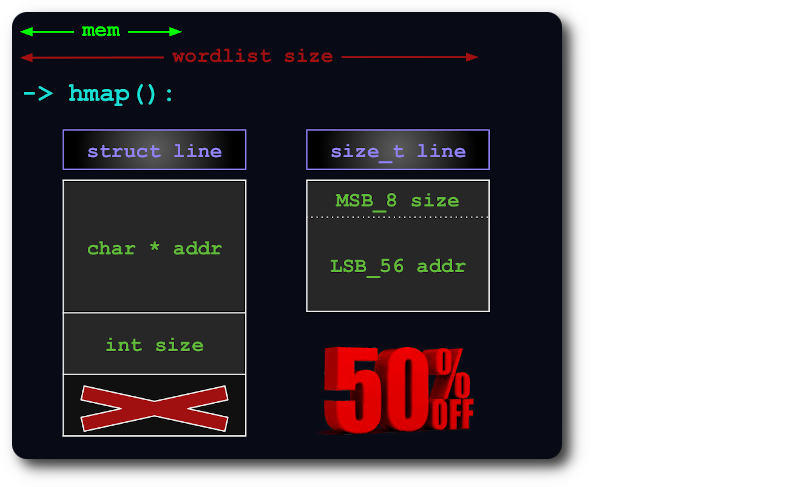
When combining password wordlists, the most likely candidates should stay first. Sorting changes that priority; keeping every unique word in memory can exhaust RAM. Duplicut is written in optimized C and automatically chooses between chunk-based scans and disk partitions to fit the available resources.
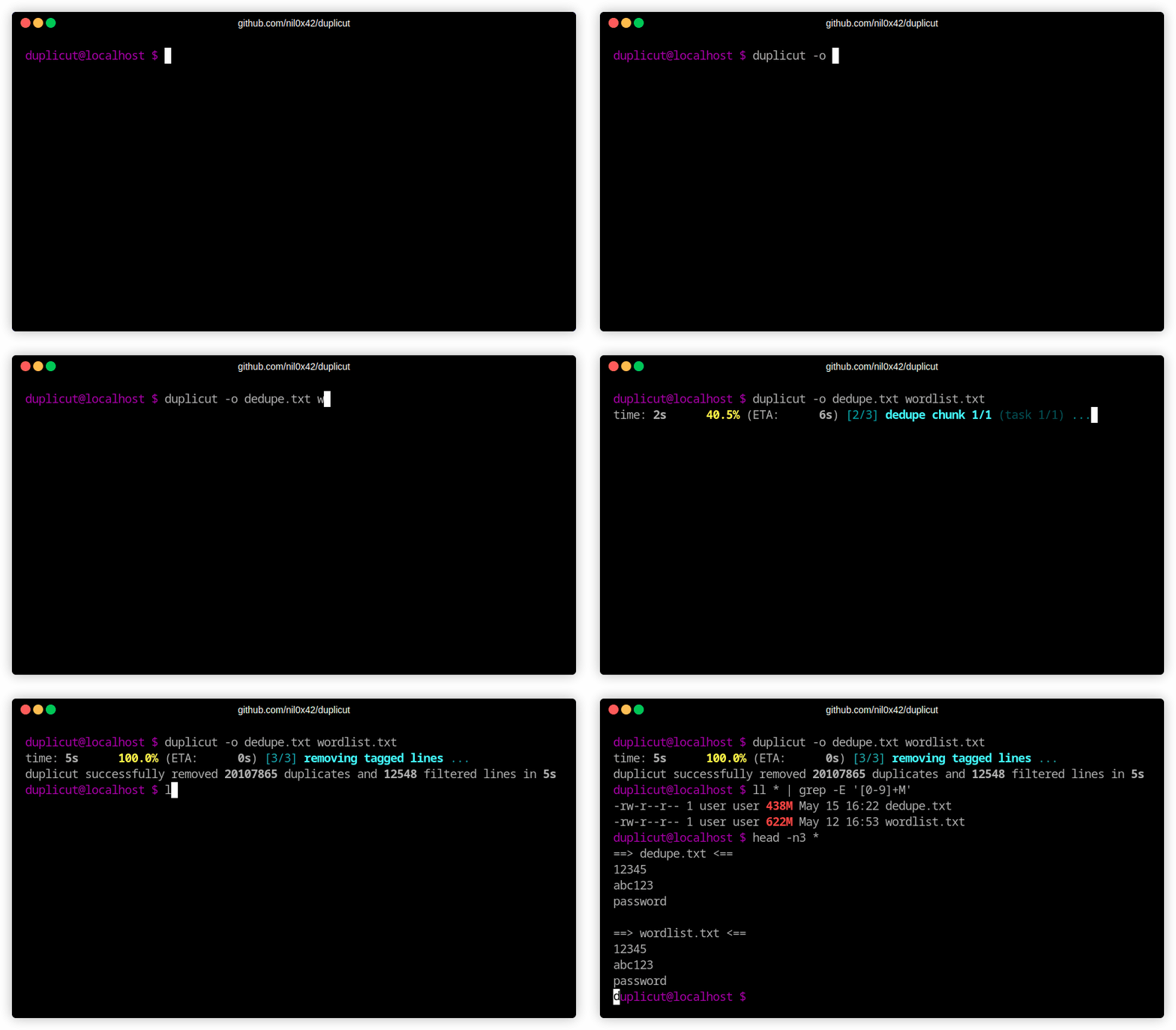
git clone https://github.com/nil0x42/duplicut  # download
cd duplicut && make                         # compile
./duplicut wordlist.txt > clean-wordlist.txt # dedupe
Prefer a ready-to-run binary? Download the matching Linux or macOS binary from the latest release. Linux and macOS builds are available for x64 and ARM64. Build and installation details.
Run ./duplicut --help for command-line help. Input comes from a named file or,
when omitted, from stdin. Results go to stdout unless -o is given; progress and
diagnostics go to stderr.
| Use | Option | Behavior |
|---|---|---|
| Output | -o, --outfile FILE | Write to a file instead of stdout. |
-D, --dupfile FILE | Save removed duplicate occurrences; adds I/O. | |
| Resources | -m, --memlimit VALUE | Working-memory budget, e.g. 100M or 2G; defaults to available memory. |
-t, --threads NUM | Maximum worker threads; defaults to online CPUs. | |
| Filtering | -l, --line-max-size NUM | Maximum line length in bytes; default 1024, maximum 4095. |
-p, --printable | Keep only printable ASCII lines. | |
| Case | -c, --lowercase | Convert to lowercase before deduplication. |
-C, --uppercase | Convert to uppercase before deduplication. | |
| Engine | -e, --engine ENGINE | auto (default), mmap-chunks or disk-partitions. |
| Information | -h, --help | Show help. |
-v, --version | Show version and license information. |
# Combine lists while preserving their priority
cat preferred.txt extra.txt | ./duplicut > combined.txt

# Normalize case and keep printable ASCII
./duplicut -cp wordlist.txt > clean-wordlist.txt

# Set a working-memory budget and save duplicate occurrences
./duplicut -m 100M -D duplicates.txt wordlist.txt -o unique.txt

# Append the result of this run to an existing file
./duplicut wordlist.txt >> combined.txt
Append mode deduplicates the new input, not the existing destination contents. See the usage guide for line handling and output behavior, and memory and disk use for what the memory budget covers.
On a laptop with 16 GB RAM and an NVMe SSD:
| Workload | Observed time |
|---|---|
| Real wordlist: about 285 million lines, 2.58 GiB | ~36 seconds |
| Generated wordlist: 20 GiB, larger than RAM | ~2 min 20 seconds |
These are measured workloads, not a throughput guarantee. Workloads, options and measurement details.
Documentation index · How it works · Troubleshooting · Development






