
Skip to content
KitploitKITPLOIT
ИнструментыЭксплойтыБлог
Log in
Отправить
ИнструментыЭксплойтыБлог
Отправить

Инструменты для хакинга, пентеста и кибербезопасности — ваш арсенал защиты!

Kitploit — это каталог инструментов для хакинга, кибербезопасности и пентестинга. Находите последние обновления проектов для поиска уязвимостей, анализа систем, автоматизации тестирования и усиления вашей безопасности.

ЛентыКонтактыКонфиденциальность© 2026 Kitploit

Каталог инструментов

Категории

Все категории
Loading categories
AutoPWN-Suite — AutoPWN Suite — это проект для сканирования уязвимостей и автоматического эксплуатирования систем. | Kitploit
Инструменты/GitHubGitHub/gamehunterkaan/autopwn-suite
РазведкаСканеры уязвимостейСканирование портовЭксплуатацияСбор информацииВеб-безопасностьСетевая безопасностьТестирование на Проникновение
GitHubgamehunterkaan/autopwn-suite

AutoPWN-Suite

AutoPWN Suite — это проект для сканирования уязвимостей и автоматического эксплуатирования систем.

1.1k137633 дней назадПроверено Kitploit
Поделиться
Репозиторий
Сайт
Контент недоступен на запрошенном языке. Показываем английскую версию.

AutoPWN Suite

AutoPWN Suite is a project for scanning vulnerabilities and exploiting systems automatically.

tests security policy dynamic analysis release license: Apache 2.0 Python 3.11.5+
Security Badges
OpenSSF Best Practices Passing OpenSSF Best Practices Silver OpenSSF Best Practices Gold
OpenSSF Baseline 1 OpenSSF Baseline 2 OpenSSF Baseline 3
OpenSSF Scorecard

Banner

Quick start

  1. Install Nmap (needed for network scans, not for website-only dashboard scans) and AutoPWN Suite with pipx or uv. It needs Python 3.11.5 or newer. See Installation for standalone binaries, Docker and other options:

    pipx install autopwn-suite
    
  2. Scan a host or network that you are authorized to test:

    autopwn-suite -t <target ip address>
    
  3. Or start the web dashboard, then sign in with the admin account whose random password is printed once in the terminal on first launch:

    autopwn-suite --web
    

Use -h for all options. Report problems through support and vulnerabilities privately through the security policy.

Security expectations

AutoPWN Suite is an operator-controlled scanner that runs with your privileges and stores integration credentials in plaintext JSON. Scan only systems you are authorized to test, do not expose the dashboard to the public internet, keep it behind HTTPS and trusted network controls, and verify releases before use. See the security policy for reporting, response times and deployment guidance.

Achievements and project health

The badges at the top show the status that OpenSSF Best Practices project 15518 reports for the Best Practices levels and the OpenSSF Baseline levels. They are updated by OpenSSF, not by this repository. The roadmap lists planned work and non-goals, and the continuity plan describes maintainer succession.

Features

Project documentation: build from source, dependency management, architecture, interfaces, governance, changelog, release verification, and security policy, support lifecycle, threat model, secret management, and security checks, roadmap, access continuity, accessibility and internationalization.

CLI

  • Fully automatic scanning and exploitation
  • Detect network IP range without any user input
  • Vulnerability detection based on service versions
  • Web app vulnerability candidates (Unix/Windows LFI, reflected XSS, error-based SQLI)
  • Web response header and cookie configuration advisories
  • Web app directory discovery with catch-all page filtering
  • Get information about vulnerabilities right from your terminal
  • Automatically download exploits related to discovered vulnerabilities
  • Noise mode for creating traffic on the network
  • Evasion mode for stealthy scanning
  • Automatically select scan types based on privilege level
  • Easy to read output with rich formatting
  • Specify arguments using a config file
  • Send scan results via webhook or email
  • Works on Windows, macOS and Linux
  • Use as a module
  • Use as a daemon to periodically scan the network

Web UI

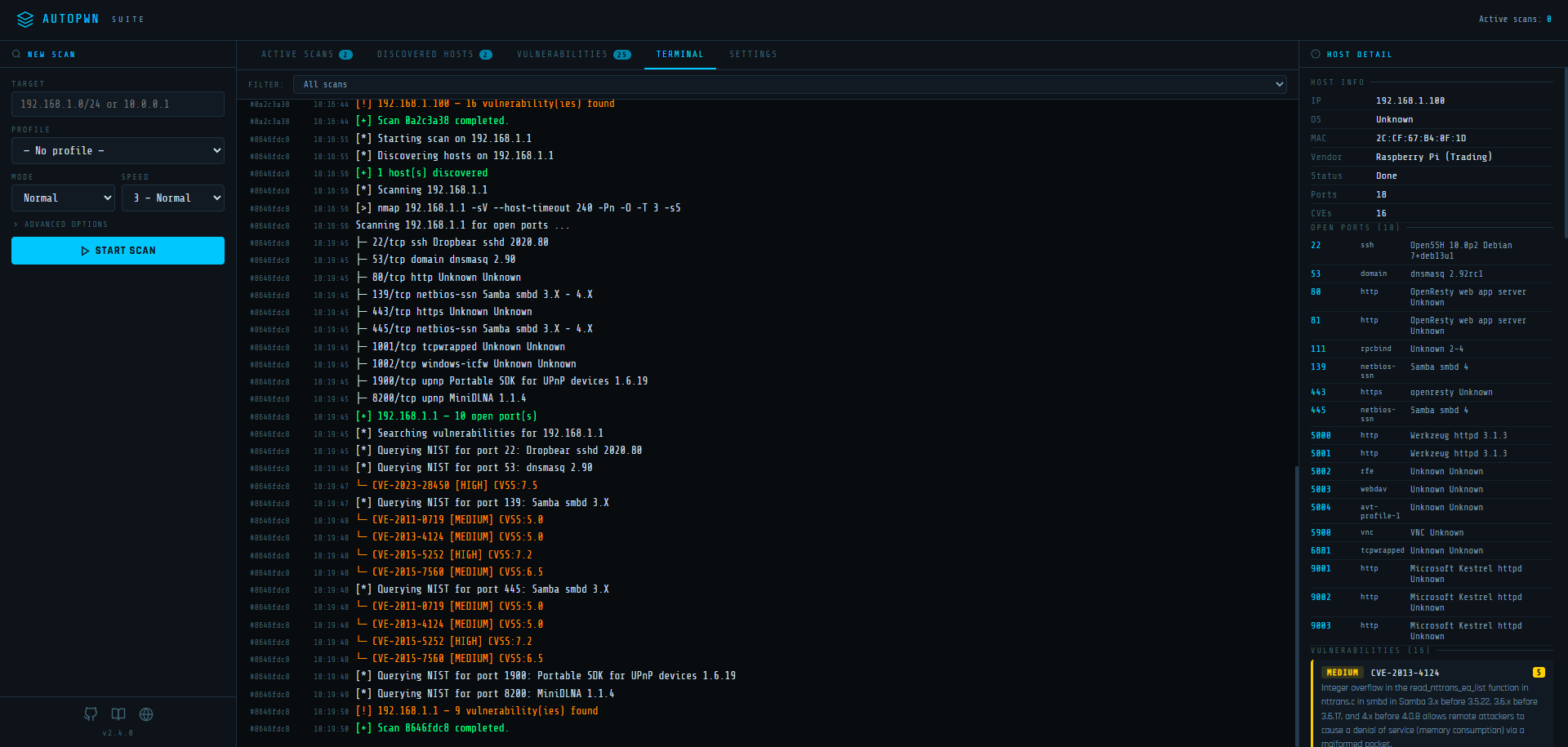
AutoPWN Suite includes a built-in web dashboard for managing scans from your browser.
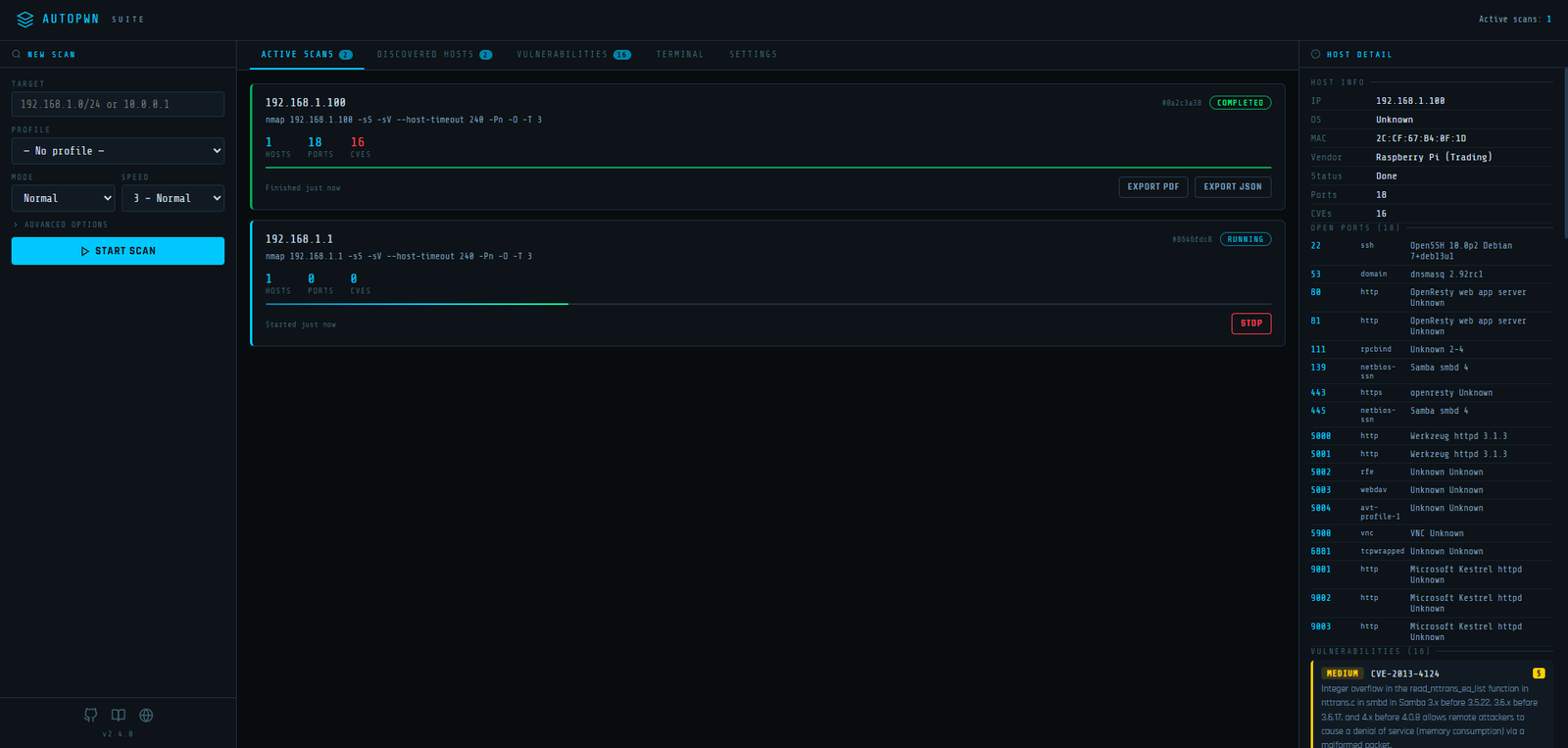
Web UI Dashboard

Скачать инструмент

Популярное

Смотреть все →

Откройте для себя самые используемые инструменты нашего сообщества.

  • 1

    OsintHunter

    letox4/osinthunter

    🎯 Полный набор инструментов OSINT: граф расследования, оценка достоверности, семейства псевдонимов, карта, временная шкала и отчёты. 49 модулей, более 400 сайтов, API-ключи не требуются.

    795
  • 2

    ghostlock-app

    yukonga/ghostlock-app

    # Приложение GhostLock с запуском в один клик (CVE-2026-43499)

    520
  • 3

    ARTEX

    baarai/artex

    Платформа автономного тестирования на проникновение на основе мультиагентной LLM с агентами-планировщиками и агентами-исполнителями, графами активов и исследования, записью MITM-трафика и повторной проверкой уязвимостей.

    439
  • 4

    redforge

    cybersecurity91/redforge

    Браузерный инструментарий для red team с 102 офлайн-инструментами для разведки, генерации полезной нагрузки, атак на учётные данные, криптографии, кодирования и отчётности по проектам.

    346
  • 5

    looking-glass

    anonghosty/looking-glass

    Платформа CSIRT, которая загружает отчёты Shadowserver в MongoDB и воспроизводит их в виде интерактивных карт, аналитики, результатов, рекомендаций и исполнительных дашбордов.

    267
  • 6

    CyberStrikeAI

    ed1s0nz/cyberstrikeai

    Система действий для кибербезопасности на базе ИИ — где намерение превращается в управляемое исполнение, доказательства становятся оперативной памятью, а каждая операция улучшает следующую.

    264

Изучить все инструменты

Просмотрите нашу коллекцию инструментов

Смотреть все инструменты →