
sherlock v0.16.2
Разыскивайте аккаунты в социальных сетях по имени пользователя

Отслеживайте аккаунты в социальных сетях по имени пользователя в более чем 400 социальных сетях
Установка • Использование • Участие в разработке
Установка

[!WARNING]
Пакеты для ParrotOS и Ubuntu 24.04, поддерживаемые третьей стороной, по-видимому, сломаны.
Пользователям этих систем следует использоватьuv/pipx/pipили Docker.
| Способ | Примечания |
|---|---|
pipx install sherlock-project | Вместо pipx можно использовать pip или uv |
docker run -it --rm sherlock/sherlock | |
dnf install sherlock-project |
Пакеты, поддерживаемые сообществом, доступны для Debian (>= 13), Ubuntu (>= 22.10), Homebrew, Kali и BlackArch. Эти пакеты не поддерживаются и не сопровождаются напрямую проектом Sherlock.
Смотрите все альтернативные способы установки здесь.
Общее использование
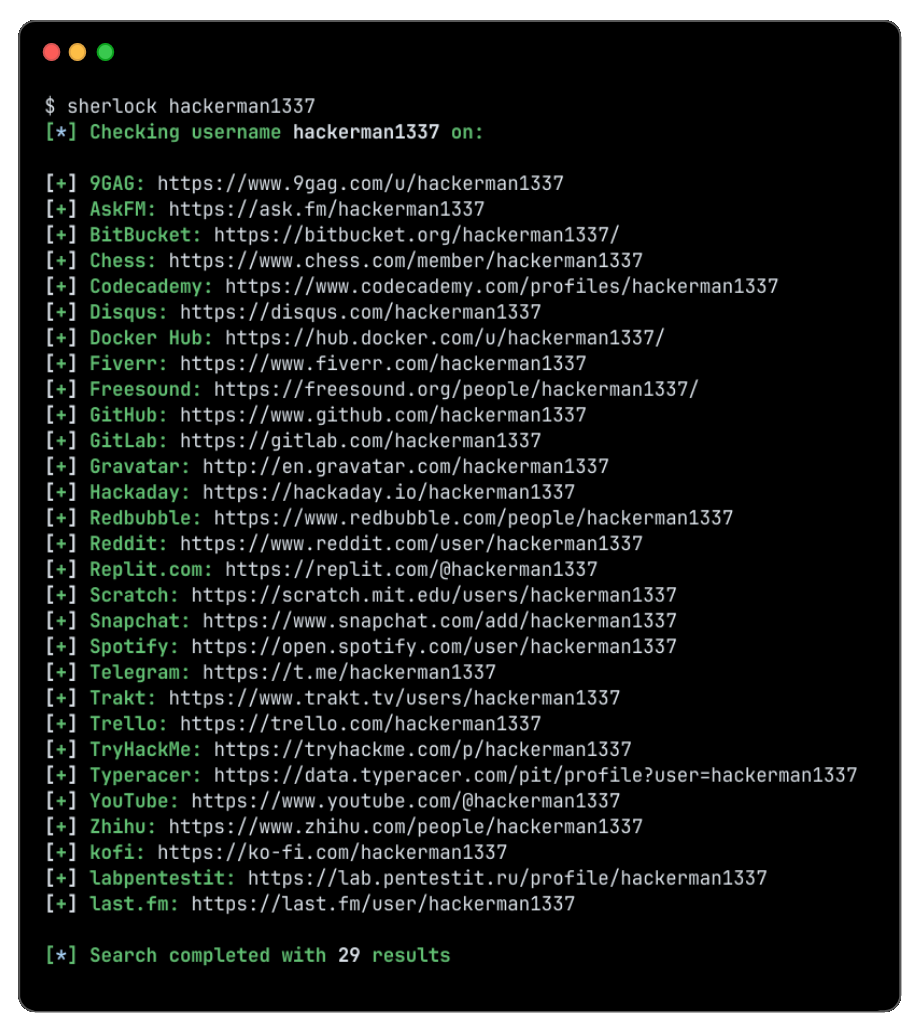
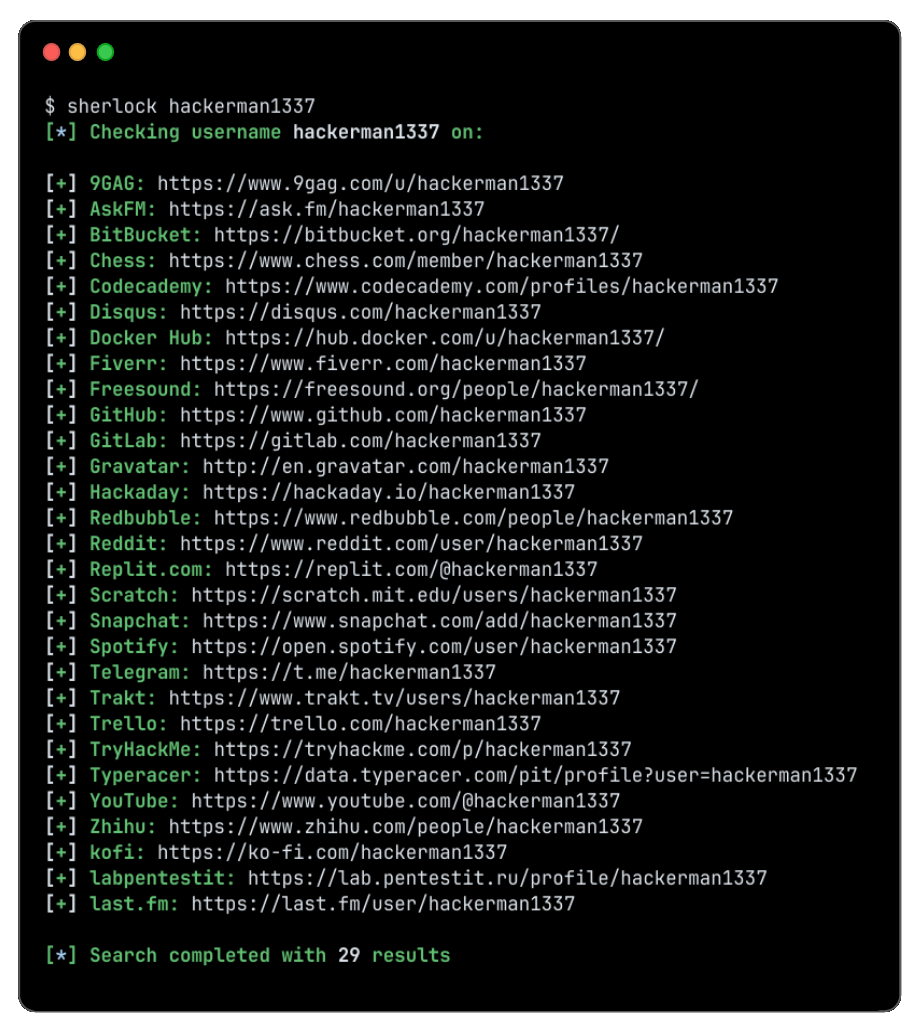
Чтобы найти только одного пользователя:
sherlock user123
Чтобы найти более одного пользователя:
sherlock user1 user2 user3
Найденные аккаунты будут сохранены в отдельный текстовый файл с соответствующим именем пользователя (например, user123.txt).
$ sherlock --help
usage: sherlock [-h] [--version] [--verbose] [--folderoutput FOLDEROUTPUT] [--output OUTPUT] [--csv] [--xlsx] [--site SITE_NAME] [--proxy PROXY_URL] [--dump-response]
                [--json JSON_FILE] [--timeout TIMEOUT] [--print-all] [--print-found] [--no-color] [--browse] [--local] [--nsfw] [--txt] [--ignore-exclusions]
                USERNAMES [USERNAMES ...]

Sherlock: Find Usernames Across Social Networks (Version 0.16.0)

positional arguments:
  USERNAMES             One or more usernames to check with social networks. Check similar usernames using {?} (replace to '_', '-', '.').

options:
  -h, --help            show this help message and exit
  --version             Display version information and dependencies.
  --verbose, -v, -d, --debug
                        Display extra debugging information and metrics.
  --folderoutput FOLDEROUTPUT, -fo FOLDEROUTPUT
                        If using multiple usernames, the output of the results will be saved to this folder.
  --output OUTPUT, -o OUTPUT
                        If using single username, the output of the result will be saved to this file.
  --csv                 Create Comma-Separated Values (CSV) File.
  --xlsx                Create the standard file for the modern Microsoft Excel spreadsheet (xlsx).
  --site SITE_NAME      Limit analysis to just the listed sites. Add multiple options to specify more than one site.
  --proxy PROXY_URL, -p PROXY_URL
                        Make requests over a proxy. e.g. socks5://127.0.0.1:1080
  --dump-response       Dump the HTTP response to stdout for targeted debugging.
  --json JSON_FILE, -j JSON_FILE
                        Load data from a JSON file or an online, valid, JSON file. Upstream PR numbers also accepted.
  --timeout TIMEOUT     Time (in seconds) to wait for response to requests (Default: 60)
  --print-all           Output sites where the username was not found.
  --print-found         Output sites where the username was found (also if exported as file).
  --no-color            Don't color terminal output
  --browse, -b          Browse to all results on default browser.
  --local, -l           Force the use of the local data.json file.
  --nsfw                Include checking of NSFW sites from default list.
  --txt                 Enable creation of a txt file
  --ignore-exclusions   Ignore upstream exclusions (may return more false positives)
Благодарности
Спасибо всем, кто внёс вклад в Sherlock! ❤️
История звёзд
Лицензия
MIT © Sherlock Project
Создатель - Siddharth Dushantha