
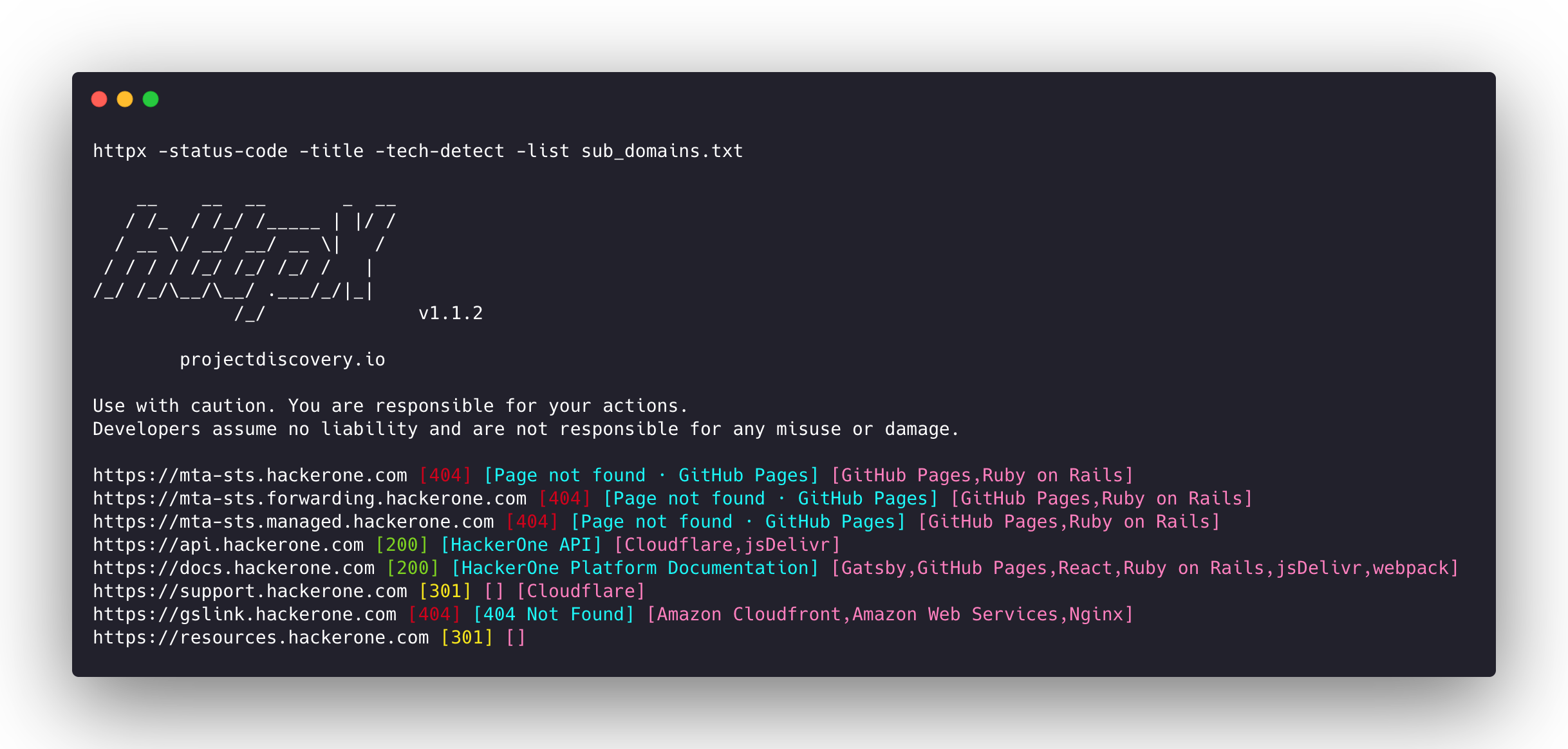
httpx v1.10.0
Ferramenta HTTP rápida e multiprobe para reconhecimento e coleta de informações. Testa TLS, CSP, cabeçalhos, pilha tecnológica e CDN. Suporta correspondências, filtros e saída JSON para testes automatizados de segurança.



Recursos • Instalação • Uso • Documentação • Notas • Entre no Discord
httpx é um kit de ferramentas HTTP rápido e versátil que permite executar múltiplas sondagens usando a biblioteca retryablehttp. Ele foi projetado para manter a confiabilidade dos resultados com um número maior de threads.
Recursos
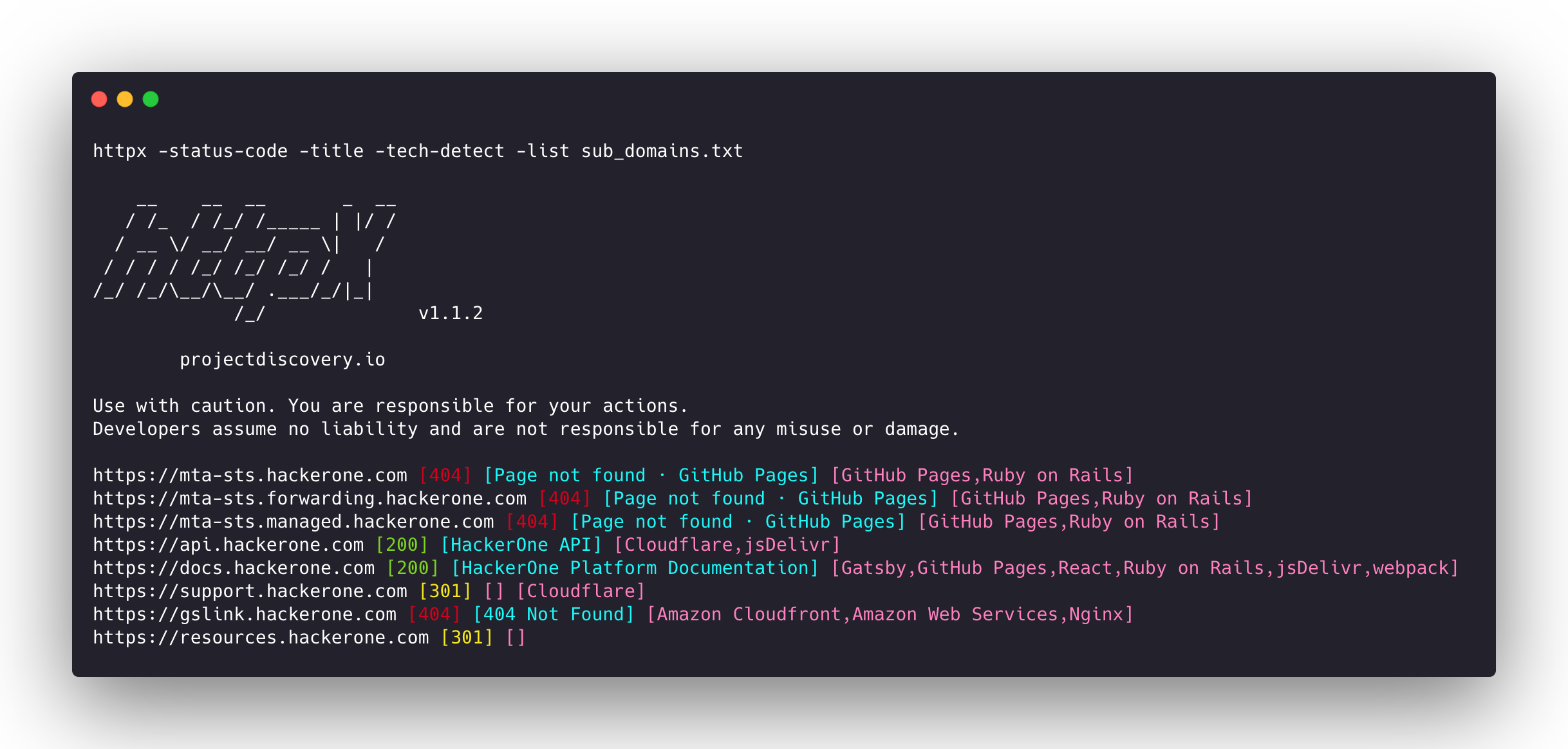
- Base de código simples e modular, facilitando contribuições.
- Flags rápidas e totalmente configuráveis para sondar múltiplos elementos.
- Suporta múltiplas sondagens baseadas em HTTP.
- Fallback automático inteligente de https para http por padrão.
- Suporta hosts, URLs e CIDR como entrada.
- Lida com casos extremos realizando novas tentativas, backoffs etc. para lidar com WAFs.
Sondagens suportadas
| Sondagens | Verificação padrão | Sondagens | Verificação padrão |
|---|---|---|---|
| URL | true | IP | true |
| Title | true | CNAME | true |
| Status Code | true | Raw HTTP | false |
| Content Length | true | HTTP2 | false |
| TLS Certificate | true | HTTP Pipeline | false |
| CSP Header | true | Virtual host | false |
| Line Count | true | Word Count | true |
| Location Header | true | CDN | false |
| Web Server | true | Paths | false |
| Web Socket | true | Ports | false |
| Response Time | true | Request Method | true |
| Favicon Hash | false | Probe Status | false |
| Body Hash | true | Header Hash | true |
| Redirect chain | false | URL Scheme | true |
| JARM Hash | false | ASN | false |
Instruções de Instalação
httpx requer go >=1.26.10 para ser instalado com sucesso. Execute o seguinte comando para obter o repositório:
go install -v github.com/projectdiscovery/httpx/cmd/httpx@latest
Para saber mais sobre como instalar o httpx, consulte https://docs.projectdiscovery.io/tools/httpx/install.
| ❗ Aviso legal |
|---|
| Este projeto está em desenvolvimento ativo. Espere mudanças que quebram compatibilidade entre versões. Revise o changelog antes de atualizar. |
| Este projeto foi construído principalmente para ser usado como uma ferramenta CLI autônoma. Executá-lo como serviço pode apresentar riscos de segurança. Recomenda-se usá-lo com cautela e medidas de segurança adicionais. |
Uso
httpx -h
Isso exibirá a ajuda para a ferramenta. Aqui estão todas as opções que ela suporta.
httpx is a fast and multi-purpose HTTP toolkit that allows running multiple probes using the retryablehttp library.

Usage:
  ./httpx [flags]

Flags:
INPUT:
   -l, -list string              input file containing list of hosts to process
   -rr, -request string          file containing raw request
   -u, -target string[]          input target host(s) to probe
   -im, -input-mode string       mode of input file (burp)

PROBES:
   -sc, -status-code                      display response status-code
   -cl, -content-length                   display response content-length
   -ct, -content-type                     display response content-type
   -location                              display response redirect location
   -favicon                               display mmh3 hash for '/favicon.ico' file
   -hash string                           display response body hash (supported: md5,mmh3,simhash,sha1,sha256,sha512)
   -jarm                                  display jarm fingerprint hash
   -rt, -response-time                    display response time
   -lc, -line-count                       display response body line count
   -wc, -word-count                       display response body word count
   -title                                 display page title
   -bp, -body-preview                     display first N characters of response body (default 100)
   -server, -web-server                   display server name
   -td, -tech-detect                      display technology in use based on wappalyzer dataset
   -cff, -custom-fingerprint-file string  path to a custom fingerprint file for technology detection
   -kb, -knowledge-base                   enable knowledge base classification
   -method                                display http request method
   -ws, -websocket                        display server using websocket
   -ip                                    display host ip
   -cname                                 display host cname
   -extract-fqdn, -efqdn                  get domain and subdomains from response body and header in jsonl/csv output
   -asn                                   display host asn information
   -cdn                                   display cdn/waf in use (default true)
   -probe                                 display probe status

HEADLESS:
   -ss, -screenshot                 enable saving screenshot of the page using headless browser
   -system-chrome                   enable using local installed chrome for screenshot
   -ho, -headless-options string[]  start headless chrome with additional options
   -esb, -exclude-screenshot-bytes  enable excluding screenshot bytes from json output
   -ehb, -exclude-headless-body     enable excluding headless header from json output
   -no-screenshot-full-page         disable saving full page screenshot
   -st, -screenshot-timeout value   set timeout for screenshot in seconds (default 10s)
   -sid, -screenshot-idle value     set idle time before taking screenshot in seconds (default 1s)
   -jsc, -javascript-code string[]  execute JavaScript code after navigation