 ultrafunkamsterdam/undetected-chromedriver
커스텀 Selenium Chromedriver | 제로 구성 | 모든 봇 차단 시스템 통과 (예: Distil / Imperva/ Datadadome / CloudFlare IUAM)

https://github.com/ultrafunkamsterdam/undetected-chromedriver
Distill Network / Imperva / DataDome / Botprotect.io 같은 안티봇 서비스를 트리거하지 않는 최적화된 Selenium Chromedriver 패치입니다. 드라이버 바이너리를 자동으로 다운로드하고 패치합니다.
pip install undetected-chromedriver
또는 , 모험심이 있다면, github을 통해 직접 설치하세요.```
pip install git+https://www.github.com/ultrafunkamsterdam/undetected-chromedriver@master     # replace @master with @branchname for other branches
이슈 트래커에 제한을 두겠습니다. 너무 오랫동안 남용되었습니다.
좋은 소식이라도 있나요?
네, Undetected-Discussions를 열었습니다. 장기적으로 우리에게 더 도움이 될 것이라고 생각합니다.
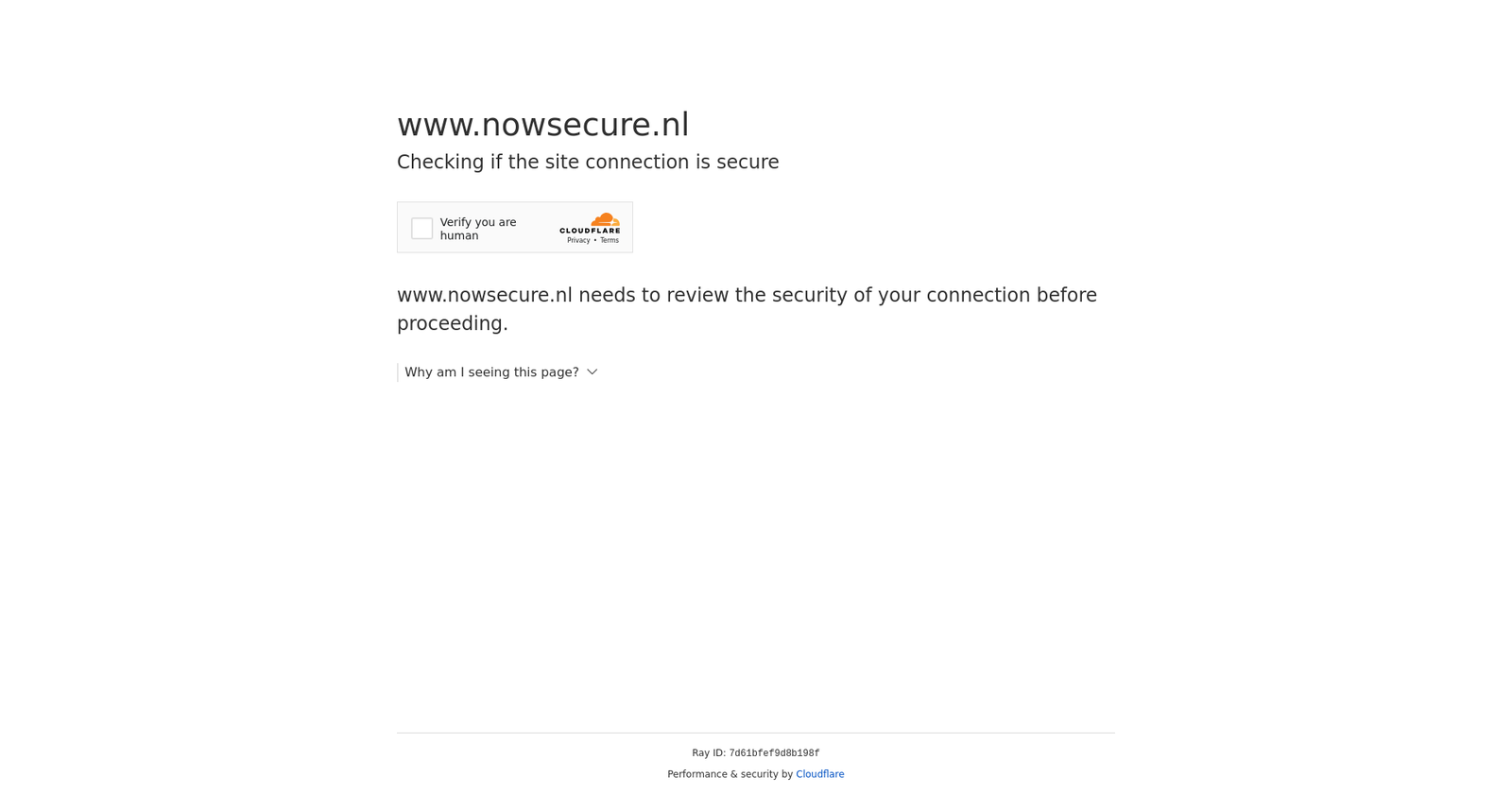
이 패키지는 IP 주소를 숨기지 않습니다. 반복하지만, IP 주소를 숨기지 않습니다. 따라서 데이터센터(작은 데이터센터라도)에서 실행하면 통과하지 못할 가능성이 높습니다! 또한, 집에서 사용하는 IP 평판이 낮다면 통과하지 못할 것입니다!
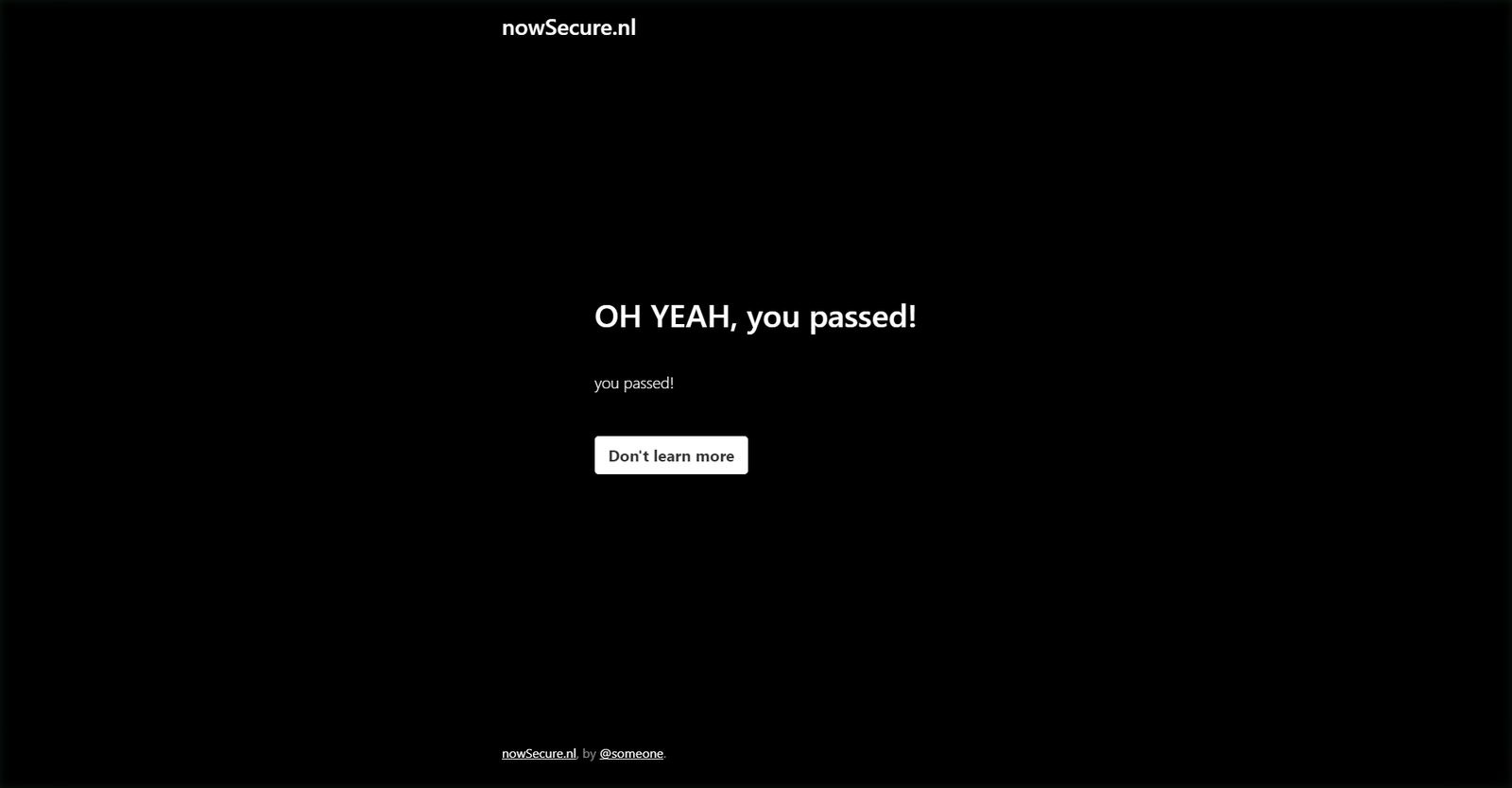
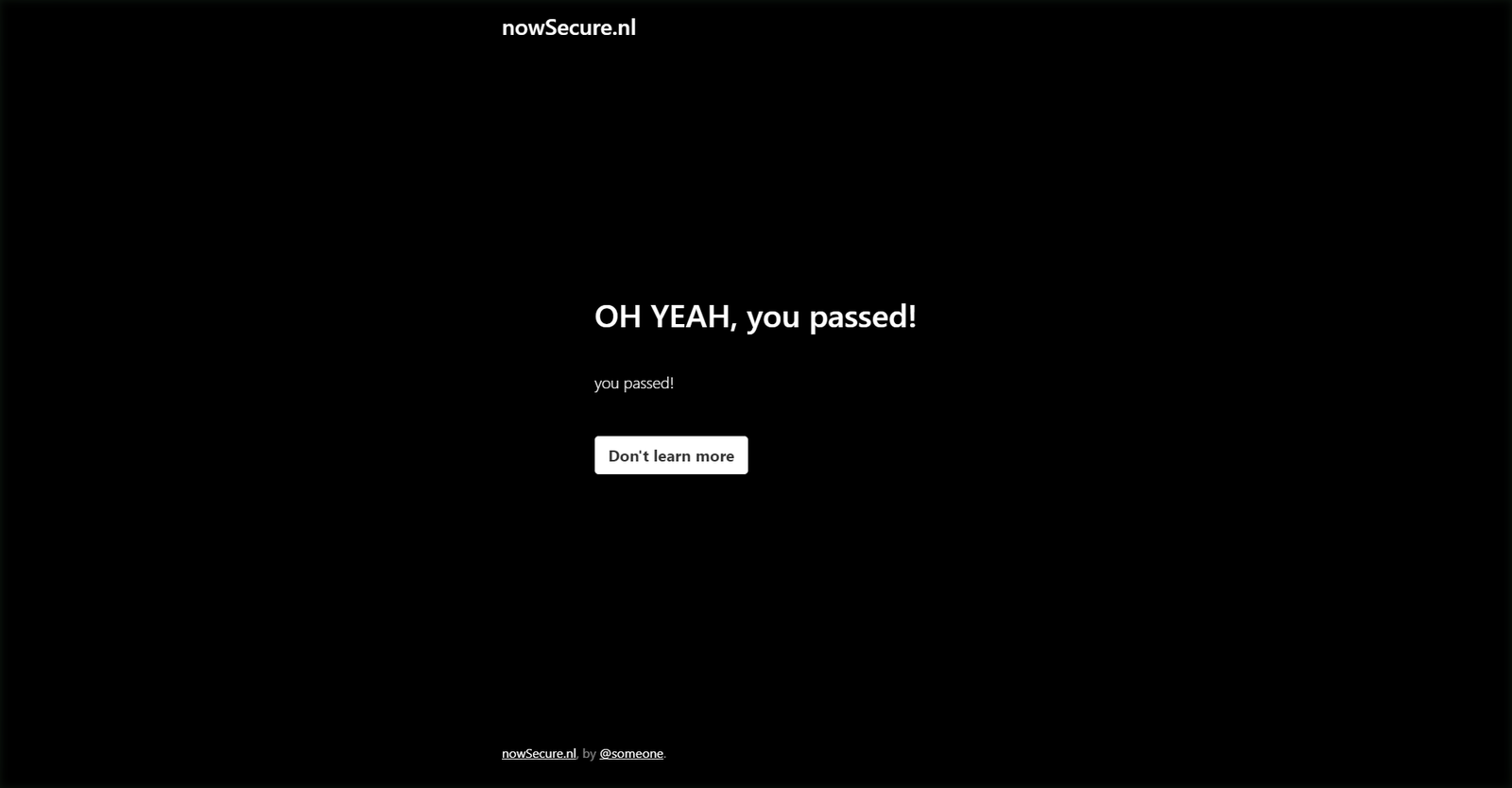
다음 코드를 집에서, 그리고 데이터센터에서 실행합니다.```python import undetected_chromedriver as uc driver = uc.Chrome(headless=True,use_subprocess=False) driver.get('https://nowsecure.nl') driver.save_screenshot('nowsecure.png')
<div style="display:flex;flex-direction:row">
<img src="https://assets.kitploit.com/production/public/readmes/50956/c1bde1e3621f106c2504cf4ecb9cc9015b23340c7a9bd5f20364c27016b2dd40/4f02747809c3b183c8af8238f6858540057402adfe0f26d4fa9d646091fa5781-display-v1.webp" width="720"/>
<img src="https://assets.kitploit.com/production/public/readmes/50956/ac44f4c3d408a07f4a0b96b2eb37ecc58f3a9711f32b31a642c27e96ad2ab767/c94f4da9c540b7890c9350605f085bddc730ed40073c886ff94a2475bdfe806a-display-v1.webp" width="720"/>
</div>
<!--  -->
<!--  -->
## 3.5.0 ##
- selenium 4.10이 몇 가지 문제를 일으켰습니다. 3.5.0은 호환되며 selenium 4.9 이상으로 고정되어 있습니다. 더 이상 4.9 미만은 지원할 수 없습니다.
- 생성자에서 일부 kwargs를 제거했습니다: service_args, service_creationflags, service_log_path.
- find_elements_recursive 제너레이터 함수를 추가했습니다. 이는 편의 함수에 가까운데, 많은 웹사이트가 서로 다른 프레임에서 다른 콘텐츠를 제공하는 것 같아
find_elements를 사용하기 어렵게 만들기 때문입니다.
## 3.4.5 ##
- 정신없는 한 주였습니다. 3.4.0으로 최신 자동화 탐지 알고리즘을 제압했다고 생각했지만, 일부 OS에서는 요소와 상호작용할 때 오류가 발생했습니다. 다른 방법을 사용해 되돌리고 버그를 수정한 끝에, 결국 처음의 아이디어를 고수할 수 있었습니다(+ 버그 수정).
- chrome 110 업데이트는 또 다른 뜻밖의 문제를 안겼습니다. 이번에는 HEADLESS 사용자에게였습니다.
- headless는 공식적으로 지원되지 않지만, 패치했습니다!
- 이제 역시 탐지되지 않는다는 소식을 기쁘게 알려드립니다 (여전히 공식 지원은 아니지만 ;))
- [@mdmintz](https://github.com/mdmintz)와 [@abdulzain6](https://github.com/abdulzain6)에게 특별히 감사드립니다.
- 또한 issues 섹션에서 전적으로 자발적으로 도움을 주신 [@sebdelsol](https://github.com/sebdelsol)에게도 특별히 감사드립니다. 미치신 것 같아요 :)
### 3.4.0 ###
**대규모 업데이트! 코드가 -잠재적으로- 깨질 수 있으니 주의하세요.**
* 변수를 제거하고 이름을 바꾸는 대신 안티 탐지 메커니즘을 다시 작성했습니다. 변수는 그대로 두되, 처음부터 주입되지 않도록 막는 방식입니다. 이를 통해 적어도 가까운 미래에는 탐지로부터 안전할 수 있습니다.
* 파일 이름 지정 방식을 다시 작성했습니다. {randomstring}_chromedriver.exe 파일이 1000개나 생기는 대신 이제는 그냥 undetected_chromedriver.exe라고 불립니다.
* 정리: compat, v2 파일과 tests 폴더를 제거했습니다.
### 3.2.0 ###
* 일반적인 webdriver 코드와 자주 묻는 질문에 대한 답변, 함정(pitfalls)을 담은 예제를 추가했으며, 멀티스레딩의 필요성을 없애는 몇 가지 트릭도
함께 보여줍니다.
### [>>>> 예제 코드 보기 <<<<](https://github.com/ultrafunkamsterdam/undetected-chromedriver/blob/master/example/example.py)
* 링크를 클릭한 후 탐지될 경우 시도해볼 수 있는 WebElement.click_safe() 메서드를 추가했습니다. 이것이 반드시 동작한다는 보장은 없습니다.
* WebElement.children(self, tag=None, recursive=False) 메서드 추가
자식 노드를 쉽게 가져오거나 찾을 수 있습니다. 예시:
```
body = driver.find_element('tag name', 'body')
# get the 6th child (any tag) of body, and grab all img's within (recursive).
images = body.children()[6].children('img', True)
srcs = list(map(lambda _:_.attrs.get('src'), images))
```
* 사람들이 우스운 질문을 하면 안내해줄 수 있는 example.py를 추가했습니다
(아니요, 사실 꽤 멋집니다. 모두가 봐야 합니다)
* lambda 플랫폼 지원 추가
* x86_32 지원 추가
* linux2로 보고되는 시스템 지원 추가
* 일부 리팩토링
### 3.1.6 ###
### 여전히 강력하게 통과 중 ###
- use_subprocess는 이제 기본값이 True입니다. 너무 많은 사람들이 multiprocessing과 __name__ == '__main__'을 이해하지 못하고 있으며, 테스트 결과
chrome 104+에서는 더 이상 차이가 없는 것으로 보입니다.
- no_sandbox를 추가했습니다. 기본값은 True이며, 성가신 "보안에 취약한 명령줄을 사용하고 있습니다 ..." 경고 바가 표시되지 않습니다.
- [Docker image](https://hub.docker.com/r/ultrafunk/undetected-chromedriver)를 업데이트했습니다. 이제 컨테이너에 vnc 또는 rdp로 접속하여
실제 브라우저 창을 볼 수 있습니다
[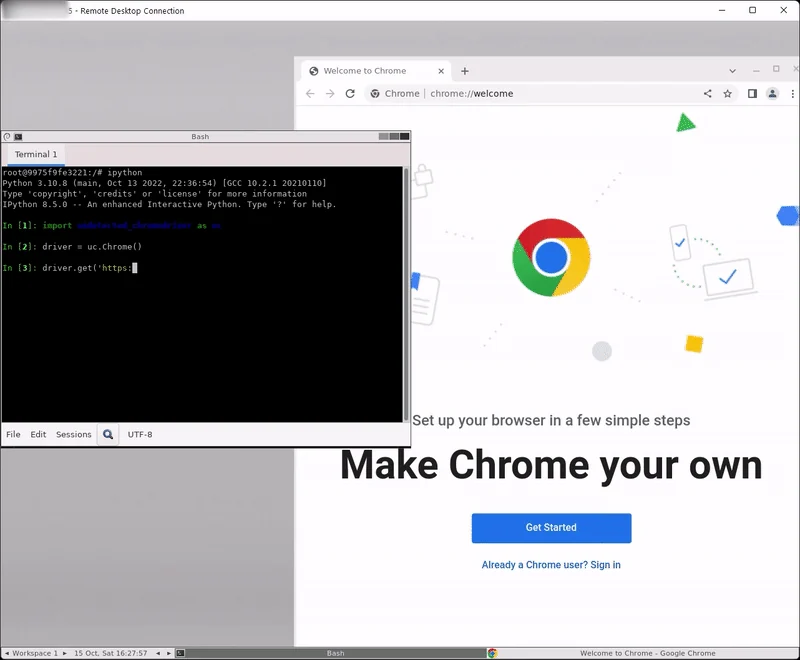](https://i.imgur.com/W7vriN9.mp4)
- 물론 "일반" 모드도 정상 작동합니다
[](https://i.imgur.com/2qSNyuK.mp4)
### 3.1.0 ###
**이 버전은 코드를 `깨뜨릴` 수 있습니다. 업데이트 전에 테스트하세요!**
- **새로운 안티 탐지 로직 추가!**
- v2가 이제 메인 모듈이 되었으므로 더 이상 v2를 참조할 필요가 없습니다. 이제 다음과 같이 간단히 사용할 수 있습니다: ```python
import undetected_chromedriver as uc
driver = uc.Chrome()
driver.get('https://nowsecure.nl')
이전 버전과의 호환성을 위해 v2는 제거되지 않고 기본 모듈에 대한 별칭으로 유지됩니다.
Windows가 아닌 OS에서 "환영 화면"이 계속 나타나던 문제를 수정했습니다. 환영 화면과 구글에 더 많은 데이터를 제공하는 것을 ❤하는 "잔소리 페티시스트" 분들을 위해, Chrome(suppress_welcome=False)를 사용하세요.
생성자에서 executable_path는 browser_executable_path로 대체되었습니다.
이 옵션은 사용자 지정 Chrome 설치 폴더를 PATH
환경 변수에 추가할 수 없거나, 다양한 브라우저/버전을 보유하여 자동 조회가 잘못된 브라우저를 반환하는 엣지 케이스(네, 바로 당신입니다)가 아닌 이상 사용하지 마세요.
"v1" (?)은 일단 _compat으로 이동했습니다.
의존성 버전을 수정했습니다.
ChromeOptions 사용자 지정 처리를 제거하여 webdriver.chromium.options.ChromiumOptions와 호환되도록 했습니다.
Chrome.get()의 fu를 제거하고 "거의" 원래대로 복원했습니다:
with 문이 필요하지 않지만, 이전 버전과의 호환성을 위해 여전히 동작합니다.현재까지 테스트 성공률: 100%
다시 한 번 언급하지만, 읽기 어려워하는 분들이 계시므로: headless는 여전히 WIP입니다. 이슈를 올리는 것은 불필요합니다
프로세스 생성 동작이 완전히 분리(detached)되도록 변경했습니다.
.get(url) 메서드가 항상 contextmanager를 사용하도록 변경했습니다.
.get(url) 메서드가 내부적으로 cdp를 사용하도록 변경했습니다.
... with 문은 더 이상 필요하지 않습니다 ..
할 일: async화 및 selenium 4를 향해 작업하기
겁먹은 자를 마주칠 때마다from session not created: This version of ChromeDriver only supports Chrome version 96 # or what ever version
the solution is simple:
import undetected_chromedriver as uc
   driver = uc.Chrome( version_main = 95 ) ```

**July 2021: Currently busy implementing selenium 4 for undetected-chromedriver**

**newsflash: https://github.com/ultrafunkamsterdam/undetected-chromedriver/pull/255**


## Usage ##

To prevent unnecessary hair-pulling and issue-raising, please mind the **[important note at the end of this document](#important-note) .**

<br>

### easy ###

Literally, this is all you have to do. Settings are included and your browser executable is found automagically. This is also the snippet i
recommend using in case you experience an issue.

```python
import undetected_chromedriver as uc


driver = uc.Chrome()
driver.get( 'https://nowsecure.nl' )  # my own test test site with max anti-bot protection```

### more advanced way, including setting profie folder ###

Literally, this is all you have to do. If a specified folder does not exist, a NEW profile is created. Data dirs which are specified like
this will not be autoremoved on exit.

```python
import undetected_chromedriver as uc


options = uc.ChromeOptions()

# 프로필 설정
options.user_data_dir = "c:\\temp\\profile"
