trufflesecurity/trufflehog
유출된 자격 증명을 찾고, 검증하고, 분석합니다.
유출된 자격 증명을 찾습니다.

Git, Jira, Slack, Confluence, Microsoft Teams, Sharepoint (그 외) 등의 자격 증명을 지속적으로 모니터링하는 데 관심이 있으신가요? 저희는 도움이 될 수 있는 엔터프라이즈 제품을 제공합니다! 자세한 내용은 https://trufflesecurity.com/trufflehog-enterprise에서 확인하세요.
저희는 엔터프라이즈 제품의 수익을 커뮤니티 전체가 혜택을 볼 수 있는 더 멋진 오픈소스 프로젝트에 자금을 지원하는 데 사용합니다.
TruffleHog는 가장 강력한 비밀 발견, 분류, 검증 및 분석 도구입니다. 여기서 비밀(secret)이란 한 컴퓨터가 다른 컴퓨터에 인증하기 위해 사용하는 자격 증명을 의미합니다. 여기에는 API 키, 데이터베이스 비밀번호, 개인 암호화 키 등이 포함됩니다.
TruffleHog는 Git, 채팅, 위키, 로그, API 테스트 플랫폼, 객체 스토리지, 파일 시스템 등 다양한 곳에서 비밀을 찾을 수 있습니다.
TruffleHog는 800가지 이상의 비밀 유형을 분류하여 해당 비밀이 속한 특정 정체성(identity)에 매핑합니다. AWS 비밀인가요? Stripe 비밀인가요? Cloudflare 비밀인가요? Postgres 비밀번호인가요? SSL 개인 키인가요? 때로는 겉으로 보기에는 구분하기 어렵기 때문에 TruffleHog는 발견한 모든 것을 분류합니다.
TruffleHog가 분류할 수 있는 모든 비밀에 대해 로그인을 시도하여 해당 비밀이 유효한지(live) 여부를 확인할 수 있습니다. 이 단계는 현재 활성 위험이 있는지 여부를 알기 위해 중요합니다.
가장 흔히 유출되는 약 20가지의 자격 증명 유형에 대해, TruffleHog는 비밀이 로그인 가능한지 확인하기 위해 하나의 요청을 보내는 대신, 비밀에 대해 알아낼 수 있는 모든 정보를 얻기 위해 여러 요청을 보낼 수 있습니다. 누가 생성했나요? 어떤 리소스에 접근할 수 있나요? 해당 리소스에 대해 어떤 권한을 가지고 있나요?
질문이 있으신가요? 피드백이 있으신가요? Slack 또는 Discord에 참여하여 저희와 함께하세요.
Slack 커뮤니티에 가입하세요
비밀 스캔 Discord에 참여하세요
 ```bash
docker run --rm -it -v "$PWD:/pwd" trufflesecurity/trufflehog:latest github --org=trufflesecurity
```bash
docker run --rm -it -v "$PWD:/pwd" trufflesecurity/trufflehog:latest github --org=trufflesecurity
# :floppy_disk: 설치

여러 옵션을 사용할 수 있습니다:

### MacOS 사용자```bash
brew install trufflehog
Docker 엔진이 실행 중인지 확인한 후 다음 명령을 실행하세요:
docker run --rm -it -v "$PWD:/pwd" trufflesecurity/trufflehog:latest github --repo https://github.com/trufflesecurity/test_keys
####     Windows 명령 프롬프트```bash
docker run --rm -it -v "%cd:/=\%:/pwd" trufflesecurity/trufflehog:latest github --repo https://github.com/trufflesecurity/test_keys
docker run --rm -it -v "${PWD}:/pwd" trufflesecurity/trufflehog github --repo https://github.com/trufflesecurity/test_keys
####     M1 and M2 Mac```bash
docker run --platform linux/arm64 --rm -it -v "$PWD:/pwd" trufflesecurity/trufflehog:latest github --repo https://github.com/trufflesecurity/test_keys
Download and unpack from https://github.com/trufflesecurity/trufflehog/releases
### 소스에서 컴파일```bash
git clone https://github.com/trufflesecurity/trufflehog.git
cd trufflehog; go install
curl -sSfL https://raw.githubusercontent.com/trufflesecurity/trufflehog/main/scripts/install.sh | sh -s -- -b /usr/local/bin
### 설치 스크립트 사용, 체크섬 서명 확인 (cosign 설치 필요)```bash
curl -sSfL https://raw.githubusercontent.com/trufflesecurity/trufflehog/main/scripts/install.sh | sh -s -- -v -b /usr/local/bin
curl -sSfL https://raw.githubusercontent.com/trufflesecurity/trufflehog/main/scripts/install.sh | sh -s -- -b /usr/local/bin
# :closed_lock_with_key: 아티팩트 검증

모든 아티팩트에 체크섬이 적용되며, 결과 체크섬 파일은 cosign을 사용하여 서명됩니다.

서명을 검증하려면 다음 도구가 필요합니다:

- [Cosign](https://docs.sigstore.dev/cosign/system_config/installation/)

검증 단계는 다음과 같습니다:

1. 원하는 아티팩트 파일과 다음 파일들을 [릴리즈 페이지](https://github.com/trufflesecurity/trufflehog/releases)에서 다운로드합니다.

   - trufflehog\_{version}\_checksums.txt
   - trufflehog\_{version}\_checksums.txt.pem
   - trufflehog\_{version}\_checksums.txt.sig

2. 서명을 검증합니다:   ```shell
   cosign verify-blob <path to trufflehog_{version}_checksums.txt> \
   --certificate <path to trufflehog_{version}_checksums.txt.pem> \
   --signature <path to trufflehog_{version}_checksums.txt.sig> \
   --certificate-identity-regexp 'https://github\.com/trufflesecurity/trufflehog/\.github/workflows/.+' \
   --certificate-oidc-issuer "https://token.actions.githubusercontent.com"
다운로드한 파일 버전으로 {version}을 바꾸세요.
또는 설치 스크립트를 사용하는 경우, 서명 검증을 수행하려면 -v 옵션을 전달하세요. 이는 설치 스크립트를 실행하기 전에 Cosign binary가 설치되어 있어야 합니다.
명령어:```bash trufflehog git https://github.com/trufflesecurity/test_keys --results=verified
예상 출력:```
🐷🔑🐷  TruffleHog. Unearth your secrets. 🐷🔑🐷

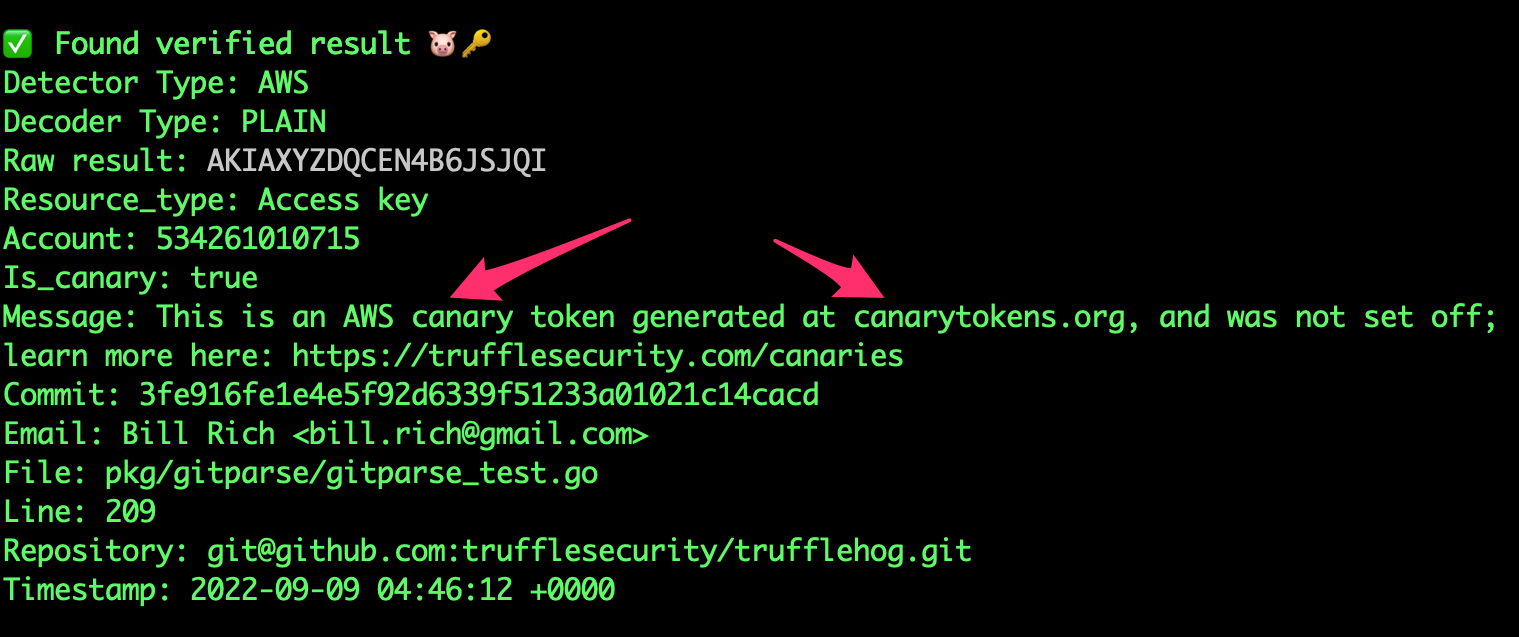
Found verified result 🐷🔑
Detector Type: AWS
Decoder Type: PLAIN
Raw result: AKIAYVP4CIPPERUVIFXG
Line: 4
Commit: fbc14303ffbf8fb1c2c1914e8dda7d0121633aca
File: keys
Email: counter <[email protected]>
Repository: https://github.com/trufflesecurity/test_keys
Timestamp: 2022-06-16 10:17:40 -0700 PDT
...
trufflehog github --org=trufflesecurity --results=verified
## 3: GitHub 조직 스캔 (보관된 저장소 제외)```bash
trufflehog github --org=trufflesecurity --exclude-archived
명령:```bash trufflehog git https://github.com/trufflesecurity/test_keys --results=verified --json
예상 출력:```
{"SourceMetadata":{"Data":{"Git":{"commit":"fbc14303ffbf8fb1c2c1914e8dda7d0121633aca","file":"keys","email":"counter \[email protected]\u003e","repository":"https://github.com/trufflesecurity/test_keys","timestamp":"2022-06-16 10:17:40 -0700 PDT","line":4}}},"SourceID":0,"SourceType":16,"SourceName":"trufflehog - git","DetectorType":2,"DetectorName":"AWS","DecoderName":"PLAIN","Verified":true,"Raw":"AKIAYVP4CIPPERUVIFXG","Redacted":"AKIAYVP4CIPPERUVIFXG","ExtraData":{"account":"595918472158","arn":"arn:aws:iam::595918472158:user/canarytokens.com@@mirux23ppyky6hx3l6vclmhnj","user_id":"AIDAYVP4CIPPJ5M54LRCY"},"StructuredData":null}
...
trufflehog github --repo=https://github.com/trufflesecurity/test_keys --issue-comments --pr-comments
## 6: 높은 신뢰도의 결과를 위해 S3 버킷 스캔 (확인됨 + 알 수 없음)```bash
trufflehog s3 --bucket=<bucket name> --results=verified,unknown
trufflehog s3 --role-arn=
## 8: 도커에서 SSH 인증을 사용하여 Github 리포지토리 스캔```bash
docker run --rm -v "$HOME/.ssh:/root/.ssh:ro" trufflesecurity/trufflehog:latest git ssh://github.com/trufflesecurity/test_keys
trufflehog filesystem path/to/file1.txt path/to/file2.txt path/to/dir
## 10: 로컬 git 저장소 스캔