
 ragnt/angryoxide
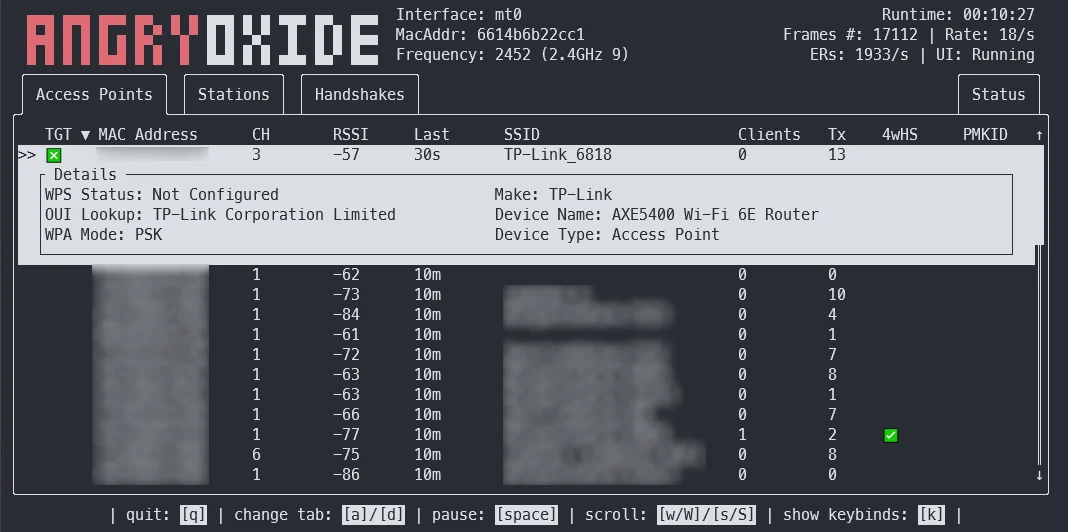
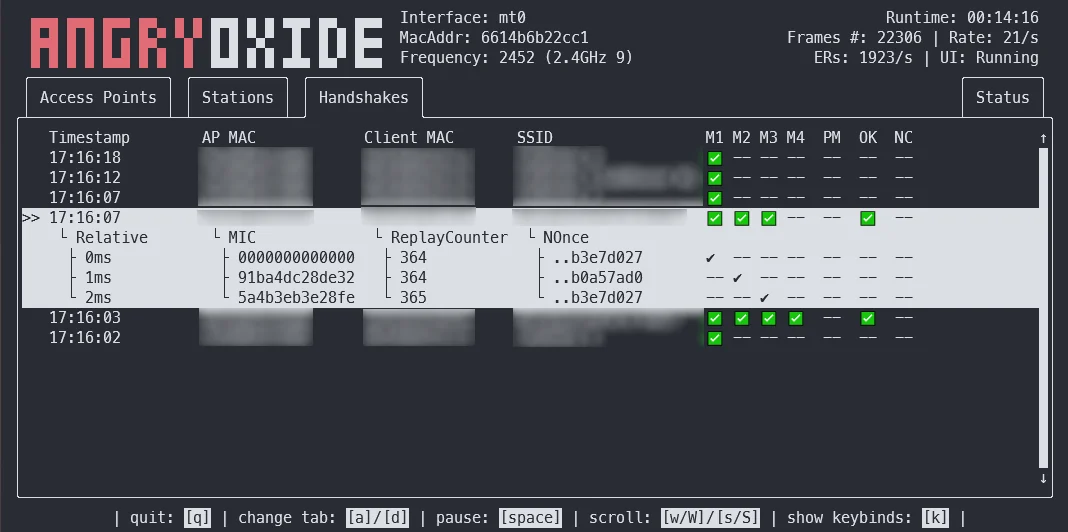
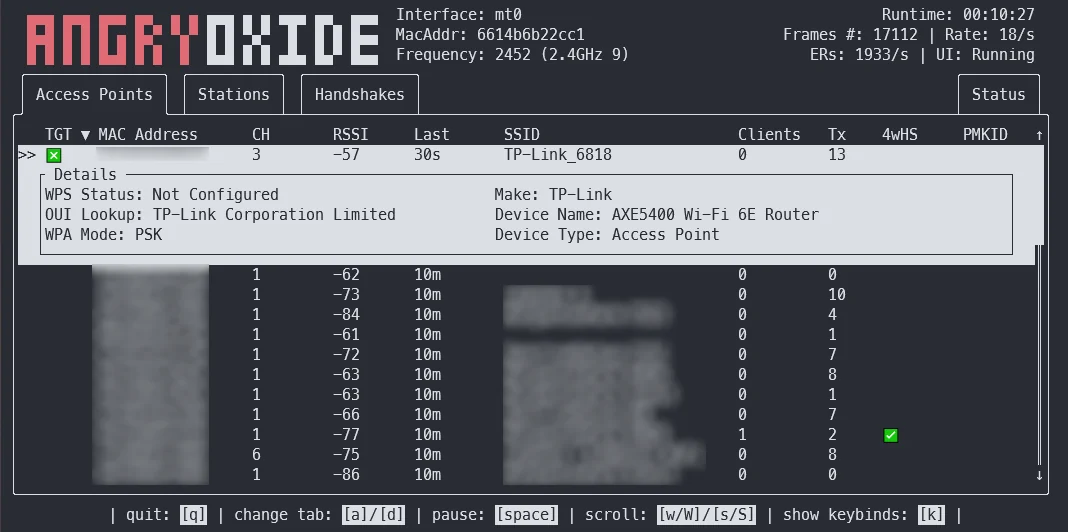
deauthentication, rogue-client, 채널 전환 공격을 이용해 WPA/WPA2 핸드셰이크 및 PMKID 캡처를 자동화하는 공격형 802.11 감사 도구로, 헤드리스 모드, GPS 로깅, Hashcat 호환 출력을 지원합니다.



이 도구는 연구 목적으로만 사용됩니다. AngryOxide를 사용하는 동안 하는 모든 행동이나 일으키는 피해에 대해 저는 책임지지 않습니다. 권한이 있는 네트워크에만 사용하세요.
AngryOxide는 Rust, netlink, 커널 소켓, 그리고 WiFi 익스플로잇을 한 번에 배우기 위한 방법으로 개발되었습니다.
AngryOxide 사용 방법에 대한 정보는 사용자 가이드에서 확인할 수 있습니다.
참고: 이 프로젝트는 한창 개발 중이며 매우 빠른 릴리스 주기를 기대할 수 있습니다.
이 도구의 전반적인 목표는 Hashcat으로 크랙할 수 있는 유효한 해시라인을 생성하는 고급 자동화 공격과 함께 단일 인터페이스 서베이 기능을 제공하는 것입니다.
이 도구는 hcxdumptool에서 많은 영감을 받았으며, ZerBea의 도움 없이는 개발이 불가능했을 것입니다.
질문이나 문제가 있으면 AngryOxide Discord에서 연락할 수 있습니다.
AngryOxide의 사전 컴파일된 바이너리는 릴리스에서 다운로드할 수 있습니다.
tar -xf angryoxide-linux-x86_64.tar.gz # Untar
chmod +x install.sh # Make executable
sudo ./install.sh # Install (as root, including zsh/bash completions)
AngryOxide 사용 방법에 대한 정보는 사용자 가이드에서 확인할 수 있습니다.
sudo ./install.sh uninstall # Uninstall
하나 이상의 타겟이 제공되지 않으면 기본적으로 범위 내의 모든 액세스 포인트를 공격하며, 타겟이 제공되면 도구는 정의된 타겟에 대해서만 전송합니다. (그러나 다른 액세스 포인트에서는 여전히 수동적으로 수집합니다.)
이 모든 공격은 잘못된 EAPOL 타이머 리셋을 방지하고 어느 정도의 작전 보안을 유지하기 위해 전송 속도가 제어됩니다.
❯ angryoxide --help
Does awesome things... with wifi.

Usage: angryoxide [OPTIONS] --interface <INTERFACE>

Options:
  -i, --interface <INTERFACE>     Interface to use
  -c, --channel <CHANNEL>         Optional - Channel to scan. Will use "-c 1,6,11" if none specified
  -b, --band <2 | 5 | 6 | 60>     Optional - Entire band to scan - will include all channels interface can support
  -o, --output <Output Filename>  Optional - Output filename
  -h, --help                      Print help
  -V, --version                   Print version

Targeting:
  -t, --target-entry <Target MAC/SSID>
          Optional - Target (MAC or SSID) to attack - will attack everything if none specified
  -w, --whitelist-entry <WhiteList MAC/SSID>
          Optional - Whitelist (MAC or SSID) to NOT attack
      --targetlist <Targets File>
          Optional - File to load target entries from
      --whitelist <Whitelist File>
          Optional - File to load whitelist entries from

Advanced Options:
  -r, --rate <Attack Rate>            Optional - Attack rate (1, 2, 3 || 3 is most aggressive) [default: 2]
      --combine                       Optional - Combine all hc22000 files into one large file for bulk processing
      --active                        Optional - Use Active Monitor mode - WARNING, may cause bugs.
      --rogue <MAC Address>           Optional - Tx MAC for rogue-based attacks - will randomize if excluded
      --gpsd <GPSD Host:Port>         Optional - Alter default HOST:Port for GPSD connection [default: 127.0.0.1:2947]
      --autohunt                      Optional - AO will auto-hunt all channels then lock in on the ones targets are on
      --headless                      Optional - Set the tool to headless mode without a UI. (useful with --autoexit)
      --autoexit                      Optional - AO will auto-exit when all targets have a valid hashline
      --notransmit                    Optional - Do not transmit - passive only
      --notar                         Optional - Do not tar output files
      --disablemouse                  Optional - Disable mouse capture (scroll wheel)
      --dwell <Dwell Time (seconds)>  Optional - Adjust channel hop dwell time [default: 2]

Geofencing:
      --geofence
          Optional - Enable geofencing using a specified latlng and distance
      --center <CENTER>
          Lat,Lng for geofencing (required if geofence is enabled)
      --distance <DISTANCE>
          Distance in meters from the center (required if geofence is enabled)
      --geofence-timeout <GEOFENCE_TIMEOUT>
          Timeout to disable geofence if GPS is lost. (default 300 seconds) [default: 300]

Attacks:
      --disable-deauth    Optional - Do NOT send deauthentication attacks
      --disable-pmkid     Optional - Do NOT attempt to associate for PMKID
      --disable-anon      Optional - Do NOT send anonymous reassociation attacks
      --disable-csa       Optional - Do NOT send Channel Switch Announcment attacks
      --disable-disassoc  Optional - Do NOT send disassociation attacks
      --disable-roguem2   Optional - Do NOT attempt rogue M2 collection
사전 컴파일된 바이너리 대신 소스에서 빌드하려면 기본 지침은 다음과 같습니다:
# Install Rust
curl --proto '=https' --tlsv1.2 -sSf https://sh.rustup.rs | sh

# Clone this repo
git clone --recurse-submodules https://github.com/Ragnt/AngryOxide.git

# Build/Install
cd AngryOxide
make
sudo make install
이렇게 하면 소스에서 빌드하여 /usr/bin/angryoxide에 설치하고 bash 자동 완성도 설치해 줍니다.
임베디드 아키텍처로 크로스 컴파일하기 위해 cross를 사용합니다.
예시로 MIPS(mips-unknown-linux-musl)가 있습니다.
# make sure you have the nightly installed
rustup install nightly

# dynamically linked & soft-float
cross build +nightly --target mips-unknown-linux-musl --release -Zbuild-std
이 스크립트는 bash와 zsh에서 AngryOxide를 더 원활하게 사용할 수 있게 해 주며, 무선 인터페이스를 자동으로 찾아 인수를 탭 완성 방식으로 표시해 줍니다.