 piotr-kniaz/eslockdecryptor
Tool for recovering and decrypting ES File Explorer encrypted files (.eslock)



ESLockDecryptor is a command-line tool designed to recover and decrypt files encrypted by ES File Explorer (files with the .eslock extension). It demonstrates the real-world impact of CWE-327 (Use of a Broken or Risky Cryptographic Algorithm) present in the ES File Explorer application. Due to fundamental flaws in how ES File Explorer implements encryption for .eslock files, this utility can successfully bypass the protection and recover the original data.
ESLockDecryptor allows you to process individual files, directories, and try to restore partially damaged files.
[!WARNING] FOR LEGAL USE ONLY! This software is designed for educational purposes, security research, and lawful digital forensics use. It is intended to help users recover their own data or to assist authorized professionals in analyzing artifacts/evidence.
The author is not responsible for any illegal use of this tool. Usage of this software for attacking targets without prior mutual consent is illegal. It is the end user's responsibility to obey all applicable local, state, and federal laws. Developer assume no liability and are not responsible for any misuse or damage caused by this program.
ESLockDecryptor WebUI (easy way for most users)
All decryption is performed locally in your browser via WebAssembly. Your files and keys never leave your device.
ESLockDecryptor CLI (for technical users & forensics)
ESLockDecryptor.Core (for developers)
.eslock files.You can download the latest pre-built binaries for your system from the Releases page.
.NET Runtime installation is not required.
Supported Platforms:
This is a Command Line Interface (CLI) tool. It is meant to be executed from a terminal (Command Prompt, PowerShell, Bash).
Do not run by double-clicking:
Correct way:
cd path/to/tool).ESLockDecryptor [<input> [<output>]] [options]
All directories are processed recursively. The output directory will have the same structure as the input directory.
If the <output> argument is omitted (Scenarios 1 & 2), the utility automatically creates a new directory in the current working location using the format:
decrypted-[timestamp]
(e.g., decrypted-20260214-231500)
Requirement: Place the ESLockDecryptor executable directly inside the folder containing the encrypted .eslock files.
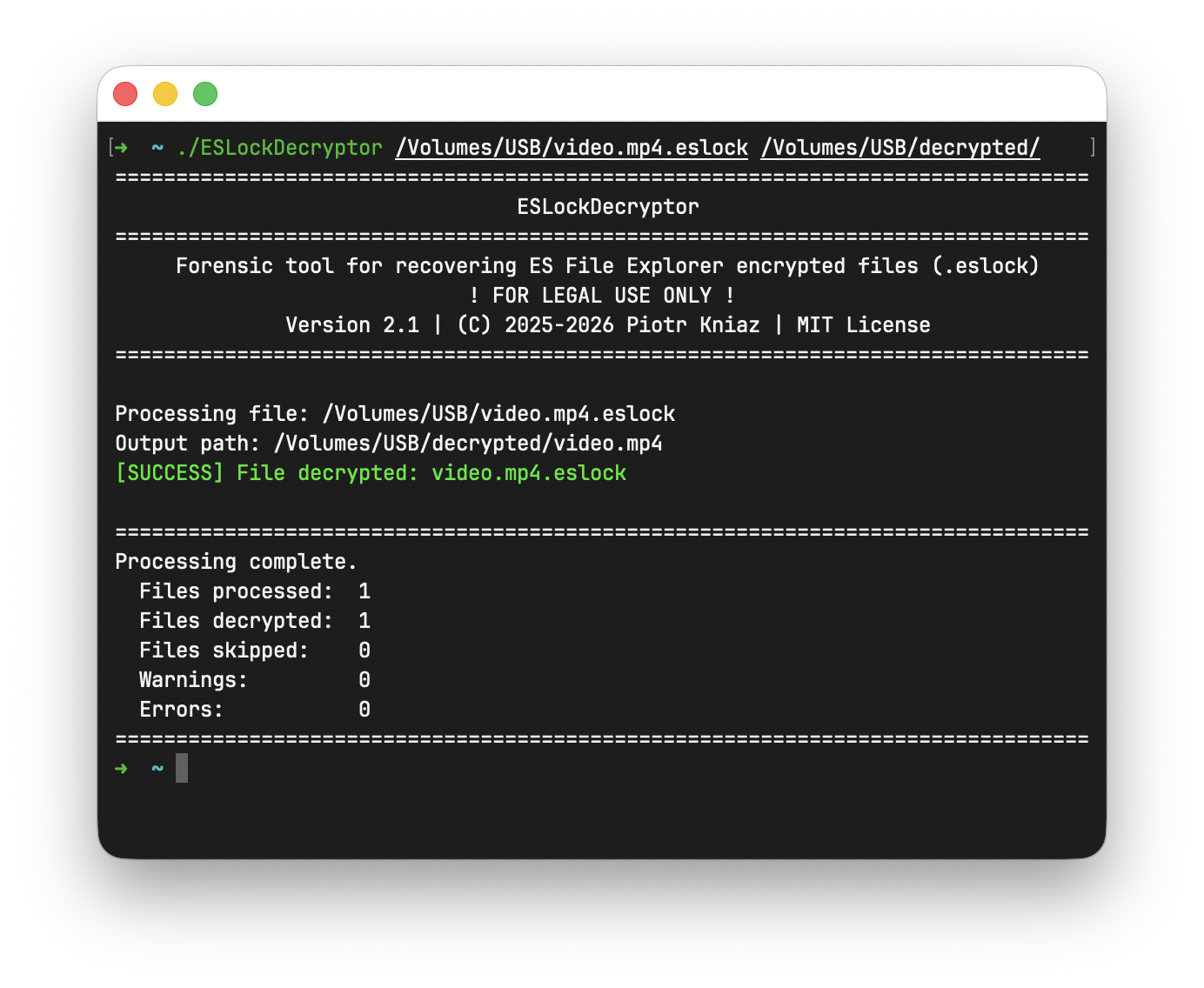
./ESLockDecryptor
The tool will scan the current directory and save decrypted files to a new timestamped folder. Result location: ./decrypted-[timestamp]
Specify the path to the directory containing encrypted files. The output folder (decrypted-[timestamp]) will be created beside the specified directory.
./ESLockDecryptor "path/to/encrypted_directory"
Result location: path/to/decrypted-[timestamp]
If a file is specified, the output directory will be created beside the file.
./ESLockDecryptor "path/to/file.eslock"
Result location: path/to/decrypted-[timestamp]
Specify exactly where to take files from and where to save the decrypted versions.
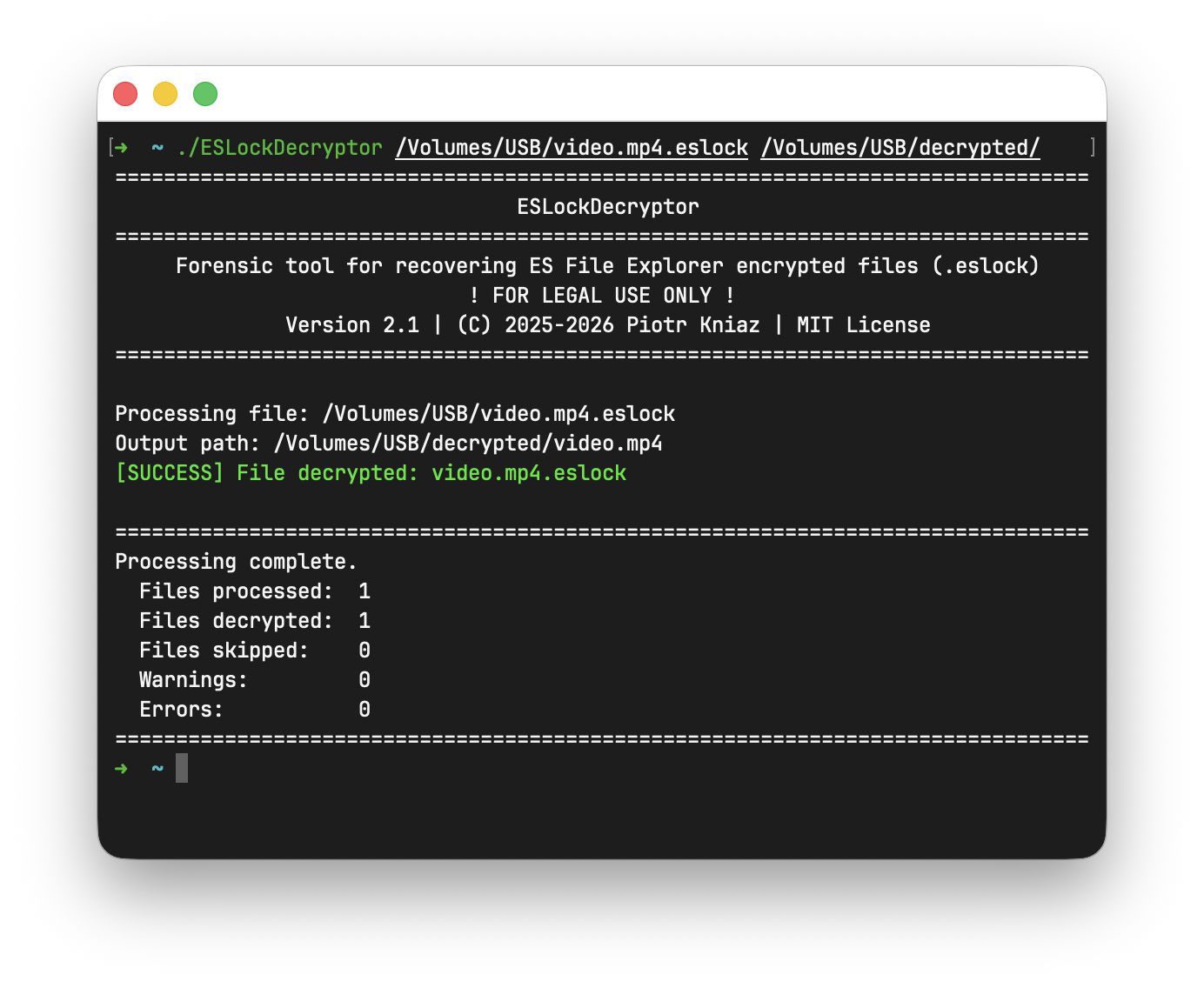
./ESLockDecryptor "encrypted/path" "decrypted/path"
If the output directory is not exists, it will be created.
Main flags:
--verbose or -v. Print detailed log.--overwrite. Overwrite file if it already exists in the output directory.--read-only. Only read and print metadata (no decryption).If the file is corrupted, additional flags can be used:
--ignore-crc. Continue even if checksum verification fails.--password <password> or -p <password>. Use the provided password for decryption, ignore key from metadata.--key <key> or -k <key>. Use the provided key for decryption, ignore key from metadata.--heuristic. Heuristic metadata search and parse.--raw-decrypt <auto|full|partial[:size]>. Ignore metadata and decrypt the file with the provided key or password.Learn more How to use ESLockDecryptor.
If you prefer to build the application yourself, ensure you have the .NET 10 SDK installed.
git clone https://github.com/Piotr-Kniaz/ESLockDecryptor.git
cd ESLockDecryptor
dotnet build --configuration Release
Contributions are welcome! If you found a bug, have a feature request, or want to improve the code, feel free to help.






