 nccgroup/wubes
Windows에서의 Qubes 컨테이너화

Wubes는 Qubes와 비슷하지만 Windows용입니다. 핵심 아이디어는 Windows Sandbox 기술을 활용하여 애플리케이션을 격리된 환경에서 실행하는 것입니다.
현재 다음 애플리케이션에 대해 Windows Sandbox를 실행할 수 있도록 지원합니다:
다른 애플리케이션도 쉽게 추가할 수 있습니다.
이 저장소에는 다음과 같은 파일 및 폴더 계층 구조가 포함되어 있습니다:
.
├── sandboxes                       // Contains folders shared between the sandboxes and the host
│   ├── Firefox                         // Folder shared between the host and the Firefox sandbox
│   │   ├── abcdefgh.default-release        // Firefox profile copied from the host
│   │   ├── backups                         // Contains a backup of all previous Firefox profiles
│   │   ├── install.bat                     // Install script automatically executed when the Windows Sandbox starts (see below)
│   │   └── save.bat                        // Script to manually execute to save modified Firefox profile onto the host for next Windows Sandbox run
│   └── Firefox.wsb                     // Windows Sandbox profile for Firefox. Double-click to open the sandbox
└── shared
    └── Tools
        └── procexp64.exe
Windows 10 Pro 또는 Enterprise가 필요하며 여기의 빠른 시작 가이드를 따라야 합니다.
각 애플리케이션에는 wubes 파일이 있는 호스트 폴더를 정의하는 Windows Sandbox 프로필(예: Firefox.wsb)이 있습니다(사용자 환경에 맞게 수정해야 합니다). 또한 Sandbox 내부 경로는 항상 동일하므로 수정할 필요가 없습니다.
<Configuration>
<vGPU>Enable</vGPU>
<Networking>Default</Networking>
<MappedFolders>
   <MappedFolder>
     <HostFolder>C:\path\to\wubes\sandboxes\Firefox</HostFolder>
     <ReadOnly>false</ReadOnly>
   </MappedFolder>
</MappedFolders>
<LogonCommand>
   <Command>C:\users\WDAGUtilityAccount\Desktop\Firefox\install.bat</Command>
</LogonCommand>
</Configuration>
Windows Sandbox 프로필(예: Firefox.wsb)을 열면 자동으로 install.bat 스크립트가 호출되어 Firefox를 다운로드하고, Firefox를 한 번 실행하여 빈 프로필을 만든 다음, 공유 폴더의 프로필로 교체하고 Firefox를 다시 실행합니다. 이 기능이 작동하려면 먼저 호스트에서 사용한 Firefox 프로필(예: %APPDATA%\Mozilla\Firefox\Profiles\d63zctv5.default-release)을 wubes\sandboxes\Firefox\abcdefgh.default-release에 복사해야 합니다. 내부 도우미 스크립트를 수정할 필요가 없도록 하드코딩된 abcdefgh를 사용합니다.
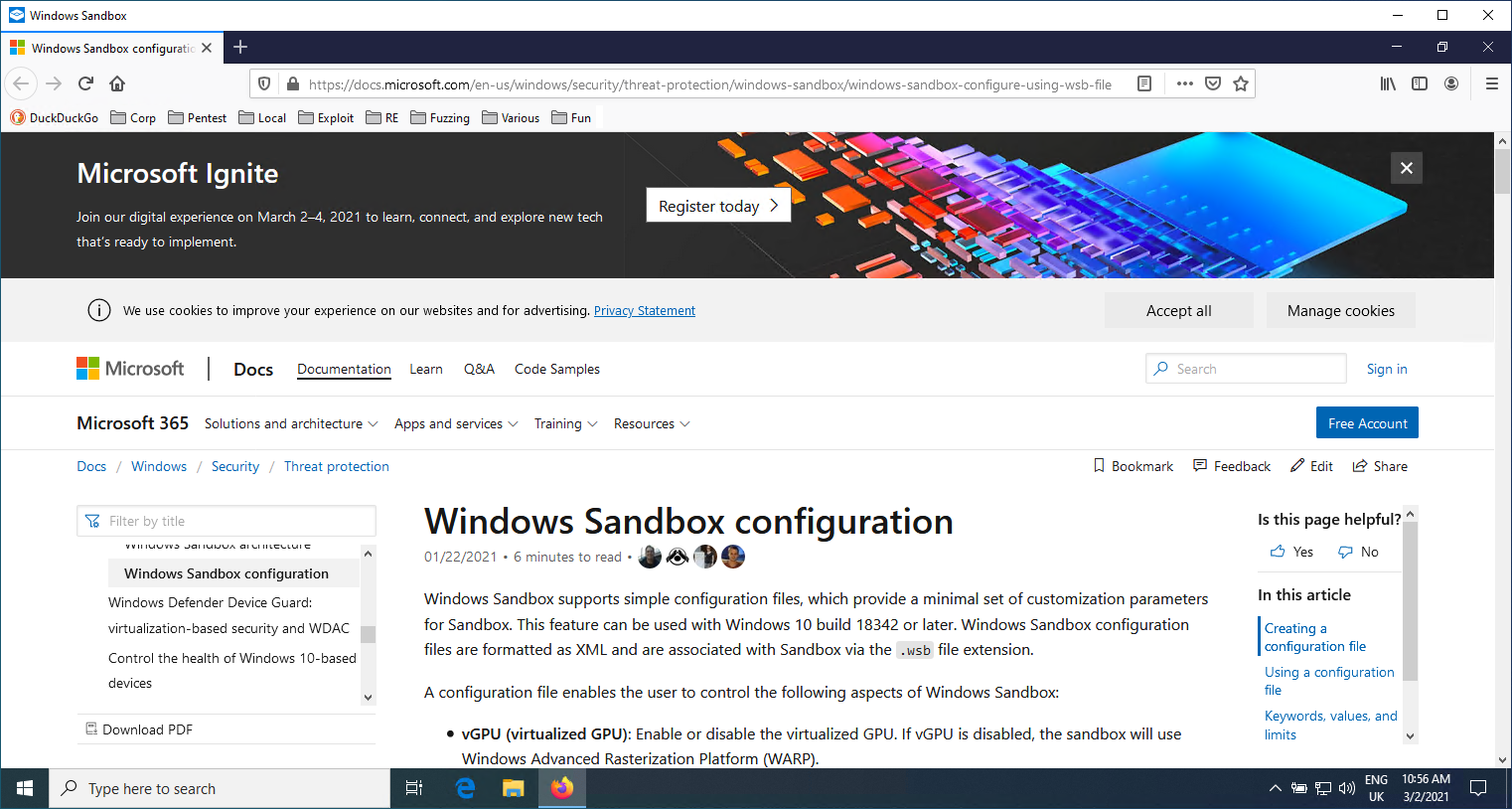
북마크 도구 모음에 모든 북마크가 포함되어 있고 이전 탭이 다시 열린 것을 확인할 수 있습니다.
인터넷 사용을 마치면 샌드박스 내부에서 C:\Users\WDAGUtilityAccount\Desktop\Firefox\save.bat 파일을 실행할 수 있습니다. 그러면 Firefox 프로필이 호스트에 백업됩니다. 그런 다음 Windows Sandbox 창을 닫으면 됩니다.
Downloads 폴더를 C:\users\WDAGUtilityAccount\Desktop\Firefox\Downloads로 설정하면 파일을 호스트에 직접 다운로드할 수 있습니다.
