
AI 코딩 에이전트를 위한 샌드박스. Copilot CLI, Claude Code, OpenCode, Gemini CLI, Antigravity, Pi, goose 또는 일반 셸을 커널 수준 샌드박스 내에서 실행하며, git 및 gh 가드와 샌드박스 정책이 저장소에 커밋됩니다.



AI 코딩 에이전트를 위한 커널 수준 샌드박스. cplt는 GitHub Copilot CLI, OpenCode, Gemini CLI, Antigravity CLI, Pi, Claude Code, goose, DeepSeek Harness 또는 모든 셸을 감싸서, 에이전트가 코드를 작성할 수는 있지만 자격 증명을 탈취하거나, main에 푸시하거나, PR을 병합하거나, 비밀을 유출할 수는 없도록 합니다.
sandbox-exec를 통한 Apple Seatbelt/SBPL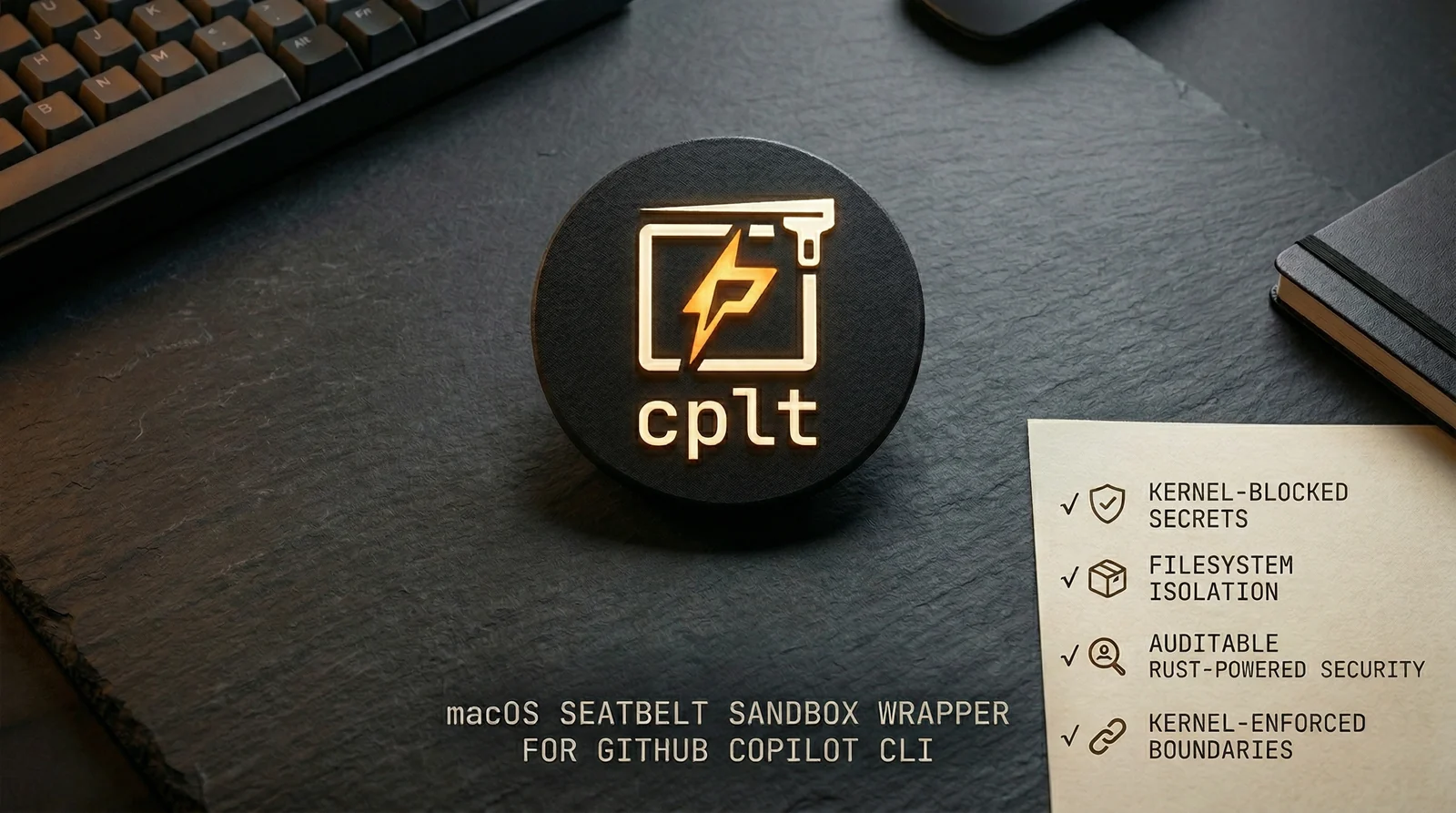
AI 에이전트는 임의의 코드를 실행합니다. 프롬프트 인젝션, 공급망 공격, 악성 MCP 서버 등 어떤 경로로든 침해된 에이전트는 OS 자체가 거부하지 않는 한 ~/.ssh를 읽거나, main에 푸시하거나, PR을 병합하거나, 코드를 유출할 수 있습니다.
cplt는 팀이 구성 가능한 정책과 함께 커널 수준의 강제 적용을 제공합니다:
.cplt.toml의 저장소별 정책을 버전 관리에 커밋하여 변조 방지 및 감사 가능상세 문서: 구성 · 프록시 및 도메인 필터링 · gh 명령 가드 · git 명령 가드 · 알려진 영향 · 보안 세부 사항 · 보안 모델
brew install navikt/tap/cplt   # macOS. On Debian or Ubuntu, see apt below
cplt --shell-install        # make 'copilot' run sandboxed (persistent)
                            # --agent opencode for any other agent
cplt doctor                 # check your environment
cplt -- -p "fix the tests"  # run Copilot in sandbox
기타 에이전트 및 샌드박스 명령:
cplt --agent opencode                       # OpenCode (Copilot subscription)
cplt --agent opencode --pass-env ANTHROPIC_API_KEY  # third-party provider
cplt --agent shell                          # interactive sandboxed shell (no AI)
cplt exec -- npm install                    # sandbox any command directly
cplt exec -c "npm install && npm test"      # compound commands in sandbox
alias npm="cplt exec -- npm"               # sandboxed npm for every invocation
# 1. Generate per-repo policy
cplt init --write

# 2. Developers approve on first run
cplt trust accept --all

# 3. Tune the command guards (both block by default)
cplt config set git_guard.protect_default_branch_only false # block every push, not just main
cplt config set git_guard.mode warn                         # observe instead of blocking
샌드박스는 커널 내 자격 증명 및 시크릿에 대한 접근을 차단합니다. 명령 가드는 파괴적인 작업을 차단합니다. 모든 제한은 에이전트와 에이전트가 생성하는 모든 프로세스에 적용됩니다.


