 mgreen27/detectraptor
공개적으로 사용 가능한 Velociraptor 탐지 콘텐츠를 공유하는 저장소

공개적으로 제공되는 대량의 Velociraptor 탐지 콘텐츠를 쉽게 활용할 수 있는 방식으로 공유하는 저장소입니다.
릴리스의 VQL zip을 내려받아 Velociraptor로 가져오기만 하면 됩니다.
이는 Velociraptor 아티팩트 교환(artifact exchange)을 통해 쉽게 수행할 수 있습니다: Server.Import.DetectRaptor
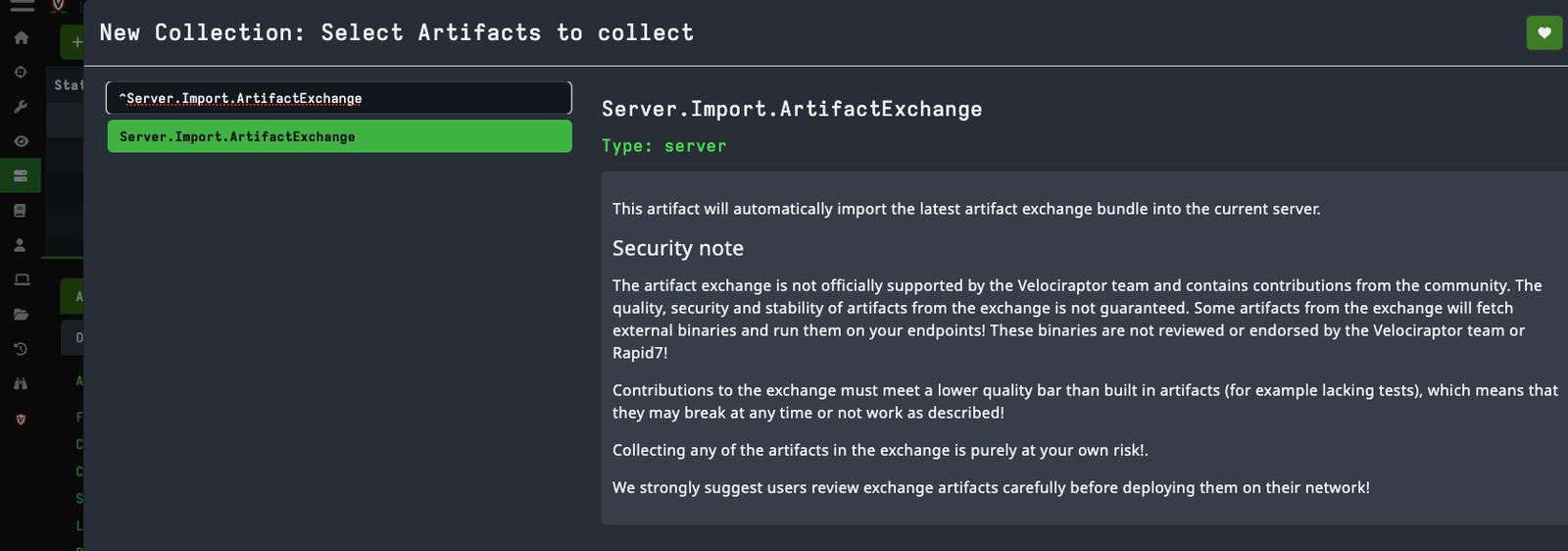
이렇게 하면 "Import DetectRaptor" 아티팩트가 가져와집니다.
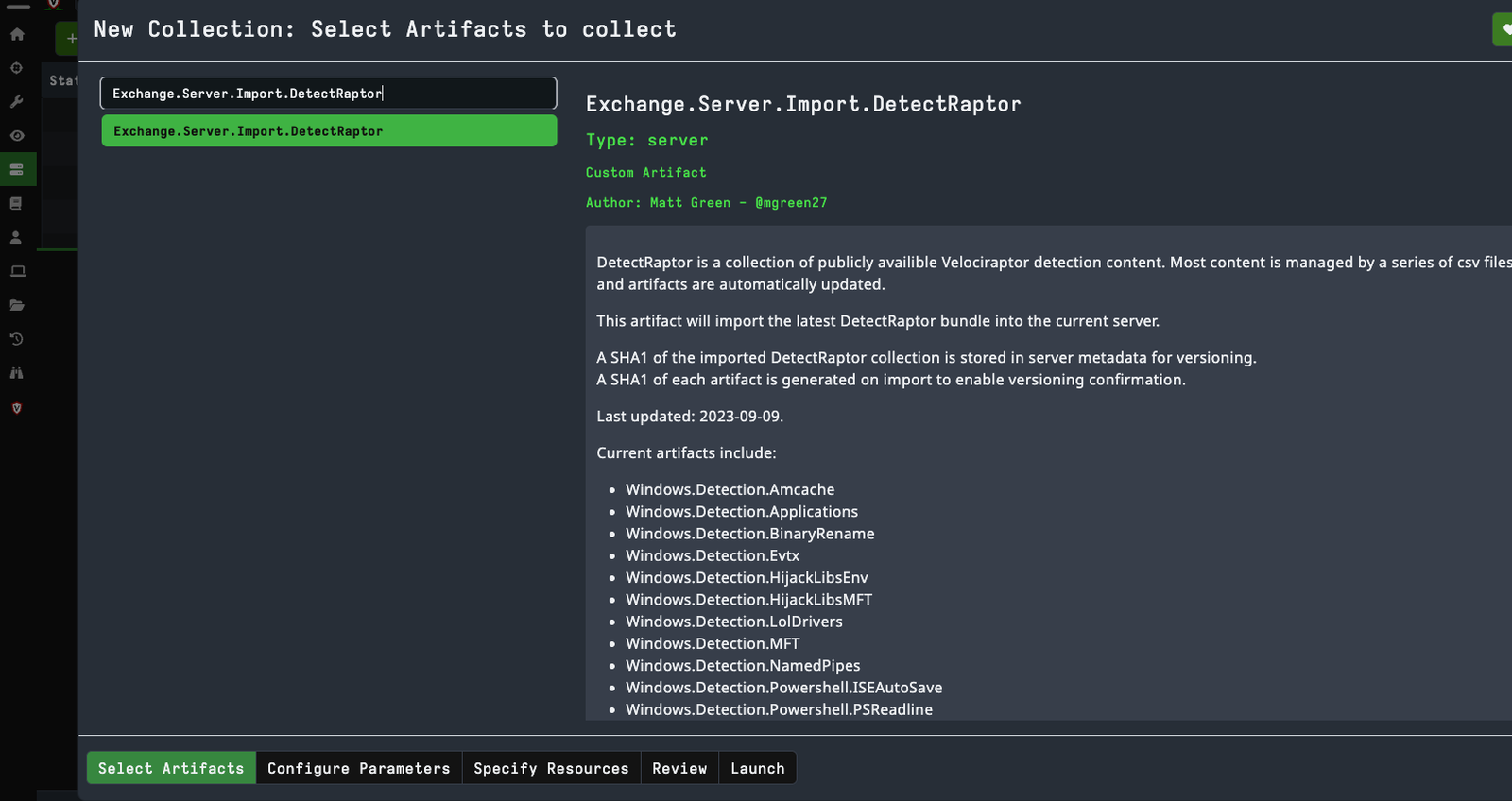
현재 포함된 아티팩트:
서버 아티팩트:
참여 저장소 일부:
저장소 루트에서 Eventlogs, PSReadLine 및 MFT 회귀 테스트를 실행합니다:
python -m unittest discover -s tests -v
MFT 탐지 CSV를 직접 검증합니다:
python scripts/sync_mft_lolrmm.py
python scripts/normalize_mft_metadata.py
python scripts/assign_mft_metadata.py --check
python scripts/validate_mft.py
python scripts/validate_mft_whitelist.py
python scripts/build_mft_replay_coverage.py
python scripts/replay_mft.py --check
python scripts/benchmark_mft_replay.py --iterations 3
MFT 규칙을 추가할 때 생성된 메타데이터 필드를 비워 두고 다음을 실행합니다:
python scripts/assign_mft_metadata.py
이렇게 하면 불변의 DR-MFT-<CATEGORY>-NNN RuleID와 기준 범주, 신뢰도, 출처 및 ATT&CK 메타데이터가 할당됩니다. 기존 RuleID는 유지됩니다.
sync_mft_lolrmm.py는 csv/lolrmm.csv에서 LOLRMM 기반 MFT 규칙을 재생성하고, csv/MFT_RMM_IDs.csv를 통해 ID를 유지하며 csv/MFT_RMM_Overrides.csv를 적용합니다. 파일명만으로는 MFT 탐지에 본질적으로 부적합한 소스는 csv/MFT_RMM_Exclusions.csv에 문서화됩니다. 그런 다음 normalize_mft_metadata.py가 검토된 신뢰도, 심각도, 범위 및 ATT&CK 정책을 적용합니다. 생성된 DLL 지표는 기본 이름(basename)에 제품별 LOLRMM 이름 토큰이 포함된 경우에만 유지되며, 필터링된 DLL과 명시적 제외 항목은 csv/MFT_RMM_Coverage.csv에 기록됩니다. 알려진 모호한 실행 파일 기본 이름도 파일명 전용 생성에서 필터링됩니다. 선별된 분할 재정의는 안정적인 업스트림 제품 경로 하위에서만 일반 파일명을 유지합니다.
build_mft_replay_coverage.py는 모든 MFT 규칙에 대해 결정론적 합성 양성(synthetic positive)을 생성하고 csv/MFT_Replay_Coverage.csv에 중복 규칙 매치를 기록합니다. replay_mft.py --check는 tests/fixtures/ 아래의 정제된 양성 및 음성 픽스처를 평가합니다. 또한 --baseline-rules를 사용하여 후보 규칙 파일을 기준선과 비교하고 명시적으로 선택된 경로에 상세 매치, 비교 및 요약 출력을 작성할 수 있습니다.
csv/MFT_Whitelist.csv에는 경로 인식 기본 억제 정책이 포함되어 있습니다. 정책에는 정확한 RuleID와 아티팩트, 그리고 일치하는 파일명 및 경로 정규식이 필요합니다. SuppressWhitelisted는 MFT와 Amcache에서 기본적으로 활성화되어 있으며, 이를 비활성화하면 억제된 행과 해당 WhitelistID 메타데이터를 감사할 수 있습니다. 로컬 또는 고객별 RMM 승인은 런타임 매개변수로 유지되며 저장소에 커밋되지 않습니다.
benchmark_mft_replay.py는 정제된 픽스처를 규칙당 하나의 생성된 양성과 결합합니다. 원시, 유지 및 억제 매치, 고유 파일 및 경로 문자열, 다중 매치 확장, 추정 규칙 평가 수, 런타임을 보고합니다. 추가 재생 형식 CSV 입력은 --input으로 제공할 수 있습니다. 벤치마크 JSON은 --output이 명시적으로 제공된 경우에만 작성됩니다.
scripts/에서 영향을 받는 아티팩트를 재생성합니다:
cd scripts
python evtx.py
python psreadline.py
python iseautosave.py
python mft.py
python amcache.py
Velociraptor로 생성된 아티팩트를 검증합니다:
./velociraptor artifacts verify \
  vql/Evtx.yaml \
  vql/PSReadline.yaml \
  vql/ISEAutoSave.yaml \
  vql/MFT.yaml
docs/eventlogs-detection-review.mddocs/mft-detection-uplift.md