 blacklanternsecurity/trevorproxy
Python으로 작성된 SOCKS 프록시로, 소스 IP 주소를 무작위로 변경합니다. SSH 터널을 통해 악성 패킷을 라운드 로빈 방식으로 전송하거나 수십억 개의 고유 소스 주소를 제공하세요!

Python으로 작성된 SOCKS 프록시로, 소스 IP 주소를 무작위화합니다. SSH 터널을 통해 악성 패킷을 라운드로빈하거나 수십억 개의 고유한 소스 주소를 부여하세요!
함께 제공되는 블로그 게시물을 참조하세요. 재미있는 글과 멋진 데모가 있습니다!
참고: 이 공격을 방어하려면, 우리가 작성한 좋은 속도 제한기가 당신을 위해 준비되어 있습니다 🩵.
제작: @thetechr0mancer

pip install git+https://github.com/blacklanternsecurity/trevorproxy
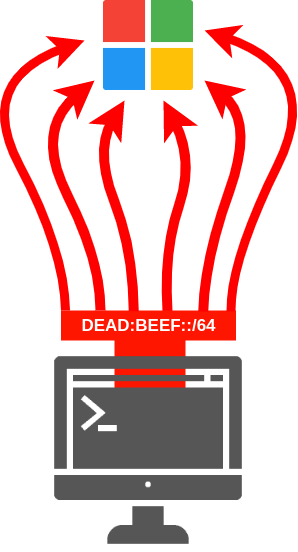
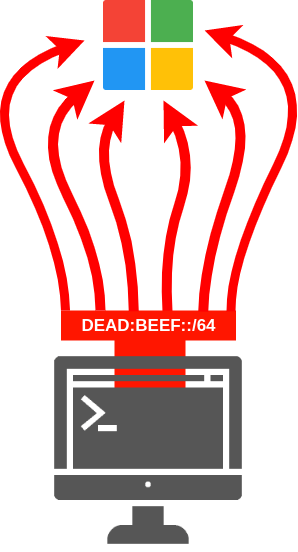 TREVORproxy IPv6 서브넷 프록시 다이어그램
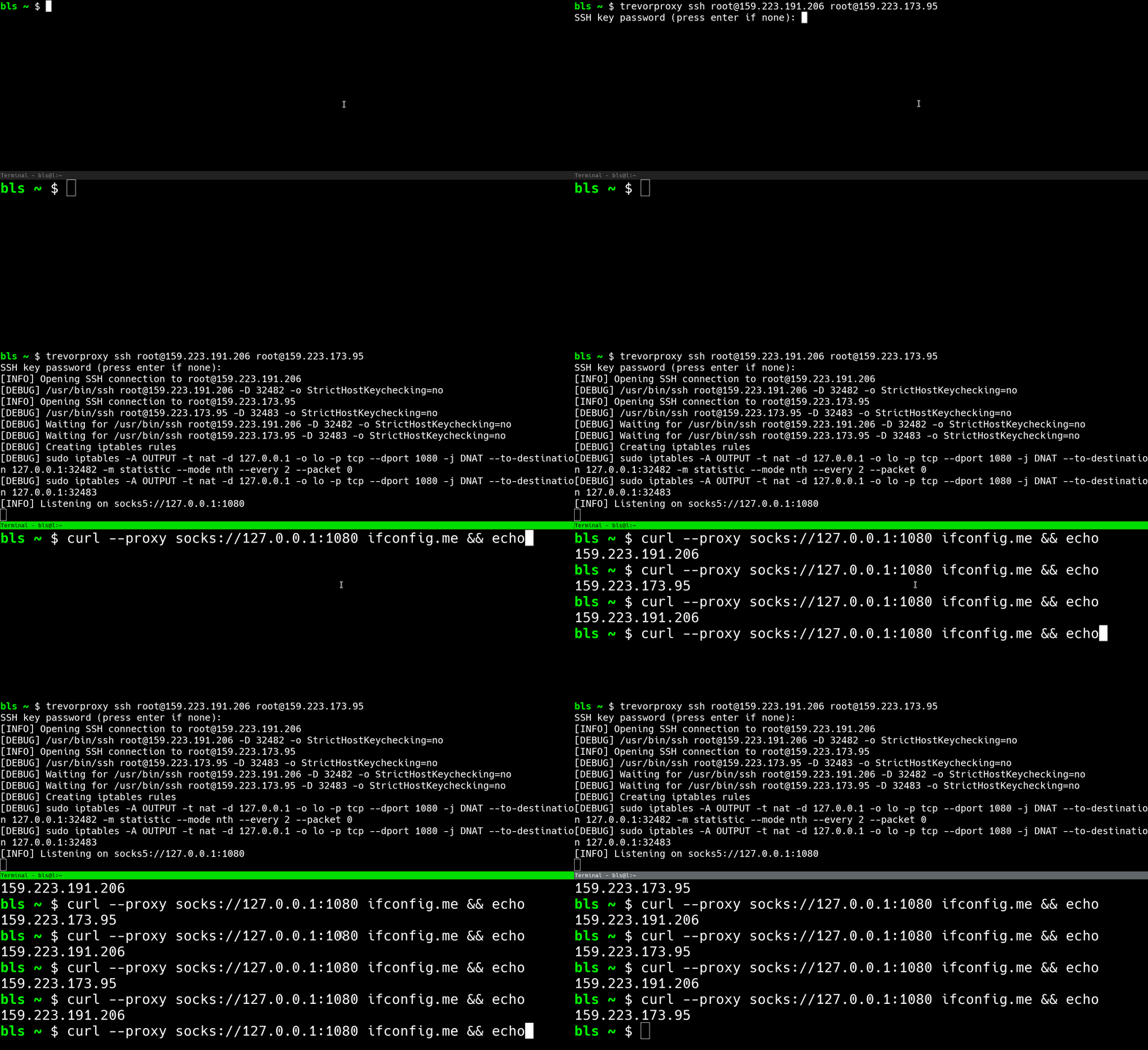 TREVORproxy SSH 프록시 데모
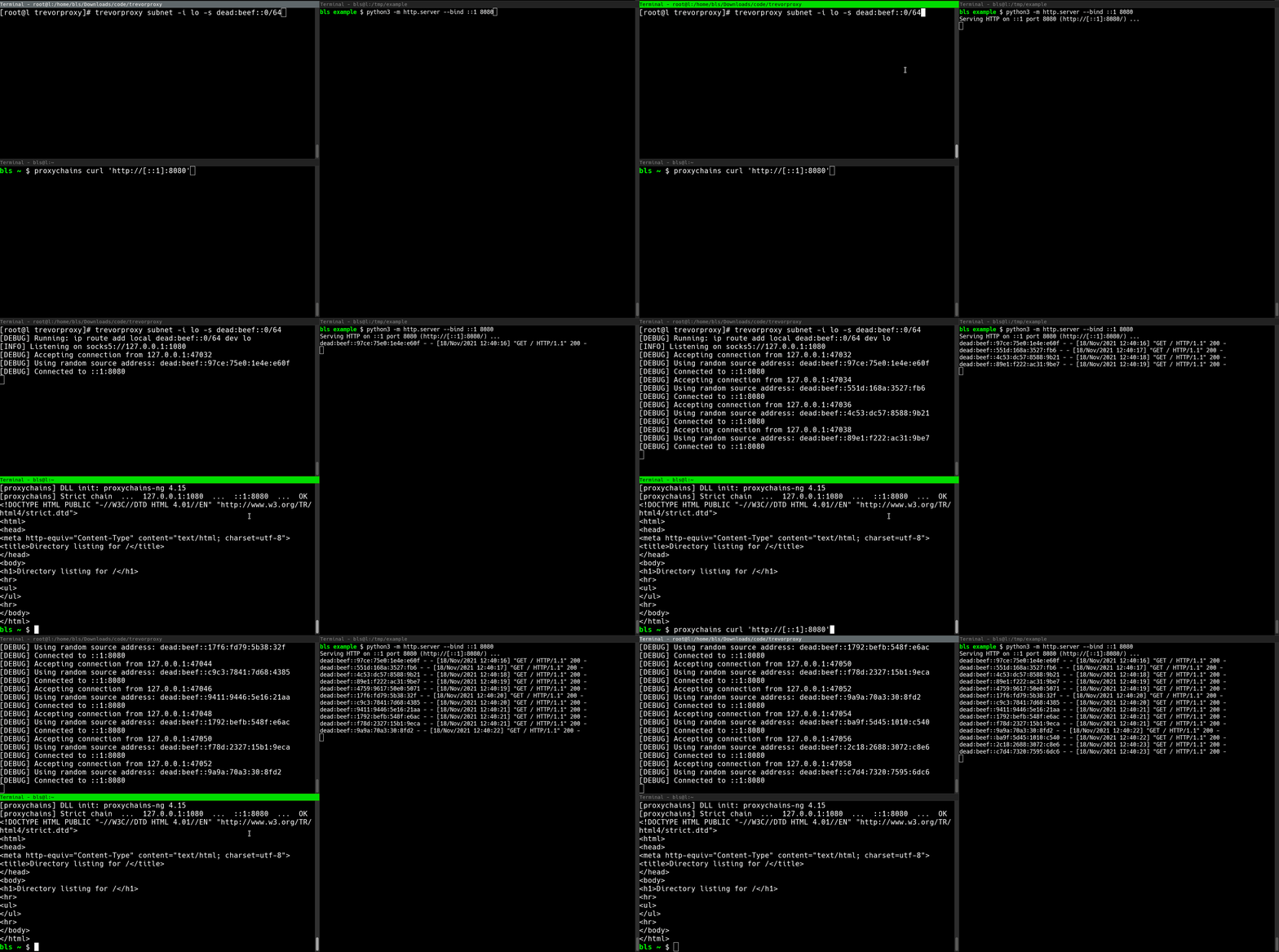 TREVORproxy 서브넷 프록시 데모
TREVORproxy는 서브넷 프록시와 SSH 프록시 두 가지 모드로 작동합니다:
/64 IPv6 범위를 제공하는 경우, 1800경 (18,446,744,073,709,551,616) 개 이상의 고유 IP 주소에서 트래픽을 보낼 수 있습니다.iptables와 SSH의 SOCKS 프록시 기능(ssh -D)을 결합하여 원격 시스템(클라우드 VM 등)을 통해 패킷을 라운드로빈합니다.참고: TREVORproxy는 DoS 도구로 의도되지 않았으며, 패킷을 "스푸핑"하지 않습니다. 완전히 작동하는 SOCKS 프록시로, 반환 트래픽을 수신하도록 설계되었습니다.
subnet 모드에서는 trevorproxy를 root로 실행해야 합니다.# Start TREVORproxy
$ sudo trevorproxy subnet -s dead:beef::0/64 -i eth0
[DEBUG] ip route add local dead:beef::0/64 dev eth0
[INFO] Listening on socks5://127.0.0.1:1080
# Test SOCKS proxy
# Note that each request has a different source IP address
$ curl --proxy socks5://127.0.0.1:1080 -6 api64.ipify.org
dead:beef::74d0:b1be:3166:c934
$ curl --proxy socks5://127.0.0.1:1080 -6 api64.ipify.org
dead:beef::4927:1b4:8e5f:d44d
$ curl --proxy socks5://127.0.0.1:1080 -6 api64.ipify.org
dead:beef::2bb8:7b79:706e:cb7d
$ curl --proxy socks5://127.0.0.1:1080 -6 api64.ipify.org
dead:beef::7e13:abe3:dc24:5a00
# Configure proxychains
$ cat /etc/proxychains.conf
...
socks5 127.0.0.1 1080
...

# Start TREVORproxy
$ trevorproxy ssh [email protected] [email protected]
[DEBUG] Opening SSH connection to [email protected]
[DEBUG] /usr/bin/ssh [email protected] -D 32482 -o StrictHostKeychecking=no
[DEBUG] Opening SSH connection to [email protected]
[DEBUG] /usr/bin/ssh [email protected] -D 32483 -o StrictHostKeychecking=no
[DEBUG] Waiting for /usr/bin/ssh [email protected] -D 32482 -o StrictHostKeychecking=no
[DEBUG] Waiting for /usr/bin/ssh [email protected] -D 32483 -o StrictHostKeychecking=no
[DEBUG] Creating iptables rules
[DEBUG] iptables -A OUTPUT -t nat -d 127.0.0.1 -o lo -p tcp --dport 1080 -j DNAT --to-destination 127.0.0.1:32482 -m statistic --mode nth --every 2 --packet 0
[DEBUG] iptables -A OUTPUT -t nat -d 127.0.0.1 -o lo -p tcp --dport 1080 -j DNAT --to-destination 127.0.0.1:32483
[INFO] Listening on socks5://127.0.0.1:1080

# Test SOCKS proxy
$ proxychains curl ifconfig.me
1.2.3.4
$ proxychains curl ifconfig.me
4.3.2.1
$ proxychains curl ifconfig.me
1.2.3.4
$ proxychains curl ifconfig.me
4.3.2.1
$ trevorproxy --help
usage: trevorproxy [-h] [-p PORT] [-l LISTEN_ADDRESS] [-q] [-v] {interface,ssh} ...

Round-robin requests through multiple SSH tunnels via a single SOCKS server

positional arguments:
  {interface,ssh}       proxy type
    interface           send traffic from local interface
    ssh                 send traffic through SSH hosts

optional arguments:
  -h, --help            show this help message and exit
  -p PORT, --port PORT  Port for SOCKS server to listen on (default: 1080)
  -l LISTEN_ADDRESS, --listen-address LISTEN_ADDRESS
                        Listen address for SOCKS server (default: 127.0.0.1)
  -q, --quiet           Be quiet
  -v, -d, --verbose, --debug
                        Be verbose
$ trevorproxy subnet --help
usage: trevorproxy subnet [-h] [-i INTERFACE] [-s SUBNET]

optional arguments:
  -h, --help            show this help message and exit
  -i INTERFACE, --interface INTERFACE
                        Interface to send packets on
  -s SUBNET, --subnet SUBNET
                        Subnet to send packets from
$ trevorproxy ssh --help
usage: trevorproxy ssh [-h] [-k KEY] [--base-port BASE_PORT] ssh_hosts [ssh_hosts ...]

positional arguments:
  ssh_hosts             Round-robin load-balance through these SSH hosts (user@host)

optional arguments:
  -h, --help            show this help message and exit
  -k KEY, --key KEY     Use this SSH key when connecting to proxy hosts
  --base-port BASE_PORT
                        Base listening port to use for SOCKS proxies (default: 32482)

#trevorforget

