 bishopfox/bfinject
LiberiOS 및 Electra 탈옥과 함께 iOS 11.0 - 11.1.2용 Dylib 주입

탈옥된 64비트 iOS 11.0 - 11.1.2용 간편한 dylib 주입 도구입니다. Electra 및 LiberiOS 탈옥과 호환됩니다.
bfinject는 실행 중인 App Store 앱에 임의의 dylib를 로드합니다. App Store 앱 복호화를 기본 지원하며, iSpy 및 Cycript가 번들로 포함되어 있습니다.
bfinject는 bfinject4realz를 사용하여 dylib를 주입하기 전에 올바르게 코드사인하는 작업을 처리하는 래퍼입니다. 완전히 독립적이며 jailbreakd, QiLin 등을 필요로 하지 않습니다. 그냥 동작합니다.
참고: "Tweaks"가 활성화된 Electra에서는 bfinject가 작동하지 않습니다. bfinject를 사용하려면 재부팅한 후 트윅 없이 Electra를 다시 실행하십시오. "thread_create" 관련 오류가 보이면 이것이 원인입니다.
참고: bfdecrypt는 여기에서 독립형 dylib로 제공됩니다: https://github.com/BishopFox/bfdecrypt/
wget은 SSL을 지원하지 않으므로, 먼저 랩톱으로 복사해야 할 수도 있습니다.ssh root@your-device-ip # (the password is 'alpine')
mkdir bfinject
cd bfinject
wget http://<your_server>/bfinject.tar
tar xvf bfinject.tar
wget은 SSL을 지원하지 않으므로, 먼저 랩톱으로 복사해야 할 수도 있습니다.ssh root@your-device-ip # (the password is 'alpine')
export PATH=$PATH:/jb/usr/bin:/jb/bin:/jb/sbin:/jb/usr/sbin:/jb/usr/local/bin:
cd /jb
mkdir bfinject
cd bfinject
wget http://<your_server>/bfinject.tar
tar xvf bfinject.tar
bash bfinject를 입력하십시오.bash를 붙이는 것이 중요합니다. 그렇지 않으면 작동하지 않습니다. 샌드박스 어쩌구저쩌구.-bash-3.2# bash bfinject
Syntax: bfinject [-p PID | -P appname] [-l /path/to/yourdylib | -L feature]
For example:
bfinject -P Reddit.app -l /path/to/evil.dylib # Injects evil.dylib into the Reddit app
or
bfinject -p 1234 -L cycript # Inject Cycript into PID
or
bfinject -p 4566 -l /path/to/evil.dylib # Injects the .dylib of your choice into PID
Instead of specifying the PID with -p, bfinject can search for the correct PID based on the app name.
Just enter "-P identifier" where "identifier" is a string unique to your app, e.g. "fing.app".
Available features:
cycript - Inject and run Cycript
decrypt - Create a decrypted copy of the target app
test - Inject a simple .dylib to make an entry in the console log
ispy - Inject iSpy. Browse to http://<DEVICE_IP>:31337/
더 복잡한 작업을 하기 전에 제대로 작동하는지 테스트하십시오. bfinject에는 내장 자체 테스트가 있습니다. Reddit 앱을 대상으로 한 예시는 다음과 같습니다.
Cs-iPhone:~ root# bash bfinject -P Reddit -L test
[+] Electra detected.
[+] Injecting into '/var/containers/Bundle/Application/55C94FAA-A282-4FDC-967D-6A012D01087E/Reddit.app/Reddit'
[+] Getting Team ID from target application...
[+] Thinning dylib into non-fat arm64 image
[+] Signing injectable .dylib with Team ID 2TDUX39LX8 and platform entitlements...
[bfinject4realz] Calling task_for_pid() for PID 486.
[bfinject4realz] Calling thread_create() on PID 486
[bfinject4realz] Looking for ROP gadget... found at 0x1019a2ba0
[bfinject4realz] Fake stack frame at 0x12ac5c000
[bfinject4realz] Calling _pthread_set_self() at 0x182bfb814...
[bfinject4realz] Returned from '_pthread_set_self'
[bfinject4realz] Calling dlopen() at 0x1829bb460...
[bfinject4realz] Returned from 'dlopen'
[bfinject4realz] Success! Library was loaded at 0x1c016e1c0
[+] So long and thanks for all the fish.
기기 화면에 다음과 같은 화면이 보여야 합니다:
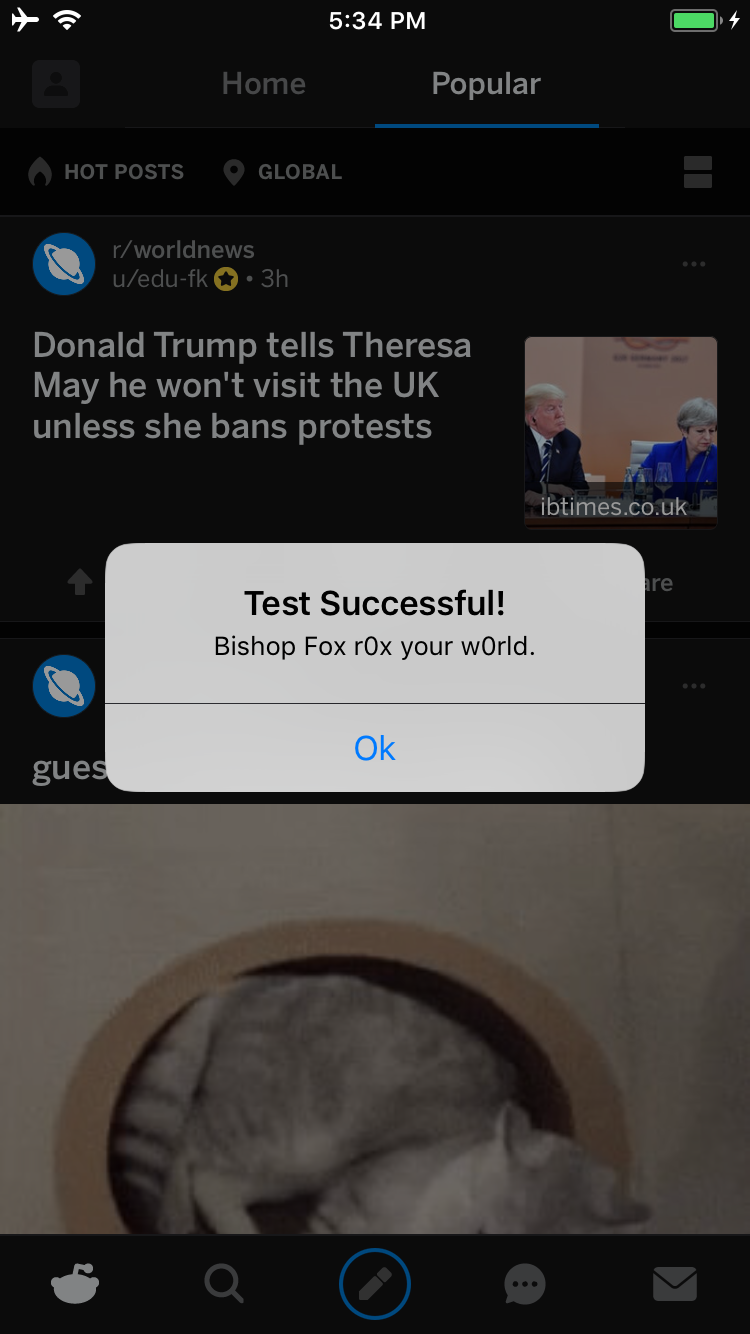
그렇지 않다면 뭔가 고장난 것입니다 ;)
Electra로 탈옥된 iPhone에서 Reddit 앱을 복호화하는 예시입니다:
Cs-iPhone:~ root# bash bfinject -P Reddit -L decrypt
[+] Electra detected.
[+] Injecting into '/var/containers/Bundle/Application/BCEBDD64-6738-45CE-9B3C-C6F933EA0793/Reddit.app/Reddit'
[+] Getting Team ID from target application...
[+] Thinning dylib into non-fat arm64 image
[+] Signing injectable .dylib with Team ID 2TDUX39LX8 and platform entitlements...
[bfinject4realz] Calling task_for_pid() for PID 3218.
[bfinject4realz] Calling thread_create() on PID 3218
[bfinject4realz] Looking for ROP gadget... found at 0x1016a5110
[bfinject4realz] Fake stack frame at 0x10a06c000
[bfinject4realz] Calling _pthread_set_self() at 0x181303814...
[bfinject4realz] Returned from '_pthread_set_self'
[bfinject4realz] Calling dlopen() at 0x1810c3460...
[bfinject4realz] Returned from 'dlopen'
[bfinject4realz] Success! Library was loaded at 0x1c03e1100
[+] So long and thanks for all the fish.
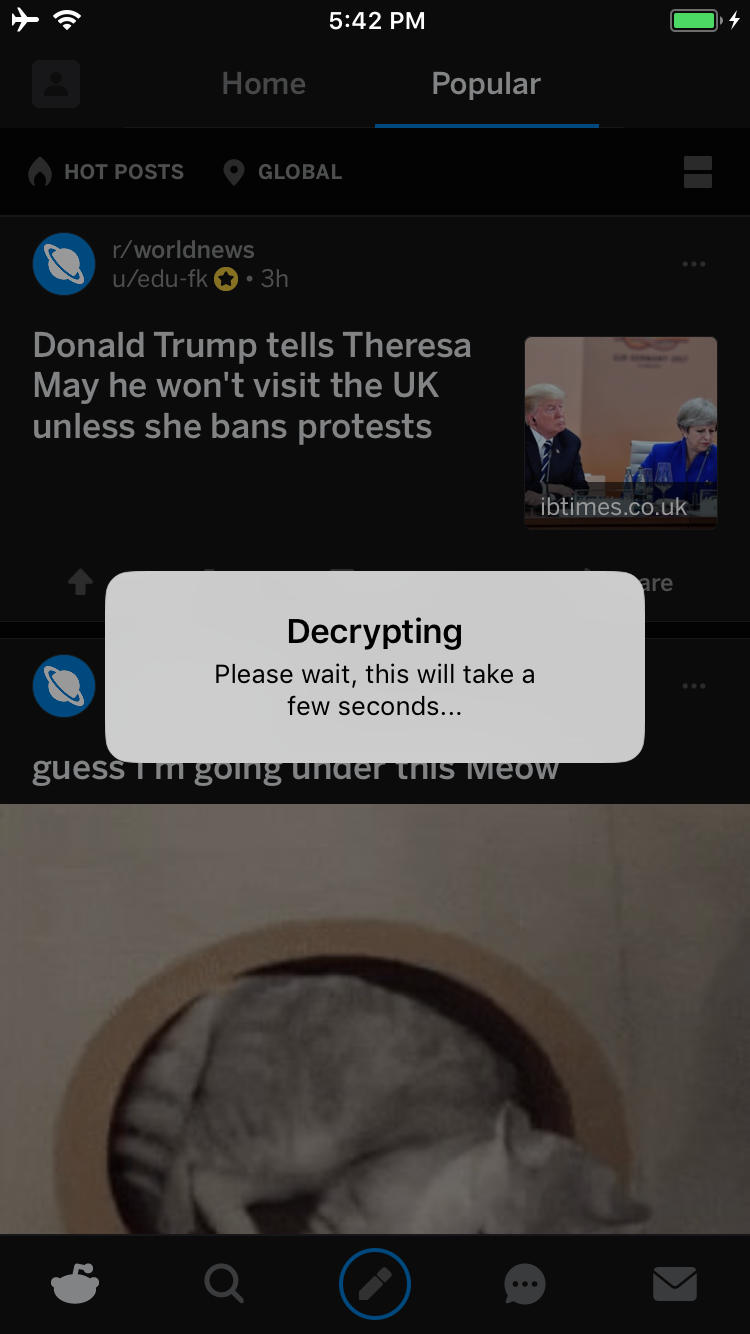
기기에서 다음 화면이 표시됩니다:
완료되면 복호화된 IPA를 다운로드할 수 있는 서비스를 시작할지 묻는 UI 알림이 표시됩니다:
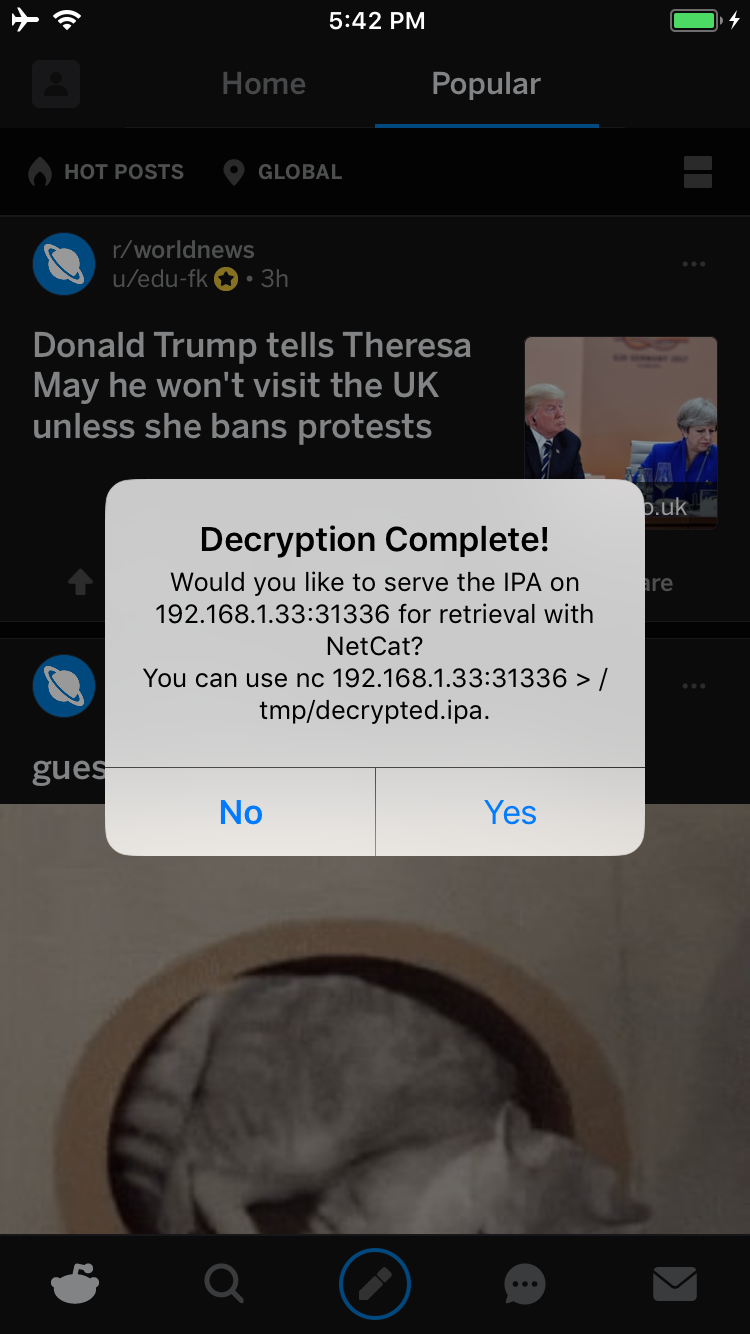
Yes를 탭하면 기기의 31336 포트에서 서비스가 시작됩니다. 연결하면 IPA의 원본 복사본이 전송되며 다음과 같이 netcat으로 다운로드할 수 있습니다:
carl@calisto-3 /tmp $ nc 192.168.1.33 31336 > decrypted.ipa
carl@calisto-3 /tmp $ ls -l decrypted.ipa
-rw-r--r--  1 carl  wheel  14649063 Jan 25 16:57 decrypted.ipa
carl@calisto-3 /tmp $ file decrypted.ipa
decrypted.ipa: iOS App Zip archive data, at least v2.0 to extract
또는 기기의 콘솔 로그를 확인하면 복호화된 IPA가 저장된 위치를 알 수 있습니다. 예:
[dumpdecrypted] Wrote /var/mobile/Containers/Data/Application/6E6A5887-8B58-4FC5-A2F3-7870EDB5E8D1/Documents/decrypted-app.ipa
다음과 같이 파일시스템에서 IPA를 검색할 수도 있습니다:
find /var/mobile/Containers/Data/Application/ -name decrypted-app.ipa
.ipa를 기기에서 가져오려면 netcat을 사용할 수 있습니다. 랩톱에서 리스너 서비스를 설정하십시오:
ncat -l 0.0.0.0 12345 > decrypted.ipa
그리고 탈옥된 기기에서:
cat /path/to/decrypted.ipa > /dev/tcp/<IP_OF_YOUR_COMPUTER>/12345
.ipa는 App Store의 원본 .ipa 복제본이지만, 메인 바이너리와 함께 포함된 모든 프레임워크 및 공유 라이브러리는 복호화됩니다. 이전에 암호화된 각 파일에서 CRYPTID 플래그는 0이 됩니다. .ipa를 가져와 앱을 추출하고, 필요에 따라 수정한 다음, 자신의 개발자 인증서로 다시 서명하고, 필요에 따라 탈옥되지 않은 기기에 배포할 수 있습니다.
bfinject의 기능 중 하나는 Cycript와 같은 일반적인 펜테스팅 도구를 통합하는 것입니다. 시간이 지나면서 더 추가될 예정입니다. Cycript를 사용하려면 MacBook에 Cycript 명령줄 클라이언트(http://www.cycript.org/)가 설치되어 있어야 합니다. 그런 다음 테스트 기기에 bfinject가 설치되면 Reddit 앱에 Cycript를 주입하는 다음 예시와 같이 하면 됩니다:
