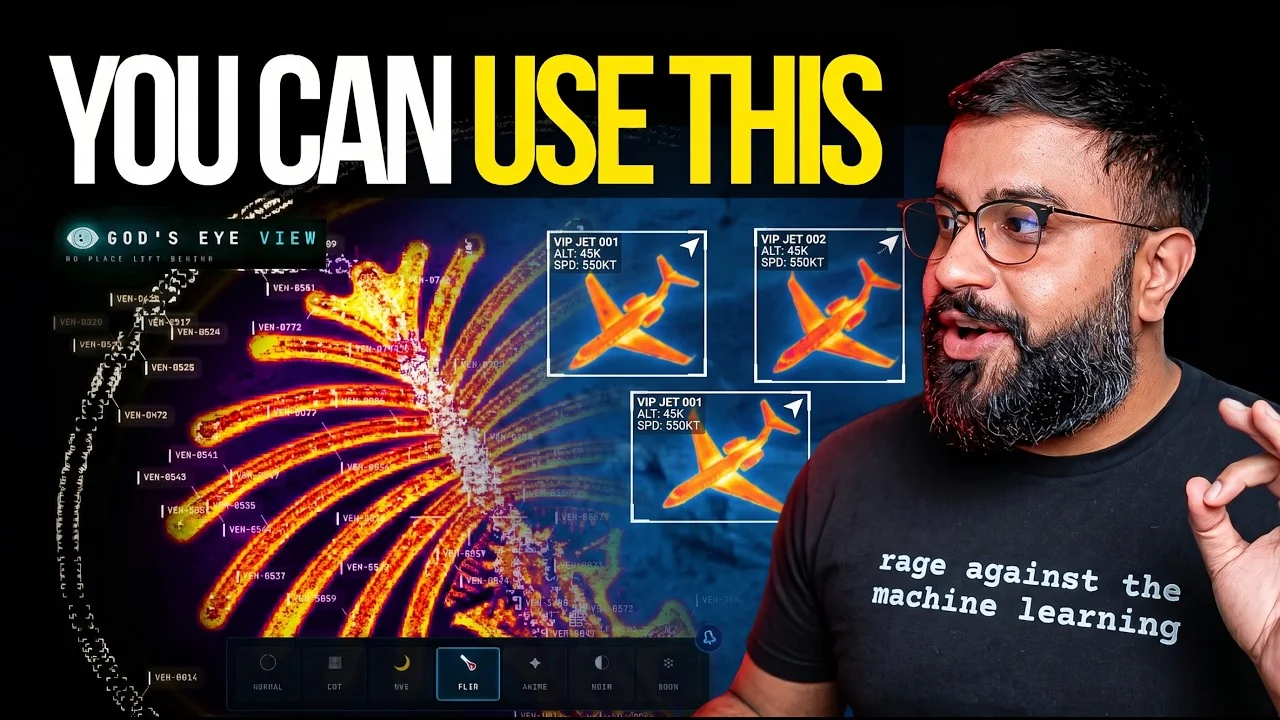
🌐 God's Eye View


A spy-satellite simulator in your browser — then you realize the sources are public and the data is real.
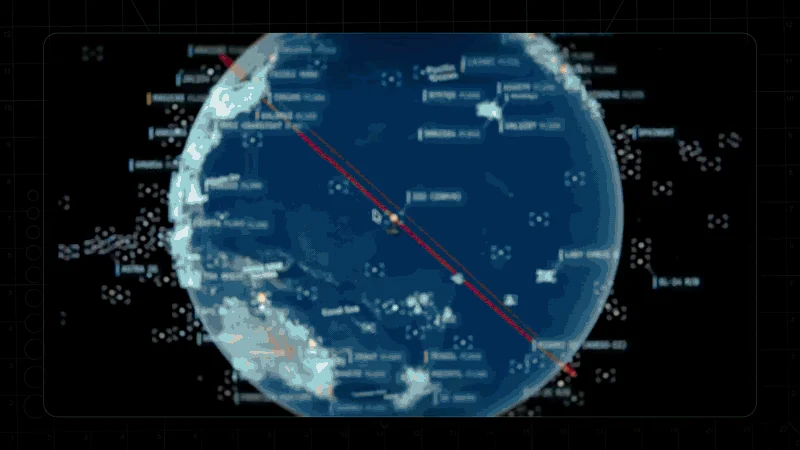
Photorealistic 3D globe. Live aircraft, ships, satellites, earthquakes, traffic, and public cameras. Hands-free voice control powered by a realtime AI agent.
No place left behind.
▶️ From the project behind the viral God's Eye View series (formerly WorldView) — 5M+ on YouTube · 25M+ across socials
🏆 Reached #1 on GitHub Trending, daily and weekly · August 2026
#8 Product of the Day · Hunted by Chris Messina, creator of the hashtag
“pretty cool” — Brendan Eich, creator of JavaScript and co-founder of Mozilla and Brave · Featured on Pinokio
⚡ Start without API keys. Install with Pinokio or run locally from the terminal. Add optional keys inside the app. → Quick Start
🌍 Why This Exists
God's Eye View brings public signals into one explorable globe. Track the world live. Talk to it. Break it. Extend it.
Flight transponders, ship beacons, orbital elements, seismographs, and public cameras already tell us a lot about the world. God's Eye View puts them in the same place, so you can move between a global picture and an individual aircraft, ship, or street. It runs locally in your browser, with source code you can inspect and extend.
Half the magic is that it looks like a forbidden cockpit. The other half is that every line of code is inspectable.
Most feeds are live or regularly refreshed. Traffic is simulated along real
roads using aggregate location data. CCTV camera poses and rocket launch
trajectories are coarse estimates.
Start with the included data sources, then add your own. Each layer is a separate module.
🎛️ What This Thing Does
- 🛩️ Cockpit view: Ride inside a tracked flight — the camera holds the terrain under you all the way down.
- 📡 Contacts: A 250 km roster of everything near your target — step through live aircraft and drop into any cockpit.
- 🎯 Click-to-track anything: Camera locks on, draws a fading trail, surfaces full metadata — and a tracked fire or vessel hands you off to the nearest live camera in one click.
- 🖊️ Voice whiteboard: Speak annotations onto the world — real boundary polygons, marks, and routes.
- 🛫 3D hangar: Real per-class aircraft models — 787, ATR-72, Citation, Bell 206, MQ-9 — and a tracked contact swaps from glyph to 3D model as you close in.
- 🎨 Reskin reality: GLSL sensor looks over the normal globe — CRT, NVG, FLIR/thermal, Noir, Snow.
- 🟩 Detection overlay: Screen-space bounding boxes and IDs on everything in view.
- 🎖️ Military HUD: Tactical heads-up display with intelligence-style telemetry.
- 🌐 Global Context: Stage the full situational picture with one switch — and get your exact view back when you leave.
- 🎥 Scene director: Capture cinematic camera tours for clips and demos.
- 🔗 Share Links: Camera, style, layers, and even one tracked target serialize into a URL — a live target is a handoff, not a bookmark.
- 🏠 Reset Globe: One control — or one sentence — back to the full Earth.
- 🌦️ Weather: Animate GFS or ECMWF forecast wind, replay observed radar, satellite clouds and lightning on one timeline, and follow NHC/CPHC cyclone tracks. No key needed.
- 📷 Mapped ALPR cameras: License-plate-reader camera locations tagged in OpenStreetMap, one city at a time. Locations and tags only; no key needed.
- 🔭 Satellite passes: Ask by voice when any loaded satellite next rises over you: rise, peak and set times, and whether you can see it.
- 🔎 Analyst answers: Count, filter and rank satellites, datacenters and dams by voice, alongside flights, ships, fires and quakes; answers say when a feed is stale or on a fallback.
- 🧭 Tilt and North Up: Switch between straight-down and a 35° oblique, or put north at the top, while a tracked target stays centered.
- 🔍 Keyless search: Type coordinates or a bundled city or landmark to fly there with no network request; other names use Google when configured, then Photon and Nominatim.
- 📦 Shareable scenes: Import, preview and share Director scenes as files or bundles, with camera anchors, authored moves and data packs.
- 🌊 Nepal flood scene: Replay the Bhote Koshi flood: flood path, witness sources and before-and-after imagery (bundled data is non-commercial; see DATA_SOURCES.md).
⚡ Quick Start
Start without an account or API keys. Both paths open the same app with
Esri satellite imagery and keyless terrain. OSM is the fallback if Esri is
unreachable. Flights, military traffic, satellites, earthquakes, public
cameras, radio, and launches are available without keys.
For photorealistic 3D, add a Cesium ion token for eligible personal,
non-commercial use, or a Google Maps key for the direct, metered route and
Google place search. Provider terms and quotas apply. Add keys through the
app's POWER UP panel; Keys & Costs explains the options.
Already installed? Update to the latest version. Older versions query
public OpenStreetMap Overpass servers, which now refuse them, so Traffic,
Mapped Installations and ALPR stay empty until you update.
Path 1 — One click, no terminal
- Install or update Pinokio to 8.2 or later.
- Open God's Eye View in Pinokio.
- Click Install, then Start.
 bilawalsidhu/gods-eye-view