 secrary/makin
makin - アンチデバッグおよびアンチVMトリックを明らかにする [このプロジェクトはメンテナンスされなくなりました]

I create makin to make initial malware assessment little bit easier for me, I think it's useful for others as well, It helps to reveal a debugger detection techniques used by a sample.
私は makin を作成しました。これは最初のマルウェア評価を少し簡単にするためのもので、他の人にも役立つと思います。サンプルが使用するデバッガ検出テクニックを明らかにするのに役立ちます。
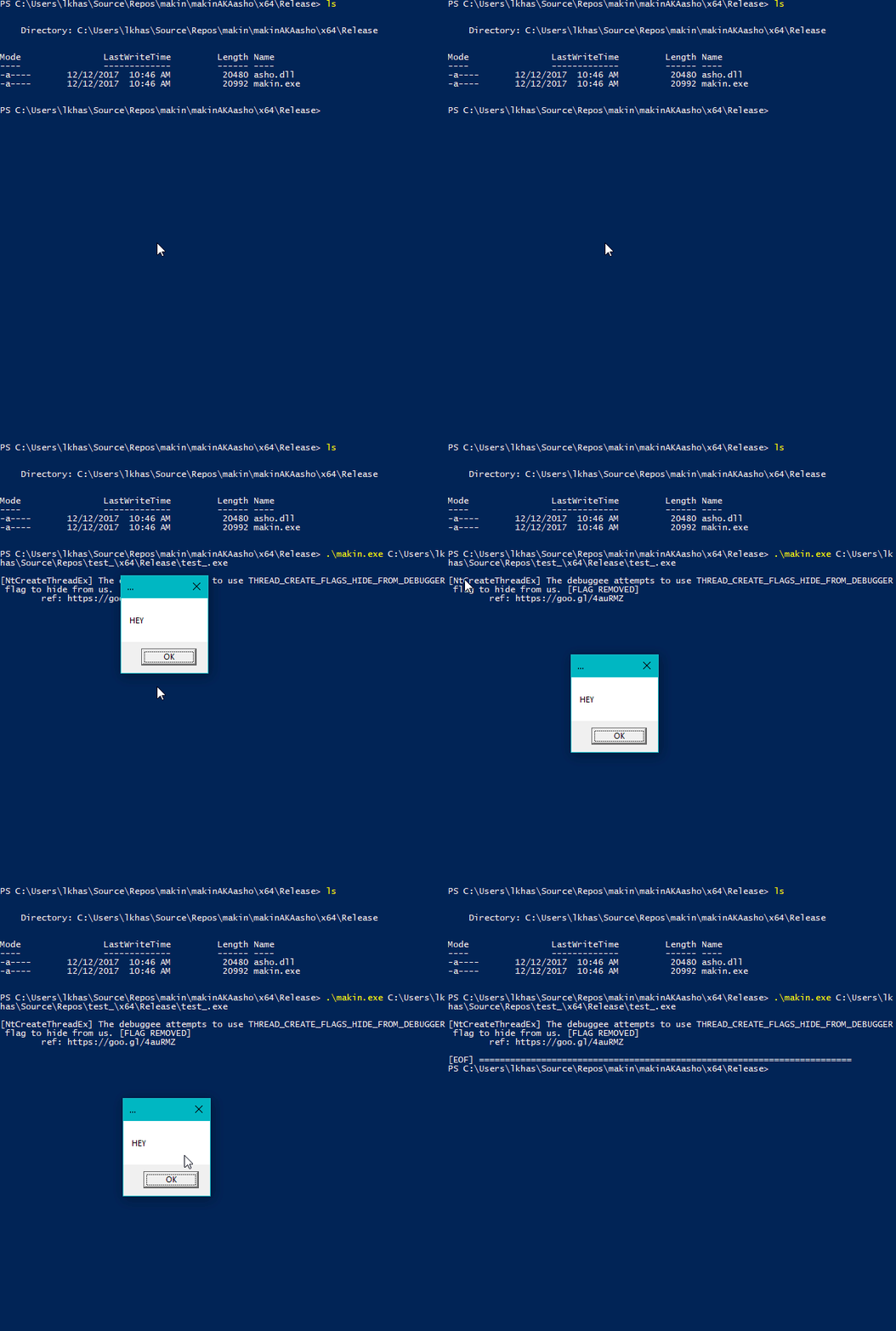
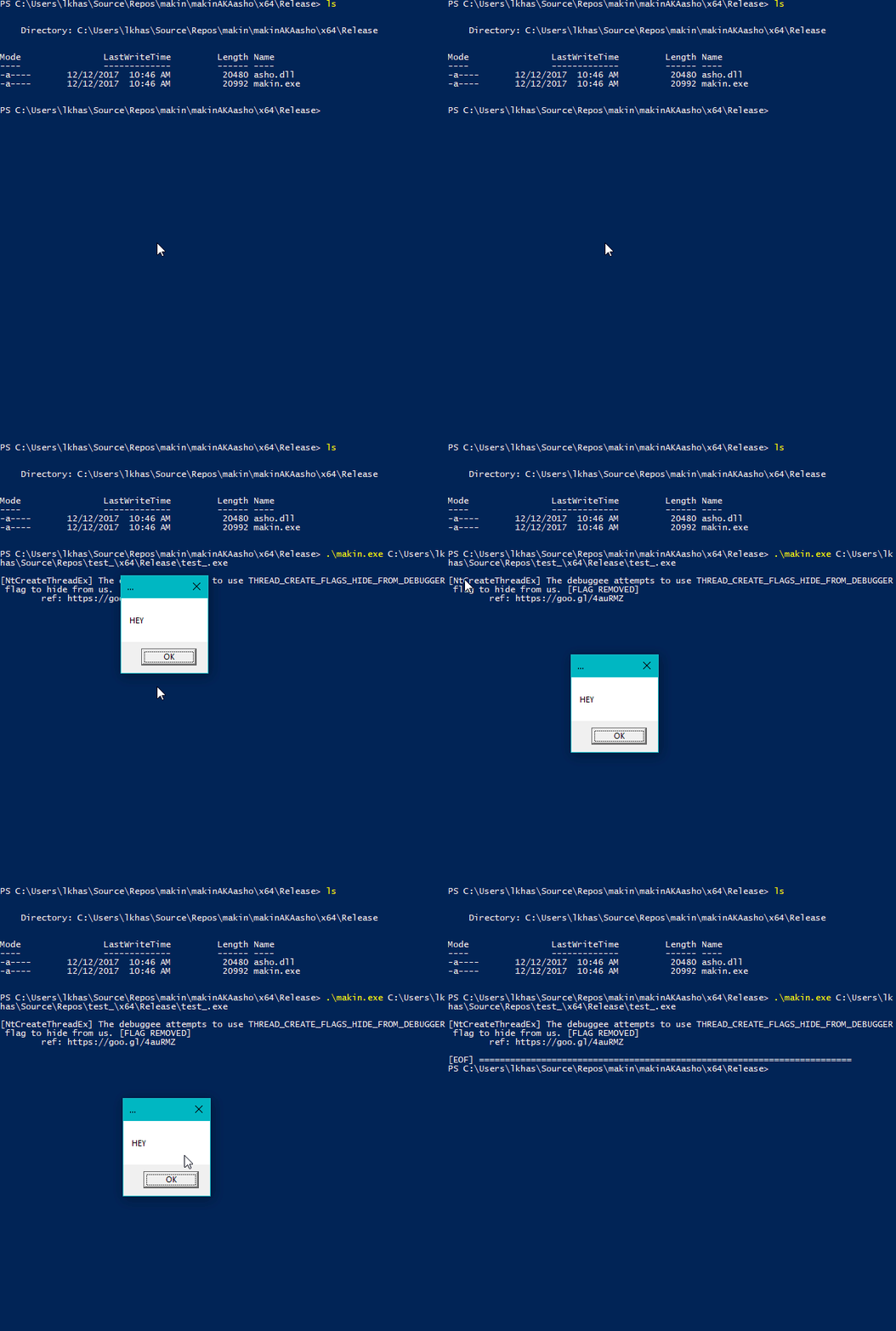
makin opens a sample as a debuggee and injects asho.dll(main module renames all dlls before injection), asho.dll hooks several functions at ntdll.dll and kernelbase.dll libraries and after parameters checkings, it sends the corresponding message to the debugger (makin.exe).
makin はサンプルをデバッグ対象として開き、asho.dll(メインモジュールはインジェクション前にすべての dll の名前を変更します)を注入します。asho.dll は ntdll.dll と kernelbase.dll ライブラリのいくつかの関数をフックし、パラメータチェックの後、対応するメッセージをデバッガ(makin.exe)に送信します。
makin also generates a script for IDA Pro to set breakpoints at detected APIs.
makin はまた、検出された API にブレークポイントを設定するための IDA Pro 用スクリプトを生成します。
At this moment, makin can reveal following techniques:
現時点で、makin は以下のテクニックを明らかにできます:
ntdll.dll:
NtClose - ref: The "Ultimate" Anti-Debugging Reference: 7.B.iiNtOpenProcess - ref: The "Ultimate" Anti-Debugging Reference: 7.B.iNtCreateFile - ref: The "Ultimate" Anti-Debugging Reference: 7.B.iii (Open itself)NtCreateFile - ref: The "Ultimate" Anti-Debugging Reference: 7.B.iii (Open a driver)LdrLoadDll - ref: The "Ultimate" Anti-Debugging Reference: 7.B.ivNtSetDebugFilterState - ref: The "Ultimate" Anti-Debugging Reference: 7.D.viNtQueryInformationProcess - ref: The "Ultimate" Anti-Debugging Reference: 7.D.viii.a, 7.D.viii.b, 7.D.viii.cNtQuerySystemInformation - ref: The "Ultimate" Anti-Debugging Reference: 7.E.iiiNtSetInformationThread - ref: The "Ultimate" Anti-Debugging Reference 7.F.iiiNtCreateUserProcess - ref: The "Ultimate" Anti-Debugging Reference 7.G.iNtCreateThreadEx - ref: ntuery blog postNtSystemDebugControl - ref: @waleedassar - pastebinNtYieldExecution - ref: The "Ultimate" Anti-Debugging Reference 7.D.xiiiNtSetLdtEntries - ref: ANTI-UNPACKER TRICKS: PART ONE - 2.1.2NtQueryInformationThread - ref: ntquery - NtQueryInformationThreadNtCreateDebugObject and NtQueryObject - ref: Anti-Debug NtQueryObjectRtlAdjustPrivilege - ref: Using RtlAdjustPrivilege to detect debugger by insid3codeteamPEB->BeingDebugged - Instead of calling IsDebuggerPresent(), some programs manually check the PEB (Process Environment Block) for the BeingDebugged flag.PEB->BeingDebugged - IsDebuggerPresent() を呼び出す代わりに、一部のプログラムは PEB(プロセス環境ブロック)の BeingDebugged フラグを手動でチェックします。PEB->NtGlobalFlag - ref: al-khaserUserSharedData->KdDebuggerEnabled - ref: al-khaser - SharedUserData_KernelDebuggerPROCTECTED handle trick - ref: al-khaser - HANDLE_FLAG_PROTECT_FROM_CLOSEkernelbase.dll:
IsDebuggerPresent - ref: MSDNCheckRemoteDebuggerPresent - ref: MSDNSetUnhandledExceptionFilter - ref: The "Ultimate" Anti-Debugging Reference: D.xvRegOpenKeyExInternalW - checks registry keysRegOpenKeyExInternalW - レジストリキーをチェックRegQueryValueExW - checks registry key valuesRegQueryValueExW - レジストリキーの値をチェックYou can add more VM checks via editing checks.json file, without modification of the executable
checks.json ファイルを編集することで、実行ファイルを変更せずに VM チェックを追加できます。
That's all for now, you can add as much as you wish :)
以上です。好きなだけ追加してください :)