
AIコーディングエージェント用のサンドボックス。Copilot CLI、Claude Code、OpenCode、Gemini CLI、Antigravity、Pi、goose、またはプレーンシェルをカーネルレベルのサンドボックス内で実行し、gitおよびghガードとサンドボックスポリシーをリポジトリにコミットします。



AIコーディングエージェント向けのカーネル強制サンドボックス。 cpltはGitHub Copilot CLI、OpenCode、Gemini CLI、Antigravity CLI、Pi、Claude Code、goose、DeepSeek Harness、または任意のシェルをラップし、エージェントがコードを書けるようにしつつ、認証情報の窃取、mainへのプッシュ、PRのマージ、シークレットの持ち出しを防ぎます。
sandbox-exec 経由のApple Seatbelt/SBPL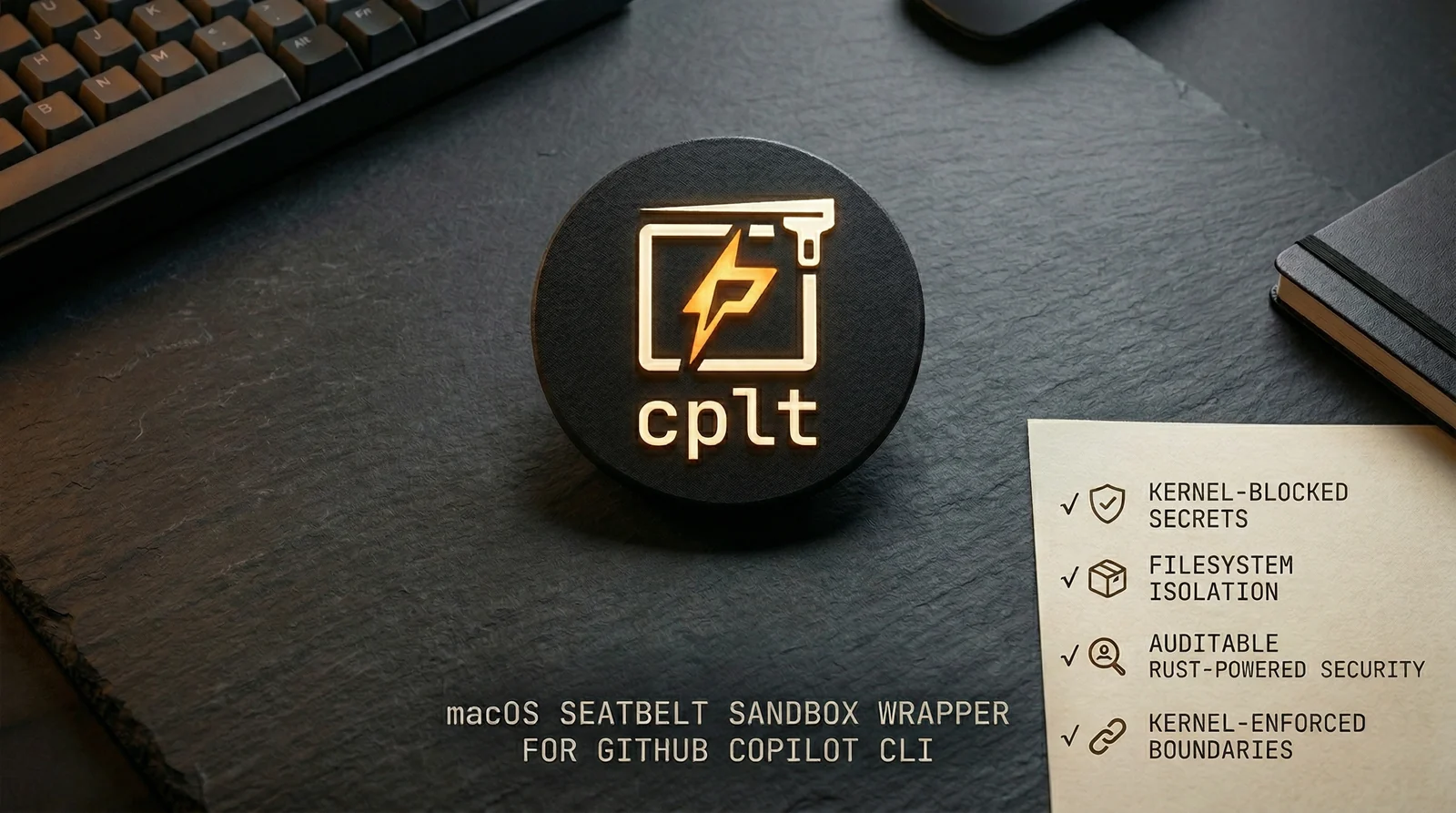
AIエージェントは任意のコードを実行します。プロンプトインジェクション、サプライチェーン攻撃、悪意あるMCPサーバーなどによって侵害されたエージェントは、OS自体が拒否しない限り、~/.sshを読み取ったり、mainへプッシュしたり、PRをマージしたり、あなたのコードを持ち出したりすることができます。
cpltはチームで設定可能なポリシーとともに、カーネルレベルの強制を提供します:
.cplt.toml内のリポジトリごとのポリシーをバージョン管理にコミットするため、改ざん防止と監査が可能詳細ドキュメント: 設定 · プロキシとドメインフィルタリング · ghコマンドガード · gitコマンドガード · 既知の影響 · セキュリティ詳細 · セキュリティモデル
brew install navikt/tap/cplt   # macOS. On Debian or Ubuntu, see apt below
cplt --shell-install        # make 'copilot' run sandboxed (persistent)
                            # --agent opencode for any other agent
cplt doctor                 # check your environment
cplt -- -p "fix the tests"  # run Copilot in sandbox
他のエージェントとサンドボックスコマンド:
cplt --agent opencode                       # OpenCode (Copilot subscription)
cplt --agent opencode --pass-env ANTHROPIC_API_KEY  # third-party provider
cplt --agent shell                          # interactive sandboxed shell (no AI)
cplt exec -- npm install                    # sandbox any command directly
cplt exec -c "npm install && npm test"      # compound commands in sandbox
alias npm="cplt exec -- npm"               # sandboxed npm for every invocation
# 1. Generate per-repo policy
cplt init --write

# 2. Developers approve on first run
cplt trust accept --all

# 3. Tune the command guards (both block by default)
cplt config set git_guard.protect_default_branch_only false # block every push, not just main
cplt config set git_guard.mode warn                         # observe instead of blocking
サンドボックスはカーネル内の認証情報やシークレットへのアクセスをブロックします。コマンドガードは破壊的な操作をブロックします。すべての制限はエージェント自体と、エージェントが生成するすべてのプロセスに適用されます。


