 mgreen27/detectraptor
公開されているVelociraptor検出コンテンツを共有するためのリポジトリ

公開されている大量の Velociraptor 検出コンテンツを、簡単に利用できる形で共有するためのリポジトリです。
リリース版の VQL zip を取得して、Velociraptor にインポートするだけです。
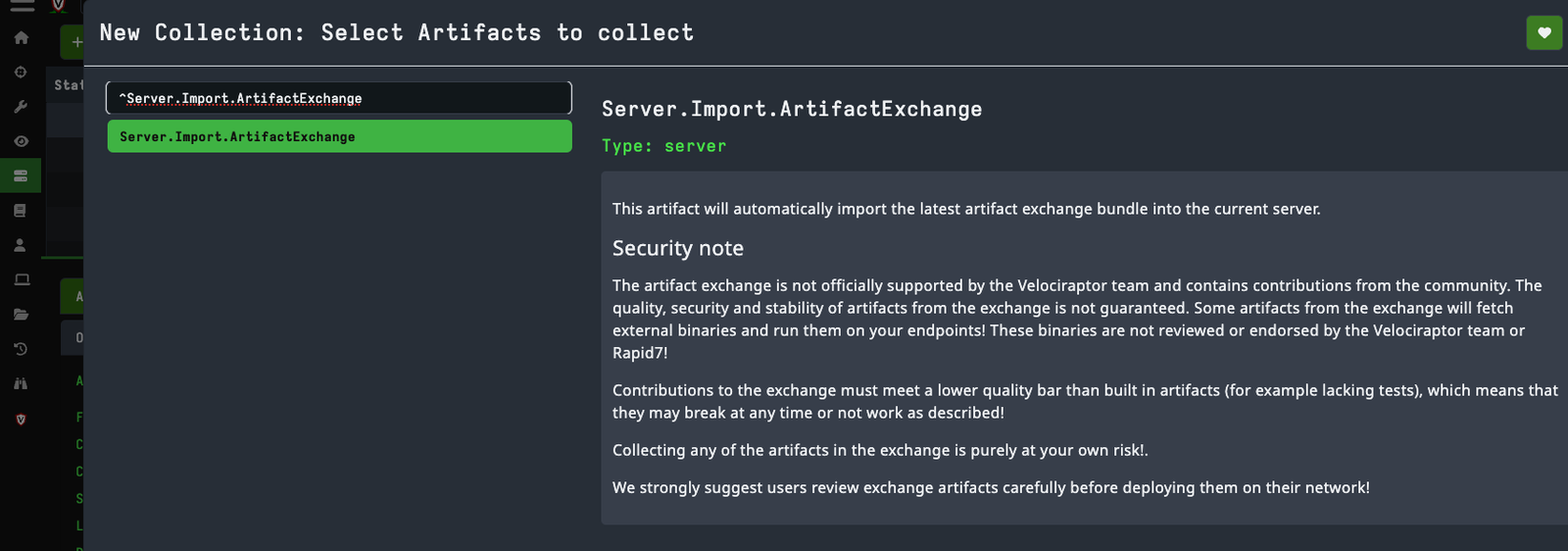
これは Velociraptor のアーティファクトエクスチェンジ: Server.Import.DetectRaptor を使うことで簡単に行えます。
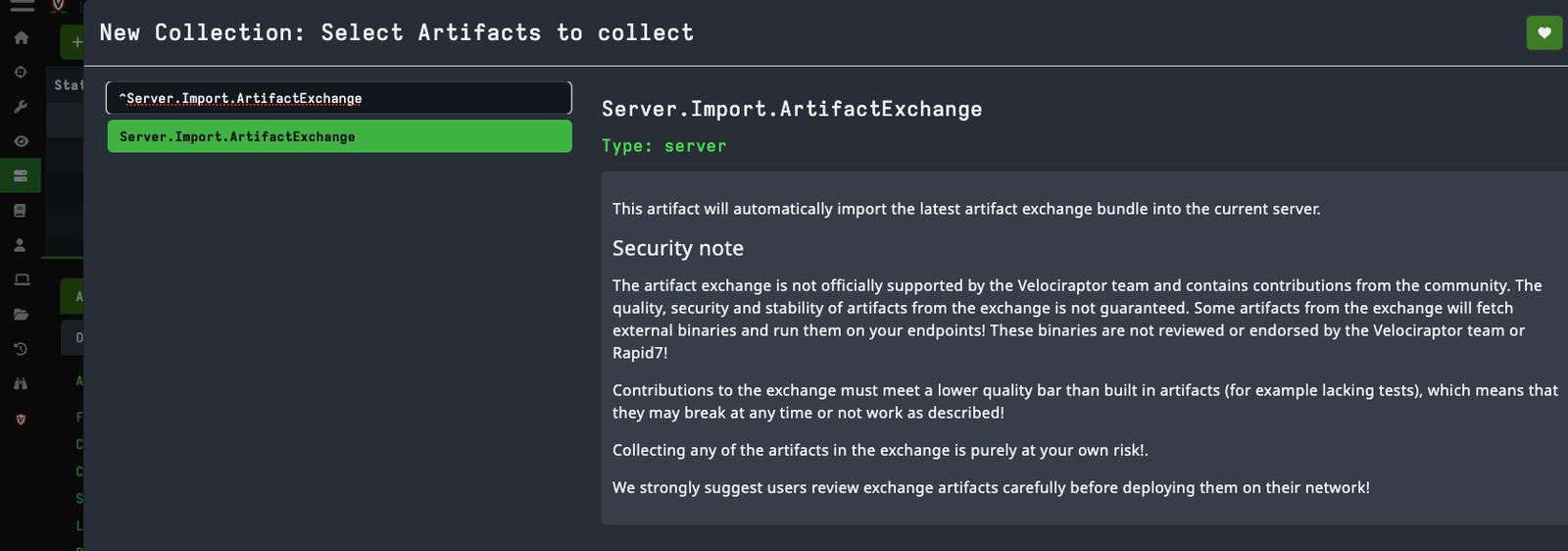
これにより、"Import DetectRaptor" アーティファクトがインポートされます。
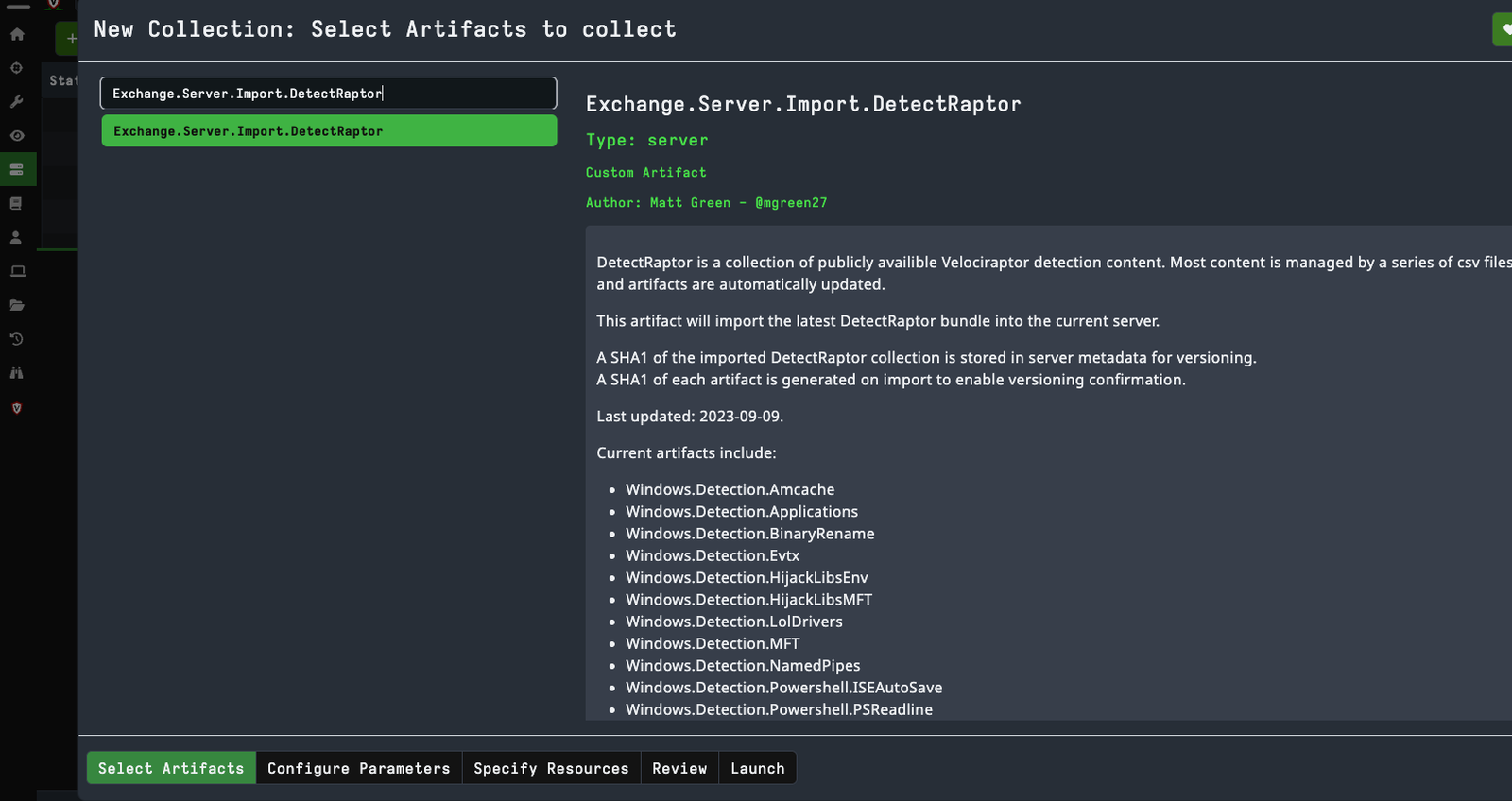
現在のアーティファクトには以下が含まれます:
サーバーアーティファクト:
参考となるリポジトリ:
リポジトリのルートから、イベントログ、PSReadLine、MFT のリグレッションテストを実行します:
python -m unittest discover -s tests -v
MFT 検出 CSV を直接検証します:
python scripts/sync_mft_lolrmm.py
python scripts/normalize_mft_metadata.py
python scripts/assign_mft_metadata.py --check
python scripts/validate_mft.py
python scripts/validate_mft_whitelist.py
python scripts/build_mft_replay_coverage.py
python scripts/replay_mft.py --check
python scripts/benchmark_mft_replay.py --iterations 3
MFT ルールを追加するときは、生成されたメタデータフィールドを空のままにして、次のコマンドを実行してください:
python scripts/assign_mft_metadata.py
これにより、不変の DR-MFT-<CATEGORY>-NNN RuleID と、ベースラインのカテゴリ、信頼度、ソース、および ATT&CK メタデータが割り当てられます。既存の RuleID は保持されます。
sync_mft_lolrmm.py は、csv/lolrmm.csv から LOLRMM ベースの MFT ルールを再生成し、csv/MFT_RMM_IDs.csv を介して ID を保持し、csv/MFT_RMM_Overrides.csv を適用します。ファイル名のみの MFT 検出に本質的に適さないソースは、csv/MFT_RMM_Exclusions.csv に記録されます。次に normalize_mft_metadata.py が、レビュー済みの信頼度、重大度、スコープ、および ATT&CK ポリシーを適用します。生成された DLL インジケータは、そのベース名に製品固有の LOLRMM 名トークンが含まれる場合にのみ保持されます。フィルタリングされた DLL と明示的な除外は csv/MFT_RMM_Coverage.csv に記録されます。既知のあいまいな実行可能ファイルのベース名も、ファイル名のみの生成から除外されます。厳選された分割オーバーライドでは、安定した上流の製品パスの下にある汎用ファイル名のみが保持されます。
build_mft_replay_coverage.py は、すべての MFT ルールに対して決定論的な合成ポジティブを作成し、重複するルールマッチを csv/MFT_Replay_Coverage.csv に記録します。replay_mft.py --check は、tests/fixtures/ 配下のサニタイズ済みポジティブ/ネガティブフィクスチャを評価します。また、--baseline-rules を使用して候補ルールファイルをベースラインと比較し、詳細なマッチ、比較、サマリ出力を明示的に選択したパスに書き込むこともできます。
csv/MFT_Whitelist.csv には、組み込みのパス認識型抑制ポリシーが含まれています。ポリシーには、正確な RuleID とアーティファクトに加え、一致するファイル名とパスの正規表現が必要です。SuppressWhitelisted は MFT および Amcache でデフォルトで有効になっています。無効にすると、抑制された行とその WhitelistID メタデータを監査できます。ローカルまたは顧客固有の RMM 承認はランタイムパラメータのままであり、リポジトリにはコミットされません。
benchmark_mft_replay.py は、サニタイズ済みフィクスチャと、ルールごとに生成された 1 つのポジティブを組み合わせます。生のマッチ、保持されたマッチ、抑制されたマッチ、一意のファイルとパス文字列、マルチマッチ展開、推定ルール評価数、実行時間をレポートします。追加のリプレイ形式 CSV 入力は、--input で指定できます。ベンチマーク JSON は、--output が明示的に指定された場合にのみ書き込まれます。
影響を受けるアーティファクトを scripts/ から再生成します:
cd scripts
python evtx.py
python psreadline.py
python iseautosave.py
python mft.py
python amcache.py
生成されたアーティファクトを Velociraptor で検証します:
./velociraptor artifacts verify \
  vql/Evtx.yaml \
  vql/PSReadline.yaml \
  vql/ISEAutoSave.yaml \
  vql/MFT.yaml
docs/eventlogs-detection-review.mddocs/mft-detection-uplift.md