 threatunknown/jsubfinder
Strumento basato su Go che analizza pagine web e file JavaScript per scoprire sottodomini e segreti nascosti, con crawling opzionale e analisi proxy in tempo reale per attività di bug bounty e penetration testing.


JSubFinder è uno strumento scritto in Go per cercare sottodomini nascosti e segreti nelle pagine web e nel JavaScript dell'URL fornito. Sviluppato pensando ai cacciatori di Bug Bounty, JSubFinder sfrutta le incredibili prestazioni di Go, permettendo di utilizzare grandi set di dati e di essere facilmente concatenato con altri strumenti.
Installa l'applicazione e scarica le firme necessarie per trovare segreti
Usando Go:
go install github.com/ThreatUnkown/jsubfinder@latest
wget https://raw.githubusercontent.com/ThreatUnkown/jsubfinder/master/.jsf_signatures.yaml && mv .jsf_signatures.yaml ~/.jsf_signatures.yaml
oppure
Cerca sottodomini e segreti negli URL forniti
$ jsubfinder search -h

Execute the command specified

Usage:
  JSubFinder search [flags]

Flags:
  -c, --crawl              Enable crawling
  -g, --greedy             Check all files for URL's not just Javascript
  -h, --help               help for search
  -f, --inputFile string   File containing domains
  -t, --threads int        Ammount of threads to be used (default 5)
  -u, --url strings        Url to check

Global Flags:
  -d, --debug               Enable debug mode. Logs are stored in log.info
  -K, --nossl               Skip SSL cert verification (default true)
  -o, --outputFile string   name/location to store the file
  -s, --secrets             Check results for secrets e.g api keys
      --sig string          Location of signatures for finding secrets
  -S, --silent              Disable printing to the console
Esempi (i risultati sono gli stessi in questo caso):
$ jsubfinder search -u www.google.com
$ jsubfinder search -f file.txt
$ echo www.google.com | jsubfinder search
$ echo www.google.com | httpx --silent | jsubfinder search$

apis.google.com
ogs.google.com
store.google.com
mail.google.com
accounts.google.com
www.google.com
policies.google.com
support.google.com
adservice.google.com
play.google.com
nota --secrets="" salverà i risultati dei segreti in un file secrets.txt
$ echo www.youtube.com | jsubfinder search --secrets=""
www.youtube.com
youtubei.youtube.com
payments.youtube.com
2Fwww.youtube.com
252Fwww.youtube.com
m.youtube.com
tv.youtube.com
music.youtube.com
creatoracademy.youtube.com
artists.youtube.com

Google Cloud API Key <redacted> found in content of https://www.youtube.com
Google Cloud API Key <redacted> found in content of https://www.youtube.com
Google Cloud API Key <redacted> found in content of https://www.youtube.com
Google Cloud API Key <redacted> found in content of https://www.youtube.com
Google Cloud API Key <redacted> found in content of https://www.youtube.com
Google Cloud API Key <redacted> found in content of https://www.youtube.com
$ echo www.google.com | jsubfinder search -crawl -s "google_secrets.txt" -S -o jsf_google.txt -t 10 -g
-crawl usa il crawler predefinito per scansionare le pagine alla ricerca di altri URL da analizzare-s abilita JSubFinder per cercare segreti-S silenzia l'output sulla console-o <file> salva l'output nel file specificato-t 10 usa 10 thread-g cerca in ogni URL del JS, anche quelli che pensiamo non ne abbianoAbilita il proxy HTTP upstream con supporto TLS MITM. Questo ti permette di:
$ JSubFinder proxy -h

Execute the command specified

Usage:
  JSubFinder proxy [flags]

Flags:
  -h, --help                    help for proxy
  -p, --port int                Port for the proxy to listen on (default 8444)
      --scope strings           Url's in scope seperated by commas. e.g www.google.com,www.netflix.com
  -u, --upstream-proxy string   Adress of upsteam proxy e.g http://127.0.0.1:8888 (default "http://127.0.0.1:8888")

Global Flags:
  -d, --debug               Enable debug mode. Logs are stored in log.info
  -K, --nossl               Skip SSL cert verification (default true)
  -o, --outputFile string   name/location to store the file
  -s, --secrets             Check results for secrets e.g api keys
      --sig string          Location of signatures for finding secrets
  -S, --silent              Disable printing to the console
$ jsubfinder proxy
Proxy started on :8444
Subdomain: out.reddit.com
Subdomain: www.reddit.com
Subdomain: 2Fwww.reddit.com
Subdomain: alb.reddit.com
Subdomain: about.reddit.com
Burp Suite ora inoltrerà tutto il traffico proxyato attraverso di esso a JSubFinder. JSubFinder recupererà la risposta, la restituirà a Burp e in un altro thread cercherà sottodomini e segreti.
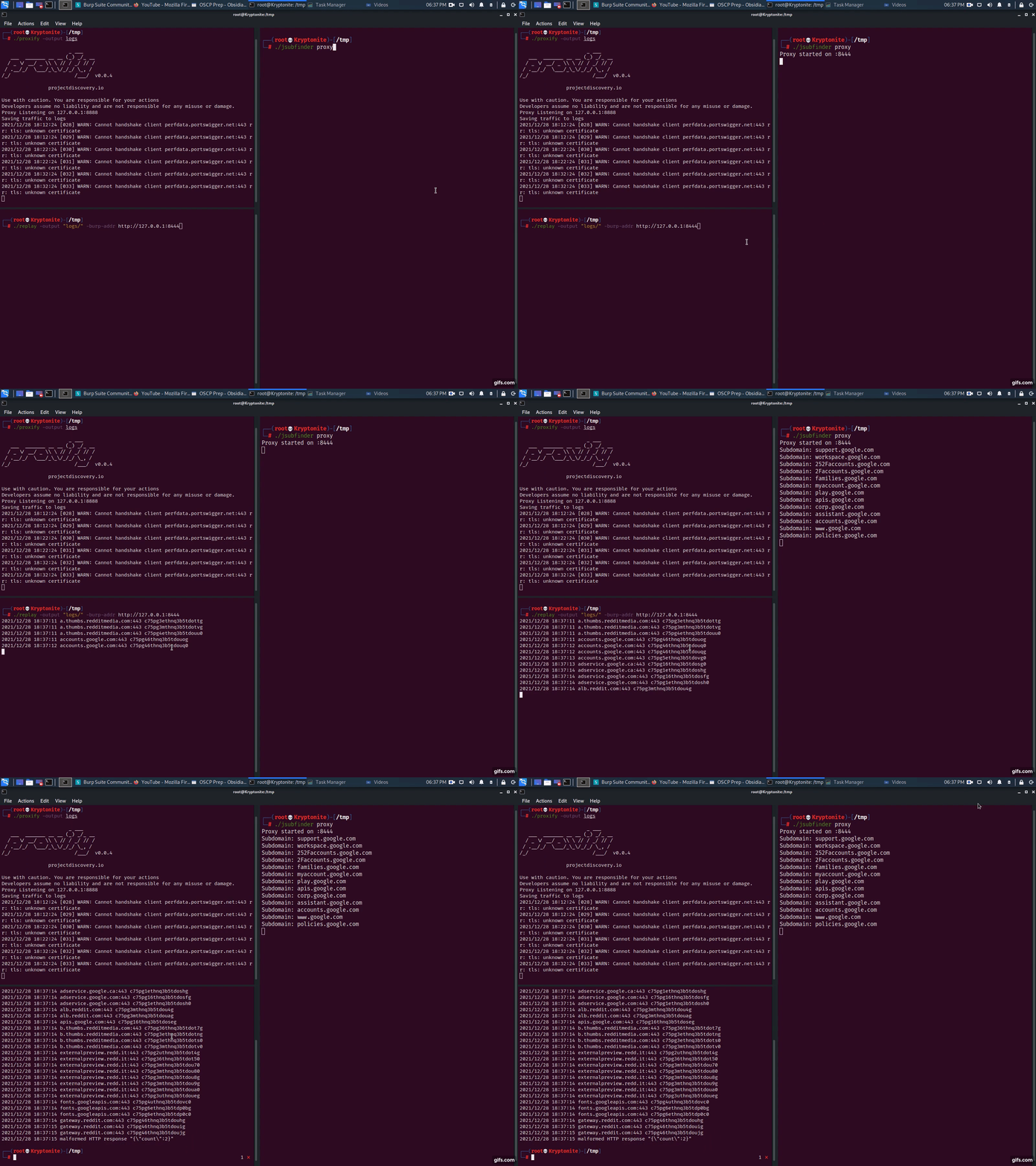
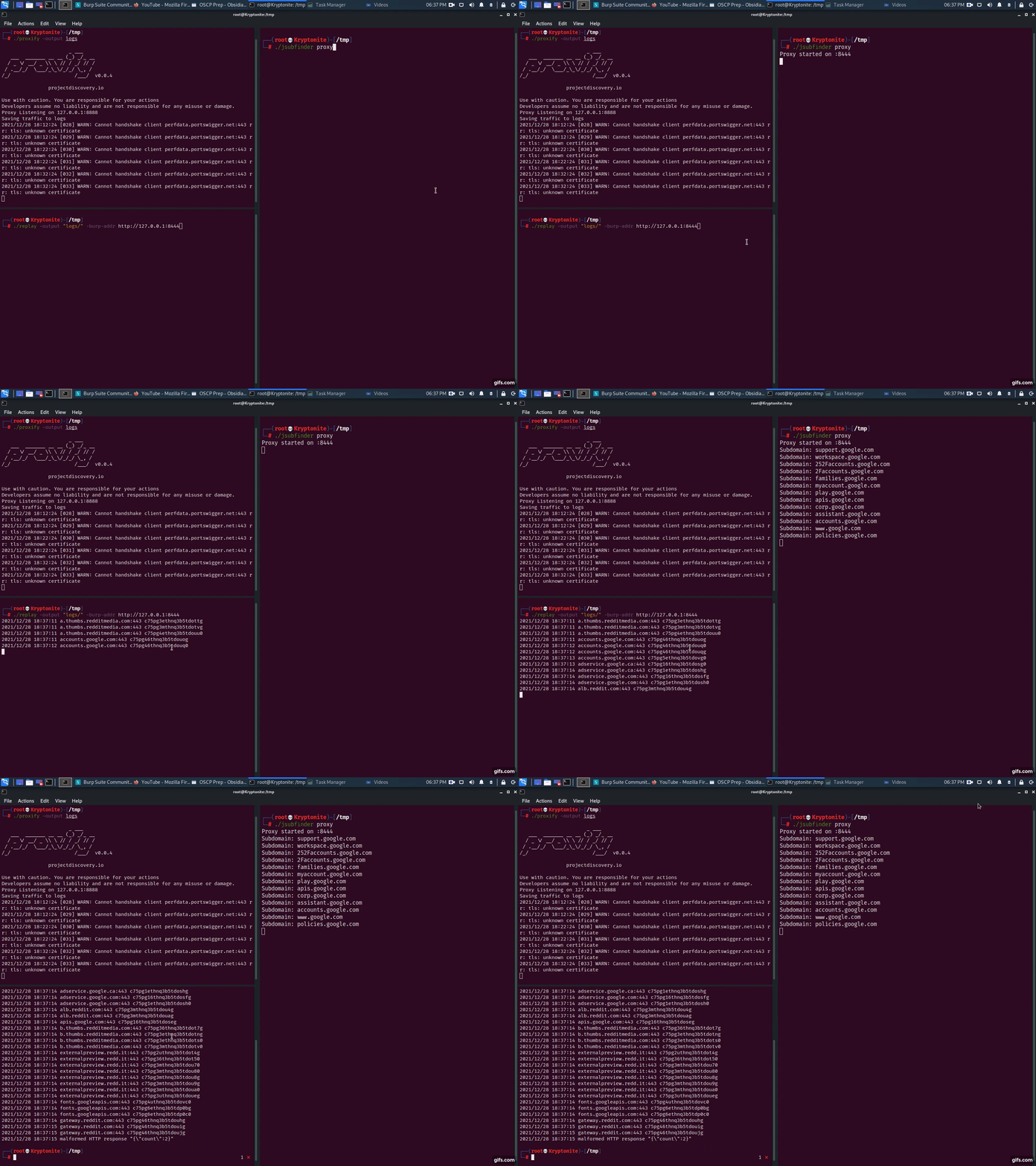
proxify -output logsjsubfinder proxy -u http://127.0.0.1:8443replay -output logs -burp-addr http://127.0.0.1:8444Semplice, esegui JSubFinder in modalità proxy su un altro server, ad esempio 192.168.1.2. Segui i passaggi del proxy sopra, ma imposta il proxy upstream della tua applicazione come 192.168.1.2:8443
$ jsubfinder proxy --scope www.reddit.com -p 8081 -S -o jsf_reddit.txt
--scope limita JSubFinder ad analizzare solo le risposte da www.reddit.com-p porta su cui è in esecuzione il server proxy di JSubFinder-S silenzia l'output sulla console/stdout-o <file> salva l'output in questo file