
Uno scanner di porte veloce scritto in Go con un focus su affidabilità e semplicità. Progettato per essere usato in combinazione con altri strumenti per la scoperta della superficie d'attacco in bug bounty e penetration test.

Caratteristiche • Installazione • Utilizzo • Esecuzione di naabu • Configurazione • Integrazione NMAP • Esclusione CDN/WAF • Discord
Naabu è uno strumento di scansione delle porte scritto in Go che ti consente di enumerare le porte valide per gli host in modo rapido e affidabile. È uno strumento molto semplice che esegue scansioni rapide SYN/CONNECT/UDP sull'host/lista di host e elenca tutte le porte che restituiscono una risposta.
naabu -h
Questo mostrerà la guida per lo strumento. Ecco tutte le opzioni che supporta.```yaml
Usage:
naabu [flags]
Flags:
INPUT:
-host string[] hosts to scan ports for (comma-separated)
-list, -l string list of hosts to scan ports (file)
-exclude-hosts, -eh string hosts to exclude from the scan (comma-separated)
-exclude-file, -ef string list of hosts to exclude from scan (file)
PORT:
-port, -p string ports to scan (80,443, 100-200)
-top-ports, -tp string top ports to scan (default 100) [full,100,1000]
-exclude-ports, -ep string ports to exclude from scan (comma-separated)
-ports-file, -pf string list of ports to scan (file)
-port-threshold, -pts int port threshold to skip port scan for the host
-exclude-cdn, -ec skip full port scans for CDN/WAF (only scan for port 80,443)
-display-cdn, -cdn display cdn in use
RATE-LIMIT:
-c int general internal worker threads (default 25)
-rate int packets to send per second (default 1000)
UPDATE:
-up, -update update naabu to latest version
-duc, -disable-update-check disable automatic naabu update check
OUTPUT:
-o, -output string file to write output to (optional)
-j, -json write output in JSON lines format
-csv write output in csv format
SERVICES-DISCOVERY:
-sD, -service-discovery identify services by port number
-sV, -service-version detect service versions using nmap-service-probes
-sV-fast only probe port-hinted services (faster, skips fallback)
-sV-timeout duration timeout for service version probes (default 5s)
-sV-workers int number of concurrent service version workers (default 25)
-sV-probes string custom nmap-service-probes file path (auto-detected from local nmap install if empty)
-uP, -udp-probes send protocol-specific payloads on UDP scans using nmap-service-probes
CONFIGURATION:
-config string path to the naabu configuration file (default $HOME/.config/naabu/config.yaml)
-scan-all-ips, -sa scan all the IP's associated with DNS record
-ip-version, -iv string[] ip version to scan of hostname (4,6) - (default 4,6) (default ["4","6"])
-scan-type, -s string type of port scan (SYN/CONNECT) (default "c")
-source-ip string source ip and port (x.x.x.x:yyy - might not work on OSX)
-cp, -connect-payload string payload to send in CONNECT scans (optional)
-interface-list, -il list available interfaces and public ip
-interface, -i string network Interface to use for port scan
-nmap invoke nmap scan on targets (nmap must be installed) - Deprecated
-nmap-cli string nmap command to run on found results (example: -nmap-cli 'nmap -sV')
-r string list of custom resolver dns resolution (comma separated or from file)
-proxy string socks5 proxy (ip[:port] / fqdn[:port]
-proxy-auth string socks5 proxy authentication (username:password)
-dns-order string dns resolution order (p/l/lp/pl) (default "l")
-sr, -system-resolver use system DNS as fallback resolver
-resume resume scan using resume.cfg
-stream stream mode (disables resume, nmap, verify, retries, shuffling, etc)
-passive display passive open ports using shodan internetdb api (automatically enables stream mode)
-irt, -input-read-timeout value timeout on input read (default 3m0s)
-no-stdin Disable Stdin processing
HOST-DISCOVERY:
-sn, -host-discovery Perform Only Host Discovery
-show-dead show hosts that did not respond to host discovery (requires host discovery)
-Pn, -skip-host-discovery Skip Host discovery (Deprecated: use -wn/-with-host-discovery instead)
-wn, -with-host-discovery Enable Host discovery
-ps, -probe-tcp-syn string[] TCP SYN Ping (host discovery needs to be enabled)
-pa, -probe-tcp-ack string[] TCP ACK Ping (host discovery needs to be enabled)
-pe, -probe-icmp-echo ICMP echo request Ping (host discovery needs to be enabled)
-pp, -probe-icmp-timestamp ICMP timestamp request Ping (host discovery needs to be enabled)
-pm, -probe-icmp-address-mask ICMP address mask request Ping (host discovery needs to be enabled)
-arp, -arp-ping ARP ping (host discovery needs to be enabled)
-nd, -nd-ping IPv6 Neighbor Discovery (host discovery needs to be enabled)
-rev-ptr Reverse PTR lookup for input ips
OPTIMIZATION:
-retries int number of retries for the port scan (default 3)
-timeout int millisecond to wait before timing out (default 1000)
-warm-up-time int time in seconds between scan phases (default 2)
-ping ping probes for verification of host
-verify validate the ports again with TCP verification
-ss, -smart-scan predictive port scanning using port correlation model (not compatible with stream mode)
-pt, -prediction-threshold int minimum confidence for port predictions (0-100%) (default 20)
DEBUG:
-health-check, -hc run diagnostic check up
-debug display debugging information
-verbose, -v display verbose output
-no-color, -nc disable colors in CLI output
-silent display only results in output
-version display version of naabu
-stats display stats of the running scan (deprecated)
-si, -stats-interval int number of seconds to wait between showing a statistics update (deprecated) (default 5)
-mp, -metrics-port int port to expose naabu metrics on (default 63636)
CLOUD:
-auth configure projectdiscovery cloud (pdcp) api key (default true)
-ac, -auth-config string configure projectdiscovery cloud (pdcp) api key credential file
-pd, -dashboard upload / view output in projectdiscovery cloud (pdcp) UI dashboard
-tid, -team-id string upload asset results to given team id (optional)
-aid, -asset-id string upload new assets to existing asset id (optional)
-aname, -asset-name string assets group name to set (optional)
-pdu, -dashboard-upload string upload naabu output file (jsonl) in projectdiscovery cloud (pdcp) UI dashboard
Scarica il binario pronto all'uso / docker o installa con GO
Nota: prima di installare naabu, assicurati di installare la libreria
libpcapper la cattura dei pacchetti.
Per installare libpcap su Linux: sudo apt install -y libpcap-dev, su Mac: brew install libpcap, su Windows: installa Npcap
go install -v github.com/projectdiscovery/naabu/v2/cmd/naabu@latest
# Esecuzione di Naabu
Per eseguire lo strumento su un target, basta usare il seguente comando.```sh
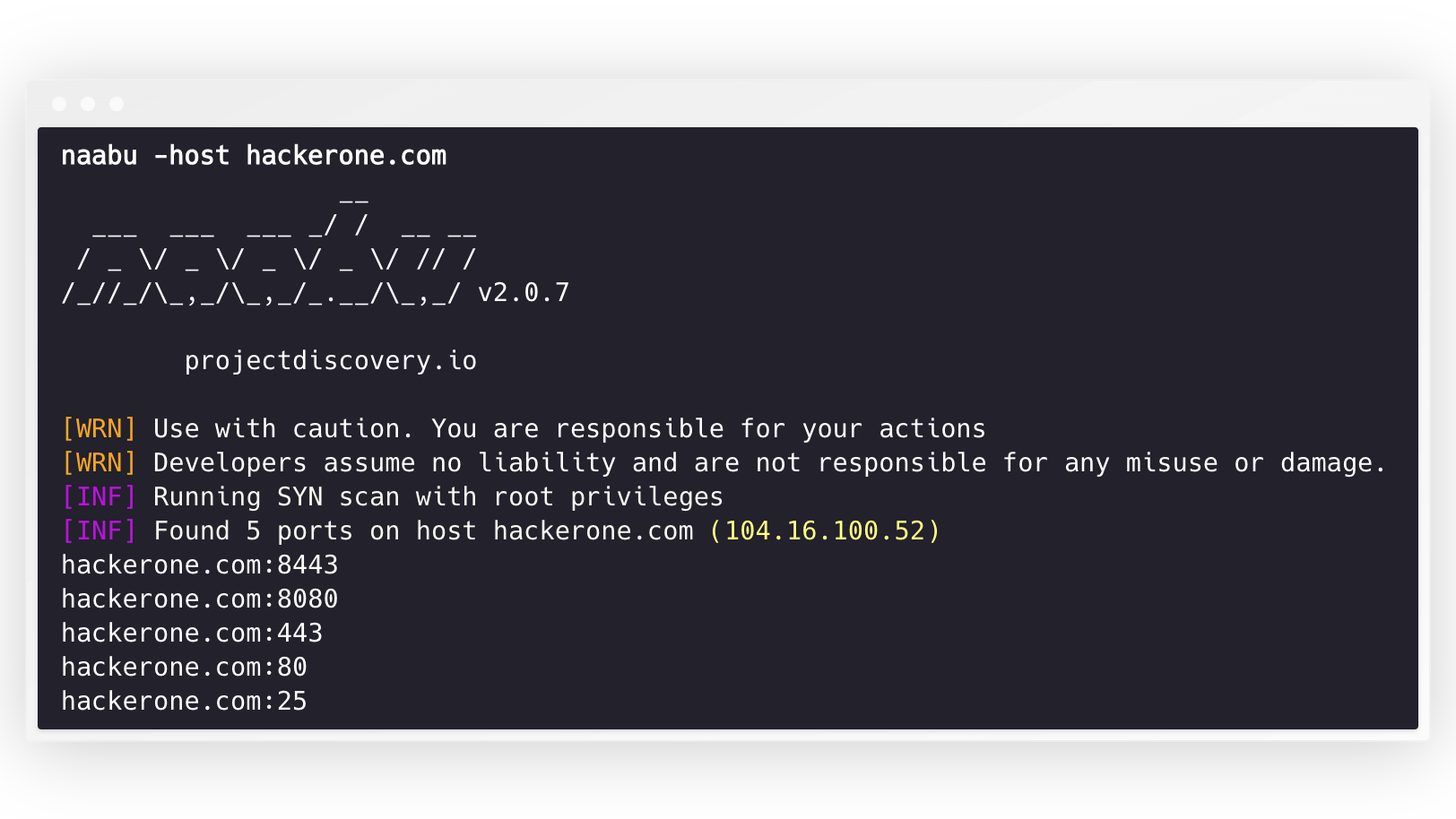
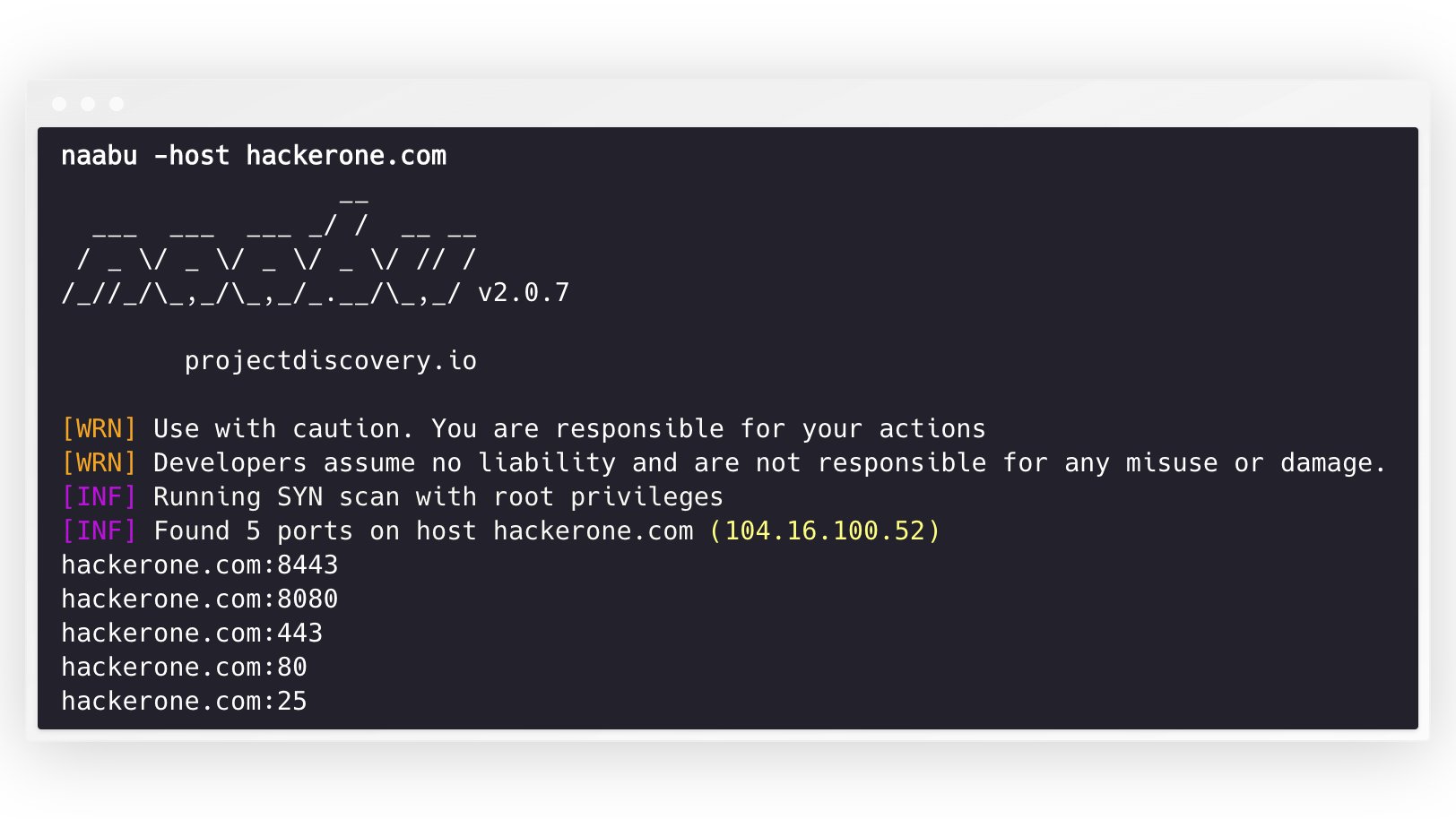
naabu -host hackerone.com
Questo eseguirà lo strumento contro hackerone.com. Ci sono una serie di opzioni di configurazione che puoi passare insieme a questo comando. L'opzione verbose -v può essere usata per visualizzare informazioni dettagliate.```console
naabu -host hackerone.com
__
___ ___ ___ / / __ __ / _ / _ / _ / _ / // / ////_,/_,/.__/_,_/ v2.0.3
projectdiscovery.io
[WRN] Use with caution. You are responsible for your actions [WRN] Developers assume no liability and are not responsible for any misuse or damage. [INF] Running SYN scan with root privileges [INF] Found 4 ports on host hackerone.com (104.16.100.52)
hackerone.com:80 hackerone.com:443 hackerone.com:8443 hackerone.com:8080
Le porte da scansionare sull'host possono essere specificate tramite il parametro `-p` (le porte udp devono essere espresse come `u:port`). Accetta porte in formato nmap ed esegue l'enumerazione su di esse.```sh
naabu -p 80,443,21-23,u:53 -host hackerone.com
Per le scansioni UDP, puoi specificare un payload personalizzato da inviare utilizzando il flag -cp o --connect-payload. Questo è particolarmente utile per i servizi UDP che richiedono dati specifici per rispondere:```sh
naabu -p u:53 -host example.com -cp "DNS query payload"
Per impostazione predefinita, Naabu controlla le porte `Top 100` di nmap. Supporta i seguenti elenchi di porte integrati -
| Flag | Description |
|-------------------|--------------------------------------|
| `-top-ports 100` | Scansiona per le prime **100** porte di nmap |
| `-top-ports 1000` | Scansiona per le prime **1000** porte di nmap |
| `-p - ` | Scansiona tutte le porte da **1 a 65535** |
Puoi anche specificare porte particolari che desideri escludere dalla scansione.```sh
naabu -p - -exclude-ports 80,443
Per eseguire naabu su una lista di host, è possibile utilizzare l'opzione -list.```sh
naabu -list hosts.txt
Per eseguire naabu su un ASN, è possibile utilizzare l'input AS. Prende gli indirizzi IP disponibili per un dato ASN ed esegue l'enumerazione su di essi.```console
echo AS14421 | naabu -p 80,443
216.101.17.249:80
216.101.17.249:443
216.101.17.248:443
216.101.17.252:443
216.101.17.251:80
216.101.17.251:443
216.101.17.250:443
216.101.17.250:80
Puoi anche ottenere l'output in formato JSON usando l'opzione -json. Questa opzione salva l'output nel formato JSON lines.```console
naabu -host 104.16.99.52 -json
{"ip":"104.16.99.52","port":443} {"ip":"104.16.99.52","port":80}
Le porte scoperte possono essere reindirizzate ad altri strumenti. Ad esempio, puoi reindirizzare le porte trovate da naabu a [httpx](https://github.com/projectdiscovery/httpx) che troverà poi i server http in esecuzione sull'host.```console
echo hackerone.com | naabu -silent | httpx -silent
http://hackerone.com:8443
http://hackerone.com:443
http://hackerone.com:8080
http://hackerone.com:80
La velocità può essere controllata modificando il valore del flag rate che rappresenta il numero di pacchetti al secondo. Aumentarlo durante l'elaborazione degli host può portare a un aumento dei tassi di falsi positivi. Pertanto, si consiglia di mantenerlo a un valore ragionevole.
Naabu supporta sia IPv4 che IPv6, ed entrambi sono abilitati per impostazione predefinita. Se viene utilizzato IPv6, la connettività deve essere configurata correttamente e l'interfaccia di rete deve avere un indirizzo IPv6 assegnato (inet6) e un gateway predefinito.```console
echo hackerone.com | naabu -p 80 -silent
104.16.99.52:80 104.16.100.52:80 2606:4700::6810:6434:80 2606:4700::6810:6334:80
L'opzione `-ip-version 6` fa sì che lo strumento utilizzi solo indirizzi IPv6 durante la risoluzione dei nomi di dominio.```console
echo hackerone.com | ./naabu -p 80 -ip-version 6
__
___ ___ ___ _/ / __ __
/ _ \/ _ \/ _ \/ _ \/ // /
/_//_/\_,_/\_,_/_.__/\_,_/ v2.0.8
projectdiscovery.io
Use with caution. You are responsible for your actions
Developers assume no liability and are not responsible for any misuse or damage.
[INF] Running CONNECT scan with non root privileges
[INF] Found 1 ports on host hackerone.com (2606:4700::6810:6334)
hackerone.com:80
Per scansionare tutti gli IP di entrambe le versioni, è possibile utilizzare il flag -scan-all-ips.```console
echo hackerone.com | ./naabu -sa -p 80 -silent
[INF] Found 1 ports on host hackerone.com (104.16.100.52) hackerone.com:80 [INF] Found 1 ports on host hackerone.com (104.16.99.52) hackerone.com:80 [INF] Found 1 ports on host hackerone.com (2606:4700::6810:6334) hackerone.com:80 [INF] Found 1 ports on host hackerone.com (2606:4700::6810:6434) hackerone.com:80
# Host Discovery
Naabu supporta opzionalmente diverse opzioni per eseguire la scoperta degli host. La scoperta degli host è opzionale e può essere abilitata con il flag `-wn`. Il flag `-sn` istruisce lo strumento per eseguire solo la scoperta degli host.
Opzioni disponibili per eseguire la scoperta degli host:
- **ARP** ping (`-arp`)
- TCP **SYN** ping (`-ps 80`)
- TCP **ACK** ping (`-pa 443`)
- ICMP **echo** ping (`-pe`)
- ICMP **timestamp** ping (`-pp`)
- ICMP **address mask** ping (`-pm`)
- IPv6 **scoperta dei vicini** (`-nd`)
# File di configurazione
Naabu supporta un file di configurazione predefinito situato in `$HOME/.config/naabu/config.yaml`. Ti permette di definire qualsiasi flag nel file di configurazione e impostare valori predefiniti da includere per tutte le scansioni.
# Integrazione di Nmap
Abbiamo integrato il supporto di nmap per la scoperta dei servizi o qualsiasi altra scansione supportata da nmap sui risultati trovati da Naabu. Assicurati di avere `nmap` installato per usare questa funzionalità.
Per usarlo, il flag `nmap-cli` può essere utilizzato seguito dal comando nmap, ad esempio:-```console
echo hackerone.com | naabu -nmap-cli 'nmap -sV -oX nmap-output'
__
___ ___ ___ _/ / __ __
/ _ \/ _ \/ _ \/ _ \/ // /
/_//_/\_,_/\_,_/_.__/\_,_/ v2.0.0
projectdiscovery.io
[WRN] Use with caution. You are responsible for your actions
[WRN] Developers assume no liability and are not responsible for any misuse or damage.
[INF] Running TCP/ICMP/SYN scan with root privileges
[INF] Found 4 ports on host hackerone.com (104.16.99.52)
hackerone.com:443
hackerone.com:80
hackerone.com:8443
hackerone.com:8080
[INF] Running nmap command: nmap -sV -p 80,8443,8080,443 104.16.99.52
Starting Nmap 7.01 ( https://nmap.org ) at 2020-09-23 05:02 UTC
Nmap scan report for 104.16.99.52
Host is up (0.0021s latency).
PORT STATE SERVICE VERSION
80/tcp open http cloudflare
443/tcp open ssl/https cloudflare
8080/tcp open http-proxy cloudflare
8443/tcp open ssl/https-alt cloudflare
Naabu ha un rilevamento della versione del servizio integrato che utilizza il database delle sonde di servizio di nmap. Questo viene eseguito in parallelo con la scansione delle porte per ottenere le massime prestazioni.```sh naabu -host scanme.sh -sV
INPUT:```console
scanme.sh:22 [ssh OpenSSH/6.6.1p1]
scanme.sh:80 [http Apache httpd/2.4.7]
scanme.sh:9929 [nping-echo Nping echo]
[INF] Found 3 ports on host scanme.sh (45.33.32.156) with 3 services identified
Flag disponibili:
Il flag -sV richiede il file del database nmap-service-probes. naabu non include questo database (è concesso in licenza sotto la copyleft Nmap Public Source License, incompatibile con la licenza MIT di naabu), quindi legge il file da un'installazione locale di nmap, cercando automaticamente nei percorsi standard di installazione di nmap. Per utilizzare un file personalizzato, specificare il percorso con -sV-probes.
I servizi UDP solitamente rimangono in silenzio quando ricevono un datagramma vuoto, quindi una scansione UDP cieca delle porte ne perde la maggior parte. Con -uP (-udp-probes) naabu seleziona un payload specifico del protocollo dal database nmap-service-probes per ogni porta UDP scansionata (query DNS per 53, richiesta NTP per 123, SNMPv1 GetRequest per 161, e così via), in modo che i servizi reali abbiano qualcosa a cui rispondere e naabu possa segnalarli come aperti.```sh
naabu -host scanme.sh -p u:53,u:123,u:161 -uP
Note:
- `-uP` è opt-in e additivo. Quando disabilitato (default), le scansioni UDP mantengono il comportamento storico del datagramma a lunghezza zero.
- Il probe selezionato è quello con la massima priorità (minore rarità) corrispondente alla porta di destinazione; se nessun probe è registrato per una porta, la scansione ricade sul datagramma vuoto.
- Un payload fornito dall'utente tramite `-cp` ha sempre la precedenza sul probe automatico per quella porta.
- `-uP` riutilizza lo stesso database di probe di `-sV`, quindi puoi combinarli senza pagare il costo di parsing due volte. Il file dei probe viene individuato automaticamente da un'installazione locale di nmap; usa `-sV-probes` per puntare a un file personalizzato. Se non è possibile trovare un database, `-uP` registra un avviso e viene silenziosamente disabilitato.
# Esclusione CDN/WAF
Naabu supporta anche l'esclusione di IP CDN/WAF dalla scansione delle porte. Se utilizzato, per quegli IP vengono scansionate solo le porte `80` e `443`. Questa funzionalità può essere abilitata usando il flag `exclude-cdn`.
Attualmente, gli IP di `cloudflare`, `akamai`, `incapsula` e `sucuri` sono supportati per le esclusioni.
# Stato della scansione
Naabu espone informazioni di scansione in formato json su una porta locale vincolata a localhost all'indirizzo `http://localhost:63636/metrics` (la porta può essere modificata tramite il flag `-metrics-port`)
# Utilizzo di naabu come libreria
Il seguente programma di esempio esegue la scansione della porta `80` di `scanme.sh`. I risultati vengono restituiti tramite il callback `OnResult`:```go
package main
import (
"log"
"context"
"github.com/projectdiscovery/goflags"
"github.com/projectdiscovery/naabu/v2/pkg/result"
"github.com/projectdiscovery/naabu/v2/pkg/runner"
)
func main() {
options := runner.Options{
Host: goflags.StringSlice{"scanme.sh"},
ScanType: "s",
OnResult: func(hr *result.HostResult) {
log.Println(hr.Host, hr.Ports)
},
Ports: "80",
}
naabuRunner, err := runner.NewRunner(&options)
if err != nil {
log.Fatal(err)
}
defer naabuRunner.Close()
naabuRunner.RunEnumeration(context.Background())
}
OnResultviene chiamato una volta dopo il completamento della scansione con risultati aggregati. Per elaborare i risultati in tempo reale man mano che le porte vengono scoperte, usa inveceOnReceive. L'opzioneStreamcontrolla solo il caricamento asincrono dei target — non influenza quando vengono attivati i callback.
Naabu è realizzato con 🖤 dal team di projectdiscovery. I contributi della comunità hanno reso il progetto ciò che è.
Consulta il file Thanks.md per maggiori dettagli.
| Flag | Descrizione |
|---|
-sV | Abilita il rilevamento della versione del servizio |
-sV-fast | Sonda solo i servizi suggeriti dalla porta (più veloce, salta le sonde di fallback) |
-sV-timeout duration | Timeout per le sonde di versione del servizio (default 5s) |
-sV-workers int | Numero di worker concorrenti per la versione del servizio (default 25) |
-sV-probes string | Percorso personalizzato del file nmap-service-probes (rilevato automaticamente dall'installazione locale di nmap se vuoto) |
-sD | Scoperta del servizio (associa il numero di porta al nome del servizio, nessuna sonda attiva) |


