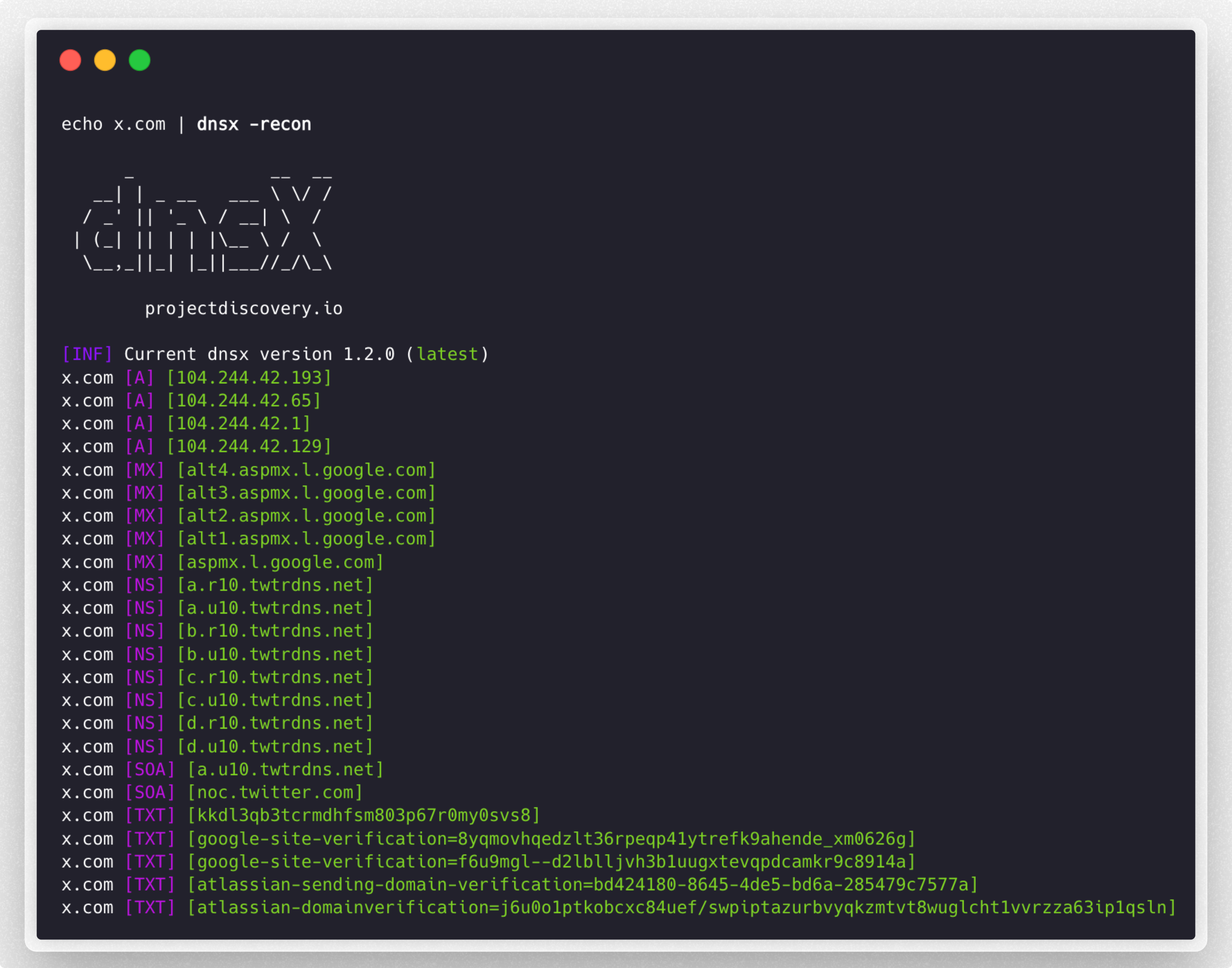

 projectdiscovery/dnsx
dnsx è un toolkit DNS veloce e multi-purpose che permette di eseguire molteplici query DNS a scelta con una lista di resolver forniti dall'utente.





Funzionalità • Installazione • Utilizzo • Esecuzione di `dnsx` • Wildcard • Note • Unisciti a Discord
dnsx è un toolkit DNS veloce e multi-purpose progettato per eseguire varie probe attraverso la libreria retryabledns. Supporta multiple query DNS, resolver forniti dall'utente, filtraggio wildcard DNS come shuffledns ecc.
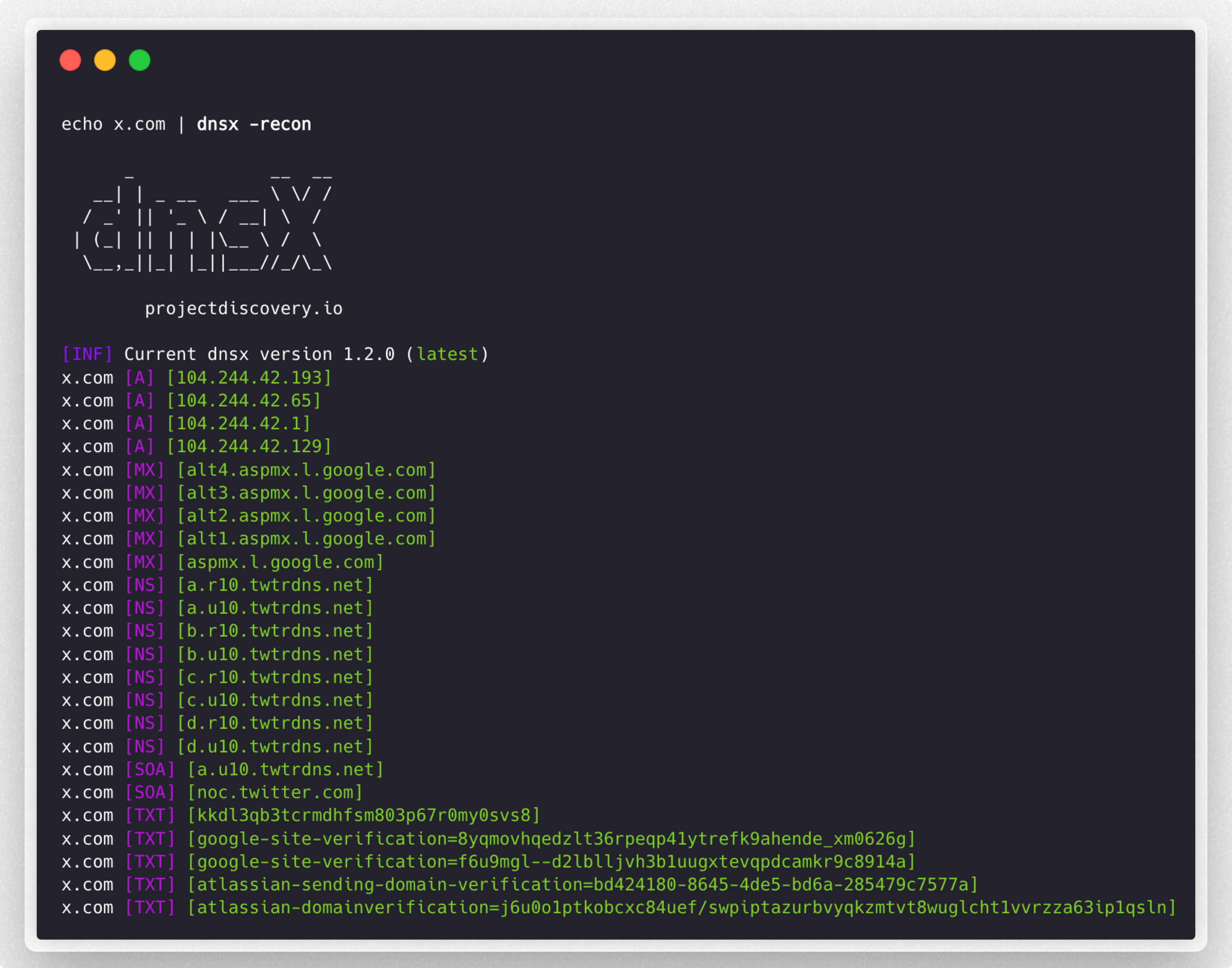
dnsx richiede go1.21 per essere installato correttamente. Esegui il seguente comando per installare l'ultima versione:
go install -v github.com/projectdiscovery/dnsx/cmd/dnsx@latest
dnsx -h
Questo mostrerà l'help per lo strumento. Ecco tutti gli switch supportati.
INPUT:
   -l, -list string      list of sub(domains)/hosts to resolve (file or stdin)
   -d, -domain string    list of domain to bruteforce (file or comma separated or stdin)
   -w, -wordlist string  list of words to bruteforce (file or comma separated or stdin)

QUERY:
   -a                       query A record (default)
   -aaaa                    query AAAA record
   -cname                   query CNAME record
   -ns                      query NS record
   -txt                     query TXT record
   -srv                     query SRV record
   -ptr                     query PTR record
   -mx                      query MX record
   -soa                     query SOA record
   -any                     query ANY record
   -axfr                    query AXFR
   -caa                     query CAA record
   -recon                   query all the dns records (a,aaaa,cname,ns,txt,srv,ptr,mx,soa,axfr,caa)
   -e, -exclude-type value  dns query type to exclude (a,aaaa,cname,ns,txt,srv,ptr,mx,soa,axfr,caa) (default none)

FILTER:
   -re, -resp          display dns response
   -ro, -resp-only     display dns response only
   -rc, -rcode string  filter result by dns status code (eg. -rcode noerror,servfail,refused)

PROBE:
   -cdn  display cdn name
   -asn  display host asn information

RATE-LIMIT:
   -t, -threads int      number of concurrent threads to use (default 100)
   -rl, -rate-limit int  number of dns request/second to make (disabled as default) (default -1)

UPDATE:
   -up, -update                 update dnsx to latest version
   -duc, -disable-update-check  disable automatic dnsx update check

OUTPUT:
   -o, -output string           file to write output
   -j, -json                    write output in JSONL(ines) format
   -omit-raw, -or               omit raw dns response from jsonl output
   -ot, -output-template string custom output template (e.g. -ot '{{host}} {{a}}')

DEBUG:
   -hc, -health-check  run diagnostic check up
   -silent             display only results in the output
   -v, -verbose        display verbose output
   -raw, -debug        display raw dns response
   -stats              display stats of the running scan
   -version            display version of dnsx
   -nc, -no-color      disable color in output

OPTIMIZATION:
   -retry int                number of dns attempts to make (must be at least 1) (default 2)
   -hf, -hostsfile           use system host file
   -trace                    perform dns tracing
   -trace-max-recursion int  Max recursion for dns trace (default 32767)
   -resume                   resume existing scan
   -stream                   stream mode (wordlist, wildcard, stats and stop/resume will be disabled)
   -timeout value            maximum time to wait for a DNS query to complete (default 3s)

CONFIGURATIONS:
   -auth                         configure projectdiscovery cloud (pdcp) api key (default true)
   -r, -resolver string          list of resolvers to use (file or comma separated)
   -wt, -wildcard-threshold int  wildcard filter threshold (default 5)
   -aw, -auto-wildcard           automatically detect wildcard domains for filtering
   -wd, -wildcard-domain string  domain name for manual wildcard filtering (mutually exclusive with -auto-wildcard; other flags will be ignored - json output recommended)
Filtra gli hostname attivi dalla lista di sottodomini passivi, ottenuti da varie fonti:
subfinder -silent -d hackerone.com | dnsx -silent

a.ns.hackerone.com
www.hackerone.com
api.hackerone.com
docs.hackerone.com
mta-sts.managed.hackerone.com
mta-sts.hackerone.com
resources.hackerone.com
b.ns.hackerone.com
mta-sts.forwarding.hackerone.com
events.hackerone.com
support.hackerone.com
Stampa i record A per la lista di sottodomini fornita:
subfinder -silent -d hackerone.com | dnsx -silent -a -resp

www.hackerone.com [104.16.100.52]
www.hackerone.com [104.16.99.52]
hackerone.com [104.16.99.52]
hackerone.com [104.16.100.52]
api.hackerone.com [104.16.99.52]
api.hackerone.com [104.16.100.52]
mta-sts.forwarding.hackerone.com [185.199.108.153]
mta-sts.forwarding.hackerone.com [185.199.109.153]
mta-sts.forwarding.hackerone.com [185.199.110.153]
mta-sts.forwarding.hackerone.com [185.199.111.153]
a.ns.hackerone.com [162.159.0.31]
resources.hackerone.com [52.60.160.16]
resources.hackerone.com [3.98.63.202]
resources.hackerone.com [52.60.165.183]
resources.hackerone.com [read.uberflip.com]
mta-sts.hackerone.com [185.199.110.153]
mta-sts.hackerone.com [185.199.111.153]
mta-sts.hackerone.com [185.199.109.153]
mta-sts.hackerone.com [185.199.108.153]
gslink.hackerone.com [13.35.210.17]
gslink.hackerone.com [13.35.210.38]
gslink.hackerone.com [13.35.210.83]
gslink.hackerone.com [13.35.210.19]
b.ns.hackerone.com [162.159.1.31]
docs.hackerone.com [185.199.109.153]
docs.hackerone.com [185.199.110.153]
docs.hackerone.com [185.199.111.153]
docs.hackerone.com [185.199.108.153]
support.hackerone.com [104.16.51.111]
support.hackerone.com [104.16.53.111]
mta-sts.managed.hackerone.com [185.199.108.153]
mta-sts.managed.hackerone.com [185.199.109.153]
mta-sts.managed.hackerone.com [185.199.110.153]
mta-sts.managed.hackerone.com [185.199.111.153]
Estrai i record A per la lista di sottodomini fornita:
