 flipkart-incubator/astra
Test di sicurezza automatizzato per le API REST





Il penetration testing delle API REST è complesso a causa dei continui cambiamenti nelle API esistenti e delle nuove API aggiunte. Astra può essere utilizzato da ingegneri della sicurezza o sviluppatori come parte integrante del loro processo, in modo da rilevare e correggere le vulnerabilità all'inizio del ciclo di sviluppo. Astra può rilevare e testare automaticamente il login & logout (API di autenticazione), quindi è facile per chiunque integrarlo nella pipeline CI/CD. Astra può accettare una raccolta di API come input, quindi può essere utilizzato anche per testare le API in modalità standalone.
https://www.astra-security.info/roadmap/
$ git clone https://github.com/flipkart-incubator/Astra

$ cd Astra
$ sudo pip install -r requirements.txt
$ sudo rabbitmq-server
$ celery -A worker -loglevel=INFO
$ cd API
$ python3 api.py
$ docker pull mongo
$ docker run --name astra-mongo -d mongo
$ git clone https://github.com/flipkart-incubator/Astra.git
$ cd Astra
$ docker build -t astra .
$ docker run --rm -it --link astra-mongo:mongo -p 8094:8094 astra
$ git clone -b docker-cli https://github.com/flipkart-incubator/Astra.git
$ cd Astra
$ docker build -t astra-cli .
$ docker run --rm -it --link astra-mongo:mongo astra-cli
- requests
- logger
- pymongo
- ConfigParser
- pyjwt
- flask
- sqlmap
- celery
https://www.astra-security.info
$ python astra.py --help

                      _
        /\       | |
       /  \   ___| |_ _ __ __ _
      / /\ \ / __| __| '__/ _` |
     / ____ \__ \ |_| | | (_| |
    /_/    \_\___/\__|_|  \__,_|


usage: astra.py [-h] [-c {Postman,Swagger}] [-n COLLECTION_NAME] [-u URL]
                [-headers HEADERS] [-method {GET,POST}] [-b BODY]
                [-l LOGINURL] [-H LOGINHEADERS] [-d LOGINDATA]

REST API Security testing Framework

optional arguments:
  -h, --help            show this help message and exit
  -c {Postman,Swagger}, --collection_type {Postman,Swagger}
                        Type of API collection
  -n COLLECTION_NAME, --collection_name COLLECTION_NAME
                        Type of API collection
  -u URL, --url URL     URL of target API
  -headers HEADERS, --headers HEADERS
                        Custom headers.Example: {"token" : "123"}
  -method {GET,POST}, --method {GET,POST}
                        HTTP request method
  -b BODY, --body BODY  Request body of API
  -l LOGINURL, --loginurl LOGINURL
                        URL of login API
  -H LOGINHEADERS, --loginheaders LOGINHEADERS
                        Headers should be in a dictionary format. Example:
                        {"accesstoken" : "axzvbqdadf"}
  -d LOGINDATA, --logindata LOGINDATA
                        login data of API
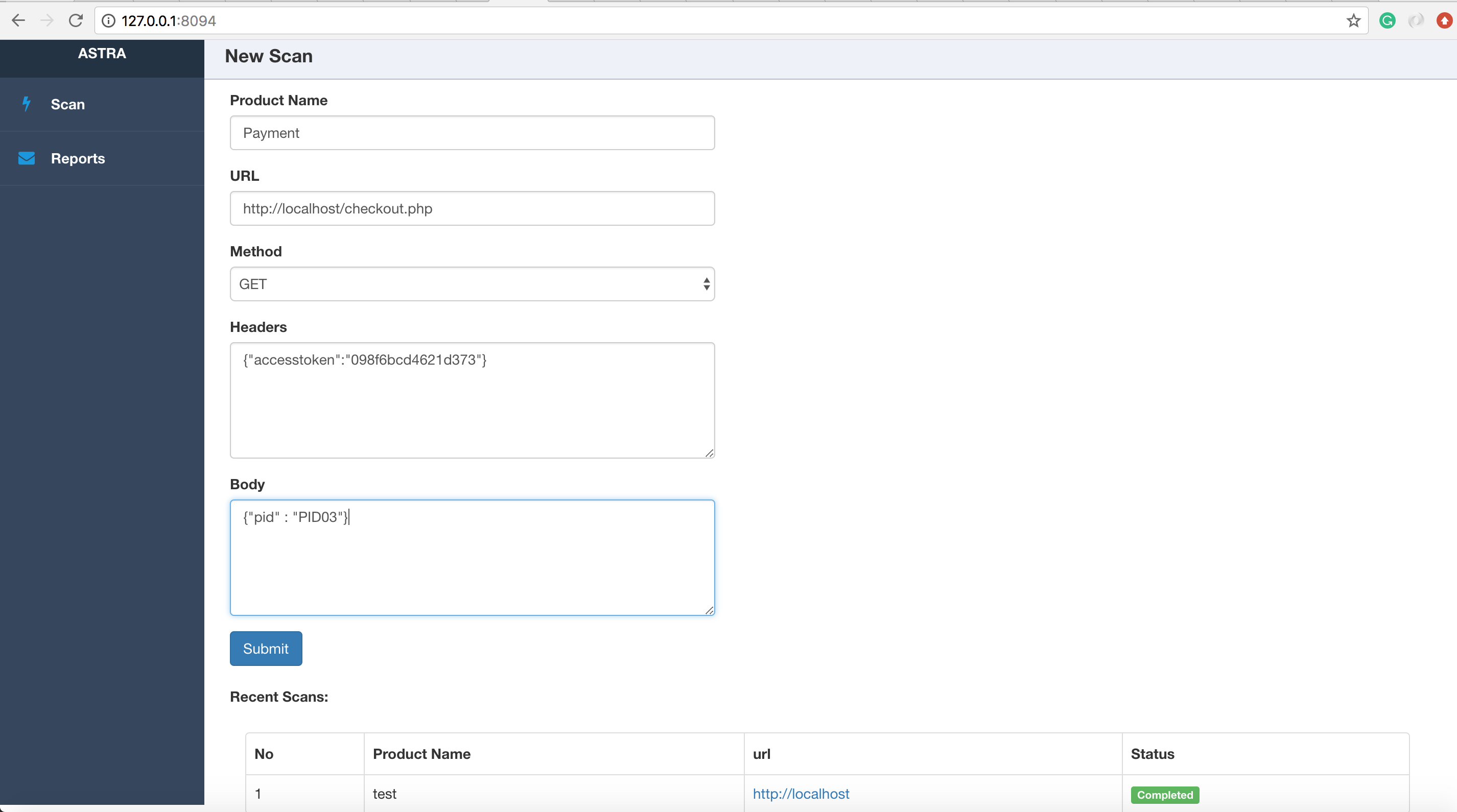
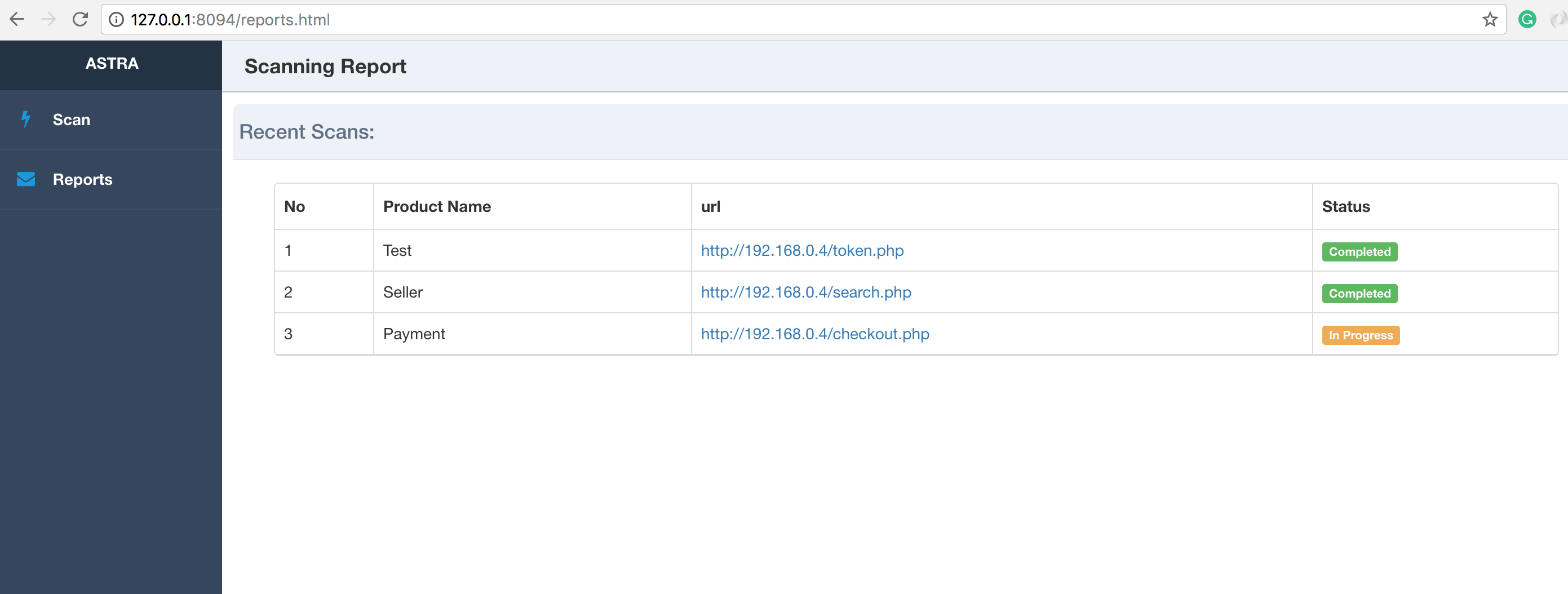
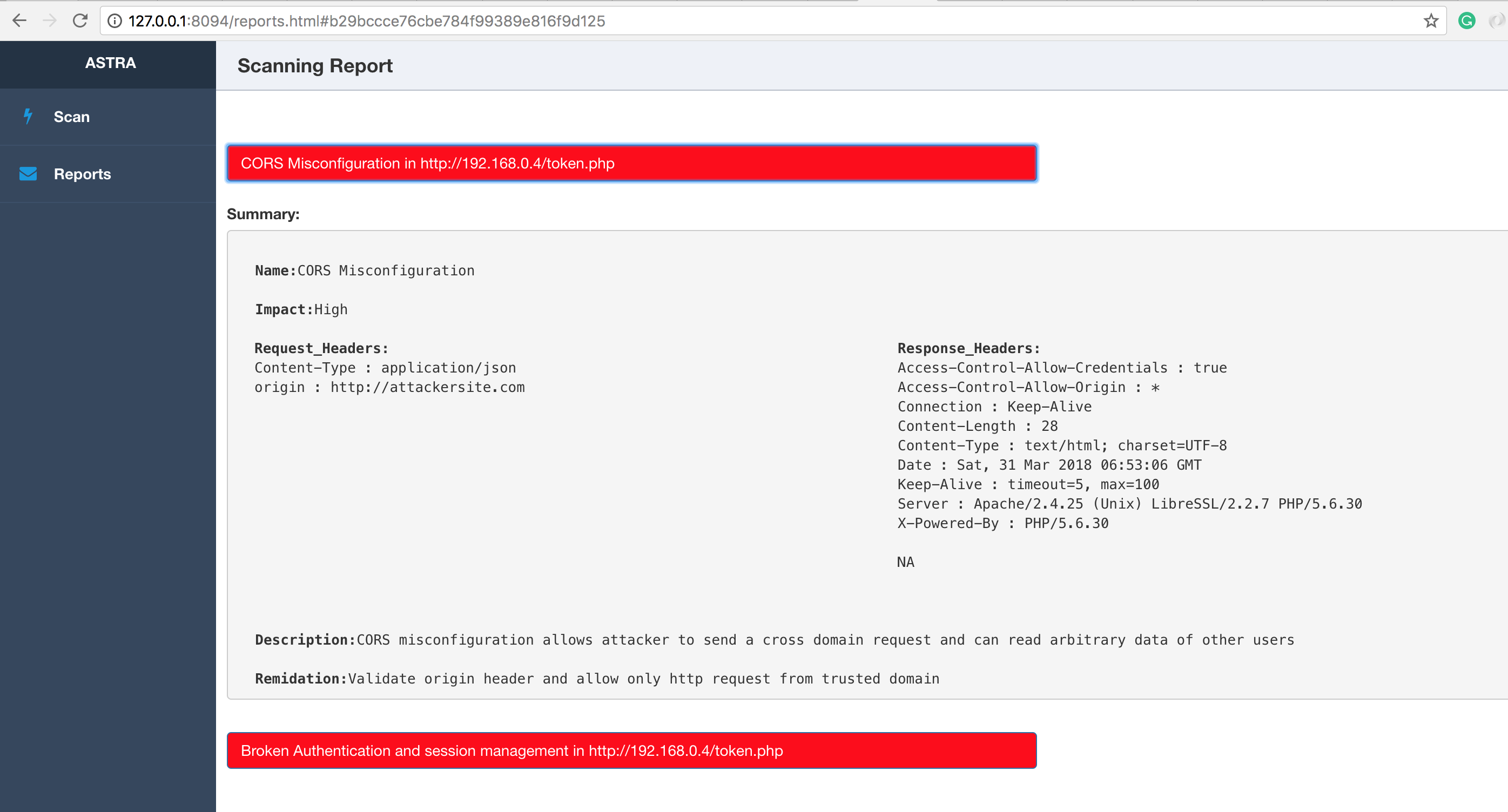
Esegui api.py e accedi all'interfaccia web all'indirizzo http://127.0.0.1:8094
$ cd API
$ python api.py
NOTA:
Su macOS 10.13+ devi usare il flag OBJC_DISABLE_INITIALIZE_FORK_SAFETY=YES per evitare che i processi di scansione vengano terminati a causa del modo in cui fork() e exec() sono stati modificati. Vedi qui per maggiori informazioni.
$ cd API
$ OBJC_DISABLE_INITIALIZE_FORK_SAFETY=YES python api.py