 caio-ishikawa/netscout
Strumento OSINT che trova domini, sottodomini, directory, endpoint e file per un dato URL seed.

NetScout è uno strumento OSINT che trova domini, sottodomini, directory, endpoint e file per un dato URL seed. È composto dai seguenti componenti:
go install github.com/caio-ishikawa/netscout@latestmake installNetScout utilizza due API esterne: BinaryEdge e SerpAPI. BinaryEdge viene utilizzata per interrogare i dati storici dei sottodomini registrati per l'URL seed, mentre SERP API viene utilizzata per raccogliere i risultati di Google Search per tipi di file specifici dell'URL seed.
NetScout prevede che le chiavi API siano impostate come variabili d'ambiente:
export BINARYEDGE_API_KEY="<key>"export SERP_API_KEY="<key>"Usage:
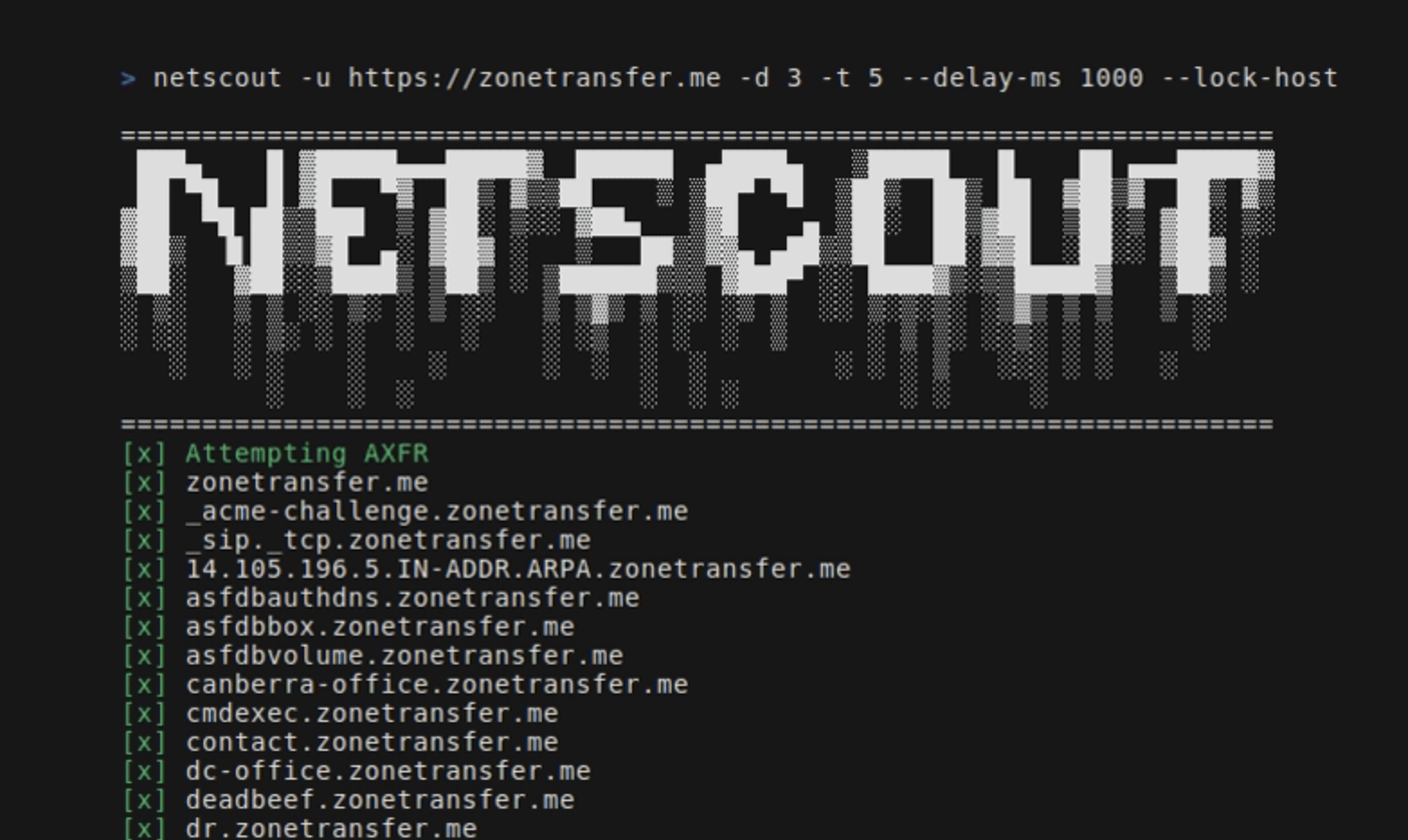
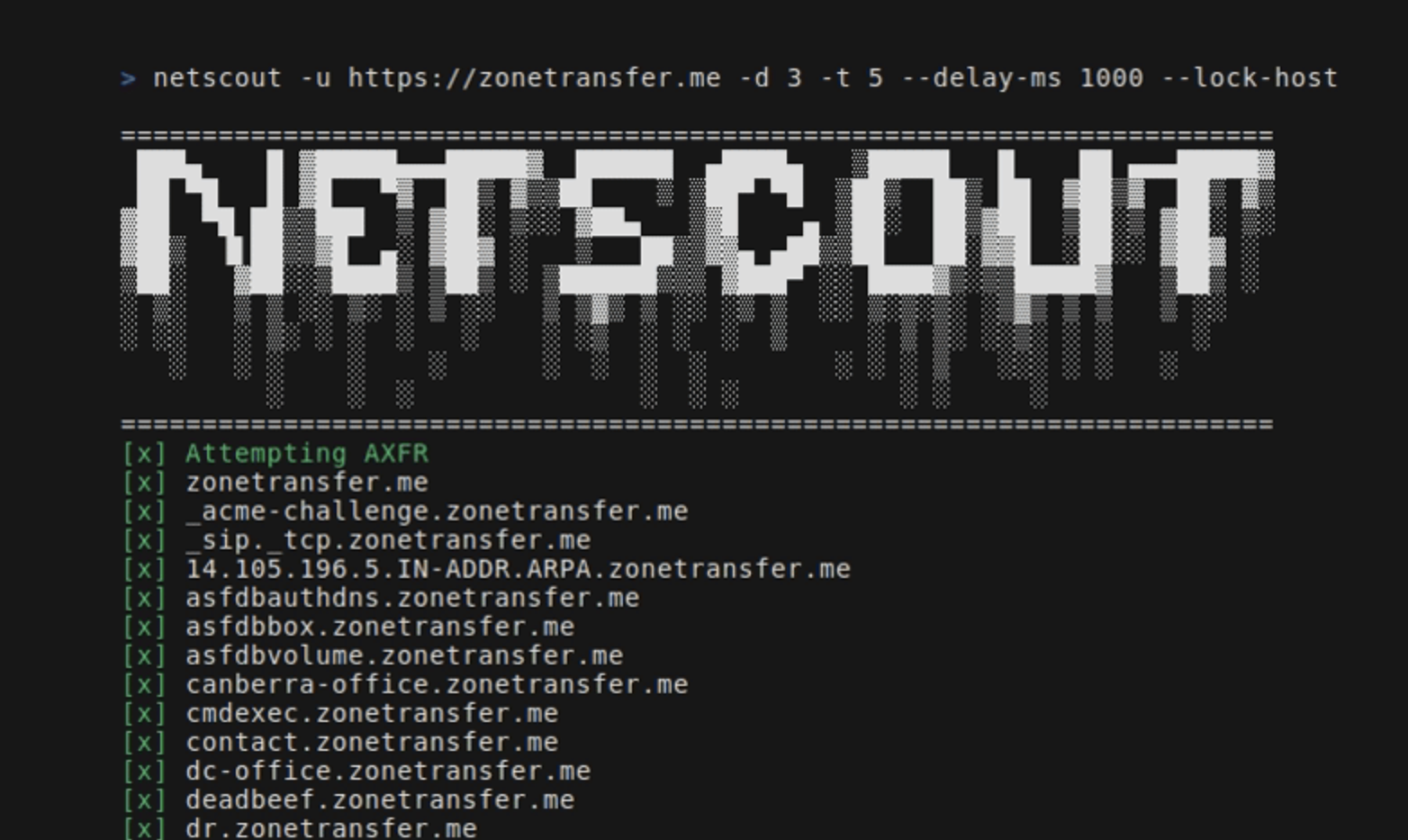
=======================================================================
 ███▄    █ ▓█████▄▄▄█████▓  ██████  ▄████▄   ▒█████   █    ██ ▄▄▄█████▓
 ██ ▀█   █ ▓█   ▀▓  ██▒ ▓▒▒██    ▒ ▒██▀ ▀█  ▒██▒  ██▒ ██  ▓██▒▓  ██▒ ▓▒
▓██  ▀█ ██▒▒███  ▒ ▓██░ ▒░░ ▓██▄   ▒▓█    ▄ ▒██░  ██▒▓██  ▒██░▒ ▓██░ ▒░
▓██▒  ▐▌██▒▒▓█  ▄░ ▓██▓ ░   ▒   ██▒▒▓▓▄ ▄██▒▒██   ██░▓▓█  ░██░░ ▓██▓ ░
▒██░   ▓██░░▒████▒ ▒██▒ ░ ▒██████▒▒▒ ▓███▀ ░░ ████▓▒░▒▒█████▓   ▒██▒ ░
░ ▒░   ▒ ▒ ░░ ▒░ ░ ▒ ░░   ▒ ▒▓▒ ▒ ░░ ░▒ ▒  ░░ ▒░▒░▒░ ░▒▓▒ ▒ ▒   ▒ ░░
░ ░░   ░ ▒░ ░ ░  ░   ░    ░ ░▒  ░ ░  ░  ▒     ░ ▒ ▒░ ░░▒░ ░ ░     ░
   ░   ░ ░    ░    ░      ░  ░  ░  ░        ░ ░ ░ ▒   ░░░ ░ ░   ░
         ░    ░  ░              ░  ░ ░          ░ ░     ░
=======================================================================
Usage:
  -u string
        A string representing the URL
  -d int
        An integer representing the depth of the crawl
  -t int
        An integer representing the amount of threads to use for the scans (default 5)
  -delay-ms int
        An integer representing the delay between requests in miliseconds
  -lock-host
        A boolean - if set, it will only save URLs with the same host as the seed
  -o string
        A string representing the name of the output file
  -h string
        A comma-separated key-value string representing request headers
  -c string
        A comma-separated key-value string representing the cookies
  -v
        A boolean - if set, it will display all found URLs


  -skip-axfr
        A bool - if set, it will skip the DNS zone transfer attempt
  -skip-binaryedge
        A bool - if set, it will skip BinaryEdge subdomain scan
  -skip-google-dork
        A bool - if set, it will skip the Google filetype scan
  -headless
        A bool - if set, all requests in the crawler will be made through a headless Chrome browser (requires Google Chrome)
  -deep
        A bool - if set, the shortened URL scan will be performed (can take several minutes)
Imposta l'URL seed, la profondità e il file di output:
netscout -u https://crawler-test -d 2 -o netscout.txt
Salta BinaryEdge e il dork di Google:
netscout -u https://crawler-test.com -d 2 --skip-binaryedge --skip-google-dork -o netscout.txt
Imposta il numero di thread a 5, il ritardo delle richieste a 1000ms e forza le richieste attraverso un browser Chrome headless.
netscout -u https://crawler-test.com -d 2 -t 5 --delay-ms 1000 --headless -o netscout.txt
Imposta la profondità a 2 e aggiunge cookie e valori di intestazione
netscout -u https://crawler-test.com --deep -d 2 -t 5 -h "key=test,key_two=test_2" -c "key=test,key_two=test_2"
Abilita la scansione degli URL accorciati, imposta la profondità del crawler a 2 e i thread a 5
netscout -u https://crawler-test.com --deep -d 2 -t 5
Prima di inviare una PR, assicurati che il progetto venga compilato correttamente e che tutti i test esistenti passino. Maggiori informazioni in Testing
Grazie per il tuo interesse nel contribuire a questo progetto!
I test sono posizionati nella stessa directory del file testato, e i test del crawler richiedono che il DVWA (Damn Vulnerable Web App) sia in esecuzione localmente con la porta 80 esposta. Prima di eseguire i test, i file di test devono essere configurati.
Tutta la configurazione necessaria per i test è gestita nel Makefile:
make test-container-pullmake testfiles-setupmake test-container-runmake testmake testfiles-teardown