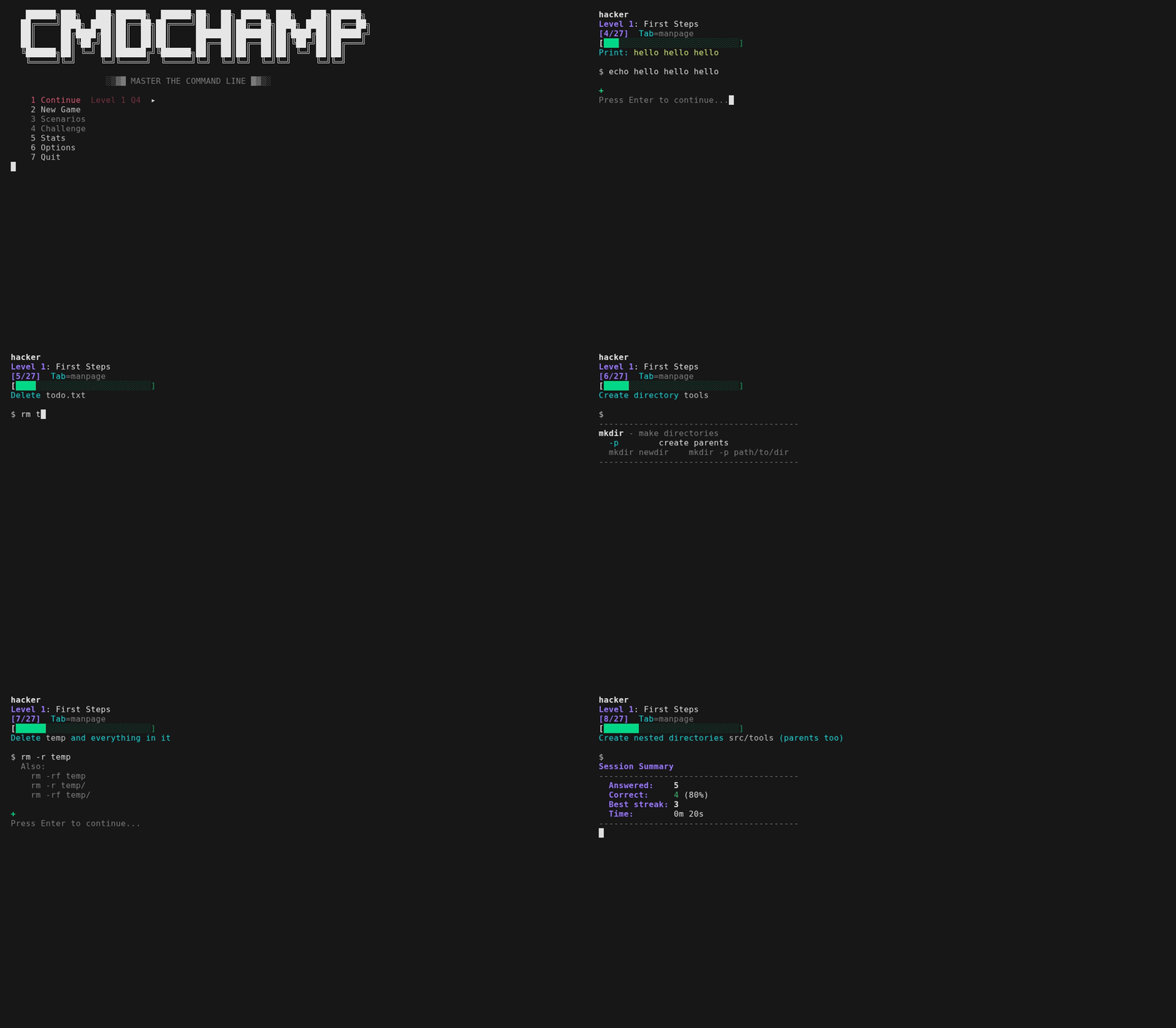


entraîneur de CLI bash — 30 niveaux de ls à l'escalade de privilèges
Entraîneur CLI Bash — 30 niveaux de ls à l'élévation de privilèges.
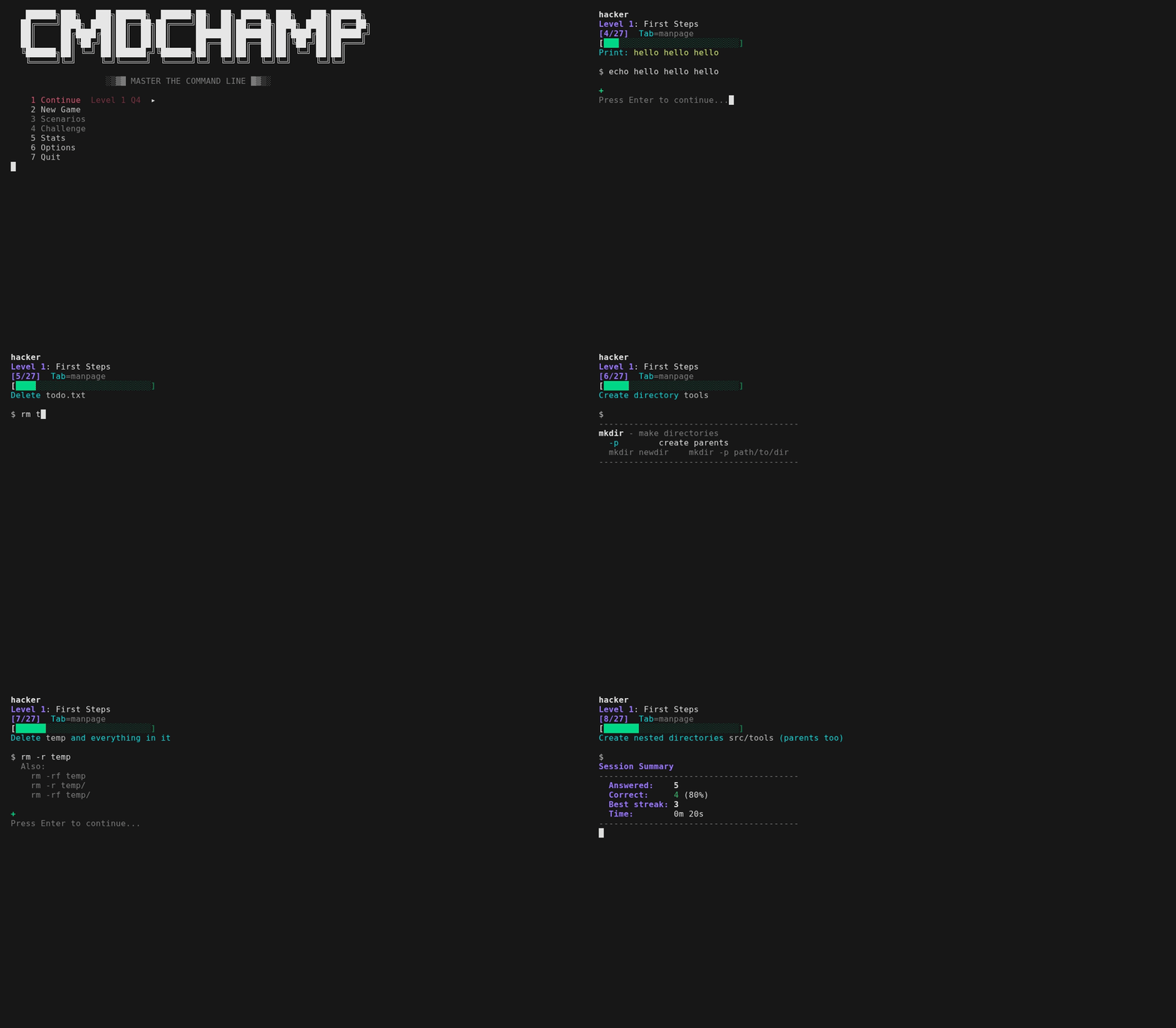
Chaque question vous demande de saisir une vraie commande — obtenez un retour instantané, passez à la suite. Si vous vous trompez, il ne se contente pas de vous montrer la réponse : il montre ce que VOTRE commande a affiché par rapport à ce qui était attendu, et pour un pipeline, le nombre de lignes à chaque étape, afin que vous puissiez voir le point où cela a échoué. Pour les questions à correspondance textuelle, il nomme la réponse acceptée dont la vôtre était la plus proche et le drapeau exact que vous avez omis. Si vous réussissez par le chemin long, il vous montre le chemin court — cat f | grep -c X mérite un Shorter: grep -c X f, déclenché sur moins d'étapes de pipeline ainsi que moins de caractères, car le processus que vous avez économisé est la leçon. Beaucoup s'exécutent sur de vrais fichiers dans le bac à sable, et toutes acceptent plusieurs syntaxes valides (sort -u ou sort | uniq). Tab bascule la page de manuel lorsque vous avez besoin d'une référence — pages condensées pour chaque commande que la réponse exécute, plus la syntaxe shell sur laquelle elle s'appuie (x=$(cmd), ${var:-default}, ${path##*/}), de sorte que rien dans une question ne soit laissé à deviner. L'ordre est randomisé à chaque exécution pour que vous ne puissiez pas le mémoriser. La maîtrise suit ce que vous savez : répondez correctement deux fois à une question pour la maîtriser, manquez-la et elle est rétrogradée pour revenir plus tôt. Une série de 5 bonnes réponses déclenche le mode feu — une bannière qui s'affiche jusqu'à ce que vous manquiez une réponse.
Chaque niveau se termine par un tour de boss — pas de pages de manuel, minuteur de 30 s, 4/5 pour réussir. En cas d'échec, vous pouvez réessayer le boss immédiatement ou revenir à la pratique. Battez les 30 et le mode défi se débloque — le parcours final : des chaînes de commandes multiples qui composent les outils de tout le jeu en un seul pipeline. 30 s chacun, une seule vie, pas de pages de manuel, votre meilleur score est le record. Chaque chaîne est évaluée sur sa sortie réelle dans le bac à sable, donc n'importe quel pipeline correct réussit. Chaque exécution construit également un bac à sable randomisé frais — différentes adresses IP, compteurs, hôtes et données de journal — et puise dans plus de 50 modèles de chaînes avec des délimiteurs rotatifs, un ordre de tri et des agrégats, de sorte que l'IP la plus occupée, l'URL la plus populaire, le compteur le plus élevé ne soient jamais les mêmes deux fois. La première exécution comprend un court tutoriel et un test de placement qui vous permet de sauter les niveaux que vous connaissez déjà.
Avec bubblewrap, les commandes s'exécutent dans un véritable système de fichiers en bac à sable et sont évaluées sur leur sortie réelle. La boîte à l'intérieur est synthétique — utilisateur sandbox, hôte sandbox, son propre /etc/passwd et ligne de commande du noyau — de sorte que rien de ce que vous tapez ne peut afficher votre véritable nom d'utilisateur, nom de machine ou disposition de disque à l'écran, et id, whoami et hostname répondent la même chose partout. Cela atteint désormais aussi le niveau forensique : le niveau 28 vous remet un véritable échantillon binaire (samples/target.bin) et évalue si vous avez réellement extrait le drapeau, le domaine d'exfiltration et la clé API divulguée — de même pour les questions jq sur du vrai JSON. Le parcours final compose ces extractions en chaînes chronométrées. Les niveaux 24-25 s'exécutent désormais aussi pour de vrai : un petit service HTTP démarre sur localhost:8080 dans l'espace de noms réseau propre au bac à sable pendant que votre réponse s'exécute, avec trois ports en écoute, de sorte que curl, jq sur HTTP, ss et nmap sont évalués sur ce qu'ils ont réellement renvoyé. Rien n'est exposé à votre machine — l'espace de noms bloque toujours chaque connexion sortante, et le port est invisible de l'extérieur. Seuls les outils qui ne peuvent véritablement pas s'exécuter dans un bac à sable — wifi/RF, capture en direct et forensique mémoire/disque volumineuse — restent à correspondance textuelle. Les niveaux de recherche (16-17) acceptent à la fois la syntaxe rg/fd et grep/find. L'édition de ligne Vi est intégrée — mouvements, opérateurs, compteurs, registres, annulation et mode visuel (v/V, o pour permuter les extrémités), avec ? pour la carte complète.
Arch (AUR) :
paru -S cmdchamp # ou : yay -S cmdchamp
Partout (fichier unique) :
mkdir -p ~/.local/bin && curl -sL https://raw.githubusercontent.com/mellen9999/cmdchamp/main/cmdchamp -o ~/.local/bin/cmdchamp && chmod +x ~/.local/bin/cmdchamp
Ajoutez ~/.local/bin au PATH si nécessaire : echo 'export PATH="$HOME/.local/bin:$PATH"' >> ~/.bashrc
Ou clonez :
git clone https://github.com/mellen9999/cmdchamp.git
cd cmdchamp && make install
Prérequis : bash 4.4+, coreutils, awk
macOS : Livré avec bash 3.2 — installez bash 4.4+ d'abord : brew install bash
Optionnel : bubblewrap (bwrap) pour le mode bac à sable (Linux uniquement) — la plupart des distributions de bureau l'incluent. Sans lui, les réponses sont uniquement à correspondance textuelle
Optionnel : python3 — sert le service HTTP localhost du bac à sable, de sorte que les questions live api / live box des niveaux 24-25 sont évaluées sur une sortie réelle. Sans lui, ces questions retombent sur la correspondance textuelle ; rien d'autre ne change
Accessibilité : Respecte NO_COLOR et TERM=dumb. La disposition s'adapte à COLUMNS / tput cols. Les barres de maîtrise portent à la fois la couleur et un symbole ✓ / ~ / x — lisibles sans couleur.
Terminaux : Fonctionne sur de véritables terminaux série, pas seulement des émulateurs. cmdchamp sonde ce que le terminal peut réellement afficher et choisit parmi trois niveaux de rendu — unicode, dessin de lignes DEC ACS, ou ASCII pur — afin que les cadres restent intacts sur un VT100/VT220/VT320/VT420 ou Wyse. Sur un écran monochrome, les distinctions de couleur sont ré-encodées en gras/inverse. Forcez un niveau avec CMDCHAMP_ASCII=1 ou CMDCHAMP_UNICODE=1. ./test_terminals.sh le vérifie.
cmdchamp                # Lance le menu du jeu
cmdchamp explain 'CMD'  # Explique n'importe quelle commande - chaque drapeau, plus la syntaxe shell autour
cmdchamp autopsy        # Lit votre propre historique shell et le mappe sur le programme
cmdchamp daily          # Joue le parcours quotidien d'aujourd'hui (même exécution pour tout le monde)
cmdchamp daily 2026-02-16   # Rejoue l'exécution d'un jour précis (course contre un ami)
cmdchamp play           # Bac à sable en jeu libre : tapez n'importe quelle commande, voyez-la s'exécuter
cmdchamp --no-sandbox   # Désactive le bac à sable (correspondance textuelle uniquement)
cmdchamp reset          # Efface toute la progression
cmdchamp test           # Exécute les auto-tests
cmdchamp version        # Affiche la version
cmdchamp help           # Affiche l'aide
cmdchamp explain (ou cmdchamp x) est le panneau Tab en tant qu'outil autonome : pages écrites à la main pour ~300 commandes plus la syntaxe shell autour, hors ligne, sans réseau, sans dépendances. Il prend une commande entre guillemets ou les mots nus, et lit stdin quand aucun n'est donné — donc history | tail -1 | cmdchamp x explique ce que vous venez d'exécuter. Sortie 0 quand il connaît la commande, 1 quand il ne la connaît pas.
