
Skip to content
KitploitKITPLOIT
HerramientasExploitsBlog
Log in
Enviar
HerramientasExploitsBlog
Enviar

¡Herramientas de Hacking, PenTest y Ciberseguridad para tu Arsenal de Seguridad!

Kitploit es un directorio de herramientas de hacking, ciberseguridad y pentesting. Descubre las últimas actualizaciones de proyectos para encontrar vulnerabilidades, analizar sistemas, automatizar pruebas y fortalecer tu seguridad.

FeedsContactoPrivacidad© 2026 Kitploit

Directorio de Herramientas

Categorías

Ver todas las categorías
Loading categories
zen-desktop — System-wide ad-blocker and privacy guard for Windows, macOS and Linux. | Kitploit

Herramientas/GitHubGitHub/irbis-sh/zen-desktop
Defensive ToolsWeb SecurityNetwork SecurityPrivacyAnti-BotDNS Analysis
GitHubirbis-sh/zen-desktop

zen-desktop

System-wide ad-blocker and privacy guard for Windows, macOS and Linux.

Ver Repositorio
4.1k133121hace 17h 47mRevisado por Kitploit
Compartir
Sitio web
Contenido no disponible en el idioma solicitado. Mostrando versión en inglés.

Zen's Blue Shield Logo

Zen: Your Comprehensive Ad-Blocker and Privacy Guard

There is, simply, no way, to ignore privacy. Because a citizenry’s freedoms are interdependent, to surrender your own privacy is really to surrender everyone’s.

Edward Snowden, Permanent Record

GitHub License GitHub release GitHub download counter

Website • Mastodon • Bluesky • Discord • Documentation

Zen is an open-source system-wide ad-blocker and privacy guard for Windows, macOS, and Linux. It works by setting up a proxy that intercepts HTTP requests from all applications, and blocks those serving ads, tracking scripts that monitor your behavior, malware, and other unwanted content. By operating at the system level, Zen can protect against threats that browser extensions cannot, such as trackers embedded in desktop applications and operating system components. Zen comes with many pre-installed filters, but also allows you to easily add hosts files and EasyList-style filters, enabling you to tailor your protection to your specific needs.

Downloads

During the first run, Zen will prompt you to install a root certificate. This is required for Zen to be able to intercept and modify HTTPS requests. This certificate is generated locally and never leaves your device. For details on how this works and the steps we take to secure it, see our security architecture.

Windows

  • x64: 💾 Installer | 📦 Portable
  • ARM64: 💾 Installer | 📦 Portable

Unsure which version to download? Click on 'Start' and type 'View processor info'. The 'System type' field under 'Device specifications' will tell you which one you need.

Winget

Zen is available via Winget (Windows Package Manager). To install, run:

winget install ZenPrivacy.ZenDesktop

macOS

  • x64 (Intel): 💾 Installer | 📦 Portable
  • ARM64 (Apple Silicon): 💾 Installer | 📦 Portable

Unsure which version to download? Learn at Apple's website.

🍺 Homebrew

Zen is available via Homebrew for both Intel and Apple Silicon. To install it, run:

brew install --cask irbis-zen

Linux

Zen has an install script that covers most Linux distributions. To install, run:

curl -fsSL https://raw.githubusercontent.com/irbis-sh/zen-desktop/master/install.sh | sh

To uninstall, run:

curl -fsSL https://raw.githubusercontent.com/irbis-sh/zen-desktop/master/install.sh | sh -s -- --uninstall

Other installation methods:

  • AUR: 👾 zen-adblocker-bin
  • Nix: ❄️ Installation guide
  • x64: 📦 Portable
  • ARM64: 📦 Portable

On Linux, automatic proxy configuration is currently only supported on GNOME- and KDE-based desktop environments.

Screenshots

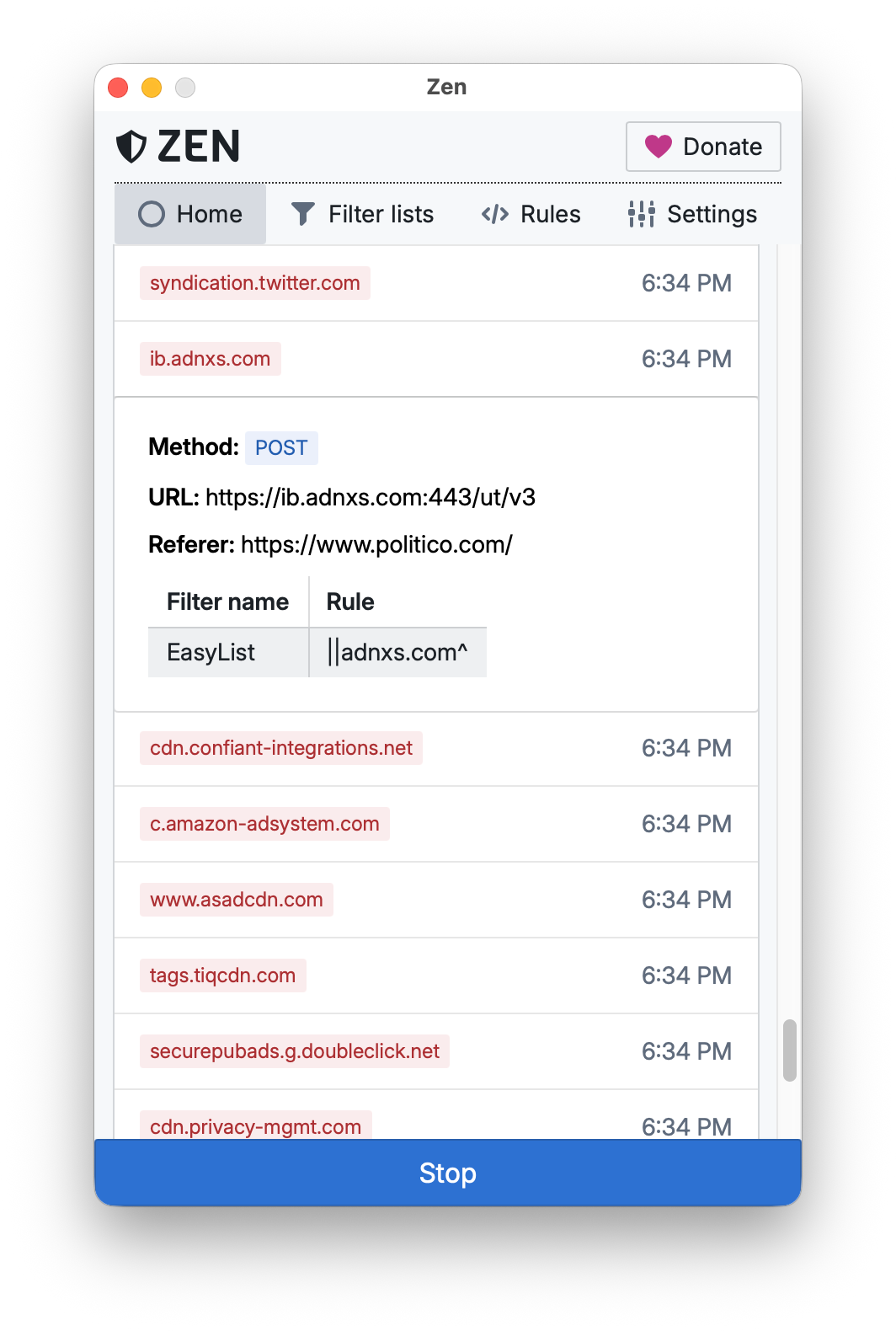
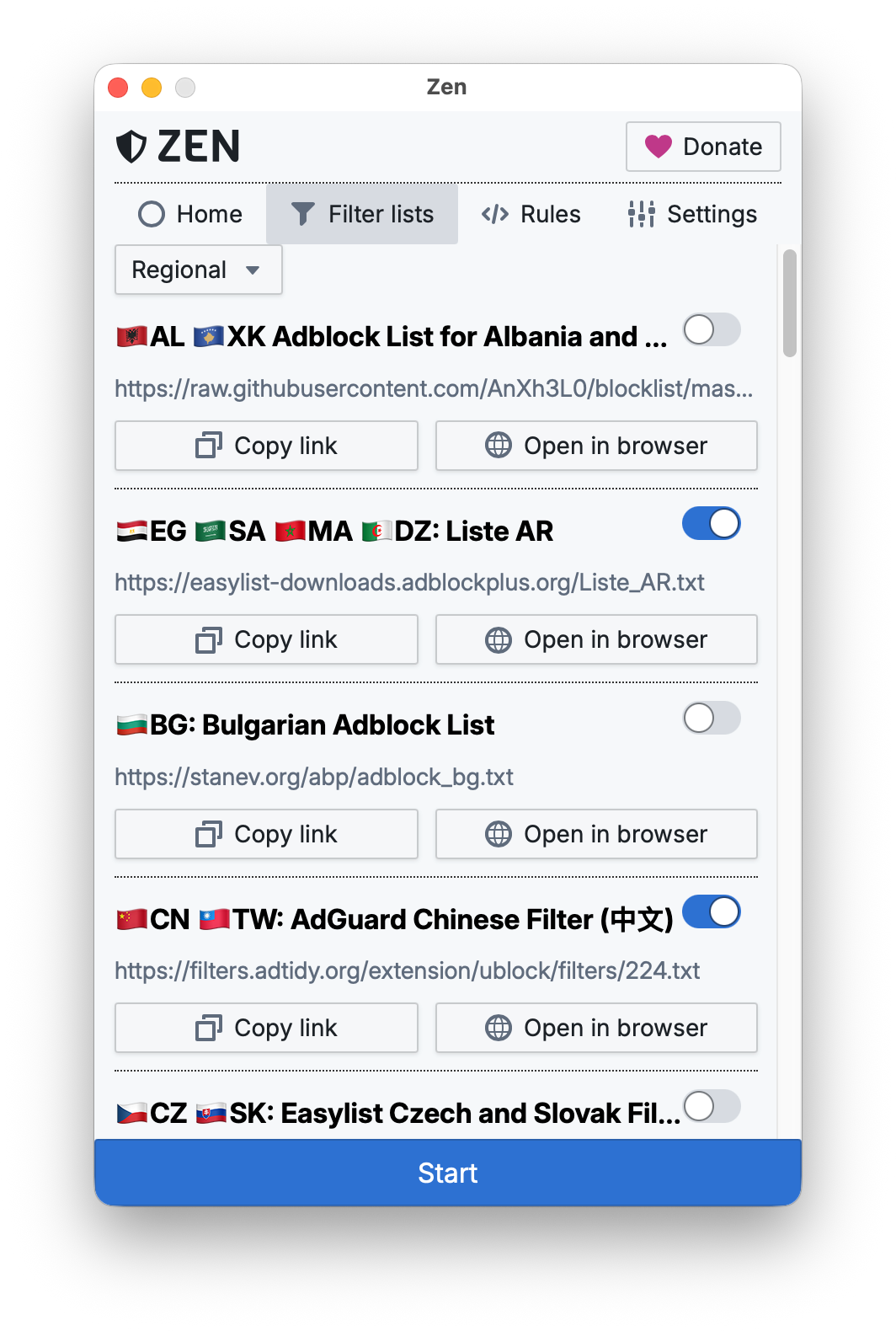
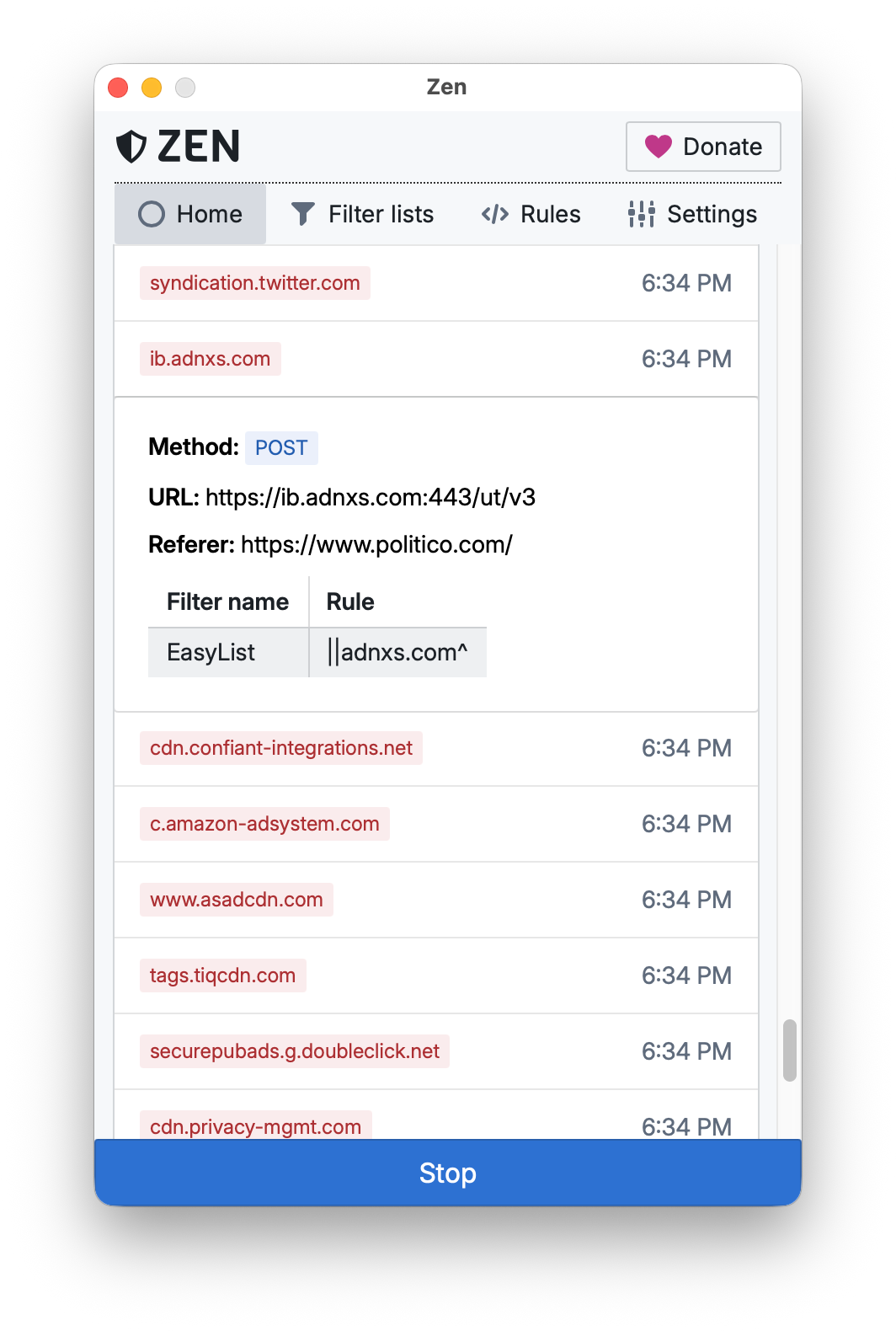
Request history Filter list manager
Request history shows all requests blocked by Zen. Each request can be inspected to see which filter and rule blocked it. Zen comes with many pre-installed filters. You can also add your own by providing a URL to a hosts file or an EasyList-style filter.
Screenshot of Zen's Home screen showing blocked network requests. One entry details a blocked request to a Marketo tracking script from politico.com, with several other advertising and analytics domains listed below. Navigation tabs and a Donate button appear at the top, and a blue Stop button is visible at the bottom. Screenshot of Zen's Filter lists screen showing a regional category with multiple ad-block filter lists from different countries. Each list includes a name, a source URL, and toggle switches indicating whether it is enabled.

Development

Follow the getting started guide to begin working on Zen development. If you have any questions, feel free to ask in the Discussions.

Contributing

Zen needs your help! You can report bugs, suggest and implement features, improve the codebase, or help translate Zen into your language. Please refer to the Contributing Guidelines for more information. For other ways to help, such as spreading the word or donating, see docs.irbis.sh/contribute.

Special Thanks

Zen exists thanks to the support of many incredible people and organizations, including:

  • Our contributors Avatars of all GitHub contributors to Zen

  • Our sponsors Avatars of all backers of Zen on Open Collective

  • SignPath and SignPath Foundation, who generously provide a free Windows certificate and code signing


Descargar herramienta

Más Populares

Ver todos →

Descubre las herramientas más usadas por nuestra comunidad.

  • 1

    OsintHunter

    letox4/osinthunter

    🎯 El kit de herramientas OSINT definitivo: grafo de investigación, puntuación de confianza, familias de alias, mapa, línea de tiempo e informes. 49 módulos, más de 400 sitios, sin necesidad de claves API.

    540
  • 2

    ghostlock-app

    yukonga/ghostlock-app

    # Aplicación de Ejecución con un Solo Toque GhostLock (CVE-2026-43499)

    476
  • 3

    ARTEX

    baarai/artex

    Plataforma de pruebas de penetración autónoma multiagente basada en LLM con agentes planificadores/trabajadores, grafos de activos y de exploración, registro de tráfico MITM y reevaluación de vulnerabilidades.

    373
  • 4

    redforge

    cybersecurity91/redforge

    Kit de herramientas de red team del lado del navegador con 102 herramientas offline para reconocimiento, generación de payloads, ataques de credenciales, criptografía, codificación y elaboración de informes de compromiso.

    322
  • 5

    estorides

    grisuno/estorides

    Agrega más de 99 fuentes OSINT gratuitas en paralelo, resuelve entidades en un grafo de conocimiento y exporta STIX 2.1, MISP o GraphML con análisis asistido por LLM.

    278
  • 6

    CyberStrikeAI

    ed1s0nz/cyberstrikeai

    El sistema de acción para la ciberseguridad nativa de IA—donde la intención se convierte en ejecución gobernada, la evidencia se convierte en memoria operativa y cada operación mejora la siguiente.

    251

Explora todas las herramientas

Explora nuestra colección de herramientas

Ver todas las herramientas →