 acebond/reversesocks5
Proxy inverso SOCKS5 de un solo ejecutable escrito en Golang.

Proxy SOCKS5 inverso en Golang.
Usage of ReverseSocks5.exe:
  -cert string
        Certificate file if using TLS on the server
  -connect string
        Connect address for socks agent address:port
  -k
        Skip TLS certificate verification when using -tls (insecure)
  -key string
        Private key file if using TLS on the server
  -listen string
        Listen address for socks agents address:port (default ":10443")
  -password string
        Password used for SOCKS5 authentication. No authentication required if not configured.
  -psk string
        Pre-shared key for encryption and authentication between the agent and server (default "password")
  -socks string
        Listen address for socks server address:port (default "127.0.0.1:1080")
  -tls
        Connect with TLS instead of TCP, the server must be using certificates
  -username string
        Username used for SOCKS5 authentication
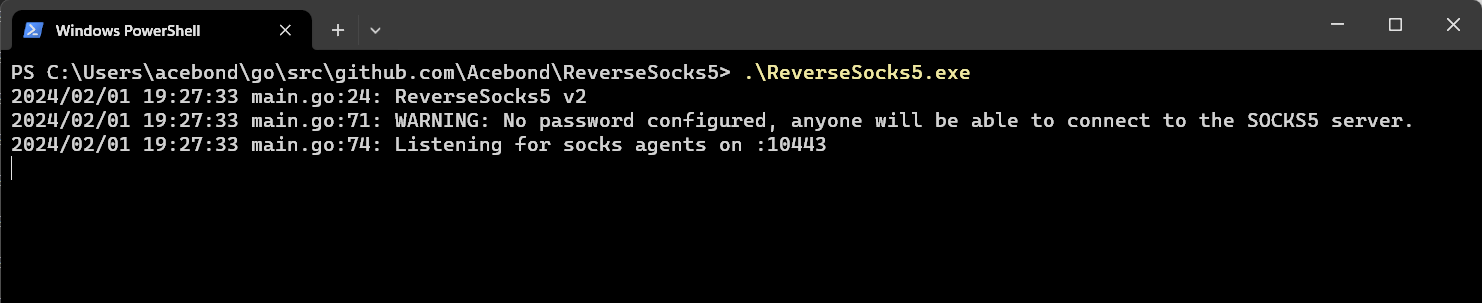 Esto abrirá el puerto SOCKS5 en
 127.0.0.1:1080 y escuchará a un agente en :10443. Ten en cuenta que el puerto SOCKS5 solo será accesible una vez que un agente se conecte.
 Esto se conectará al servidor y será el punto de salida del tráfico SOCKS5, exponiendo efectivamente la red interna del agente a cualquiera que pueda acceder al puerto SOCKS5 del servidor.
Para conectarse con TLS omitiendo la verificación del certificado, usa:
ReverseSocks5.exe -connect server:10443 -tls -k
La verificación del certificado está habilitada por defecto. El flag -k solo afecta a las conexiones TLS del agente.
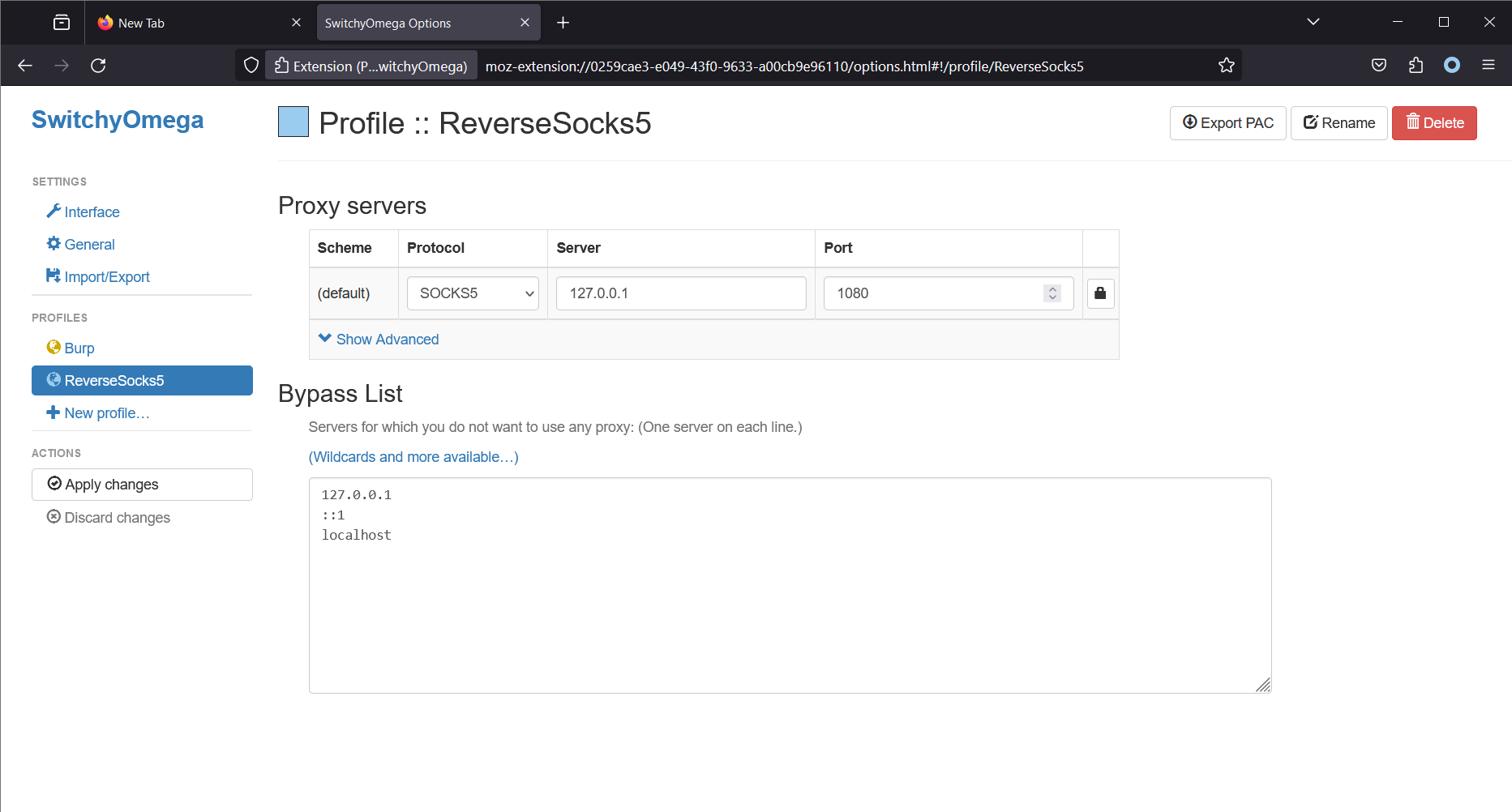 Ten en cuenta que Firefox se ejecuta en la misma máquina que el servidor SOCKS5. Esto hará que Firefox (usando la extensión Proxy SwitchyOmega) realice todas las conexiones a través del servidor SOCKS5. En Linux, una herramienta común para acceder al proxy SOCKS5 es
 proxychains4.
