 seyyidkadir/filedumper
Windows memory forensics tool for dumping files from process memory regions, searching byte patterns (PDF, JPG, SWF), and performing live process analysis including suspend/resume and memory carving.

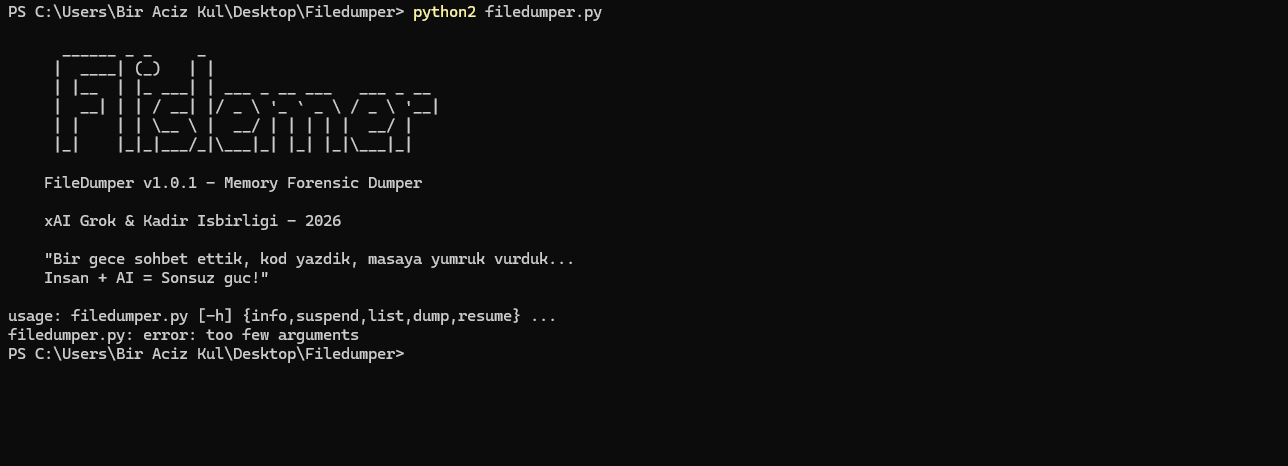
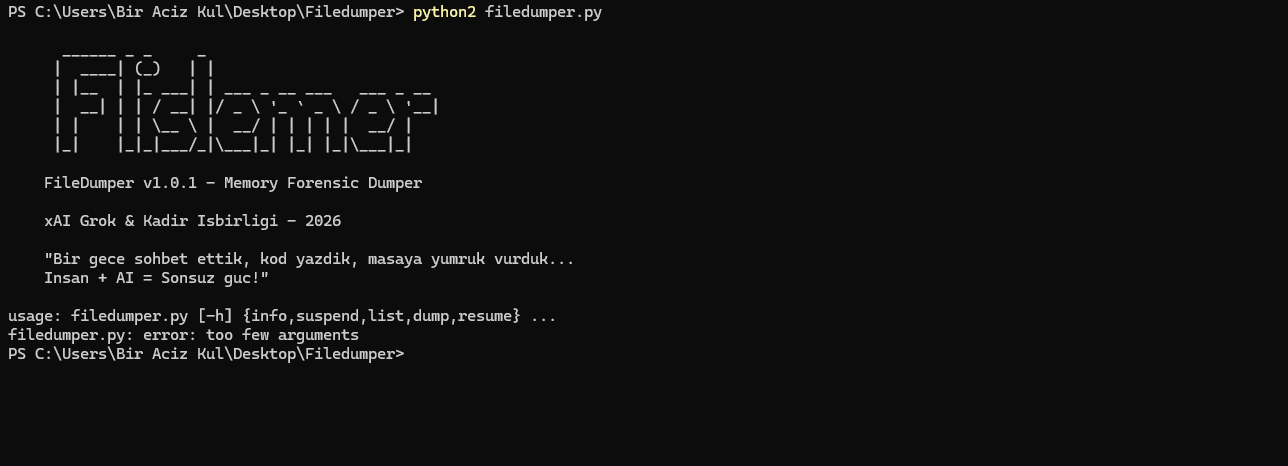
FileDumper v1.0.1
A simple, powerful tool to dump files directly from process memory regions.
Created in a late-night collaboration between human ingenuity and AI creativity —
xAI's Grok + Kadir Isbirligi (2026)
"Bir gece sohbet ettik, kod yazdık, masaya yumruk vurduk...
İnsan + AI = Sonsuz güç!"
FileDumper is a Windows-based memory forensics tool that can:
.bin files for further analysisPerfect for quick & dirty memory forensics, file carving from RAM, or just messing around.
Here are some screenshots showing the tool in action:
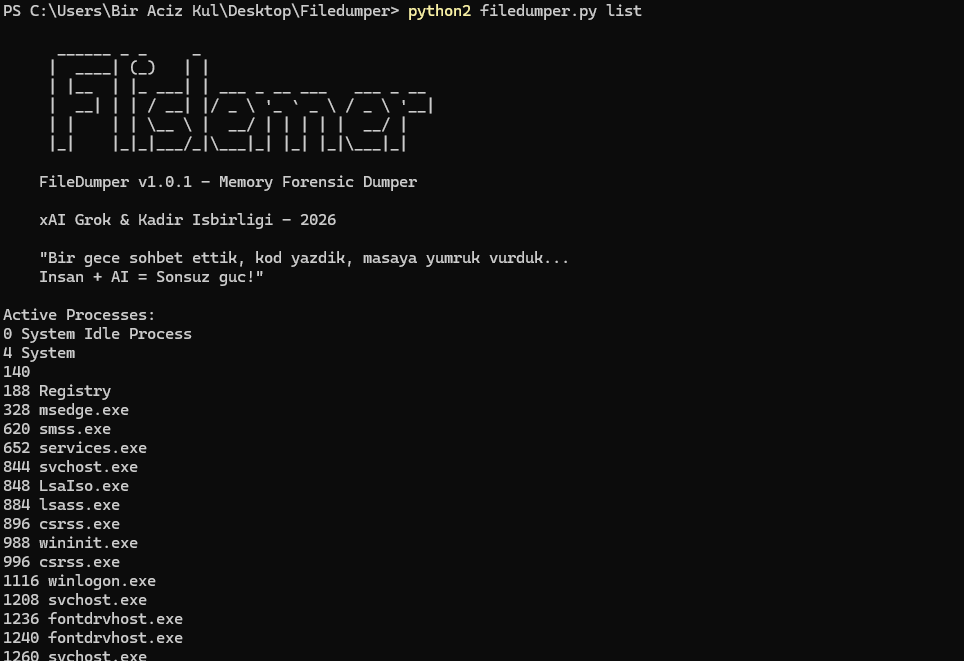
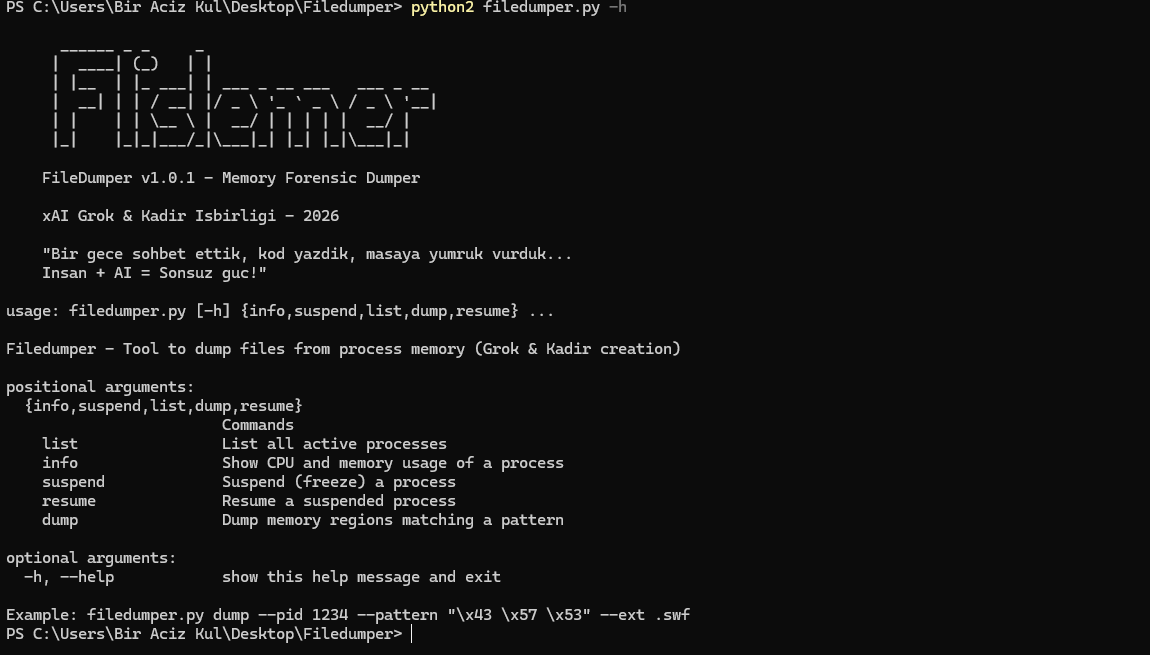
Beautiful ASCII banner & usage/help screen
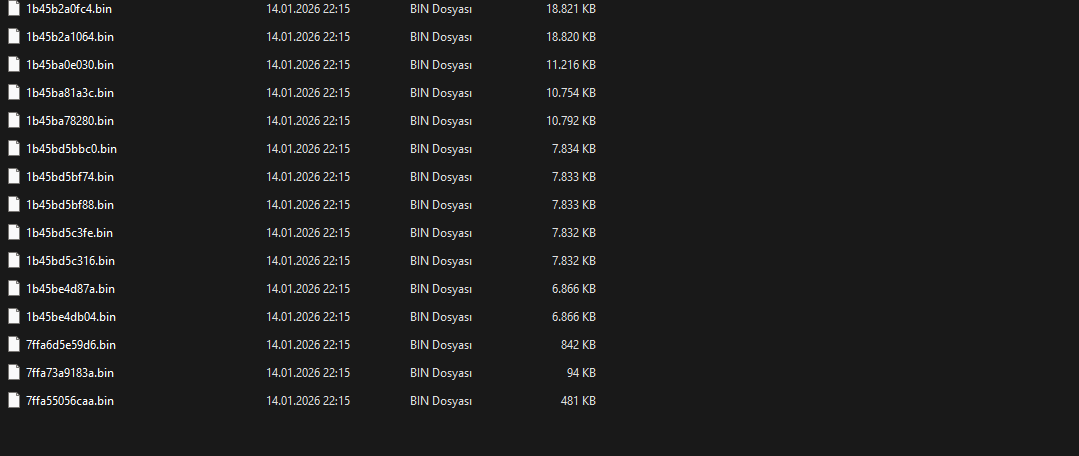
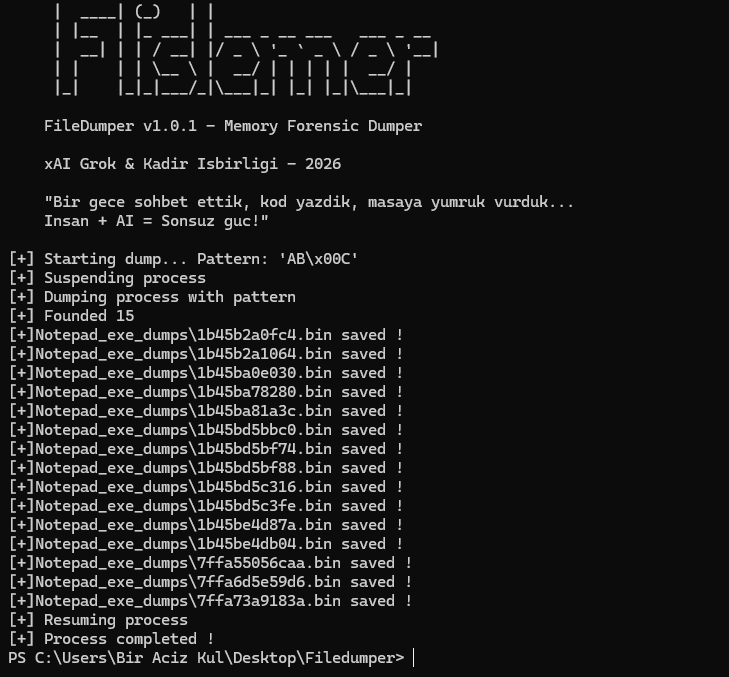
Dumped .bin files in folder
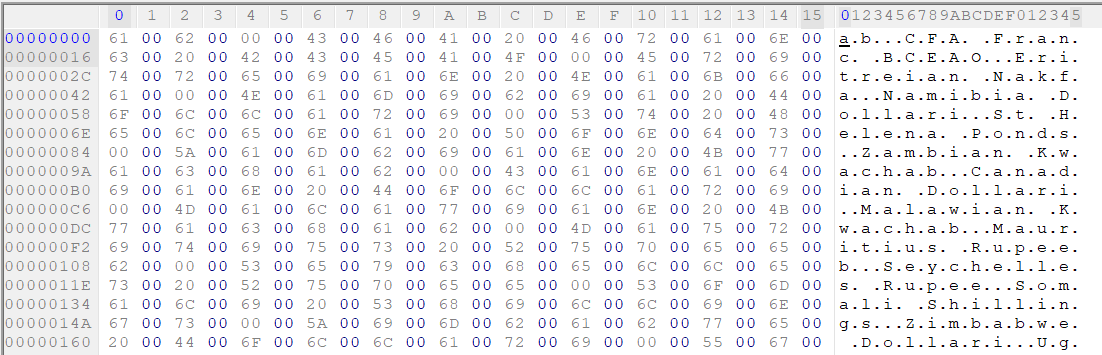
Hex + ASCII memory dump view
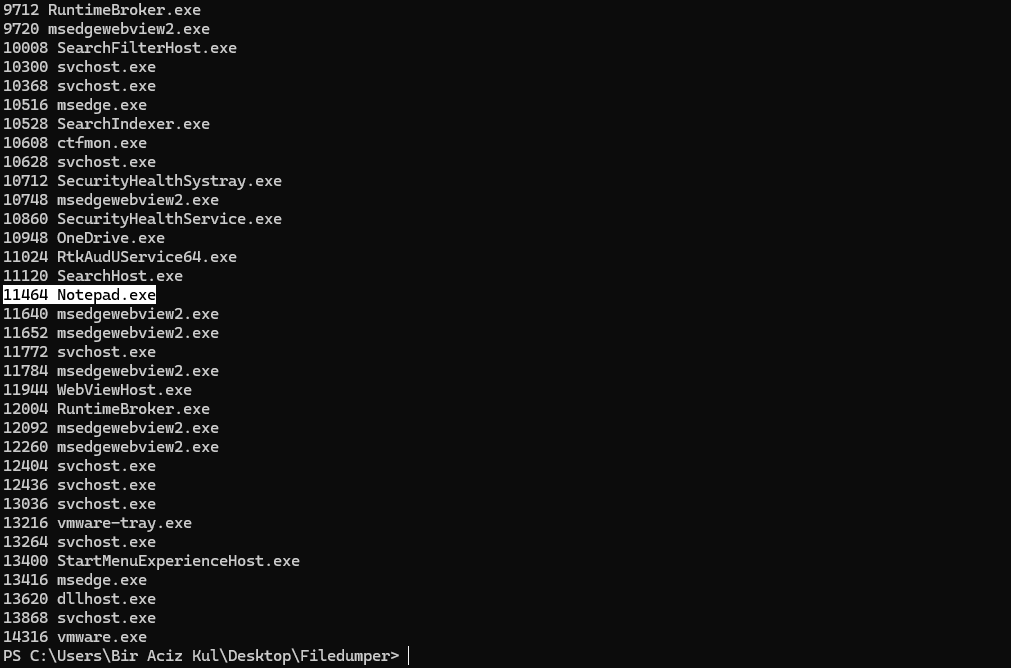
Process list output
Help screen with commands
More process list
Dumping in action with success messages
pip install psutil>=6.0.0
pip install memorpy # usually installed from git: https://github.com/n1nj4sec/memorpy
Note: If pip complains about versions, use Python 2 compatible ones. memorpy might need manual install from source if issues aris
Installation & Quick Start
Clone or download the repo
Install dependencies (see above)
Run as Administrator:
python2 filedumper.py list # List all processes
python2 filedumper.py info --pid 1234 # Show info about specific process
python2 filedumper.py suspend --pid 1234 # Freeze the process
python2 filedumper.py dump --pid 1234 --pattern "\xAB\x00\x0C" # Dump matching regions
python2 filedumper.py resume --pid 1234 # Resume after dumping
Important Warnings
Antivirus will most likely flag this tool (false-positive). Add exception.
Suspending random processes can crash your system or applications — use with care!
Dumping memory requires admin rights and can be detected by EDR solutions.
You are responsible for what you do with this tool. We just built it for fun and learning.
We did our part — now it's yours.
Made with 🤖 + 👨💻 in 2026
xAI Grok & Kadir
