
Skip to content
KitploitKITPLOIT
ToolsExploitsBlog
Log in
Submit
ToolsExploitsBlog
Submit

Hacking, PenTest, and Cybersecurity Tools for Your Security Arsenal!

Kitploit is a directory of hacking, cybersecurity, and pentesting tools. Discover the latest project updates to find vulnerabilities, analyze systems, automate testing, and strengthen your security.

FeedsContactPrivacy© 2026 Kitploit

Tool Directory

Categories

View all categories
Loading categories
gha-lab-61c59f4acb — Security-research lab: controlled reproduction of CVE-2026-33075 (pwn request in labring/FastGPT preview-image workflow, pull_request_target + checkout-of-fork + privileged buildx push) | Kitploit
Tools/GitHubGitHub/pvharmo2/gha-lab-61c59f4acb
Vulnerability AnalysisExploitationLearning & EducationCurated Resources
GitHubpvharmo2/gha-lab-61c59f4acb

gha-lab-61c59f4acb

Security-research lab: controlled reproduction of CVE-2026-33075 (pwn request in labring/FastGPT preview-image workflow, pull_request_target + checkout-of-fork + privileged buildx push)

View Repository
241 month agoNot yet reviewed

Most Popular

View all →

Discover the most used tools by our community.

Explore all tools

Browse our collection of tools

View all tools →
Share

fastgpt logo

FastGPT

English | 简体中文 | Bahasa Indonesia | ไทย | Tiếng Việt | 日本語

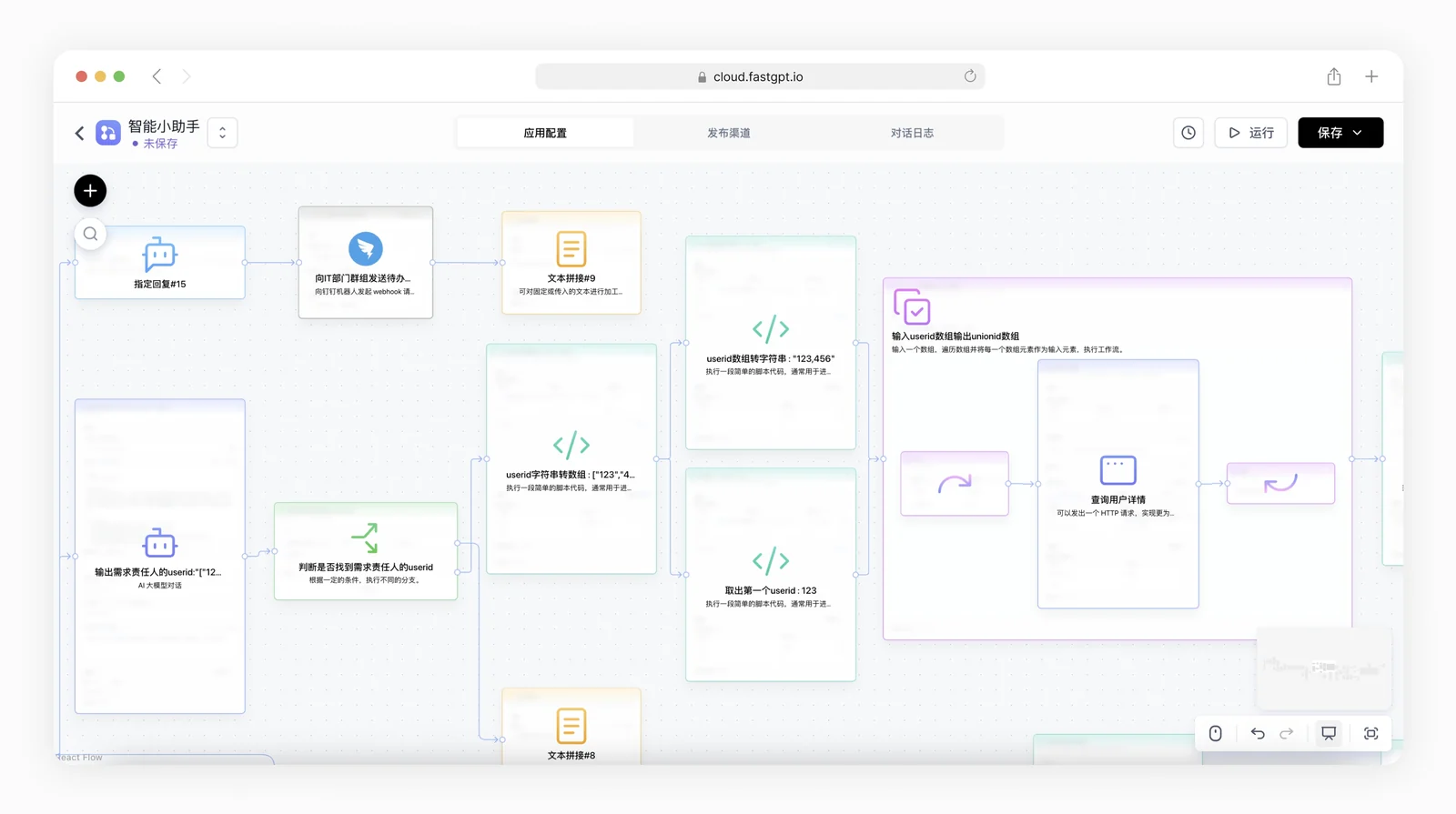
FastGPT is an AI Agent building platform that provides out-of-the-box capabilities for data processing and model invocation. It also enables workflow orchestration through Flow visualization, allowing you to achieve complex application scenarios!

cloud document development project

https://github.com/labring/FastGPT/assets/15308462/7d3a38df-eb0e-4388-9250-2409bd33f6d4

Quick Start

You can quickly start FastGPT using Docker. Run the following command in your terminal and follow the prompts to pull the configuration.

# Run the command to pull the configuration file
bash <(curl -fsSL https://doc.fastgpt.cn/deploy/install.sh)
# Start the service
docker compose up -d

After fully started, you can access FastGPT at http://localhost:3000. The default account is root and the password is 1234.

If you encounter any issues, you can view the complete Docker deployment tutorial

🛸 Usage

  • Cloud Version
    If you don't need private deployment, you can directly use our cloud service at: fastgpt.io

  • Community Self-Hosted Version
    You can quickly deploy using Docker or use Sealos Cloud to deploy FastGPT with one click.

  • Commercial Version
    If you need more complete features or in-depth service support, you can choose our Commercial Version. In addition to providing complete software, we also offer implementation guidance for specific scenarios. You can submit a commercial consultation.
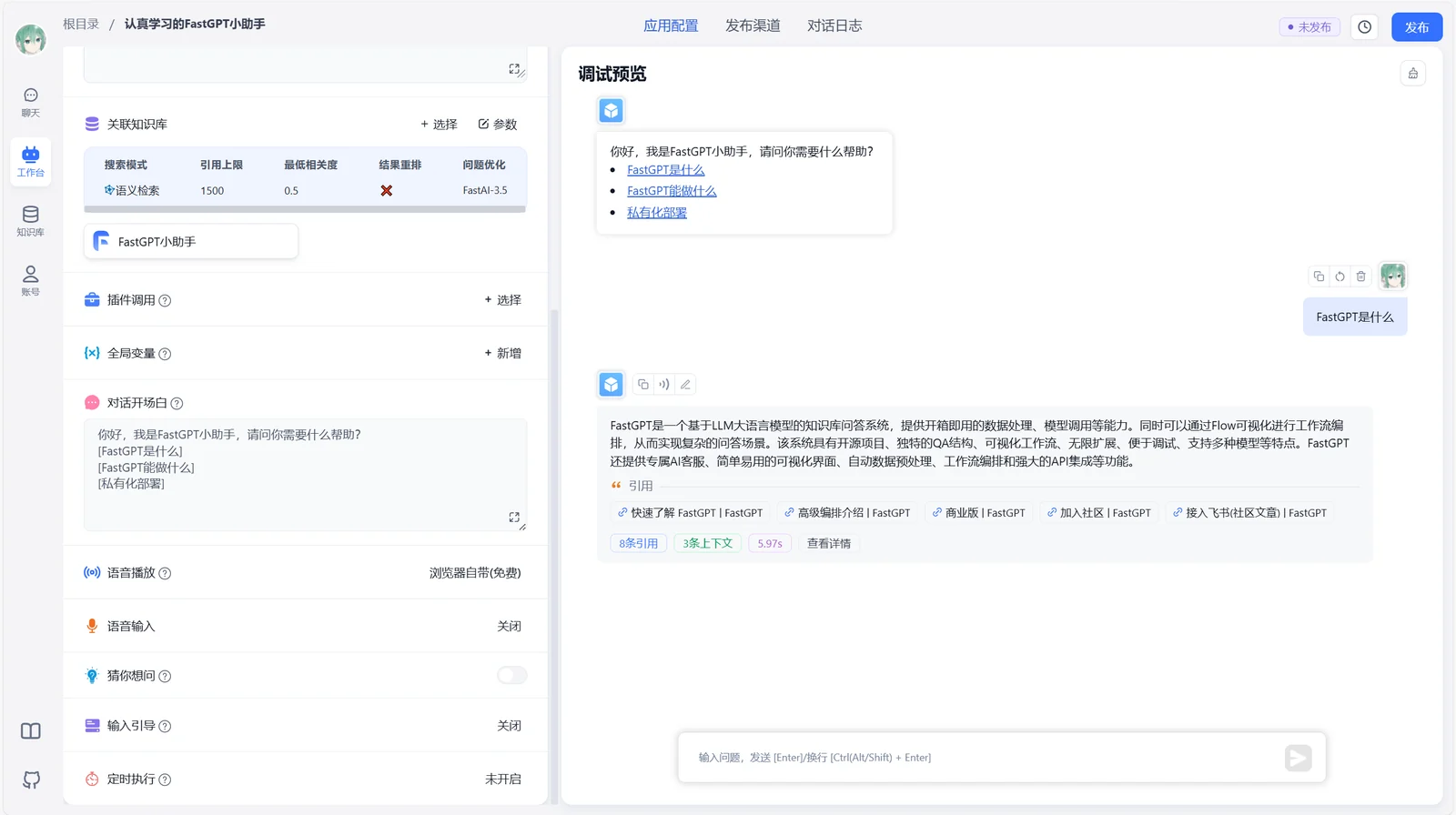
💡 Core Features

DemoDemo
DemoDemo

1 Application Orchestration

  • Planning Agent mode.
  • Dialogue workflow, plugin workflow, including basic RPA nodes.
  • User interaction
  • Bidirectional MCP
  • Assisted workflow generation

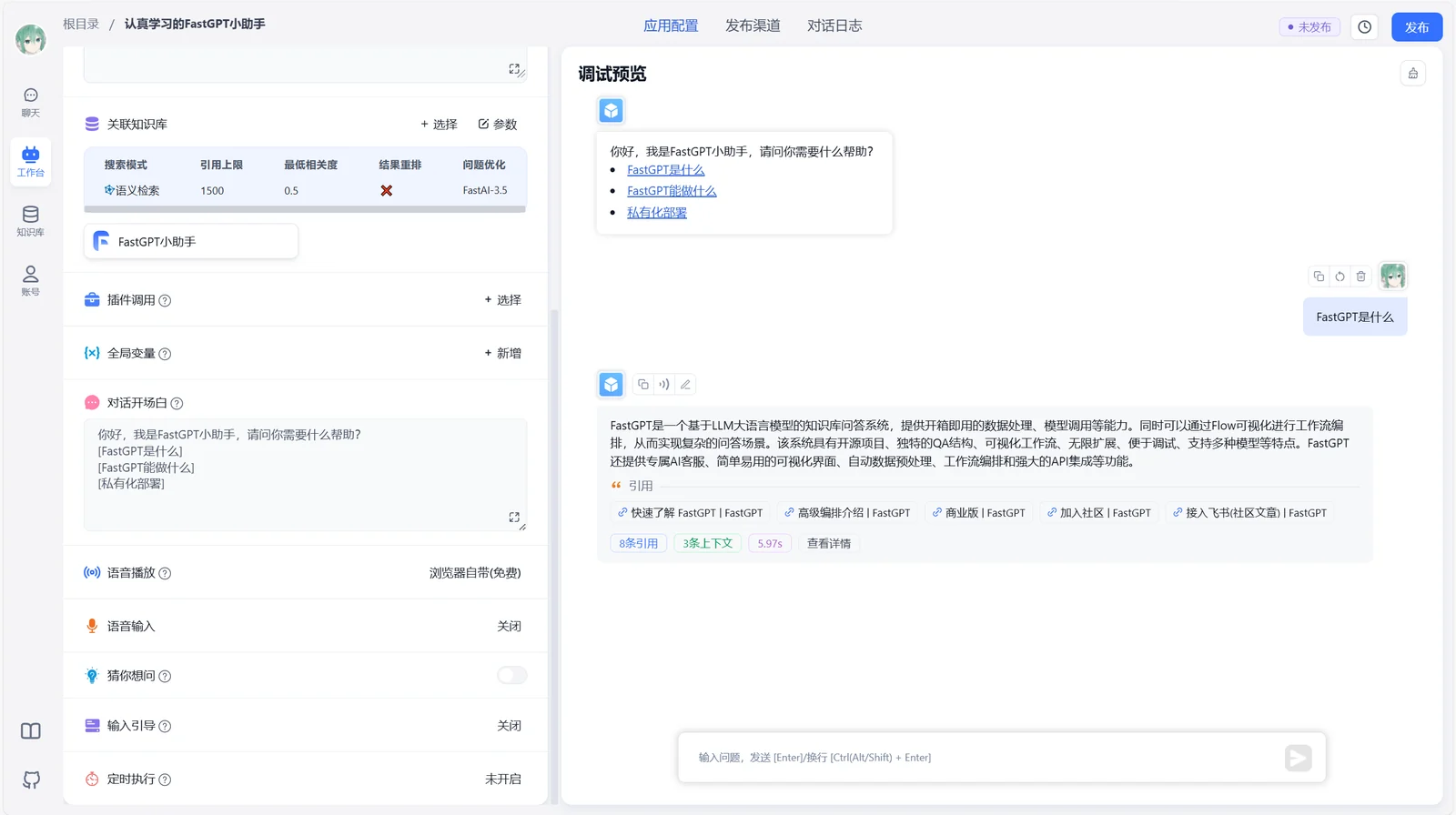
2 Application Debugging

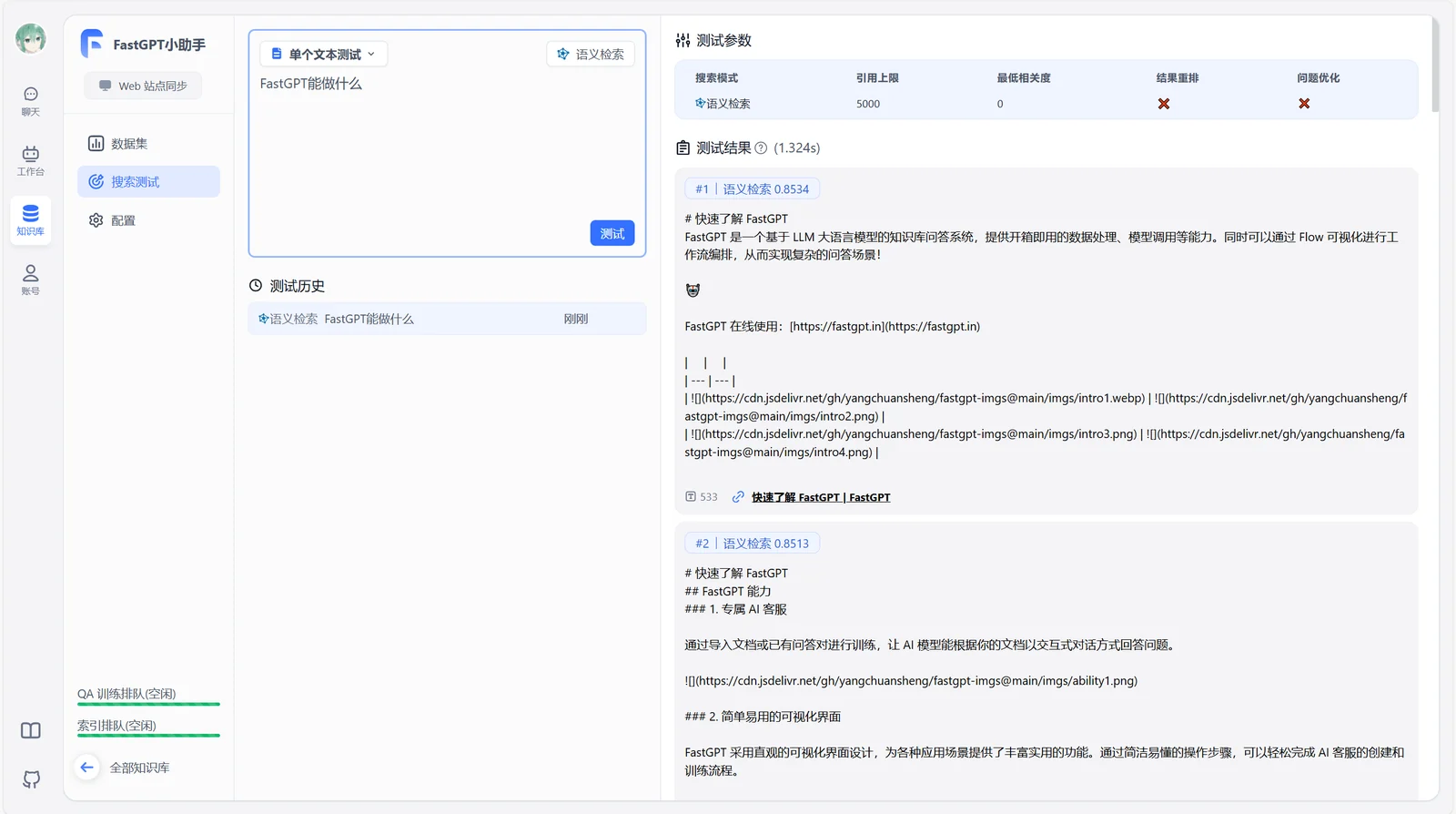
  • Knowledge base single-point search testing
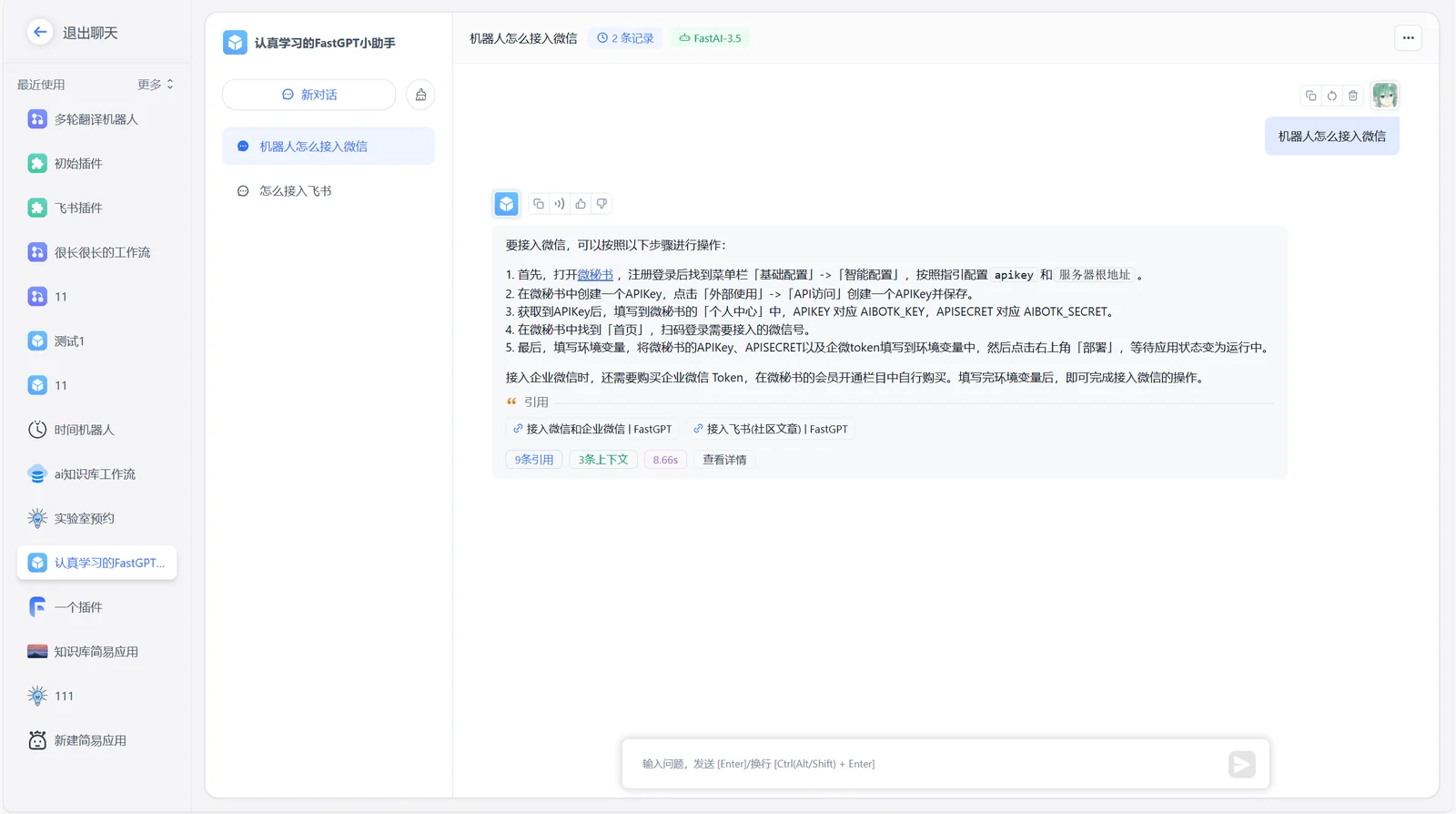
  • Reference feedback during conversation with edit and delete capabilities
  • Complete call chain logs
  • Application evaluation
  • Advanced orchestration DeBug mode
  • Application node logs

3 Knowledge Base

  • Multi-database reuse and mixing
  • Chunk record modification and deletion
  • Support for manual input, direct segmentation, QA split import
  • Support for txt, md, html, pdf, docx, pptx, csv, xlsx (more can be PR'd), support for URL reading & CSV batch import
  • Hybrid retrieval & reranking
  • API knowledge base
  • RAG module hot-swapping

4 OpenAPI Interface

  • Completions interface (aligned with GPT chat mode)
  • Knowledge base CRUD
  • Dialogue CRUD
  • Automated OpenAPI interface

5 Operations Features

  • Login-free sharing window
  • One-click Iframe embedding
  • Unified dialogue record review with data annotation
  • Application operation logs

6 Others

  • Visual model configuration.
  • Voice input and output support (configurable)
  • Fuzzy input hints
  • Template marketplace
#

💪 Our Projects & Links

  • Quick Start Local Development
  • OpenAPI Documentation
  • FastGPT-plugin
  • AI Proxy: Model Aggregation Load Balancing Service
  • Laf: Quick 3-Minute Access to Third-Party Applications
  • Sealos: Quick Cluster Application Deployment
#

🌿 Third-party Ecosystem

  • AI Proxy: Large Model Aggregation Service
  • SiliconCloud - Open Source Model Online Experience Platform
  • PPIO: One-click Call to Cost-effective Open Source Model API and GPU Containers
#

🏘️ Community

Join our Feishu group:

#

🤝 Contributors

We warmly welcome contributions in various forms. If you're interested in contributing code, check out our GitHub Issues and show us your brilliant ideas!

Download Tool