
 kevoreilly/capev2
Malware Configuration And Payload Extraction
A sandbox is used to execute malicious files in an isolated environment whilst instrumenting their dynamic behaviour and collecting forensic artefacts.
CAPE was derived from Cuckoo v1 which features the following core capabilities on the Windows platform:
CAPE complements Cuckoo's traditional sandbox output with several key additions:
There is a free demonstration instance online that anyone can use:
https://capesandbox.com - For account activation reach to https://twitter.com/capesandbox
Cuckoo Sandbox started as a Google Summer of Code project in 2010 within The Honeynet Project. It was originally designed and developed by Claudio Guarnieri, the first beta release was published in 2011. In January 2014, Cuckoo v1.0 was released.
2015 was a pivotal year, with a significant fork in Cuckoo's history.
Development of the original monitor and API hooking method was halted in the
main Cuckoo project. It was replaced by an alternative monitor
using a restructuredText-based signature format compiled via Linux toolchain,
created by Jurriaan Bremer.
Around the same time, a fork called Cuckoo-modified was created by Brad 'Spender' Spengler continuing development of the original monitor with significant improvements including 64-bit support and importantly introducing Microsoft's Visual Studio compiler.
During that same year development of a dynamic command-line configuration and payload extraction tool called CAPE was begun at Context Information Security by Kevin O'Reilly. The name was coined as an acronym of 'Config And Payload Extraction' and the original research focused on using API hooks provided by Microsoft's Detours library to capture unpacked malware payloads and configuration. However, it became apparent that API hooks alone provide insufficient power and precision to allow for unpacking of payloads or configs from arbitrary malware.
For this reason research began into a novel debugger concept to allow malware to be precisely controlled and instrumented whilst avoiding use of Microsoft debugging interfaces, in order to be as stealthy as possible. This debugger was integrated into the proof-of-concept Detours-based command-line tool, combining with API hooks and resulting in very powerful capabilities.
When initial work showed that it would be possible to replace Microsoft Detours with Cuckoo-modified's API hooking engine, the idea for CAPE Sandbox was born. With the addition of the debugger, automated unpacking, YARA-based classification and integrated config extraction, in September 2016 at 44con, CAPE Sandbox was publicly released for the first time: CAPE version 1.
In the summer of 2018 the project was fortunate to see the beginning of huge contributions from Andriy 'doomedraven' Brukhovetskyy, a long-time Cuckoo contributor. In 2019 he began the mammoth task of porting CAPE to Python 3 and in October of that year CAPEv2 was released.
CAPE has been continuously developed and improved to keep pace with advancements in both malware and operating system capabilities. In 2021, the ability to program CAPE's debugger during detonation via dynamic YARA scans was added, allowing for dynamic bypasses to be created for anti-sandbox techniques. Windows 10 became the default operating system, and other significant additions include interactive desktop, AMSI (Anti-Malware Scan Interface) payload capture, 'syscall hooking' based on Microsoft Nirvana and debugger-based direct/indirect syscall countermeasures.
In 2024 enzok created CAPEsolo, an interactive Windows desktop version of CAPE, using wxPython for the graphical interface, as well as introducing 64-bit guest Python compatibility. In 2026, support for added for all Windows 10 versions and Windows 11 23H2.

Malware can be classified in CAPE via three mechanisms:

Parsing can be done using CAPE's own framework, alternatively the following frameworks are supported: RATDecoders, DC3-MWCP, MalDuck, or MaCo
CAPE's core and community configuration parsers are maintained in the separate
CAPE-parsers repository and installed
as the CAPE-parsers dependency. Submit additions and fixes to those parsers
there; its README describes the expected configuration fields.
def extract_config(data): that will be called by cape_utils.py and 0 complications.
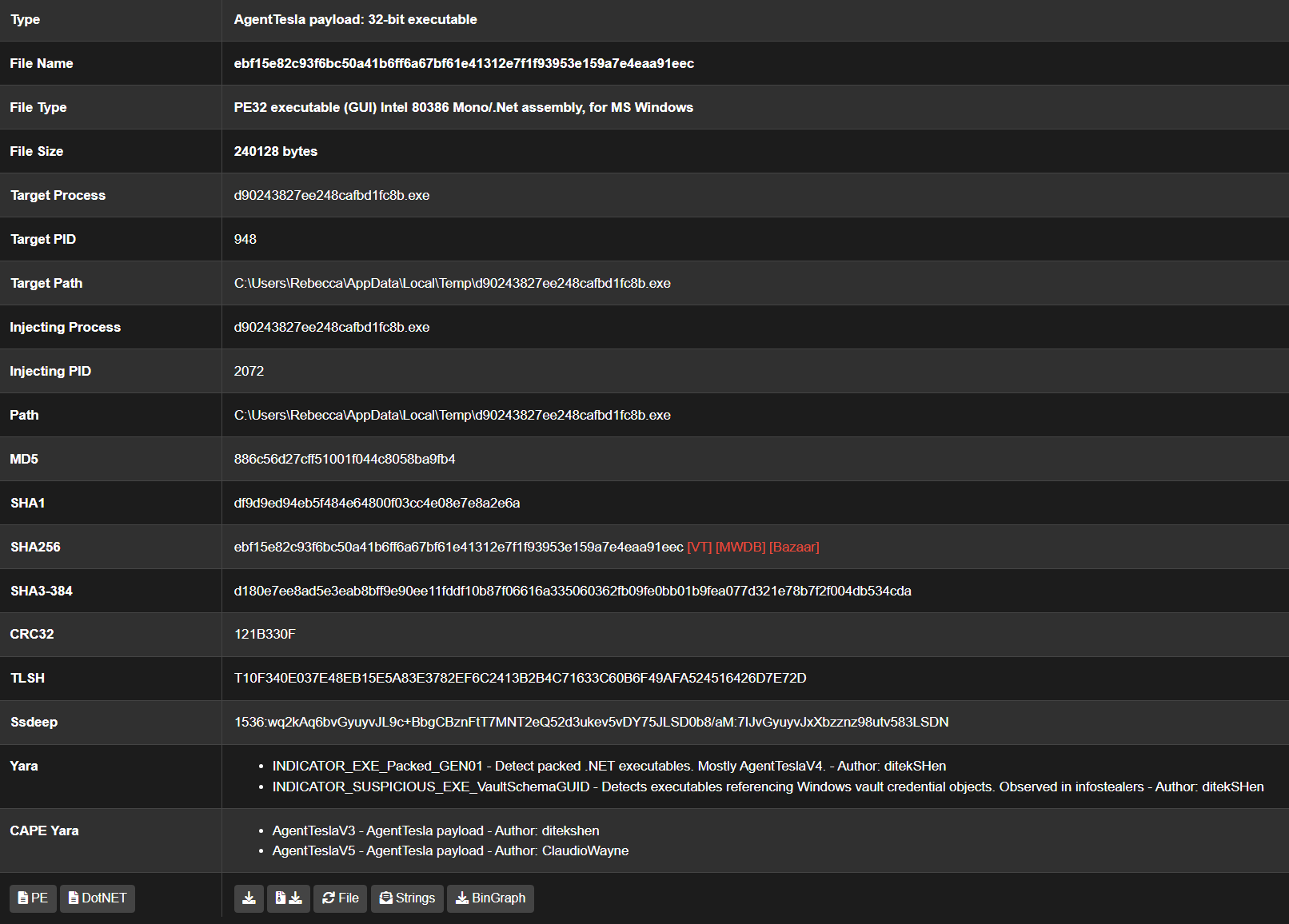
CAPE takes advantage of many malware techniques or behaviours to allow for unpacked payload capture:
These behaviours will result in the capture of payloads being injected, extracted, or decompressed for further analysis. In addition CAPE automatically creates a process dump for each process, or, in the case of a DLL, the DLL's module image in memory. This is useful for samples packed with simple packers, where often the module image dump is fully unpacked.
In addition to CAPE's default 'passive' unpacking mechanisms, it is possible to enable 'active' unpacking which uses breakpoints to detect writing to newly allocated or protected memory regions, in order to capture unpacked payloads as early as possible prior to execution. This is enabled via web submission tickbox or by specifying option unpacker=2 and is left off by default as it may impact detonation quality.
