
 joker25000/optiva-framework
Optiva-Framework 🔎 Web Application Scanner🕵️







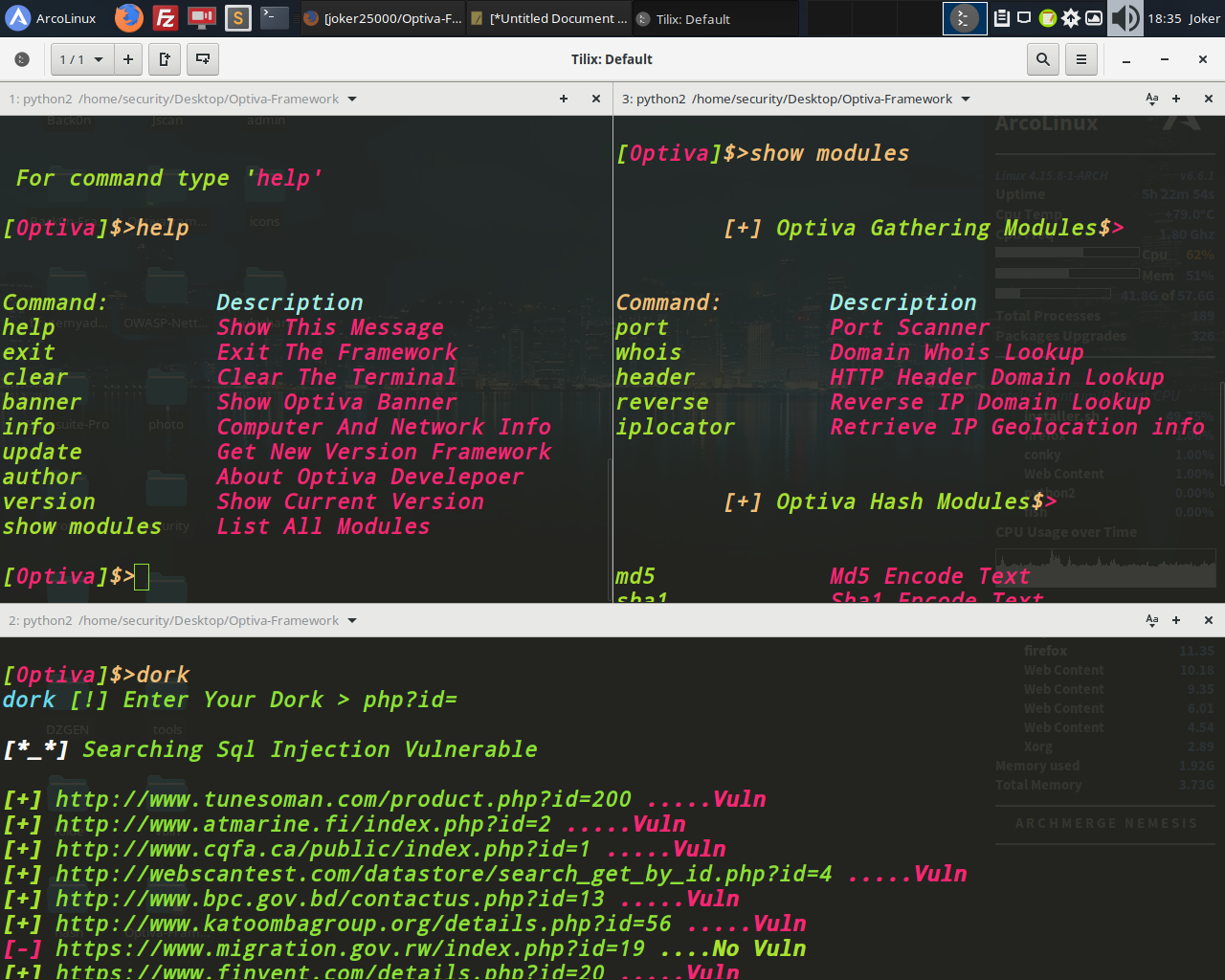
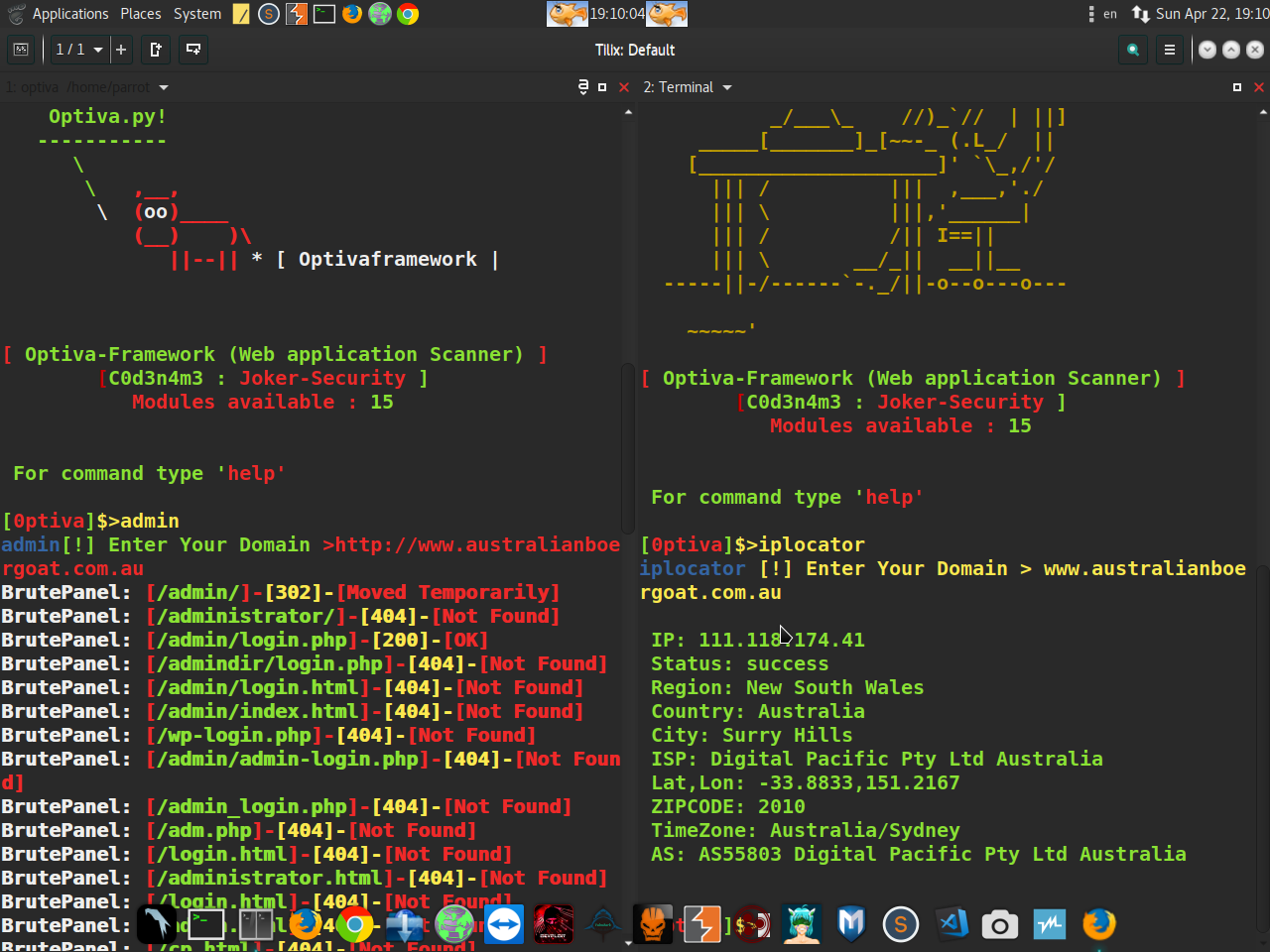
You can use this Framework on your website to check the security of your website by finding the vulnerability in your website or you can use this tool to Get admin panel search SQL injection by dork As well as collecting information and encrypting Hash
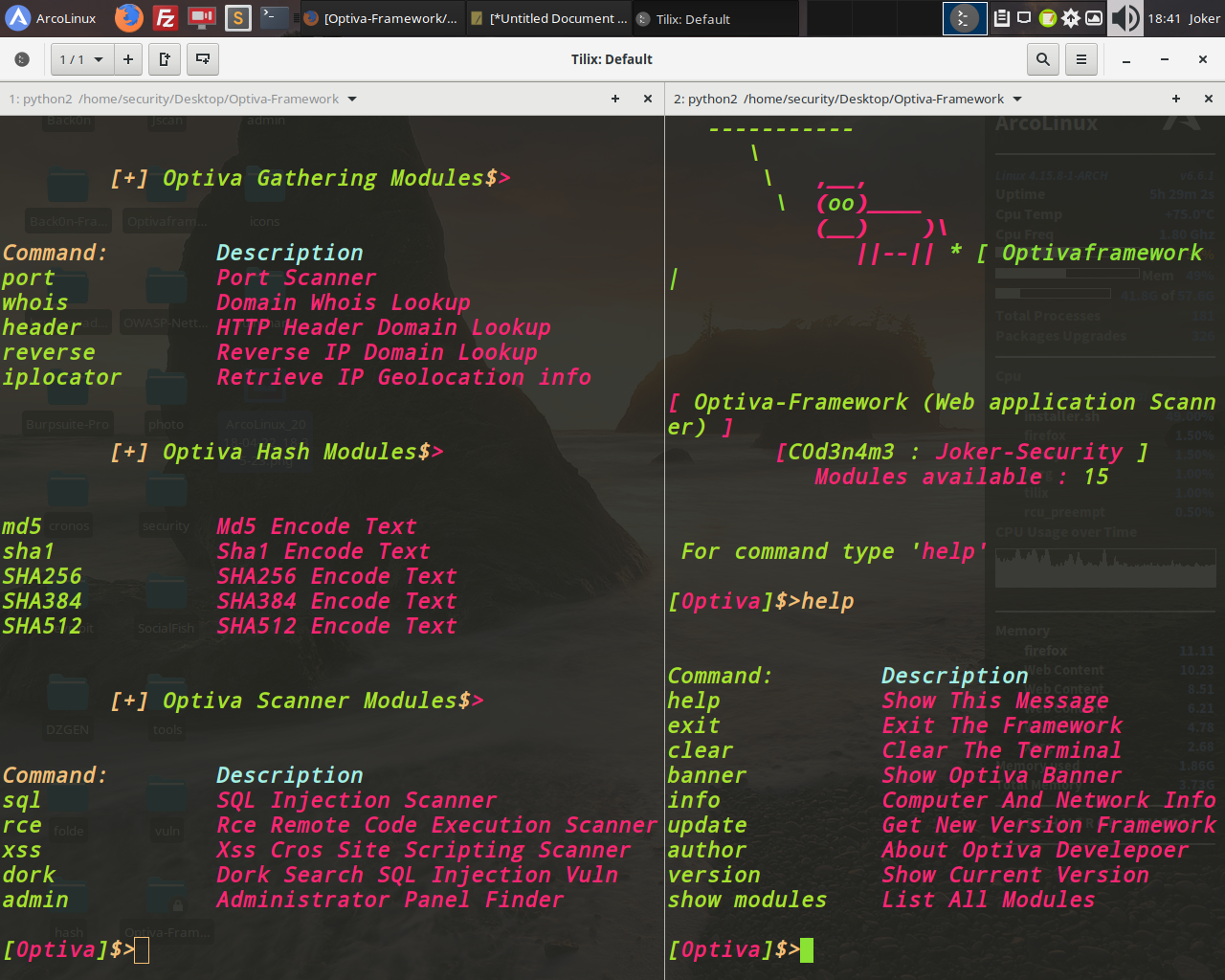
Infromation Modules :
Port Scanner
Whois Lookup
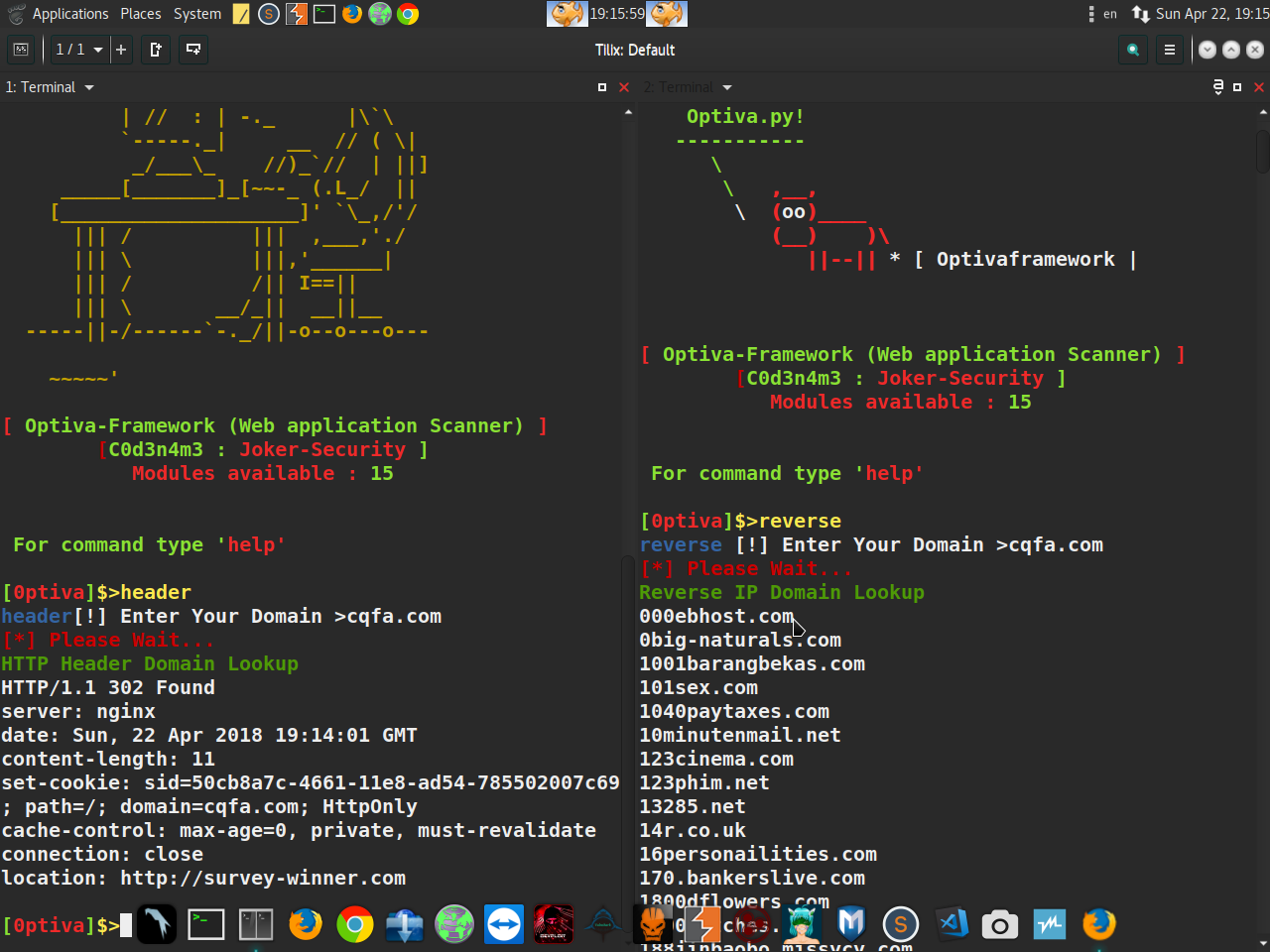
Reverse IP Domain Lookup
HTTP Header Domain Lookup
Iplocator Retrieve Ip Geolocation Info
Hash Modules :
Md5 Encode Text
Sha1 Encode Text
SHA256 Encode Text
SHA384 Encode Text
SHA512 Encode Text
Scanner Modules :
Cross Site Scripting (XSS)
SQL Injection Scanner (SQL)
Dork Search SQL Injection Vuln
Remote Code Execution Scanner (RCE)
Website Admin Panel Scanner Finder
$ git clone https://github.com/joker25000/Optiva-Framework
$ cd Optiva-Framework
$ chmod +x installer.sh
$ ./installer.sh
$ Type In Terminal
$ optiva
$ cd Optiva-Framework
$ pip install termcolor
$ pip install requests
$ pip install mechanize
$ run optiva :
$ python optiva.py
$ apt install git
$ git clone https://github.com/joker25000/Optiva-Framework
$ cd Optiva-Framework
$ chmod +x installer.sh
$ bash installer.sh
$ Select the 3 option termux and press enter
$ run optiva :
$ python2 optiva.py
Optiva-Framework - Web Application Scanner
Optiva-Framework - Web Application Scanner
$ Twitter : https://twitter.com/SecurityJoker
$ YOUTUBE : https://www.youtube.com/c/Professionalhacker25
$ FACEBOOK: https://facebook.com/kali.linux.pentesting.tutorials
$ Tested On : Windows / Kali Linux / Parrot Os / Ubuntu / Archman / ArcoLinux / Termux(Android)
