 iamnihal/warf
Modular web application reconnaissance framework for automated subdomain enumeration, directory brute-forcing, and extraction of endpoints, JS URLs, and API keys from target web applications.





Username: demo
Password: demopass
⚠️ Since Heroku apps run in a lightweight container called dynos, so any changes to the filesystem while the dyno is running only last until that dyno is shut down or restarted. This operation causes the saved scan results to get deleted from the server and hence you won't be able to see the saved results. Due to this limitation of file storage, the live version of app deployed in Heroku is not stable and might throw errors while performing some operations.
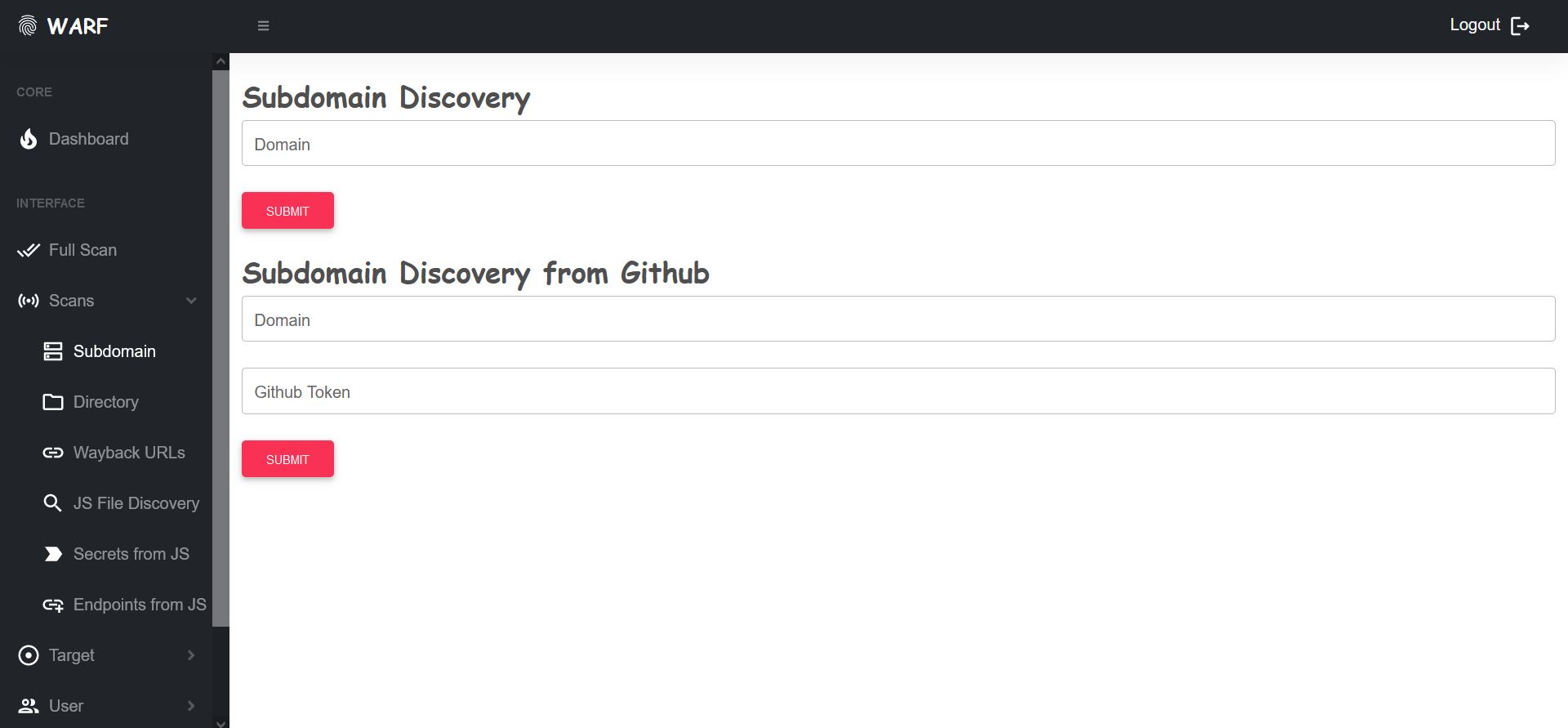
WARF is a Recon framework for the web application. It comprises different tools to perform information gathering on the target such as subdomain enumeration, directory Bruteforce, gathering all sorts of endpoints like Wayback URLs, JS URLs, endpoints from JS files, API/Secret keys, etc.
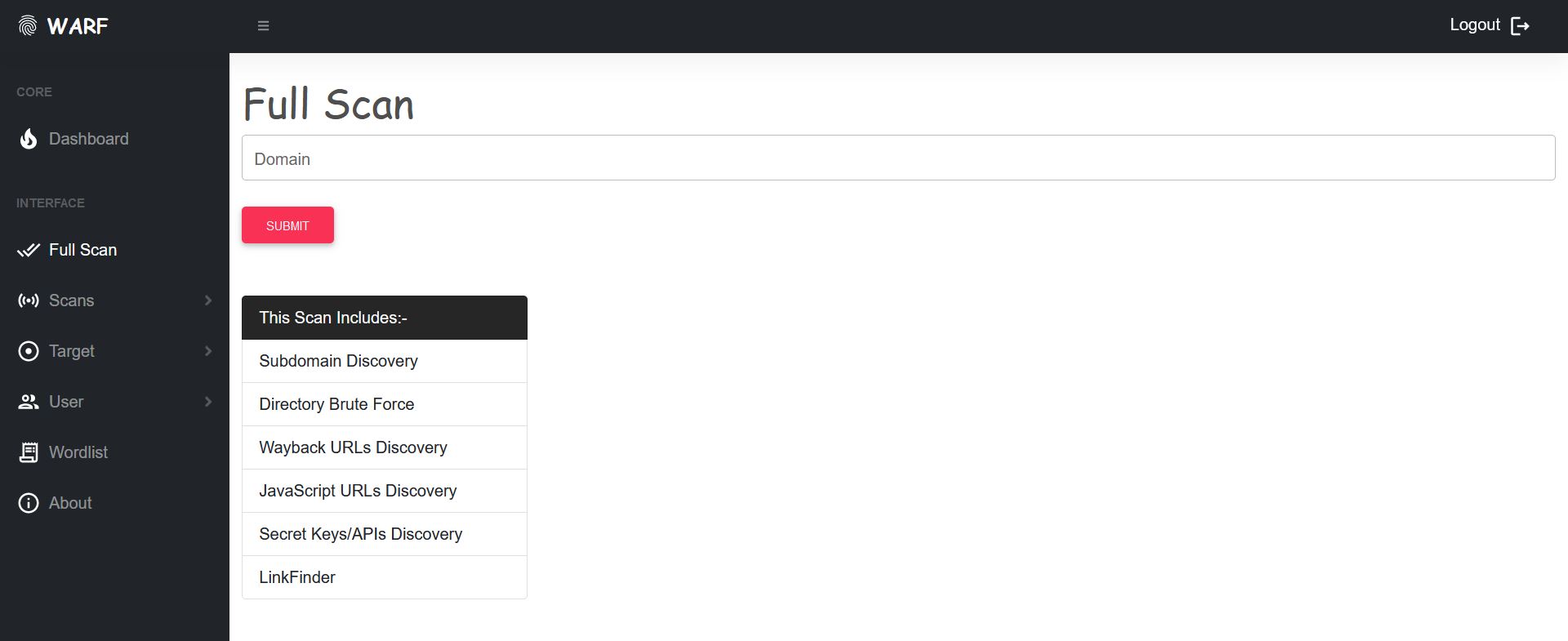
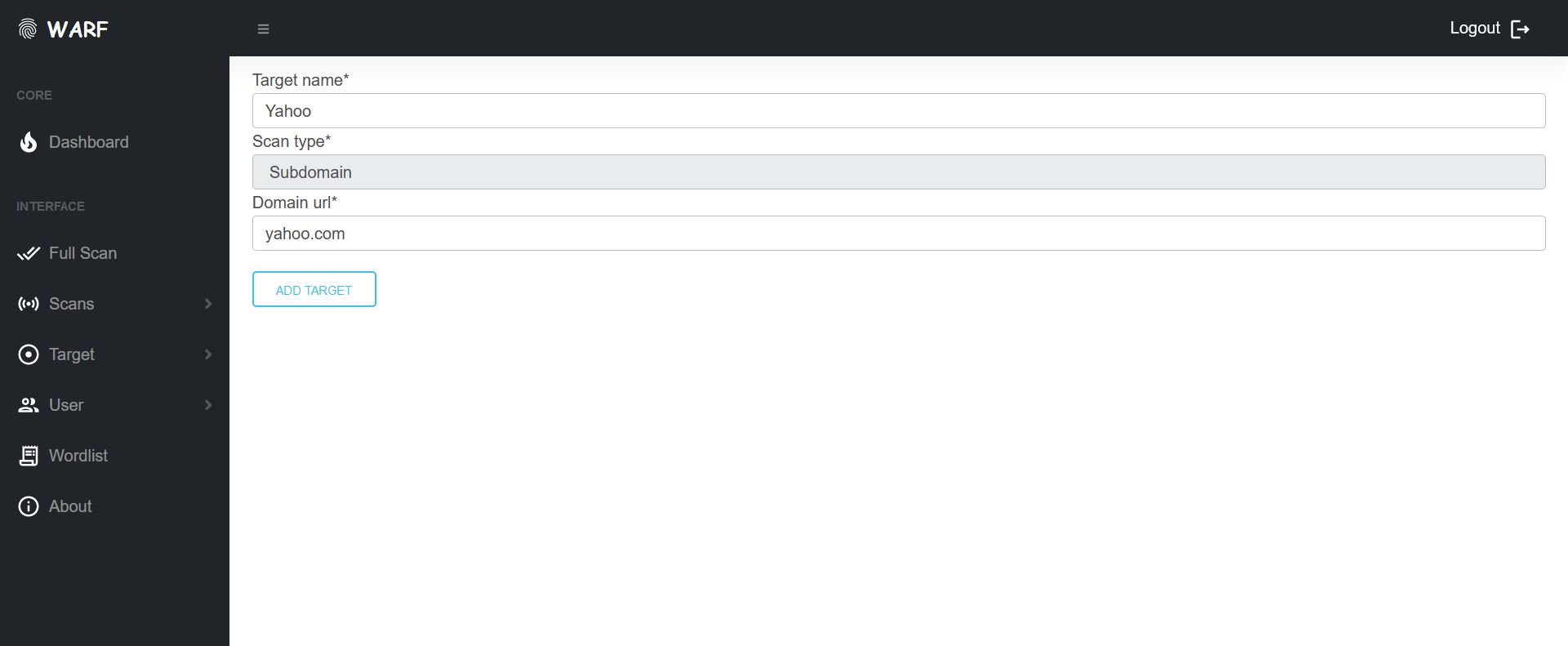
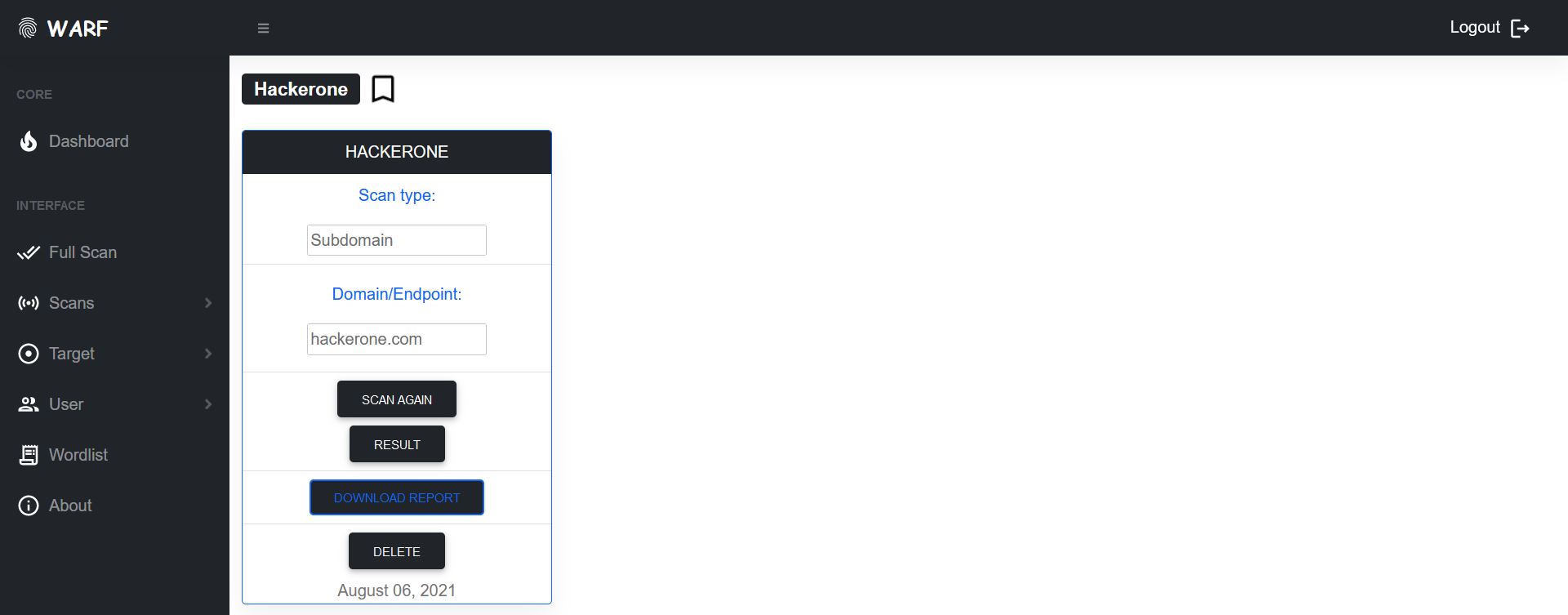
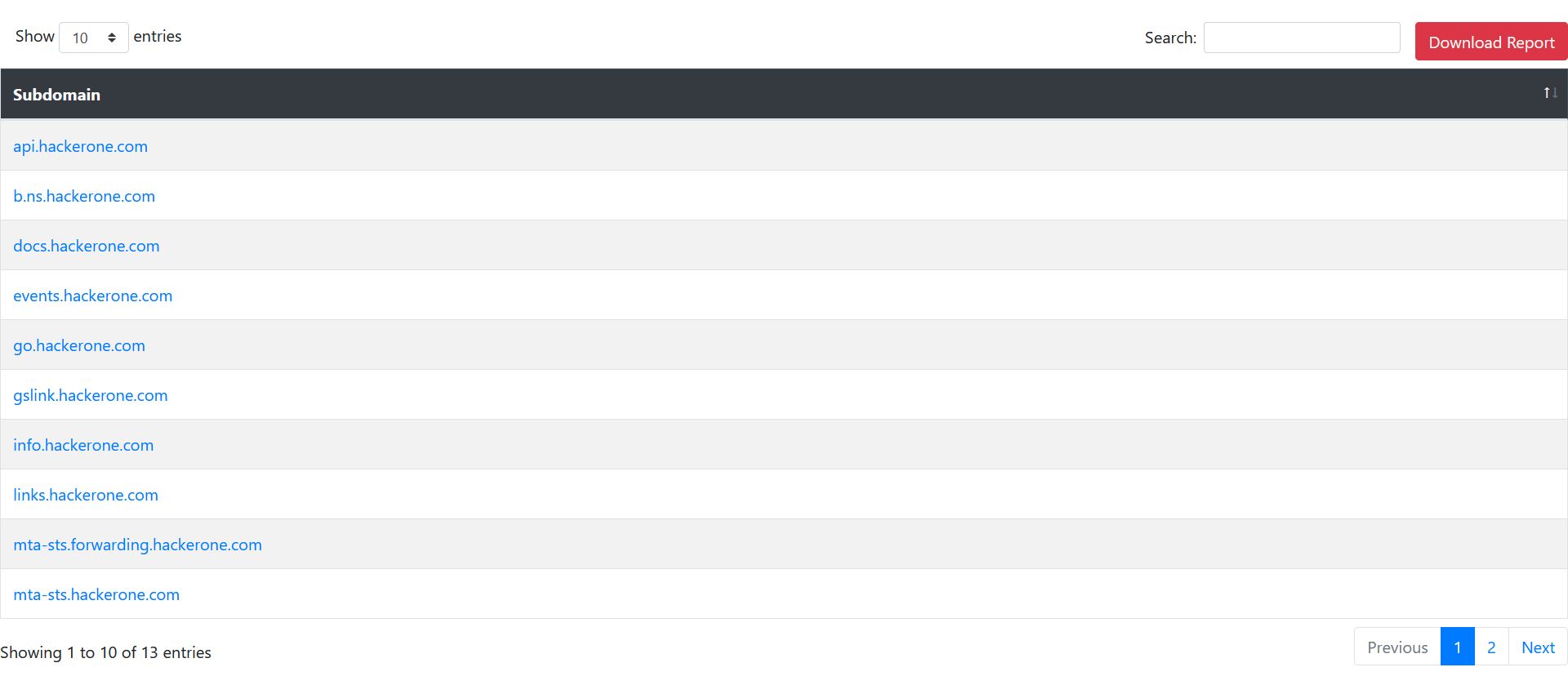
WARF is highly customizable and allows you to perform a full scan or individual scan on the target. It accumulates the results and shows them in a powerful DataTable through which you can narrow down your searches. WARF also give you the option to add and save target individually and perform different scans on them.
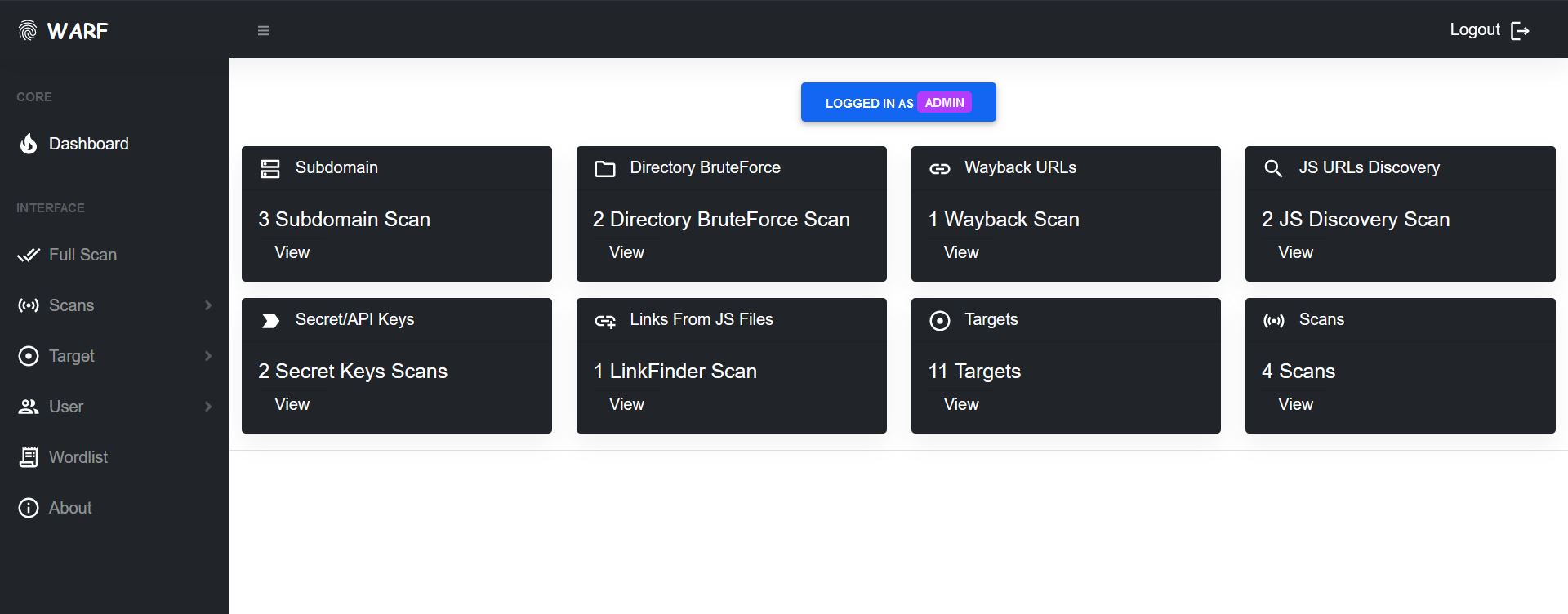
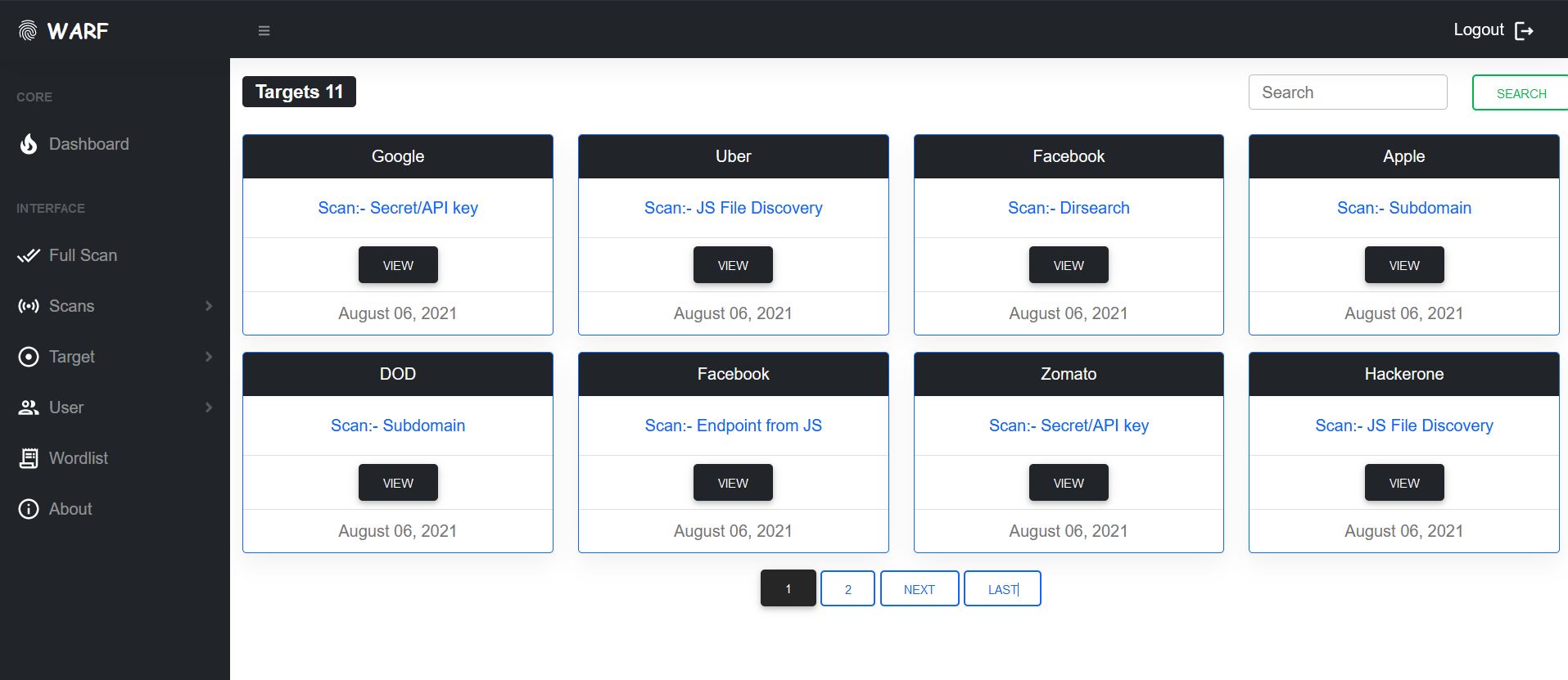
With a Dashboard, you will quickly get the metrics of your activity. WARF confined all your targets together and provide you with a clean and efficient way to search them down with their names.
You can install WARF in two ways:-
$ python3 -m venv <virtual env path>
$ source <virtual env path>/bin/activate
$ git clone https://github.com/iamnihal/warf.git
$ pip install -r requirements.txt
$ python manage.py migrate
$ python manage.py runserver
and load the app at http://127.0.0.1:8000
If you don't have Docker installed on your system, you can follow up with the official Docker installation guide.
$ git clone https://github.com/iamnihal/warf.git
$ docker build -t warf .
$ docker run --name warf -d -p 8000:8000 warf
and now your app is ready to launch at http://127.0.0.1:8000
⚠️ Warning:- Change SECRET_KEY in settings.py for the security purpose. To generate your own SECRET_KEY, use this:-
python -c "import secrets; print(secrets.token_urlsafe())"
If you want to contribute to this project and make it better, your help is very welcome. As this is my first ever project in Django, there could exist a lot of caveats and other coding related issues. Your contribution to this project helps me to learn and inspire to build more awesome projects in future. Contributing is also a great way to learn more about social coding on Github, new technologies and and their ecosystems. Contributions are what make the open source community such an amazing place to be learn, inspire, and create. Any contributions you make are greatly appreciated.
Distributed under the MIT License. See LICENSE for more information.
All the tools in WARF have been created by these awesome people:
