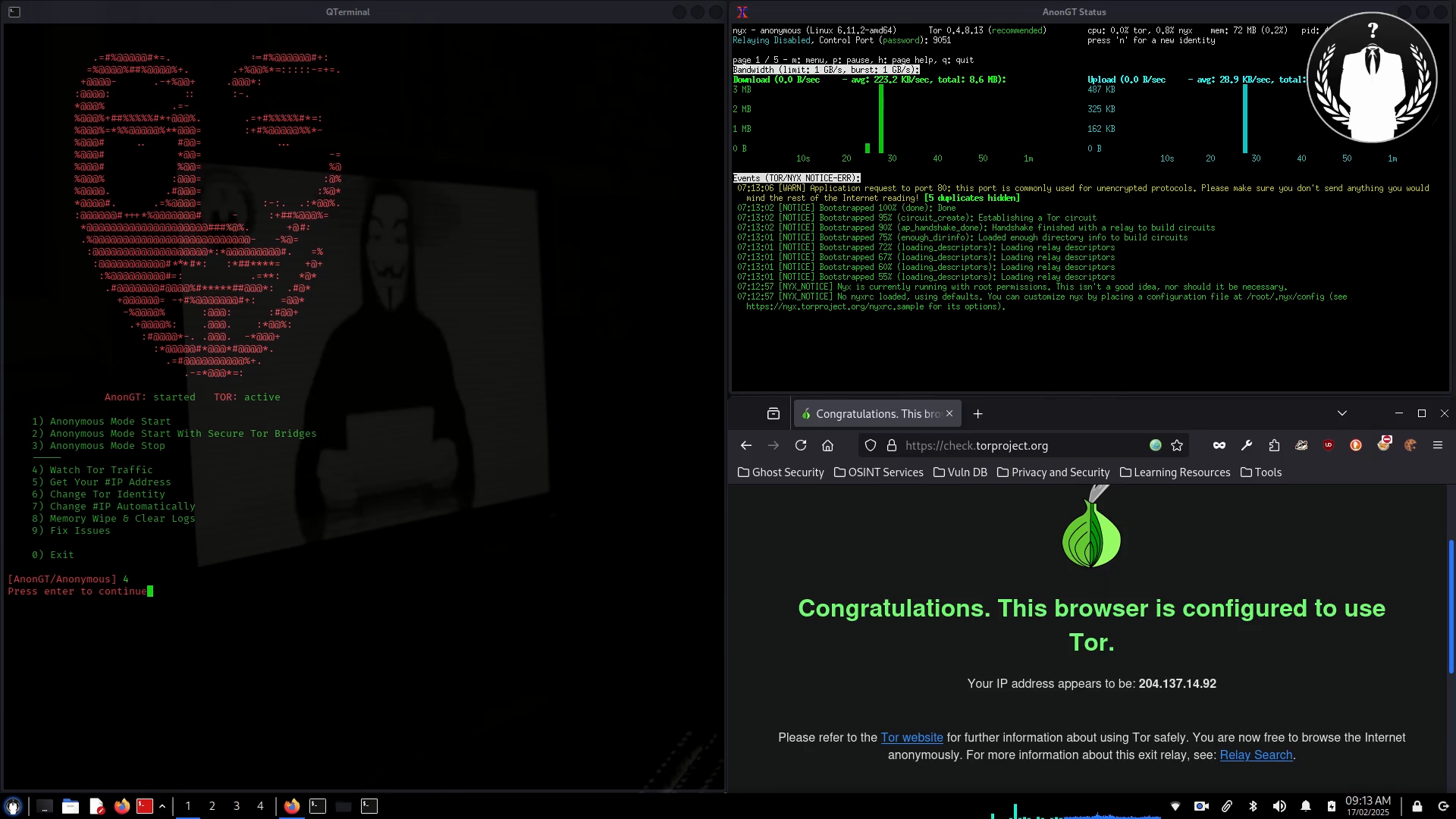

Redirect All Traffic Through Tor Network For Kali Linux
Script to Redirect ALL Traffic Through TOR Network Including
DNS Queries For Anonymizing Entire System
Killing Dangerous Applications
Clear Configs & Logs
Firefox Browser Anonymization
Timezone Changer
Mac Address Changer
Change #IP Automatically
Anti MITM
Onion Links Search Engine
Onion Links Checker
Share/Receive Files Anonymously
Anonymous Chat On Tor Network
Host Your Website On Dark Web!
Encryption/Decryption Files/Folders Using AES
Encrypted Keylogger
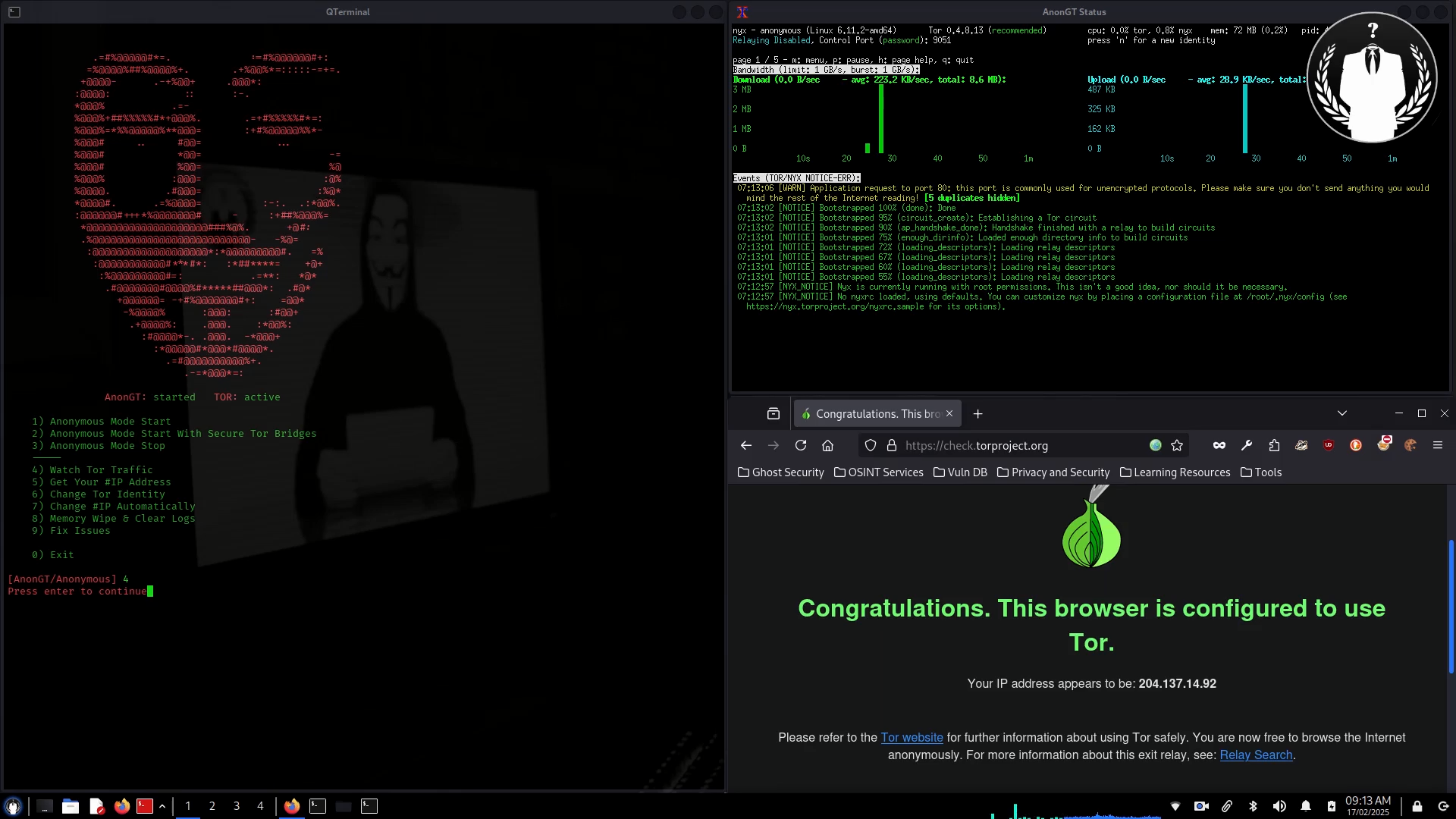
- git clone https://github.com/gt0day/AnonGT
- sudo apt update;sudo apt install -y tor iptables network-manager obfs4proxy bleachbit nyx xterm firefox-esr torbrowser-launcher nscd secure-delete python3 python3-pip python3-venv
- sudo mv AnonGT /usr/share/AnonGT
- sudo nano /usr/bin/anongt
- sudo chmod +x /usr/share/AnonGT/AnonGT.py;sudo chmod +x /usr/bin/anongt
- cd /usr/share/AnonGT;sudo python -m venv .venv;source .venv/bin/activate
- pip install --upgrade pip
- pip install -r requirements.txt
- Close Terminal and open new one then type "sudo anongt"
sudo ps all | grep "anti-mitm"
kill PID (showing on check mitm process)
https://gitlab.torproject.org/tpo/anti-censorship/team/-/wikis/Default-Bridges
/etc/tor/torrc
/usr/share/AnonGT/core/config/config.py
Kali Linux 2024.4
sudo rm -r /usr/share/AnonGT /usr/bin/anongt /var/lib/anongt;

