gosecure/pyrdp
RDP monster-in-the-middle (mitm) and library for Python with the ability to watch connections live or after the fact




PyRDP is a Python Remote Desktop Protocol (RDP) Monster-in-the-Middle (MITM) tool and library.
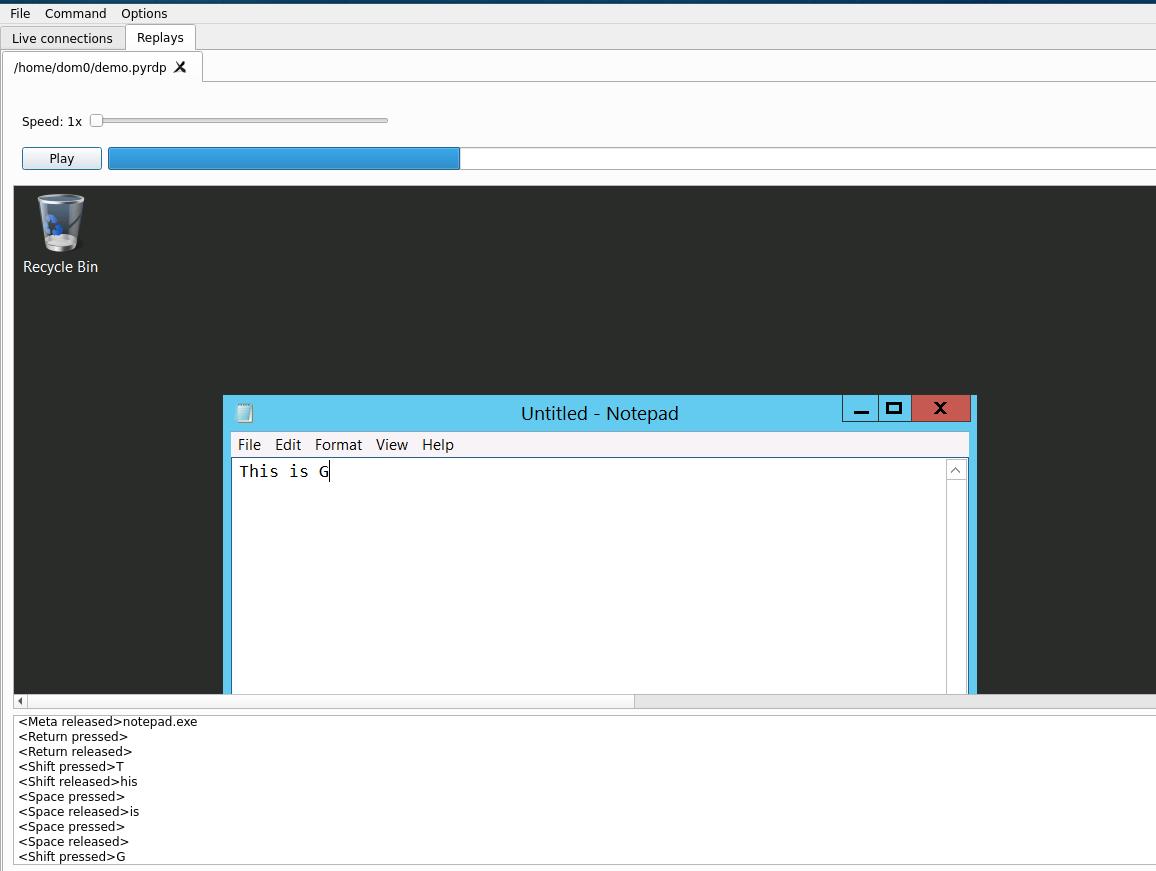
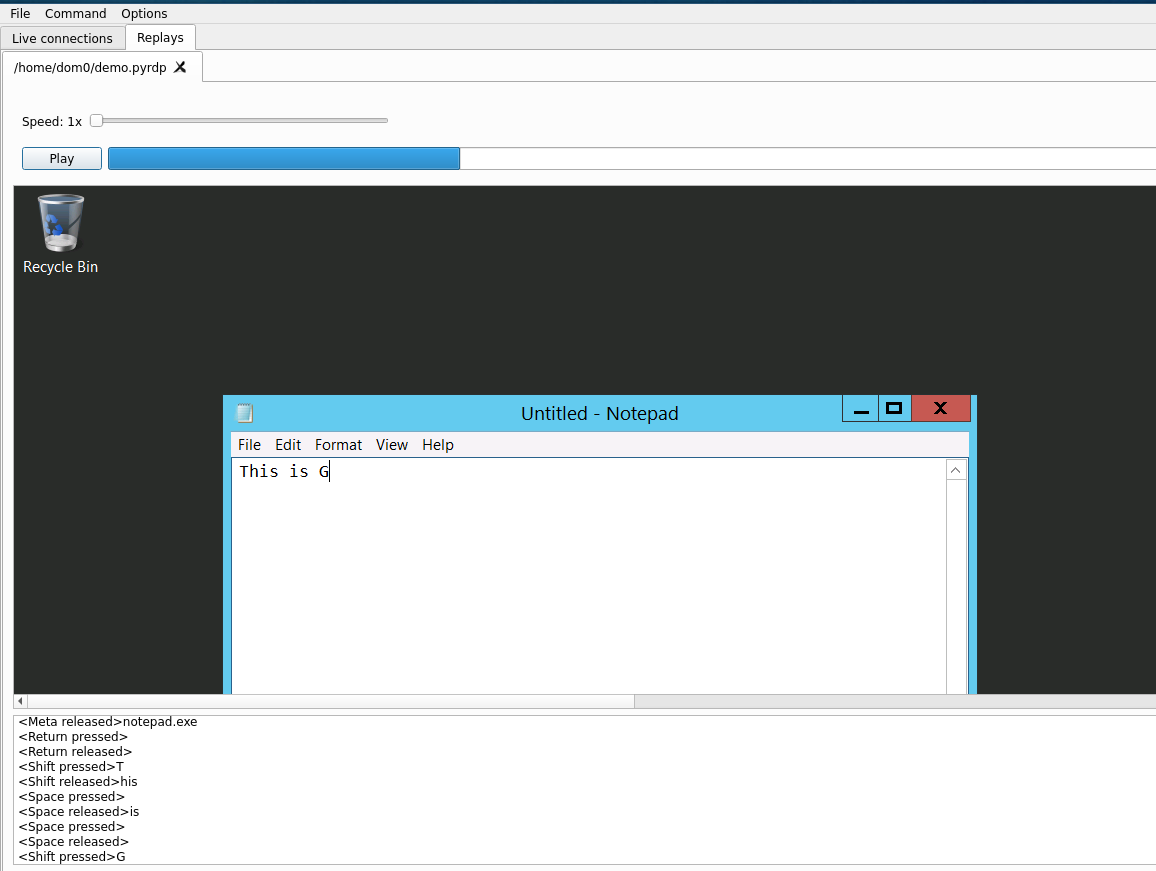
It features a few tools:
PyRDP was introduced in 2018 in which we demonstrated that we can catch a real threat actor in action. This tool is being developed with both pentest and malware research use cases in mind.
PyRDP should work on Python 3.7 and up on the x86-64, ARM and ARM64 platforms.
This tool has been tested to work on Python 3.7 on Linux (Ubuntu 20.04, 22.04), Raspberry Pi and Windows. It has not been tested on macOS.
Two installation techniques are recommended via pipx or using docker containers.
Installing from source or building docker containers yourself is covered in the development documentation.
First, make sure to install the prerequisite packages (these are listed for Ubuntu 22.04, you might need to adjust for other distros). We provide two types of installs a full one and a slim one. Install the dependencies according to your use case.
# Full install (GUI, convert captures to video)
sudo apt install python3 python3-pip python3-venv \
        build-essential python3-dev openssl \
        libegl1 libxcb-cursor0 libxkbcommon-x11-0 libxcb-icccm4 libxcb-keysyms1 \
        libnotify-bin \
        libavcodec58 libavdevice58

# Slim install (no GUI, no conversion to video possible)
sudo apt install python3 python3-pip python3-venv \
        build-essential python3-dev git openssl
This should install the dependencies required to run PyRDP. If you choose to
install without the GUI or video conversion dependencies, it will not be possible to use
pyrdp-player without headless mode (--headless) or pyrdp-convert to produce video output.
Make sure you have pipx installed. On Ubuntu 22.04:
python3 -m pip install --user pipx
python3 -m pipx ensurepath
Make sure you have Python installed. Windows Store Python didn't work for me on Windows 11. We recommend installing Python via Scoop.
scoop install python # if not installed already
scoop install pipx
pipx ensurepath
Log out and log back in (to update your PATH).
To install pipx on other operating systems see here: https://github.com/pypa/pipx#install-pipx
For the full PyRDP experience with the QT GUI and the ability to convert captures to video:
pipx install pyrdp-mitm[full]
For the compact version meant to be run in headless environments (servers, RaspberryPi):
pipx install pyrdp-mitm
You are ready to go! See the usage instructions.
This is the easiest installation method if you have docker installed and working.
docker pull gosecure/pyrdp:latest
As an alternative we have a slimmer image without the GUI and ffmpeg dependencies. This is the only provided image on ARM platforms.
docker pull gosecure/pyrdp:latest-slim
You can find the list of all our Docker images on the gosecure/pyrdp DockerHub page.
The latest tag refers to the latest released version while the devel tag is the docker image built out of our main branch.
Use pyrdp-mitm <ServerIP> or pyrdp-mitm <ServerIP>:<ServerPort> to run the MITM.
Assuming you have an RDP server running on 192.168.1.10 and listening on port 3389, you would run:
pyrdp-mitm 192.168.1.10
When running the MITM for the first time a directory called pyrdp_output/
will be created relative to the current working directory.
Here is an example layout of that directory:
pyrdp_output/
├── certs
│   ├── WinDev2108Eval.crt
│   └── WinDev2108Eval.pem
├── files
│   ├── e91c6a5eb3ca15df5a5cb4cf4ebb6f33b2d379a3a12d7d6de8c412d4323feb4c
│   ├── b14b26b7d02c85e74ab4f0d847553b2fdfaf8bc616f7c3efcc4771aeddd55700
├── filesystems
│   ├── romantic_kalam_8214773
│   │   └── device1
│   │   └── clipboard
|           └── priv-esc.exe -> ../../../files/b14b26b7d02c85e74ab4f0d847553b2fdfaf8bc616f7c3efcc4771aeddd55700
│   └── happy_stonebraker_1992243
│       ├── device1
│       └── device2
|           └── Users/User/3D Objects/desktop.ini -> ../../../../../../e91c6a5eb3ca15df5a5cb4cf4ebb6f33b2d379a3a12d7d6de8c412d4323feb4c
├── logs
│   ├── crawl.json
│   ├── crawl.log
│   ├── mitm.json
│   ├── mitm.log
│   ├── mitm.log.2021-08-26
│   ├── ntlmssp.log
│   ├── player.log
│   └── ssl.log
└── replays
    ├── rdp_replay_20231214_01-20-28_965_happy_stonebraker_1992243.pyrdp
    └── rdp_replay_20231214_00-42-24_295_romantic_kalam_8214773.pyrdp