
Skip to content
KitploitKITPLOIT
ToolsBlog
Log in
Submit
ToolsBlog
Submit

Hacking, PenTest, and Cybersecurity Tools for Your Security Arsenal!

Kitploit is a directory of hacking, cybersecurity, and pentesting tools. Discover the latest project updates to find vulnerabilities, analyze systems, automate testing, and strengthen your security.

FeedsContactPrivacyΒ© 2026 Kitploit

Tool Directory

Categories

View all categories
Loading categories
Sandb0x-Xtract0r β€” Automated cross-platform sandbox that detonates suspicious files in isolated VMs/emulators, captures network and memory artifacts, and creates LLM reports. | Kitploit
Tools/GitHubGitHub/darnellwashingtonjr94-art/sandb0x-xtract0r
Dynamic Analysis (Sandboxing)Memory ForensicsNetwork ForensicsSecurity VirtualizationMalware AnalysisMobile Security
GitHubdarnellwashingtonjr94-art/sandb0x-xtract0r

Sandb0x-Xtract0r

Automated cross-platform sandbox that detonates suspicious files in isolated VMs/emulators, captures network and memory artifacts, and creates LLM reports.


Most Popular

View all β†’

Discover the most used tools by our community.

Explore all tools

Browse our collection of tools

View all tools β†’
View Repository
317511 days agoNot yet reviewed
Share

SandB0x-Xtract0r Logo

SandB0x-Xtract0r

License: MIT

Crates.io Version Docs.rs Rust Version Unit Tests & Linting Docker Build & Push Docker Pulls

An automated, cross-platform security analysis engine for safely detonating suspicious files, binaries, and applications.
🎬 Watch the Project Demo


πŸ’» Tech Stack

Core Programming Languages, Core Systems

Rust Python C++ C Solidity Dart

Platform Support & Hardware Architecture

Android Flutter NVIDIA Monad

Low-Level Infrastructure & Performance

CUDA Compute LLVM IR WebAssembly eBPF Tracing

Cybersecurity & Offensive Auditing

Hardware Hacking Proxmark3 Malware Analysis

DevOps & Build Tools

Docker Docker Hub GitHub Actions Buildozer Kivy

Artificial Intelligence & Quantum

Gemini 1.5 Claude 3.5 OpenAI API Tri-State ASI

Cloud Providers

Vercel Railway


πŸ“– What is this?

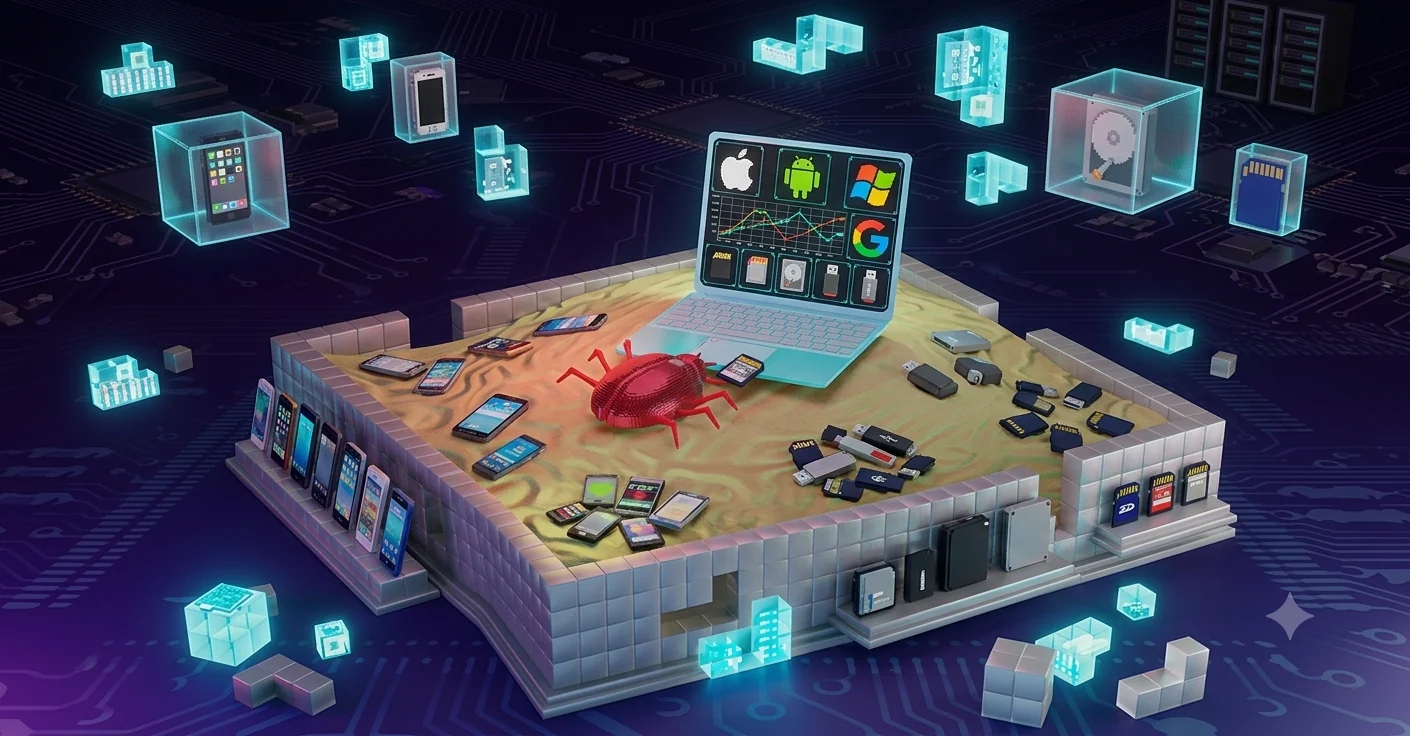
SandB0x-Xtract0r provides a unified environment to execute payloads across PC, mobile, and cloud environments. While the payload executes, the system captures runtime telemetry, network traces, and memory dumps, which are then synthesized into structured threat reports by an integrated multi-LLM bot.

πŸ’‘ Simplified Summary

Imagine you find a mystery package on your porch, but you aren't sure if it's a cool toy or a messy glitter bomb. Instead of opening it in your living room, you put the package inside a thick, clear plastic box in your backyard. You use robotic arms to open it while cameras record exactly what happens. If it explodes, the mess stays completely trapped, and your house is safe!

SandB0x-Xtract0r is that clear plastic box for computer files. It puts a mystery file inside a fake, trapped computer, watches everything it does, takes notes, and uses a smart AI robot to read those notes and tell you exactly how dangerous the file was.


✨ Core Features

  • Dynamic Detonation: Safely executes malware, scripts, and applications targeting Windows, Linux, Android, iOS, and cloud containers.
  • Deep Telemetry Extraction: Monitors and captures real-time system calls (via eBPF), network traffic (PCAPs), filesystem modifications, and RAM artifacts (memory dumping).
  • AI-Powered Synthesis: Feeds raw execution telemetry into a multi-LLM gateway (utilizing Gemini, Claude, and OpenAI) to translate complex hexadecimal and machine-level behaviors into readable, MITRE ATT&CK-mapped threat intelligence reports.
  • Automated Orchestration: Uses a Celery and Redis task queue to manage multiple sandbox environments concurrently without bottlenecking the main API.

πŸ› οΈ What You Need First (The Builder Tools)

Before you can build your safe plastic box, you need the right tools:

  • 🐧 A Linux Computer: The creator says it is best to use a computer with a Linux operating system. Linux has special hardware powers (called KVM) to make the testing run super fast!
  • 🐳 Docker & Docker Compose: These are like magical shipping containers. They hold all the different parts of the project safely inside so they don't get mixed up with your computer's normal files.

πŸ“₯ Step 1: Bring the Blueprints to Your Computer

First, we need to download the project folders so your computer knows what to build.

  1. Open your computer's command line (the black screen where you type commands).
  2. Type a git clone command to download the Sandb0x-Xtract0r project straight from GitHub.
  3. Next, open the folder you just downloaded by typing cd Sandb0x-Xtract0r.

Download Tool